AI agent for insurance brokers
Underwriting Submission Readiness Agent
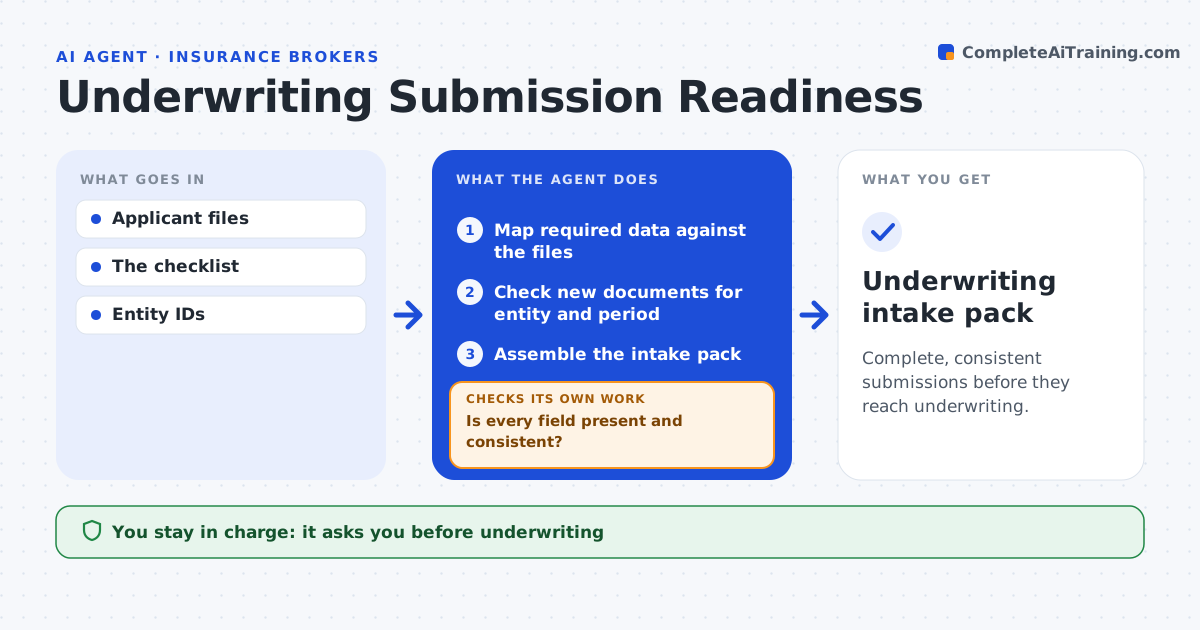
Complete, consistent submissions before they reach underwriting.
What it does
Underwriting submissions often reach underwriters with missing or contradictory data, which causes back and forth and delays quotes. When an applicant's files arrive, this agent maps the data the underwriting guidelines require against what was supplied. It checks for missing fields and contradictions, working through gaps in order of their impact on the decision. For each gap it drafts a clarification for the coordinator to send. New documents count only after the agent confirms they relate to the right entity and period. Once complete, it assembles an intake pack. Underwriting and pricing stay with people. Edge case: the applicant sends financials for its parent company rather than the subsidiary applying, so the item stays open.
How it works
Follow the arrows from top to bottom. The orange dashed arrow is the loop: when a check fails, the agent goes back and tries again.
Read the steps as a list
- Applicant files arrive
- Map required data against the files
- Is every field present and consistent?If not: draft a clarification for the gap. Back to step 2.
- Check new documents for entity and period
- Do new documents match the entity and period?If not: keep the item open and draft a new request. Back to step 4.
- Assemble the intake pack
- Coordinator approves sending to underwritingThe agent waits here for your OK.
- Underwriting intake pack
How it decides
It targets the biggest gaps and validates identity and period for every new document.
- New documents count only after entity and period checks.
- Work gaps in order of underwriting impact.
- Contradictions are shown with both values, never resolved by the agent.
Make it yours
Every agent is a starting point. You choose these settings for your own situation.
- Required data per line of business
- Gap priority order (default by underwriting impact)
- Required loss history period (default 5 years)
- Who approves sending to underwriting
What keeps you in control
It always asks you first
- Underwriting
- Pricing
- Applicant communication
Hard limits
- No underwriting decisions.
It stops when
- Done: pack complete.
Set it up
We guide you through the set-up, step by step
Members get the full set-up guide for this agent. No technical skills needed: you copy, paste and upload.
- One set of instructions to paste into your AI, with the clicks for ChatGPT, Claude, Microsoft 365 Copilot, Gemini and Grok
- The agent then walks you through connecting your own data, one source at a time
- A downloadable copy with the flow chart, the rules and the full guide