AI agent for volunteer coordinators
Volunteer Application Screening Agent
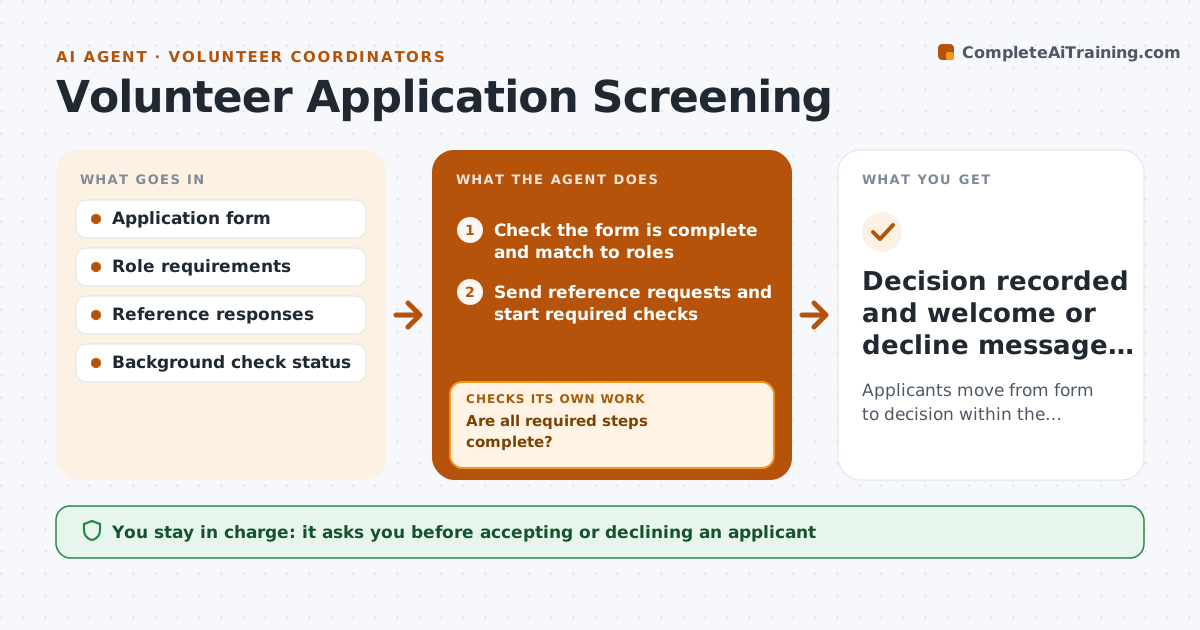
Applicants move from form to decision within the target number of days
What it does
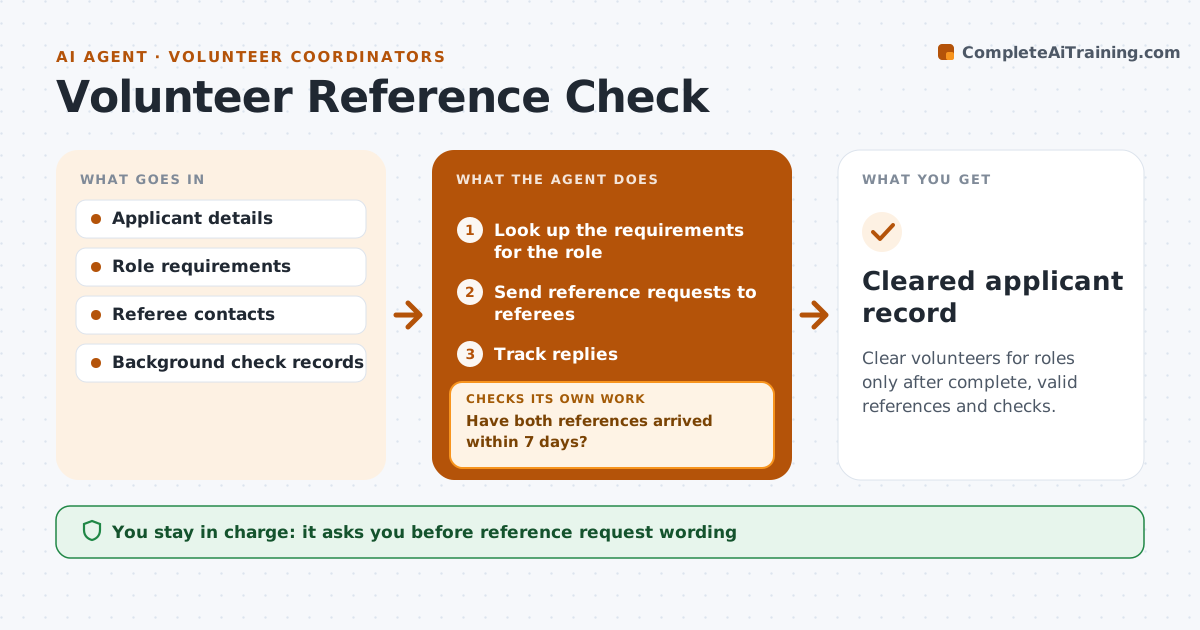
New volunteers lose interest if nobody follows up quickly, and references and checks are chased by hand. This agent reads each new application, checks it is complete, and matches the person's interests and availability with open roles. An applicant under 18 needs parent consent and can only fill some roles, so those are filtered. It sends reference requests and starts the background check steps the role needs. Every few days it checks what is still missing. If a reference does not reply, it sends a reminder and then asks the applicant for another referee. When everything is in, it drafts a summary with a suggested role. The coordinator makes the decision and sends the welcome.
How it works
Follow the arrows from top to bottom. The orange dashed arrow is the loop: when a check fails, the agent goes back and tries again.
Read the steps as a list
- Application received
- Check the form is complete and match to roles
- Send reference requests and start required checks
- Track replies and check results
- Are all required steps complete?If not: remind referees, then ask the applicant for another referee. Back to step 4.
- Draft applicant summary and suggested role
- Coordinator decides to accept, place or declineThe agent waits here for your OK.
- Decision recorded and welcome or decline message drafted
How it decides
It requires every step listed for the matched role and moves the applicant forward only when each step is complete.
- Under-18 applicants need parent consent
- Roles with vulnerable people need a background check
- After two unanswered reminders, ask for another referee
Make it yours
Every agent is a starting point. You choose these settings for your own situation.
- Target days to decision (default 14)
- Steps required per role
- Reminder spacing
- Message tone
What keeps you in control
It always asks you first
- Accepting or declining an applicant
- Placing someone in a restricted role
Hard limits
- Never shares background check details beyond the coordinator
- Never declines applicants on its own
It stops when
- Done: decision made
- Stop: background check returns a concern; hand to the coordinator only
Set it up
We guide you through the set-up, step by step
Members get the full set-up guide for this agent. No technical skills needed: you copy, paste and upload.
- One set of instructions to paste into your AI, with the clicks for ChatGPT, Claude, Microsoft 365 Copilot, Gemini and Grok
- The agent then walks you through connecting your own data, one source at a time
- A downloadable copy with the flow chart, the rules and the full guide