AI agent for auto mechanics
Warranty Claim Repair Order Agent
Warranty claims that pass the first time
What it does
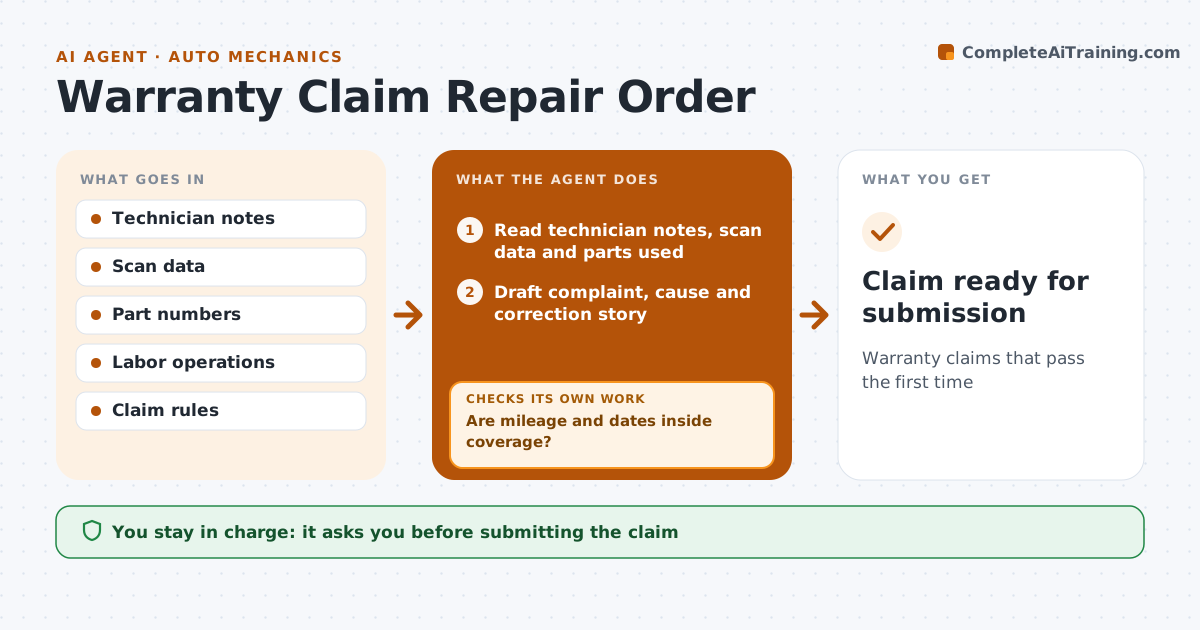
Warranty claims are rejected or delayed when the complaint, cause and correction story is thin or a required photo or step is missing, and the shop then waits weeks for payment. When a warranty repair is clocked off, this agent reads the technician's notes, scan data and parts used, and drafts the repair order story. It checks mileage and dates against coverage first. Then it checks the draft against the manufacturer's rules for that labor operation: photos of failed parts where required, tag numbers, diagnostic steps, and labor time no higher than the standard operation. If something is missing, it asks the technician and redrafts. A claim is ready only when every rule is met. The warranty administrator approves before submission. Edge case: a repair just outside warranty mileage is flagged for goodwill review instead of being submitted as a normal claim.
How it works
Follow the arrows from top to bottom. The orange dashed arrow is the loop: when a check fails, the agent goes back and tries again.
Read the steps as a list
- Warranty repair clocked off
- Read technician notes, scan data and parts used
- Are mileage and dates inside coverage?If not: flag the repair for goodwill review instead of a normal claim. Back to step 2.
- Draft complaint, cause and correction story
- Check draft against claim rules for the labor operation
- Does the claim meet every rule?If not: ask the technician for the missing photo, tag or test step and redraft. Back to step 4.
- Attach photos, codes and part numbers to the claim
- Warranty administrator approvesThe agent waits here for your OK.
- Claim ready for submission
How it decides
A claim is ready only when every manufacturer rule for that labor operation is met.
- Photos of failed parts are required where the rules say so
- Mileage and dates are checked against coverage
- Labor time never exceeds the standard operation
Make it yours
Every agent is a starting point. You choose these settings for your own situation.
- Manufacturer rule set
- Required photo list
- Administrator who approves
- Story format
What keeps you in control
It always asks you first
- Submitting the claim
- Goodwill requests
Hard limits
- Never submits claims
- Never adds labor not performed
It stops when
- Done: claim approved for submission
- Stop: repair is outside coverage, route to goodwill review
Set it up
We guide you through the set-up, step by step
Members get the full set-up guide for this agent. No technical skills needed: you copy, paste and upload.
- One set of instructions to paste into your AI, with the clicks for ChatGPT, Claude, Microsoft 365 Copilot, Gemini and Grok
- The agent then walks you through connecting your own data, one source at a time
- A downloadable copy with the flow chart, the rules and the full guide