
All-in-one AI plugin for proofreaders
Proofreader: the all-in-one AI plugin for your work
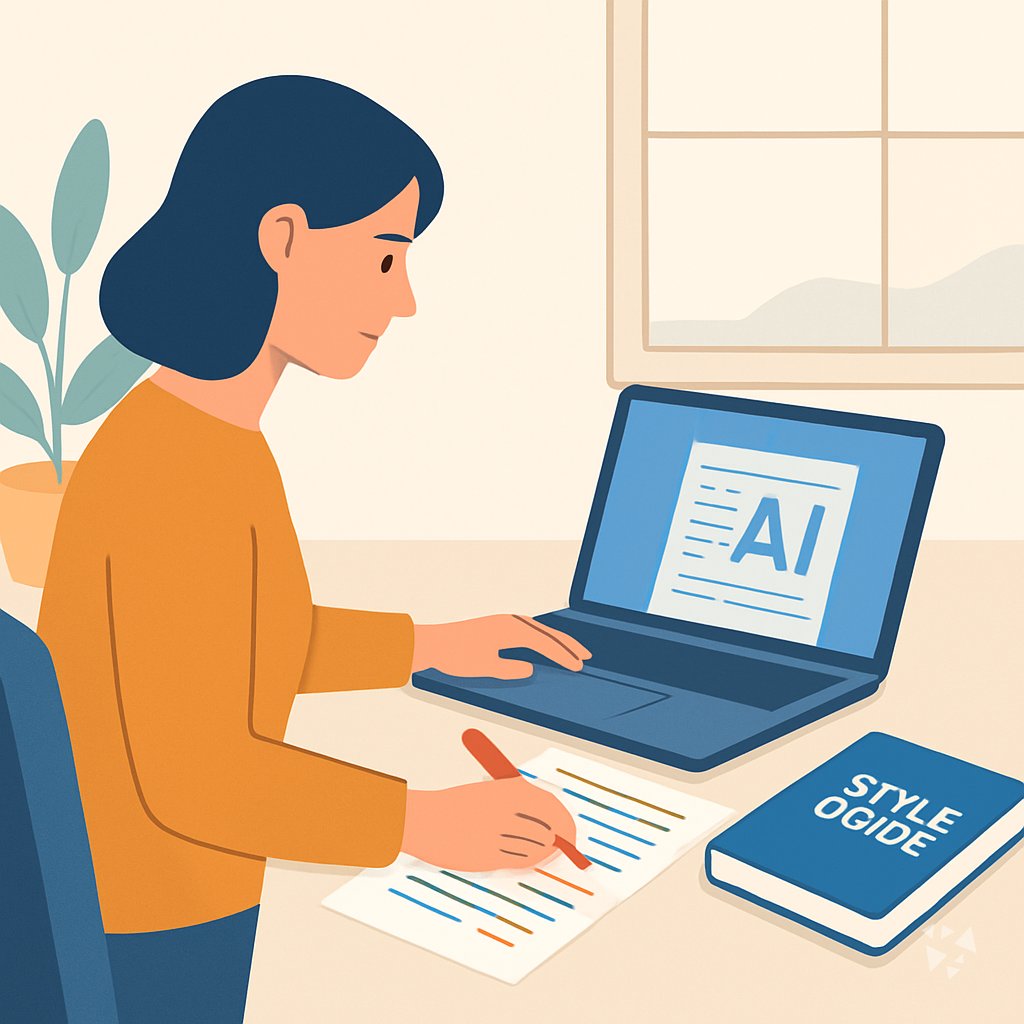
One download gives your AI 13 proofreading skills, 27 prompts and 6 apps that catch errors, check citations and keep every author's voice.
- 13skills
- 27prompts
- 6apps
- 8Grok bots
What's inside
Your week is a stack of documents. A 60-page report at 9, an author who wants their voice kept, citations that do not match the source list, and a style guide nobody followed in chapter four. You catch the small things, so you cannot afford to miss one.
13 skills that do the work
Grammar and flow checks, style consistency, citation verification, fact checks and final clean copy. Each skill turns your AI into a specialist for one proofreading job, so you pick the one you need.
27 ready-made prompts
Catch basic errors, keep style consistent, review formatting, check facts and citations, prepare final copy, write to authors and handle admin. Copy a prompt, paste your text, get a targeted review in minutes.
6 apps for proofreading work
Workspaces that link sources to your draft, verify references, review multilingual copy and keep drafts and approvals in one place. Fewer passes between first read and sign-off.
A team of 8 Grok bots
Professional Proofreader, Copy Editing, Verify Citations, Fact Checker, Brand Guard, Markdown Syntax Formatter, OCR Grammar Fixer and Email Issue Fixer. Each bot takes one kind of job so you get a straight answer.
Works in eight AI tools
ChatGPT, Claude, Microsoft 365 Copilot, Gemini, Grok, Grok Bot, Cursor and Kimi. Keep the AI you already know at work. One download, nothing new to learn.
Daily news and new ideas
A live feed of AI news for proofreaders, one new idea every day with the prompt to run it, and automatic updates to your skills. Nothing to install again.
A day with your plugin
The plugin drops into the AI you already use. One download adds 13 proofreading skills, 27 prompts and 6 apps, so your AI can check grammar, keep style consistent, verify citations and prepare clean copy. You stay in one window and stop switching tools.
- Morning
A 60-page report lands at 8:30 with a noon deadline. You paste chapter one and run the professional proofreading skill to fix grammar and readability while keeping the author's voice.
- Late morning
Two quotes and a statistic need checking before layout. You use the verify citations skill and the fact checker prompt to confirm each source and flag the one date that is wrong.
- Afternoon
An author pushes back on your edits. The write to authors prompt gives you three short, friendly ways to explain a change and offer a fair compromise.
- End of day
Before you close the laptop, the reference verification app checks that every source link still opens and matches the claim it supports. Tomorrow's sign-off starts clean.
Install it in your AI
Choose the AI you use. No technical knowledge needed: it's a few clicks and some copy and paste.
ChatGPT
Your own GPT on chatgpt.com, plus a plugin for Codex and ChatGPT workspaces. About 5 minutes.
- Download the ChatGPT version and unzip it (double-click the file).
- Go to chatgpt.com, click GPTs in the left menu, then Create, then the Configure tab.
- Name it Proofreader Assistant. Open
custom-gpt/instructions.txt, copy everything and paste it into Instructions. - Under Knowledge, upload all the files from the
custom-gpt/knowledgefolder. - Paste the lines from
conversation-starters.txtas conversation starters and click Create. - For the daily news, ideas and skill updates: in ChatGPT go to Settings → Apps & Connectors, add the Complete AI Training connector and sign in with your membership. The README shows each click.
Download for members
Members download the plugin for every job, with daily news, ideas and skill updates. Or buy this plugin alone for $49, once.
Claude
A Claude plugin for claude.ai, the desktop app, Cowork and Claude Code. About 2 minutes.
- Download the Claude version. Keep it zipped.
- Open Claude (claude.ai or the desktop app), click your name at the bottom left, then Settings → Capabilities.
- Click Upload plugin and choose the zip file. Turn the plugin on.
- Start a new chat and type /start. Your proofreader assistant introduces itself.
- The first time it uses Complete AI Training, Claude asks you to connect: click Connect and sign in with your membership.
Download for members
Members download the plugin for every job, with daily news, ideas and skill updates. Or buy this plugin alone for $49, once.
Microsoft 365 Copilot
A Copilot agent: set it up yourself in Agent Builder, or give IT the ready app package. About 5 minutes.
- Download the Microsoft 365 Copilot version and unzip it.
- Open Microsoft 365 Copilot (m365.cloud.microsoft/chat) and click Create agent, then the Configure tab.
- Name it Proofreader Assistant. Paste everything from
agent-builder/instructions.txtinto Instructions. - Under Knowledge, upload the files from
agent-builder/knowledge. Add the starter prompts and click Create. - Working in a company? The
appPackagefolder is a ready app for your IT team, with the Complete AI Training connection built in. The README has a message you can forward to them.
Download for members
Members download the plugin for every job, with daily news, ideas and skill updates. Or buy this plugin alone for $49, once.
Gemini
Skills you upload to Gemini, a ready Gem, and a Gemini CLI extension. About 2 minutes.
- Download the Gemini version and unzip it.
- Go to gemini.google.com and open Settings → Skills → Upload.
- Upload the
SKILL.mdfiles from theskillsfolder, starting with the folder whose name ends in-assistant. Gemini now uses them by itself. - Prefer a Gem? Open Gems → New Gem, paste
gem/instructions.txtand upload the files ingem/knowledge. - Using Gemini CLI?
gemini extensions installon the folder also connects Complete AI Training for the daily news, ideas and skill updates.
Download for members
Members download the plugin for every job, with daily news, ideas and skill updates. Or buy this plugin alone for $49, once.
Grok
A Grok Project with all the instructions and files. About 5 minutes.
- Download the Grok version and unzip it.
- Go to grok.com, open Projects in the left menu and click New project. Name it Proofreader Assistant.
- Paste everything from
grok-project/instructions.txtinto the project's instructions. - Upload the files from
grok-project/knowledgeto the project. - Start your work chats inside this project. Try one of the lines in
conversation-starters.txt.
Download for members
Members download the plugin for every job, with daily news, ideas and skill updates. Or buy this plugin alone for $49, once.
Grok Bot
One message that sets up a whole team of Grok Bot agents for your job. About 5 minutes.
- Download the Grok Bot version and unzip it.
- Open Grok Bot and create a new bot. Name it Proofreader Team Lead.
- Open
SETUP-MESSAGE.md, copy everything and paste it as your first message. - The team lead sets up its own role and walks you through adding each specialist bot, one at a time.
- Add the Complete AI Training connector in Grok Bot so your team lead gets the daily news and ideas for proofreaders.
Download for members
Members download the plugin for every job, with daily news, ideas and skill updates. Or buy this plugin alone for $49, once.
Cursor
A Cursor plugin with the skills, rules and connection, or project files. About 3 minutes.
- Download the Cursor version and unzip it.
- In Cursor, open Settings → Plugins and add the unzipped folder.
- No plugins in your Cursor? Copy
skillsto.cursor/skillsandrulesto.cursor/rulesin your project, andmcp.jsonto.cursor/mcp.json. - Open the Agent chat and ask what it can do for you as a proofreader.
Download for members
Members download the plugin for every job, with daily news, ideas and skill updates. Or buy this plugin alone for $49, once.
Kimi
A Kimi Code plugin, and instructions with files for Kimi chat. About 3 minutes.
- Download the Kimi version and unzip it.
- Kimi chat (kimi.com or the app): start a new chat, paste
kimi-chat/instructions.txtand attach the files inkimi-chat/files. - Keep using that chat for your work: Kimi now acts as your proofreader assistant.
- Kimi Code: type
/plugins installwith the folder, then/reload. It connects Complete AI Training too.
Download for members
Members download the plugin for every job, with daily news, ideas and skill updates. Or buy this plugin alone for $49, once.
Everything in the plugin
Your AI picks the right part by itself. You can also ask for one by name.
Skills for proofreaders 13
- content editing assistantFull edit for grammar, style, clarity, SEO and brand voice, like polishing a landing page before launch.
- professional proofreaderProofreads your file and saves a corrected version, for example a 12-page client report.
- agency grammar checkFixes grammar, logic and flow with targeted suggestions, like untangling one confusing paragraph in a memo.
- verify citationsChecks that references exist and match the claim, like confirming a cited study says what you wrote.
- editorial fact check assistantPre-publication check of sources, quotes, statistics and bias, like validating a number before your newsletter goes out.
- fact checkerVerifies a single claim and rates its source, like checking whether a quoted figure came from a real survey.
Show all 10 skills
- blog style refinerRefines blog drafts for flow and voice, like tightening a 1,200-word post without losing your tone.
- document preparation and formatting assistantFormats and cleans business documents, like turning a rough manual into consistent headings, tables and numbering.
- agency marketing copy editingPolishes marketing copy against a brief, like fixing an email subject line and body for clarity.
- agency baoyu format markdownTurns plain text into clean markdown, like adding headings, bold and lists to a pasted article.
Plus a start-here assistant, the prompt library and the app builder, and for members the daily brief.
Ready-made prompts 27
- Catch Basic Errors3 prompts, like Spelling Error Detection
- Ensure Style Consistency6 prompts, like Style Guide Adherence Check
- Review Formatting Details3 prompts, like Check Heading and Subheading Format
- Check Facts and Citations3 prompts, like Flag Potential Factual Errors
- Prepare Final Clean Copy2 prompts, like Generate a Clean Final Draft
- Communicate with Authors2 prompts, like Draft Feedback on Recurring Proofreading Issues
- Advanced Style and Specialized Content5 prompts, like Build a Custom Style Guide
Show all 8 topics
- Admin and Workflow3 prompts
Apps you can build with AI 6
- Source-linked writing and editorial delivery workspaceKeeps sources, drafts and approvals in one place so you stop rechecking the same facts. Demo included.
- Reference verification serviceChecks both that a reference exists and that it supports the claim before you sign off. Demo included.
- Source-based editorial writing assistance workspaceCuts editing passes by holding the writer's voice and sources together during review. Demo included.
- Source-based writing and editorial delivery workspaceReduces repeat editing rounds when the same document passes through several reviewers. Demo included.
- Source-based writing and editorial delivery workspaceKeeps sources, drafts and approvals in one owned workspace instead of five different tools. Demo included.
- Source-based multilingual writing review workspaceCollects corrections across languages so you keep the writer's meaning and sources straight. Demo included.
Your Grok Bot team 8
- Professional ProofreaderProofread text and documents to publication-ready quality while preserving the author's voice.
- Copy EditingImprove marketing copy through seven focused editing passes, preserving core message.
- Verify CitationsCheck citations in documents against real sources and flag unsupported claims. No truth verdicts, just coverage.
- Fact CheckerVerifies claims and assesses source credibility across all content types.
- Brand GuardChecks any draft against your style guide and rewrites the lines that drift.
- Markdown Syntax FormatterConverts plain text and visual formatting into clean, consistent markdown.
- Ocr Grammar FixerCleans up garbled OCR text into clean, professional copy. No explanations, just corrections. No inventing meaning. No touching formatting like bullets
- Email Issue FixerProofread emails and strip tracking from links on request, preserving voice.
Get the plugin
Two ways to get it. Most people choose the membership: it includes every plugin and keeps them up to date.
Recommended
Membership
$9 a month, billed yearly
- The plugin for proofreaders, and for 500 other jobs
- Daily AI news and a new idea every day, inside your AI
- Skills update by themselves
- 900+ video courses and certificates
- Download up to 2 plugins a day
This plugin only
Standalone plugin
$49 once
- The plugin for proofreaders, for all eight AIs
- All 13 skills, 27 prompts and 6 apps
- Yours to keep, no subscription
- No daily news, ideas or skill updates
Secure payment by Stripe. Bought it already? Use the link in your email.
Questions
What is a plugin, and how do I install it without technical knowledge?
A plugin is a set of instructions and files you add to your AI account. You download one file, follow a short guide, and your AI learns the proofreading skills, prompts and apps. No coding and no setup calls.
Which AI does it work with?
ChatGPT, Claude, Microsoft 365 Copilot, Gemini, Grok, Grok Bot, Cursor and Kimi. Use the AI you already have open at work. The same download works across all eight.
How is the member download different from the $49 one-time plugin?
Members download it inside their plan, with daily AI news for proofreaders, a new idea each day and automatic skill updates. The $49 one-time standalone version is the plugin only, with no daily news, ideas or updates.
Is my data safe?
The plugin is instructions and files. Your chats stay with your AI provider under their privacy terms. The plugin does not store your documents or send them anywhere else.
How many downloads do I get?
You can download 2 plugins a day. If you reach the limit, wait until the next day and download again. Your access does not expire.
Learn to use AI as a proofreader
The plugin does the work; the learning path shows you how to get the most out of it, step by step.
Plugins for related jobs
 AI plugin
Translators
One download adds 8 translation skills, 24 prompts, and 3 apps to the AI you already use, so drafts, terminology, and client work move faster.
8 skills · 24 prompts · 3 apps AI plugin
UX Writers
One download adds 14 skills, 20 prompts, 3 apps, and 12 Grok Bot agents to the AI you already use, so your UI copy ships clearer and faster.
14 skills · 20 prompts · 3 apps AI plugin
Authors
One download gives your AI 14 writing skills, 24 prompts, 4 apps and 11 helpers, so drafting, revising and continuity stay in one place.
14 skills · 24 prompts · 4 apps