
Learning path
Learning AI as a Proofreader
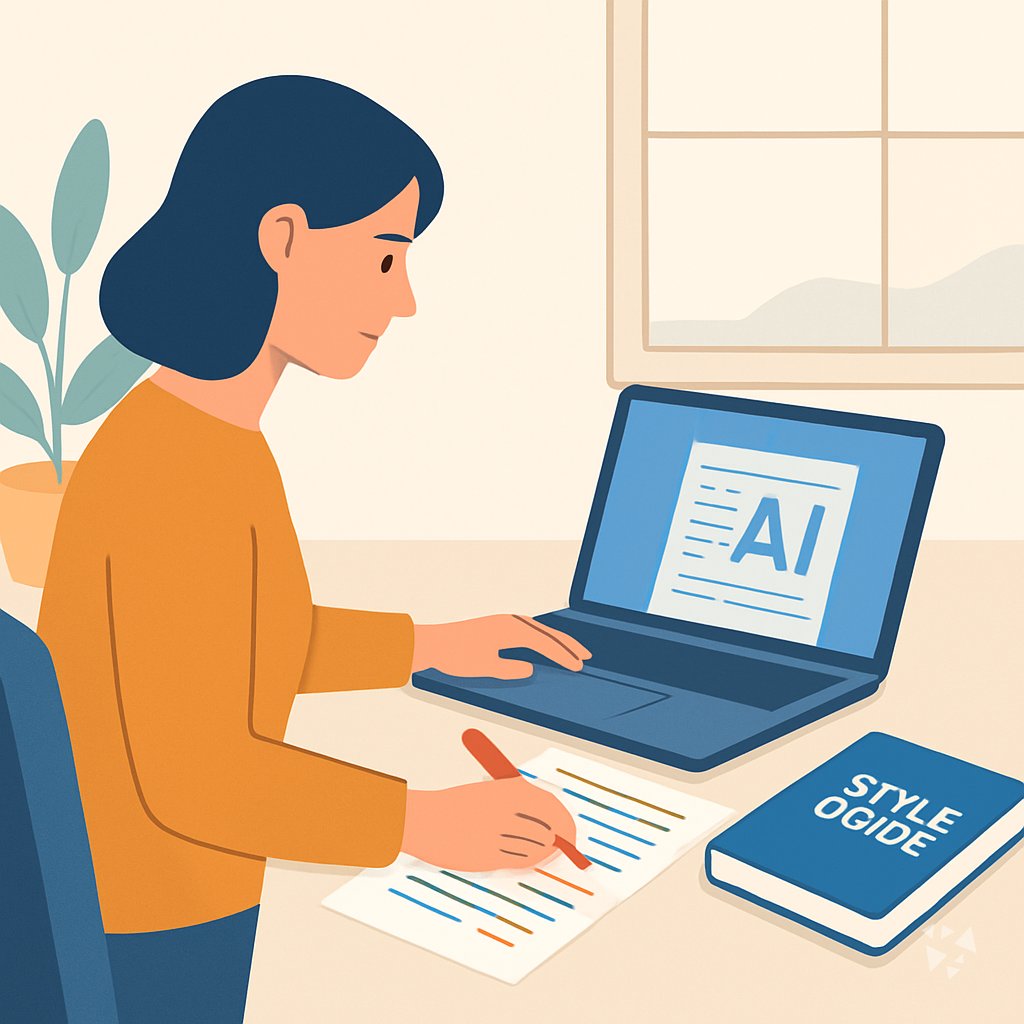
Learn how AI can help you proofread faster while keeping your judgment at the center. This path walks you through setup, practice prompts, and short video courses made for proofreaders.
Your path
Everything in the Proofreader AI kit, in the order that makes sense. Members tick off each step and see their progress.
Set up your AI
We guide you through each click.
Let skills do your everyday tasks
Connect your apps and pick your AI apps
Hand whole tasks to AI agents
Build your own tools
Everything for proofreaders
All the courses, certifications, AI tools, MCP servers and apps for proofreaders, most relevant first. Open any list to see more.
Take the prompt courses
A short framework course to learn how to ask, then 8 lessons with ready-to-use prompts for proofreaders.
Start with this framework: how to talk to AI
This self-critique framework fits proofreading because accuracy beats speed, helping you recheck a contract for a misplaced comma that changes its meaning.
Then your prompt course for proofreadersWatch the video courses or add them to your Favorites for later
69 video courses our AI picked for proofreaders, most useful first. Save the ones you want to watch later with the heart.
Favorites are saved to your account: sign in or get your AI kit first.
Show all 69 video courses
Get certified, or add certifications to your Favorites
Every course ends in an exam and a certificate you can add to LinkedIn. Save the certifications you are aiming for with the heart.
Favorites are saved to your account: sign in or get your AI kit first.
More certifications for proofreadersShow all 24 certifications
Try the AI tools for proofreaders
24 AI tools our AI matched to the work of proofreaders, best fit first. Each review shows what it does, its alternatives and the jobs it suits.
Favorites are saved to your account: sign in or get your AI kit first.
Show all 24 AI tools
Connect your AI to the apps proofreaders use
MCP servers let ChatGPT, Claude or Copilot look things up and get work done in other apps, like your email, calendar or bookkeeping software. These 12 fit the work of proofreaders best, well-known apps first.

KitchenSink4Word MCP server
by nometalalchemistLet your AI edit real Word documents: text, tables, tracked changes, citations and more.

Google Docs MCP server
by A1-x-TechLet your AI read, summarize, edit and comment on your Google Docs without leaving the chat.

OfficeAgent MCP server
by ilia-sokolovLet your AI edit Word, PowerPoint and Excel files, with changes you can review before saving.
Productivity Official
Word document MCP server
by SecurityRoninLet your AI open, edit, and review Word files, with changes shown as tracked revisions.

Safe Docx MCP server
by UseJuniorLet your AI read, search, and carefully edit Word .docx files while keeping the formatting and showing tracked changes.

Writing Style Checker MCP server
by theserverlessdevLet your AI check your writing for weasel words, passive voice, hedging, and common AI writing tells.
ProductivityNo installShow all 12 MCP servers

Anonymize MCP server
by Buggy1111Let your AI hide names, IDs and bank details in documents, translate between eight languages, and fix Czech spelling.
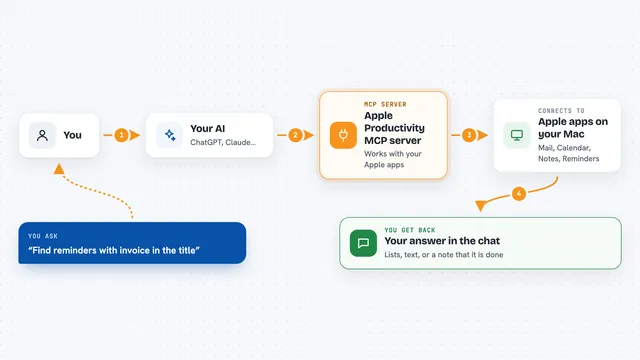
Apple Productivity MCP server
by gambadioLets your AI work with Mail, Calendar, Notes, Reminders, Pages, Numbers and more on your Mac.

VE Google Workspace MCP server
by HuntsDeskLet your AI read and write your Google Docs, Sheets, Slides, Drive, Gmail and Calendar for you.

RAE Dictionary MCP server
by rae-api-comLook up Spanish words and meanings straight from the official Royal Spanish Academy dictionary.
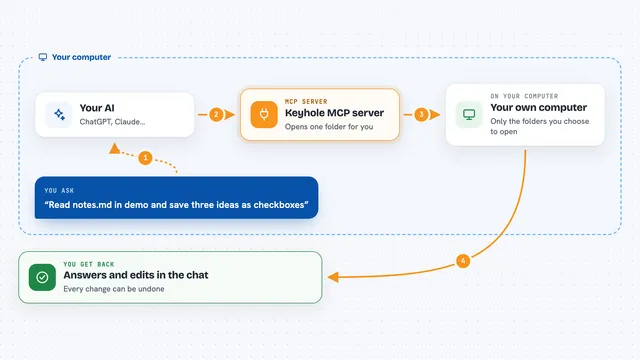
Keyhole MCP server
by L-JoviLet ChatGPT read and carefully edit only the local folders you choose, with undo.

Defluff MCP server
by ahmedakYour AI can check its own writing for filler phrases and clichés before sending it to you.
Build your own AI apps for proofreaders
Apps you build yourself with your own AI, no coding needed and no monthly fee. Our AI picked the 5 that fit the work of proofreaders.
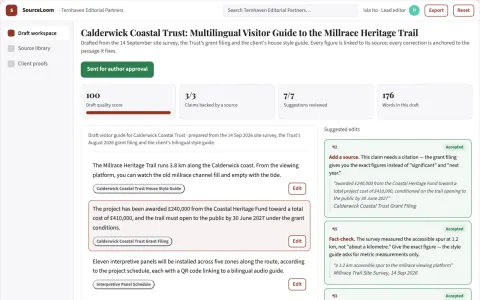
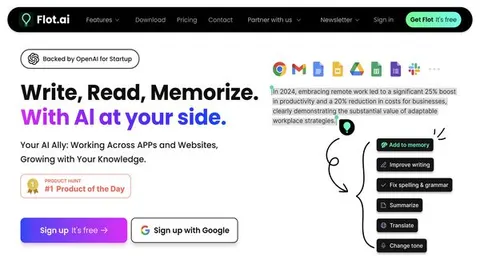
Source-based multilingual writing review workspace
Reduce scattered correction work while keeping the writer's meaning and sources intact.
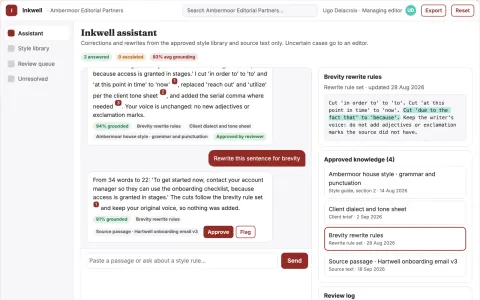
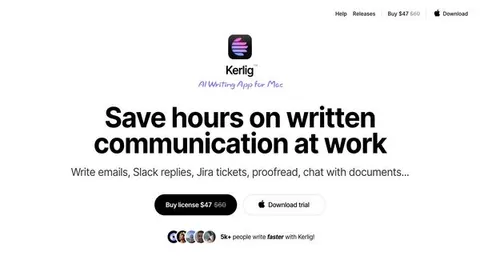
Cross-application writing correction and rewrite assistant
Reduce correction and rewrite time while keeping the writer's voice and source text.
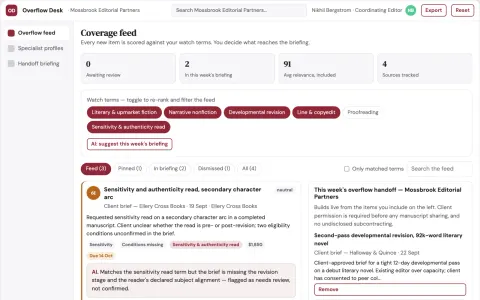
Editorial revision overflow cooperative
Preserve revenue and delivery quality through transparent specialist collaboration.
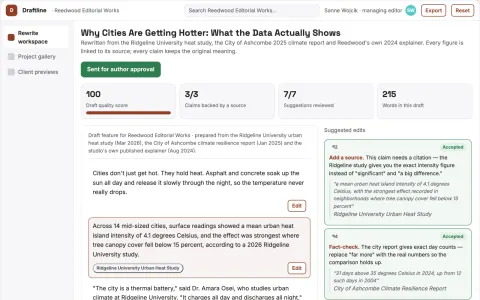
Source-based rewriting and editorial delivery workspace
Reduce tool switching and version drift while keeping the writer's meaning and sources intact.
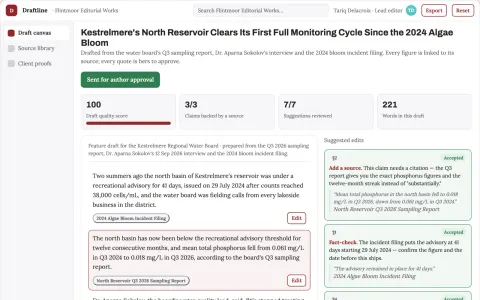
Source-based writing and editorial delivery workspace
Reduce editing passes while keeping the writer's voice and source accuracy.




































































About this learning path
6 topicsAI Skills for Careful, Confident Proofreaders
Proofreading is careful work. You catch what others miss, and you do it under tight deadlines.
AI can take some of the first-pass checking off your desk. It does not replace your eye. It gives you more room to focus on meaning, style, and the author's voice.
Why AI Matters Now
Publishing moves quickly. Authors send drafts in many formats, and clients expect clean copy without a long wait. AI tools can help you scan for common errors and keep track of details, so you spend your time on the parts that need a human proofreader.
What the Path Includes
The path starts with short setup questions. You will connect your AI tool, learn job-specific skills inside it, and then take this prompt course. You also get video courses chosen for proofreaders, along with the certificates that come with them.
How It Saves Time
You can ask AI to find repeated capitalization issues, check heading styles, or compare a draft to a style guide. That first pass is faster than reading every line yourself. You still review the suggestions and make the final call.
How It Protects Your Career
AI does not decide what is correct. You do. The path teaches you to use AI as a careful assistant, to check its work, and to explain your choices to authors. These habits make you more valuable because clients trust your judgment.
How to Start
Begin with the setup questions. Then connect one AI tool you already use, such as ChatGPT, Claude, or Gemini. Try one prompt from the course on a real project today. Keep the results that help and adjust the rest.
Frequently asked questions
Do I need to be technical to use this path?
No. The setup is plain and step by step. If you can send an email and open a document, you can follow along.Will AI replace proofreaders?
AI can catch simple errors, but it misses context, tone, and the reason a sentence works. Your judgment is still the center of the job. This path helps you use AI to support that judgment.What if my client uses a special style guide?
You can give the AI a sample of the style guide and ask it to check your draft against those rules. Always review the suggestions yourself, because style guides can have exceptions.How long does the path take?
Most people move through the setup and prompt course in a few short sittings. The video courses are broken into small lessons, so you can fit them around client work.