AI tool
Animated Drawings
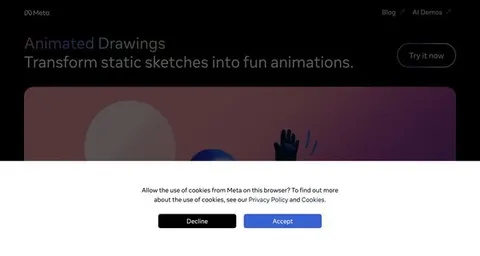
Transform your child's artwork into lively animations with Animated Drawings. This tool breathes life into their characters while creating a personalized experience by remembering user preferences through cookies.
About: Animated Drawings
The Animated Drawings tool revolutionizes the way children's art is experienced by transforming static drawings into dynamic animations. This innovative application allows users to upload their children's artwork and see it come to life through motion. By utilizing cutting-edge animation technology, the tool captures the essence of each drawing and animates characters in a playful and engaging manner.
Key features include an intuitive user interface that simplifies the animation process, making it accessible for both children and parents. Users can customize animations with various movements and expressions, enhancing the storytelling aspect of the drawings. The tool also leverages cookies to improve user experience, ensuring that returning users have their preferences remembered, which encourages ongoing creativity.
Ideal for parents, educators, and young artists, the Animated Drawings tool serves as an educational resource that fosters creativity and imagination. What sets this tool apart is its ability to bridge the gap between traditional art and digital media, allowing children to see their creativity come alive in a new dimension.
Review: Animated Drawings
Introduction
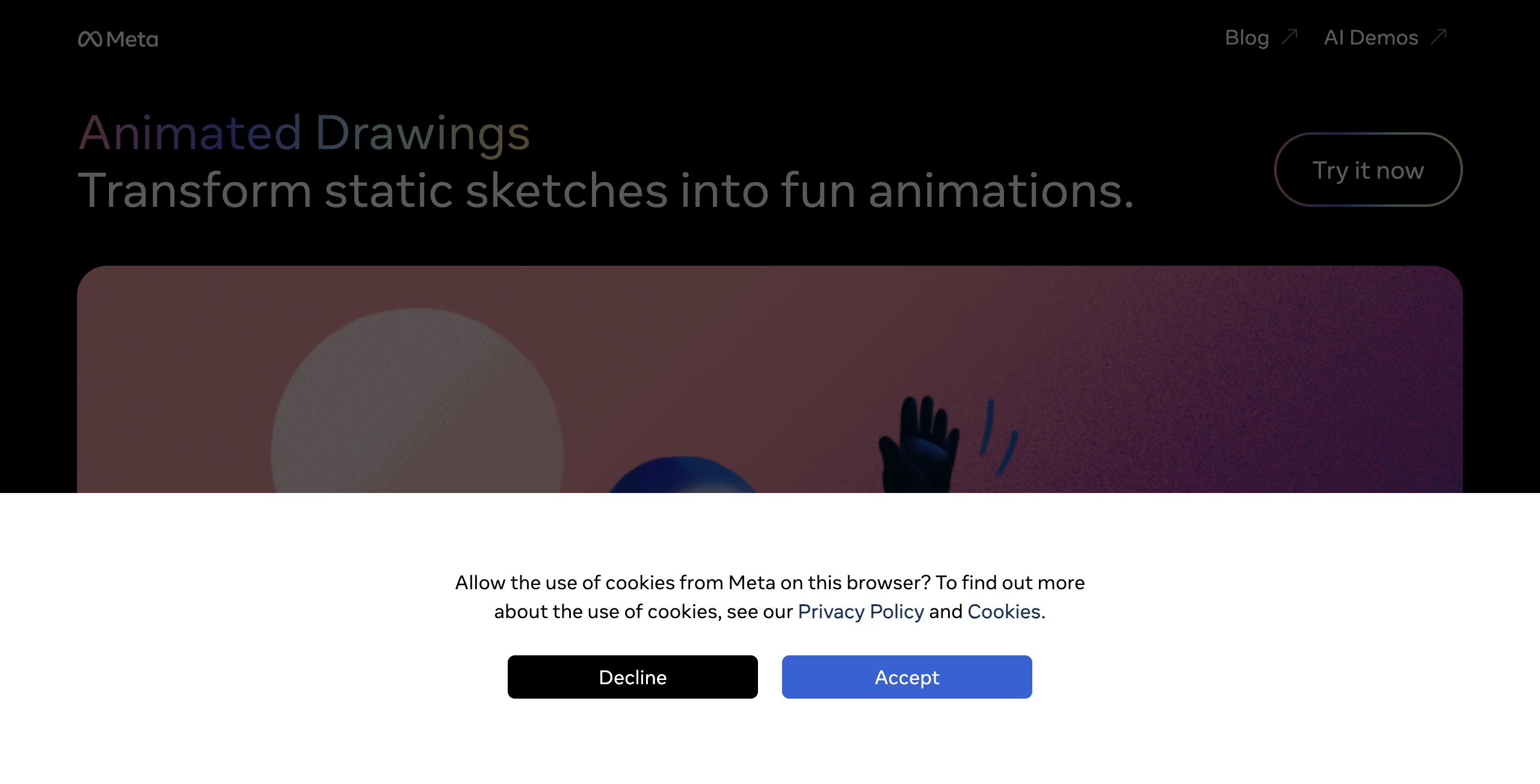
Animated Drawings is an innovative AI tool designed to bring children's drawings to life by transforming static sketches into fun, dynamic animations. It is primarily aimed at parents, educators, and creative enthusiasts who are looking for a playful way to enhance and transform children's artwork into engaging animations. Given the increasing interest in blending art with technology, this tool offers a creative outlet that appeals to both the young and the young at heart.
Key Features
The core functionality of Animated Drawings is to enable users to animate characters featured in children’s sketches, effectively turning simple drawings into lively animations. Some of its standout features include:
- Simple Animation Process: The tool focuses on transforming static sketches into animated sequences, which can add a new dimension to children's drawings.
- User Experience Optimization: It utilizes cookies to remember users and enhance the overall experience, ensuring a smoother and more personalized interaction.
- Instant Playfulness: The design encourages immediate experimentation, inviting users to quickly see their sketches come to life.
Pros and Cons
- Pros:
- Offers a unique and creative way to animate children's drawings.
- Easy-to-use interface that is accessible for users of all ages.
- Enhances user experience with cookie-based personalization.
- Encourages creativity and engagement, making it ideal for educational or family projects.
- Cons:
- Dependence on cookies may raise privacy concerns for some users.
- Limited information available on additional functionalities beyond basic animations.
Final Verdict
Animated Drawings is an excellent tool for anyone looking to add a spark of creativity to children’s artwork. It is particularly beneficial for parents, educators, and hobbyists who desire a simple yet fun way to animate drawings without navigating complex software. While it may not offer the advanced capabilities required for professional animation production, its ease of use and focus on playful creativity make it a standout choice for casual and educational purposes.
Alternatives to Animated Drawings
Other tools that do the same main job. Our AI compared Animated Drawings with similar tools and kept the ones you could use instead.