AI tool
Arky
Arky is a free-form thinking canvas: place ideas, link and shape them into a hierarchy, then flip to a clean document. AI assists throughout; export to Markdown, Word or PDF.
About Arky
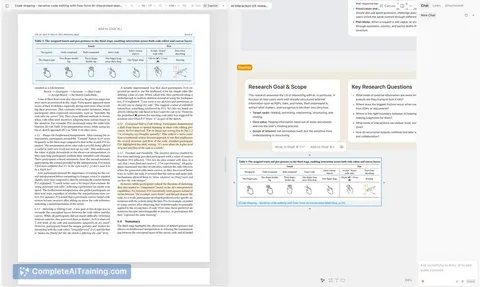
Arky is an AI-assisted thinking canvas that combines freeform spatial brainstorming with a markdown-based hierarchy. It lets you place ideas freely, shape them into structured outlines, and convert the canvas into a clean document for export.
Review
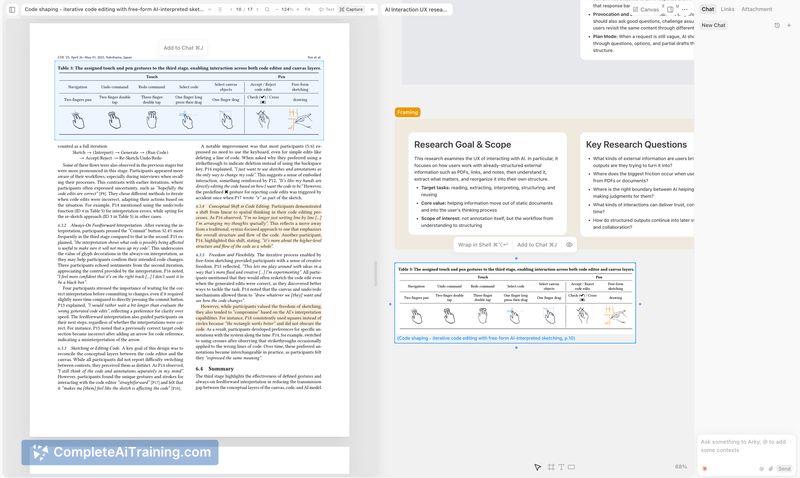
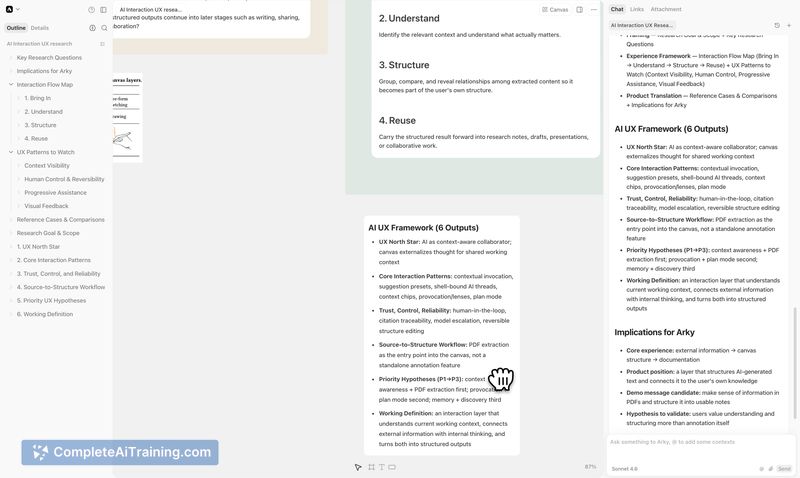
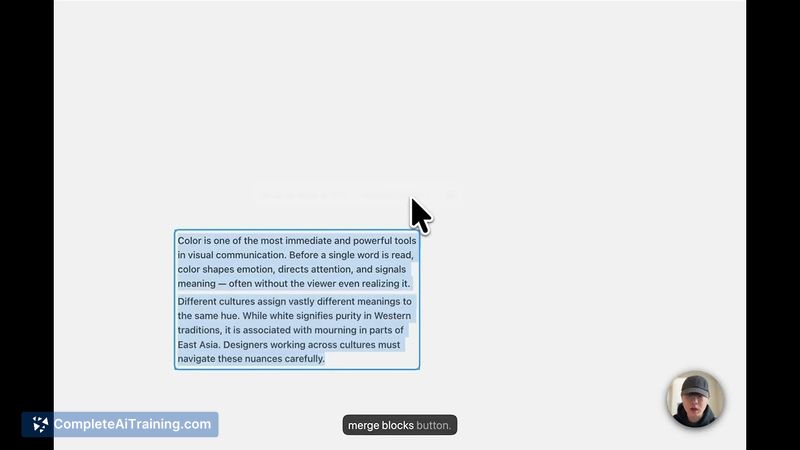
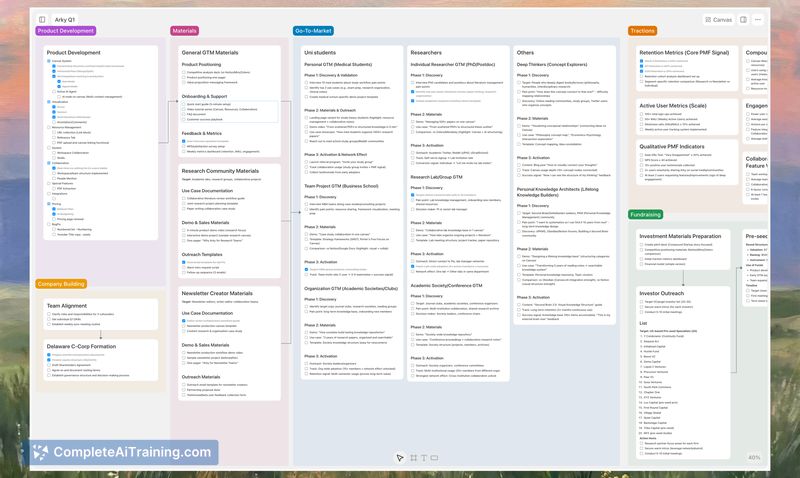
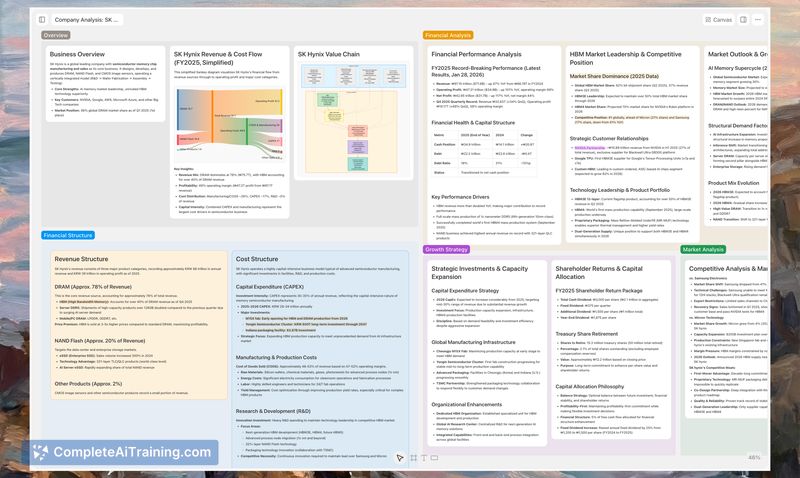
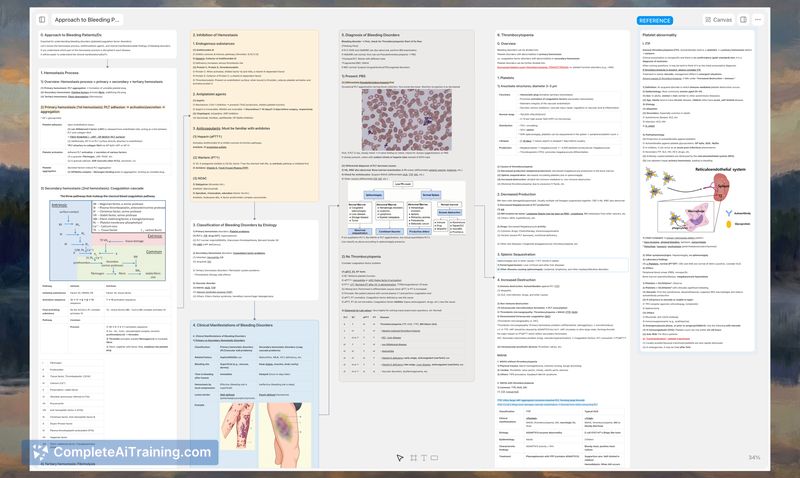
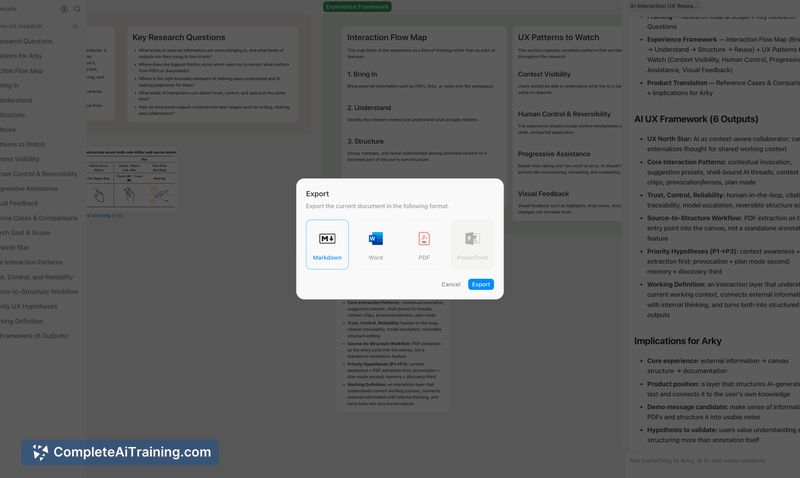
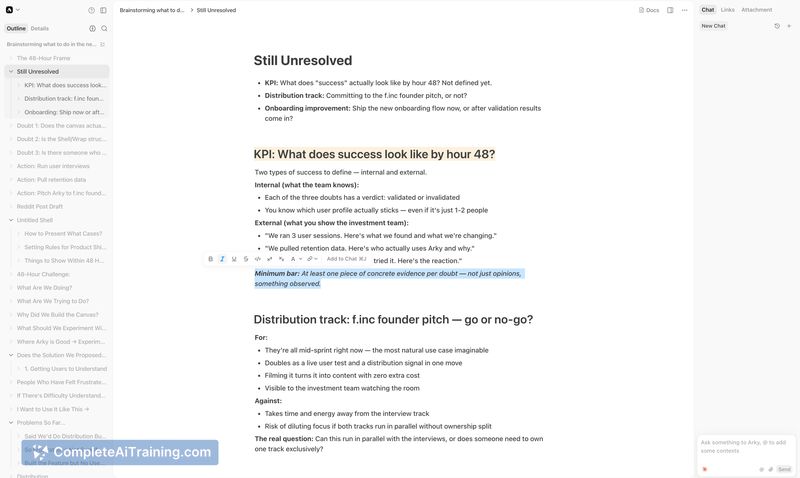
Arky attempts to close the gap between messy ideation and finished documents by keeping AI support active throughout the thinking process. The interface supports both bottom-up (start messy, refine into structure) and top-down (outline first, expand visually) workflows, with a one-to-one document view backed by markdown.
Key Features
- Freeform canvas with spatial placement plus a markdown-like hierarchy to create structure from informal notes.
- AI-assisted grouping, hierarchy suggestions, and content refinement available during the ideation process.
- Document view that reflects the canvas 1:1 and export options for Markdown, MS Word, and PDF.
- Desktop app for Mac available now; mobile access is noted as coming soon.
- Built on a modern web stack with early integration partners and a focus on quick iteration for AI features.
Pricing and Value
At launch there are free options available, and the listing does not present detailed paid tiers publicly. For people who frequently move from brainstorming to written drafts, Arky offers clear value by reducing friction between idea capture and document output-especially if you want to preserve spatial context while creating structured content.
Pros
- Combines spatial freedom with an underlying structure so ideas can be explored and then organized without switching tools.
- AI is integrated throughout the workflow rather than being an afterthought, helping to suggest hierarchies and polish text.
- Direct export to common formats (Markdown, Word, PDF) makes it easy to move work into other systems or share deliverables.
- Simple, approachable interface that many testers found intuitive for getting started quickly.
Cons
- As a newly launched product it still shows signs of early-stage polish issues: some users reported freezes and chat errors.
- Mobile apps are not yet available, which limits on-the-go use for people who prefer to work from phones or tablets.
- Advanced linking and cross-project features (similar to bidirectional links in other note tools) are not yet mature or widely available.
Arky fits best for people who wrestle with messy ideas and want a single place to both brainstorm visually and produce structured documents-founders, researchers, writers, and product teams will find it especially useful. It's most attractive to users who value a hybrid canvas/document workflow and are comfortable trying an early-stage product as features continue to arrive.
Jobs Arky suits
Useful in almost any job. We checked Arky against 500+ jobs; these get the most out of it.
Alternatives to Arky
Other tools that do the same main job. Our AI compared Arky with similar tools and kept the ones you could use instead.