AI tool
Backgrind
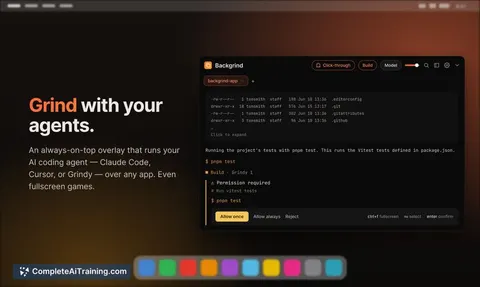
Backgrind is an always-on-top overlay that runs AI coding agents over any app. It lets developers work on other tasks while the agent runs in the background, pinging only when it needs a decision.
About Backgrind
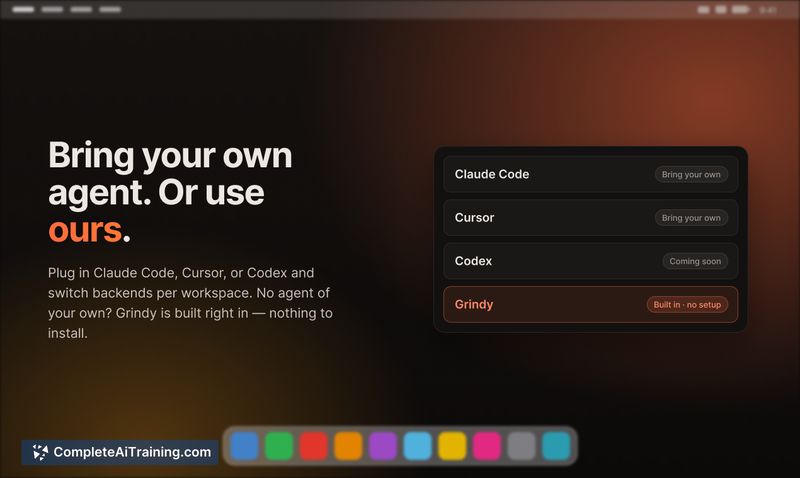
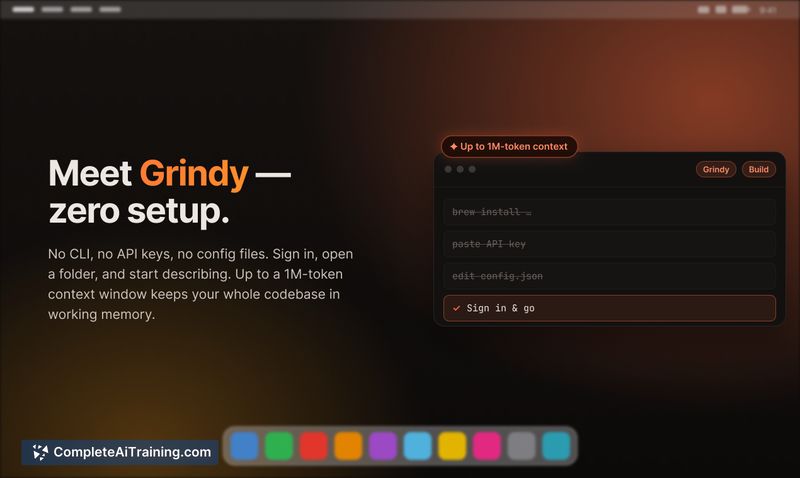
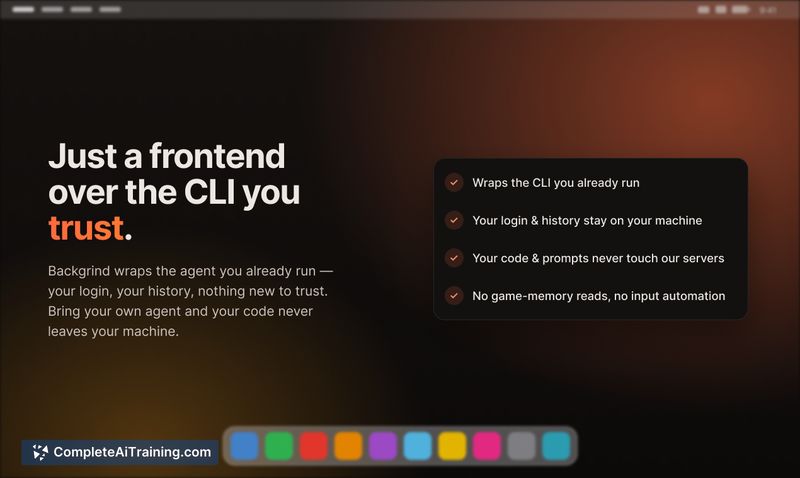
Backgrind is an always-on-top overlay window that floats your AI coding agent above any desktop application - including fullscreen games. It stays out of the way until the agent needs a decision, letting you work on other tasks without watching a terminal. You can bring your own agent (Claude Code, Cursor) or use the built-in Grindy agent with no configuration.
Review
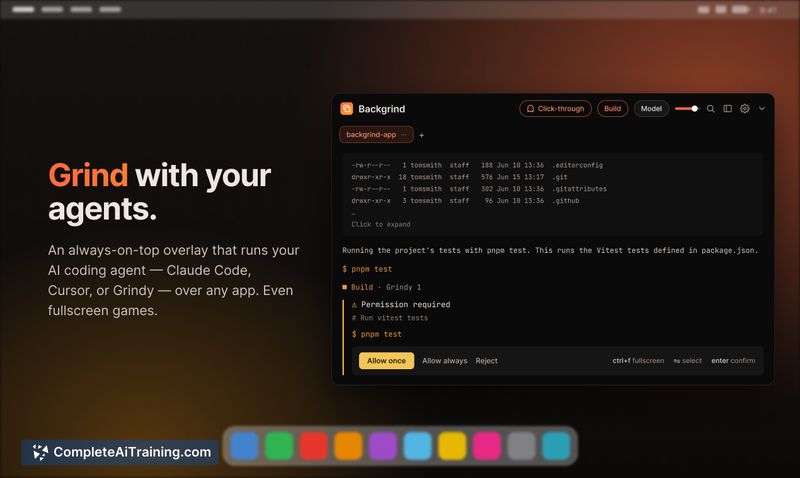
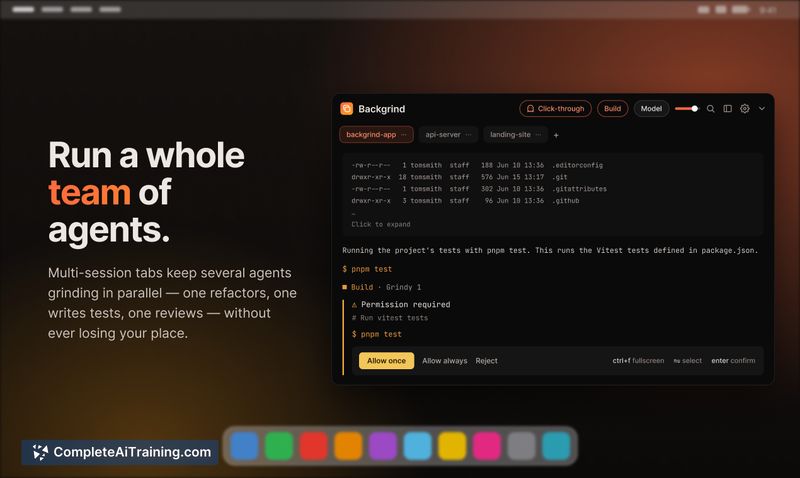
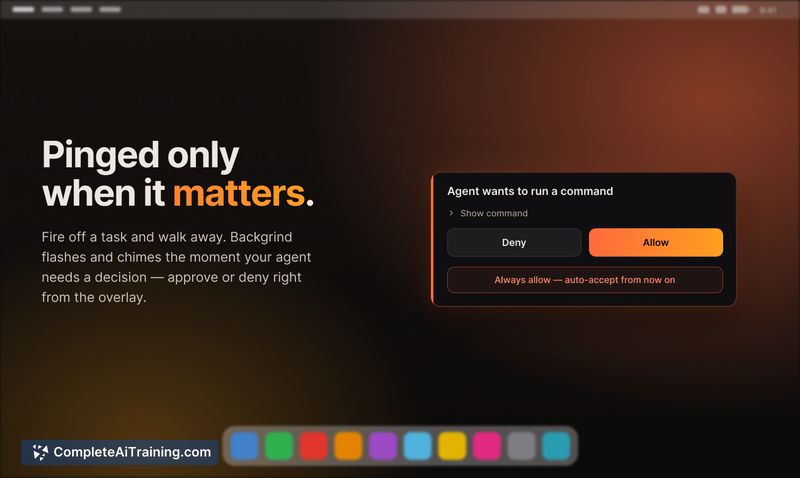
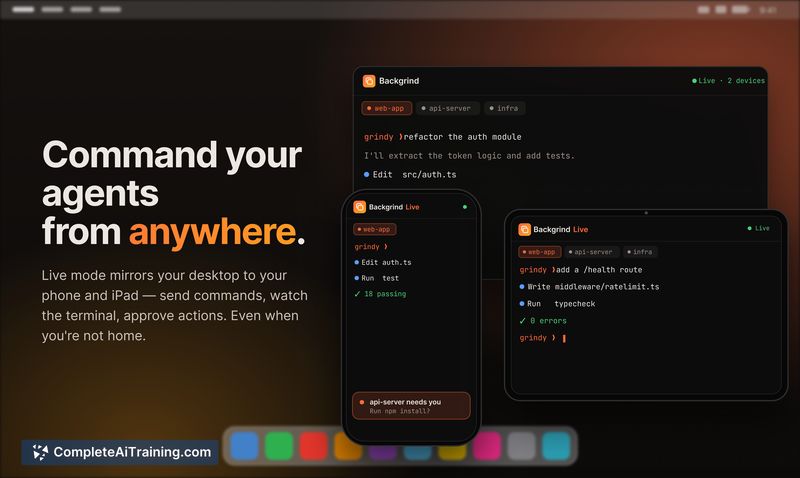
Backgrind tackles a common friction point: the idle waiting while an AI agent executes commands in a terminal. By putting the agent into a movable, click-through window, you can reclaim screen space and only interact when the agent signals it's stuck or needs a yes/no. It runs on macOS and Windows, storing session data locally for the BYO mode.
Key Features
- Floating overlay window that sits on top of fullscreen games and other apps
- Multi-agent tabs let you monitor and control several agents in parallel
- Voice input transcribed on-device with whisper.cpp - audio never leaves the machine
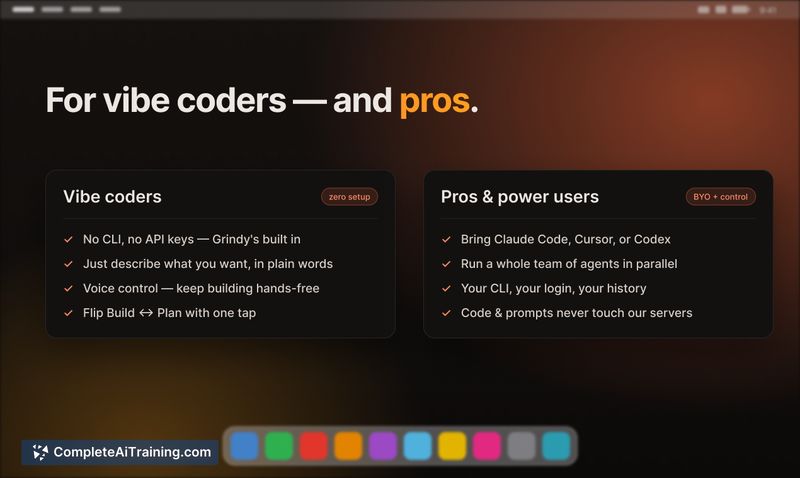
- Built-in Grindy agent (zero setup) or bring-your-own CLI agent like Claude Code, Cursor, or Codex
- Click-through mode makes the window semi-transparent and passes clicks until you toggle it active with hotkeys
Pricing and Value
Backgrind launched this week and its pricing details are not yet publicly defined. The product page indicates "Free Options," suggesting a free tier at launch, but the long-term model remains unannounced. Users can try the tool now without paying, though teams should note the lack of clarity for future budgeting.
Pros
- Pings you only when a human decision is required, cutting down idle screen time
- Works with agents you already use, so no need to change your coding setup
- On-device voice transcription keeps audio private in BYO mode
- Parallel agent tabs allow juggling multiple coding tasks at once
Cons
- The floating window can eat up screen real estate on smaller displays or when you use apps that need fullscreen space without the overlay shortcut
- For the built-in Grindy agent, model calls still go through a cloud proxy, meaning the "local-first" claim applies only to session data and history, not to inference
- Not well suited for users who prefer a headless, notification-tray-only experience; the overlay adds a visual element that some will find unnecessary
Backgrind fits developers who run lengthy AI agent tasks and want to use their main screen for other work or play. It's most helpful when you manage multiple agents or need quick decisions without diving back into a terminal. Privacy-conscious teams will want to stick with the BYO mode and audit data flows before relying on Grindy for sensitive projects.
Jobs Backgrind suits
We checked Backgrind against 500+ jobs; these get the most out of it.
Alternatives to Backgrind
Other tools that do the same main job. Our AI compared Backgrind with similar tools and kept the ones you could use instead.