AI tool
Bitrise Remote Dev Environments
Bitrise Remote Dev Environments provisions cloud macOS and Linux machines in seconds using the same stacks and caches as your CI builds. It is for mobile developers who want to run isolated environments in parallel, attach editors like VS Code or ...
About Bitrise Remote Dev Environments
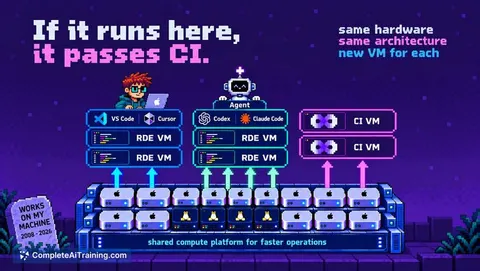
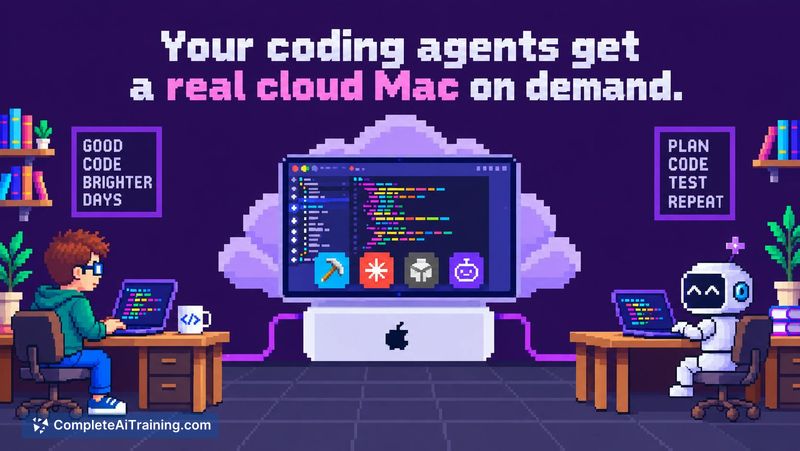
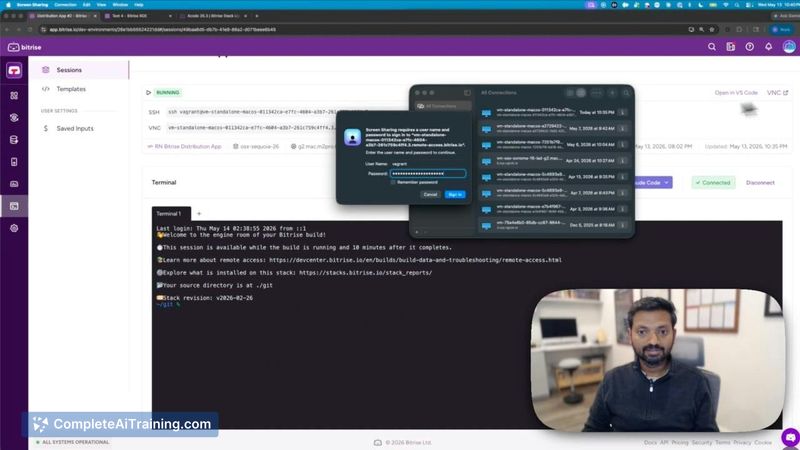
Bitrise Remote Dev Environments (RDE) gives developers on-demand cloud macOS and Linux virtual machines that start in seconds. These are the same Apple Silicon machines, stacks, and caches used by the Bitrise CI build fleet. RDEs can be driven headless by AI coding agents through an open-source MCP server, or accessed directly via VS Code, Cursor, or Claude Code over SSH.
Review
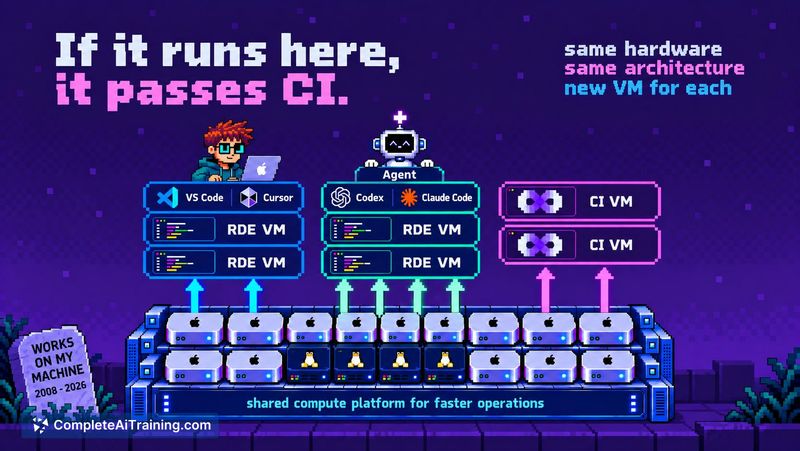
Bitrise RDE is a natural extension of the company's existing mobile DevOps platform, built to solve a specific friction point: CI failures that can't be reproduced on a local laptop. By giving both humans and AI agents the same pre-configured environment that runs production builds, it eliminates a whole category of "works-on-my-machine" debugging. The tool was originally an internal project at Bitrise, which means its design reflects real workflows from mobile engineering teams.
Key Features
- CI-identical VMs: RDE sessions run on the same macOS (M2 Pro, M4, M4 Pro) and Linux stacks as Bitrise CI builds, with pre-installed tools and warm caches.
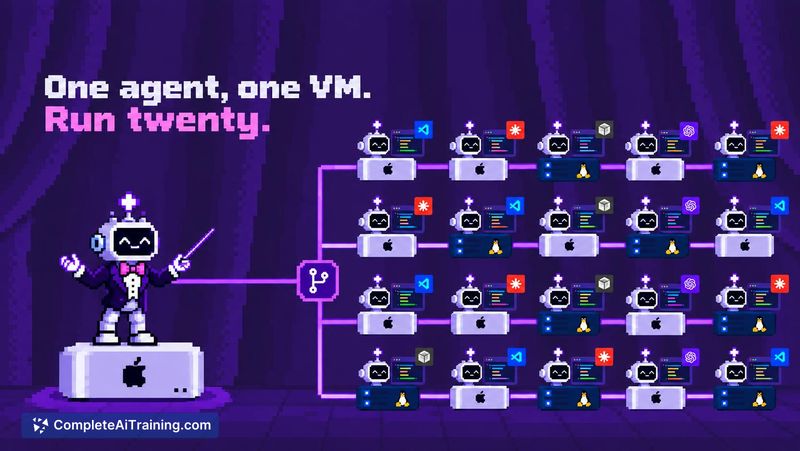
- MCP server for agentic workflows: An open-source MCP server lets AI coding agents open, drive, and clean up RDE sessions without a human in the loop. Agents use their own accounts and API keys.
- Multiple access methods: Connect through a CLI, a web UI, the MCP server, or a VS Code plugin. Shared sessions allow team collaboration on the same VM.
- Device sessions for mobile testing: Agents can boot iOS simulators or Android emulators inside the VM, install builds, interact with the UI, and capture screenshots for verification.
- Snapshot-based templates: A template defines the machine configuration, scripts, and secrets. Each session is a self-contained snapshot, making environments reproducible and quick to archive or restore later.
Pricing and Value
Pricing starts at $20 per month, which includes 1,440 minutes per operating system. Overage charges are $0.0288 per minute for macOS and $0.0044 per minute for Linux. Once a monthly spending cap is reached, usage continues at no additional cost for the remainder of the billing period. A 14-day free trial is available and does not auto-charge when it ends.
Pros
- VMs boot in seconds and use the same stacks as CI, so build environments match production exactly.
- MCP server enables AI agents to work in parallel across multiple branches and open pull requests independently.
- Supports real mobile device tooling, including simulators and emulators, which container-only solutions lack.
- Session archiving and restoration preserves environment state between work sessions.
- Infrastructure is SOC2-audited with immutable access logs, addressing compliance needs for regulated teams.
Cons
- No Windows VM support. The platform is mobile-first, which limits its scope for teams working across all three major operating systems.
- Workspace-level secrets and code signing assets are not automatically available in RDE sessions. They must be configured manually as inputs per session.
- Not a strong fit for pure web development teams that have no mobile component. Docker is available, but the macOS emphasis and pricing reflect a mobile heritage that web-only projects won't fully use.
Bitrise RDE fits teams already using Bitrise CI for mobile builds who want to extend that infrastructure into their development and AI agent workflows. It also works for organizations that need auditable, SOC2-compliant cloud environments for agentic coding on macOS and Linux. Teams without mobile apps or those requiring Windows support will find it less applicable to their daily work.
Jobs Bitrise Remote Dev Environments suits
We checked Bitrise Remote Dev Environments against 500+ jobs; these get the most out of it.
Alternatives to Bitrise Remote Dev Environments
Other tools that do the same main job. Our AI compared Bitrise Remote Dev Environments with similar tools and kept the ones you could use instead.