
Learning path
Learning AI as a Mobile App Developer
This path helps mobile app developers use AI for code drafts, stack traces, layouts, tests, and release notes. You will connect your tools, practice prompts, and pick video courses for your platform.

Your path
Everything in the Mobile App Developer AI kit, in the order that makes sense. Members tick off each step and see their progress.
Set up your AI
We guide you through each click.
Let skills do your everyday tasks
Connect your apps and pick your AI apps
Hand whole tasks to AI agents
Build your own tools
Keep growing
Everything for mobile app developers
All the courses, certifications, AI tools, MCP servers and apps for mobile app developers, most relevant first. Open any list to see more.
Take the prompt courses
A short framework course to learn how to ask, then 8 lessons with ready-to-use prompts for mobile app developers.
Start with this framework: how to talk to AI
RISEN helps you structure multi-step mobile deliverables like an offline sync specification for an iOS app, turning vague requirements into implementation steps.
Then your prompt course for mobile app developersWatch the video courses or add them to your Favorites for later
130 video courses our AI picked for mobile app developers, most useful first. Save the ones you want to watch later with the heart.
Favorites are saved to your account: sign in or get your AI kit first.
Show all 130 video courses
Get certified, or add certifications to your Favorites
Every course ends in an exam and a certificate you can add to LinkedIn. Save the certifications you are aiming for with the heart.
Favorites are saved to your account: sign in or get your AI kit first.
More certifications for mobile app developersShow all 24 certifications
Try the AI tools for mobile app developers
24 AI tools our AI matched to the work of mobile app developers, best fit first. Each review shows what it does, its alternatives and the jobs it suits.
Favorites are saved to your account: sign in or get your AI kit first.
Show all 24 AI tools
Connect your AI to the apps mobile app developers use
MCP servers let ChatGPT, Claude or Copilot look things up and get work done in other apps, like your email, calendar or bookkeeping software. These 12 fit the work of mobile app developers best, well-known apps first.

shipstores MCP server
by FidelisMMLets your AI help publish iOS and Android apps: builds, listings, screenshots, privacy labels and review replies.

App Store & Google Play MCP server
by mikusnuzAsk your AI to update your app listing, upload builds, and submit releases to Apple and Google.
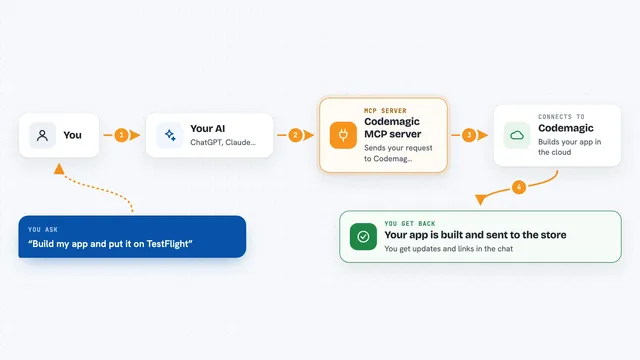
Codemagic MCP server
by todah-zgLets your AI build, sign, and publish your iOS and Android apps through Codemagic, App Store Connect, and Google Play.

Figma to Flutter MCP server
by mhmzdevLets your AI read your Figma designs and help write Flutter code, widgets and screens from them.

Extentos MCP server
by extentosLets your AI add smart-glasses features like camera, voice and audio to Android and iOS apps, and test them without real glasses.
Developer toolsCoding Official
iOS Simulator MCP server
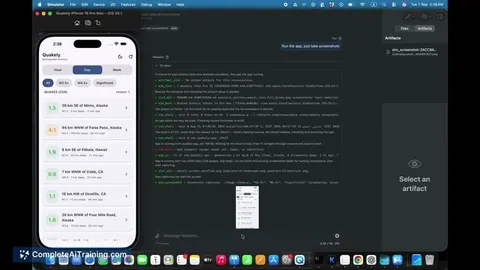
by JoshuaRileyDevLets your AI list, start, and stop iPhone simulators and install or open apps on them.
Show all 12 MCP servers

Xcode MCP server
by r-huijtsLets your AI work with your Xcode projects: build, test, manage files and simulators for you.

PubShip MCP server
by pubshipLets your AI read your Google Play releases, reviews and reports, and prepare changes you approve.

Android device MCP server (adb-mcp)
by iksnerdLets your AI drive Android emulators and phones: take screenshots, tap and type, read logs, and run builds.

CometChat Docs MCP server
by cometchatLet your AI assistant read CometChat's official setup guides and write chat, call and moderation code for your app.
Developer toolsCoding Official
iOS Agent Skill MCP server
by Nagarjuna2997Helps your AI build, review and test iPhone apps using Apple docs and Xcode tools.
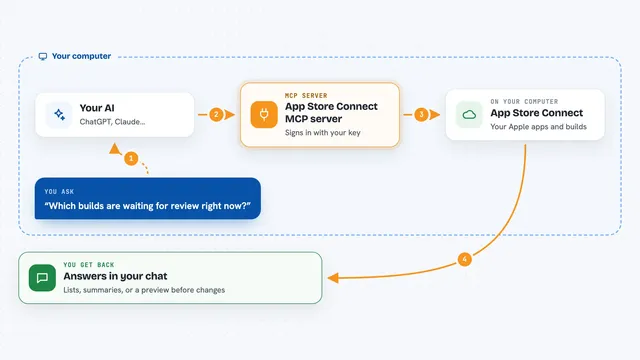
App Store Connect MCP server
by zelentsov-devAsk your AI to look up and manage your App Store apps, builds, TestFlight testers, and reviews.
Build your own AI apps for mobile app developers
Apps you build yourself with your own AI, no coding needed and no monthly fee. Our AI picked the 8 that fit the work of mobile app developers.
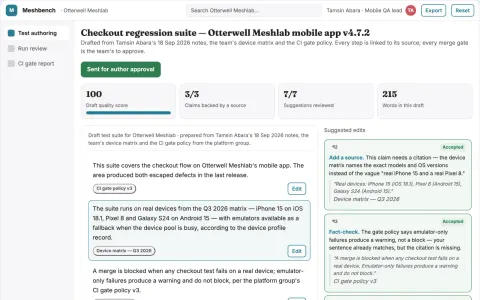
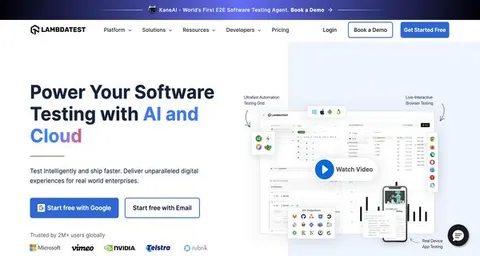
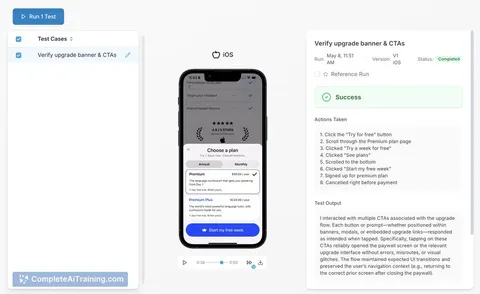
Mobile app device test automation workbench
Reduce regression time and escaped defects while keeping test ownership in the team.
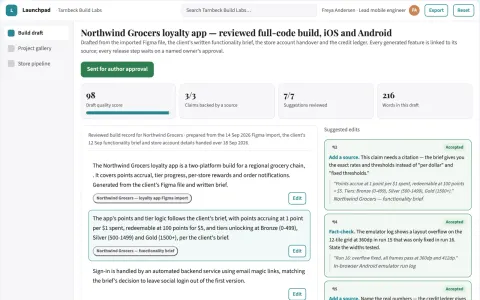
AI-assisted mobile app build and publish workspace
Reduce tool sprawl and manual release work while keeping the code and the store accounts in the buyer's name.
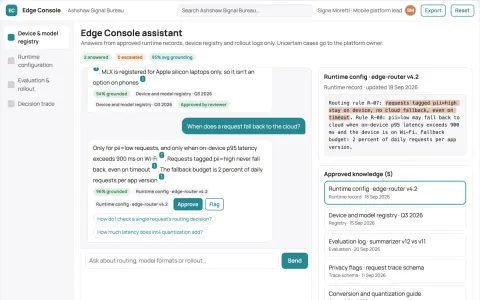
On-device multimodal model runtime console
Run AI models directly on mobile devices for fast, private processing.
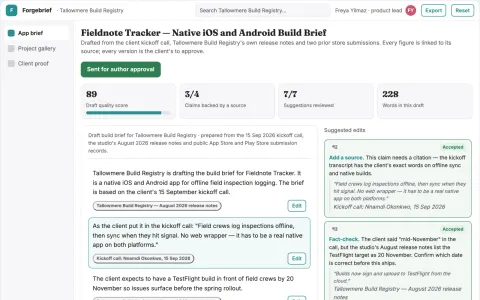
Plain-language native app build workspace
Reduce the number of separate build and publishing tools while keeping a reviewed, owned app project.
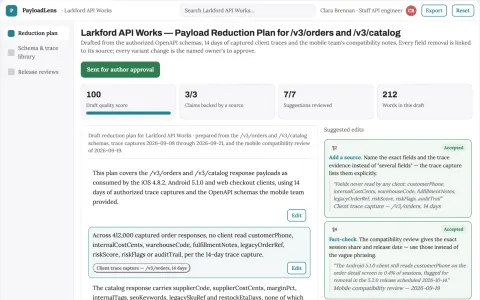
API payload minimization service
Reduce transfer and parsing cost without breaking consumers.
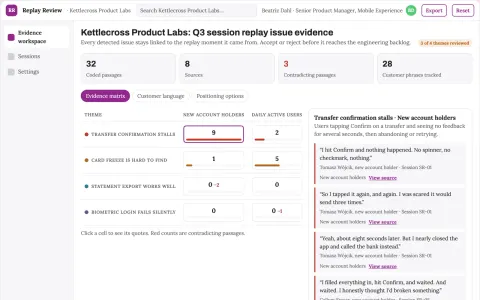
Session replay issue detection workspace
Reduce manual replay review while routing evidence-backed issues to the people who fix them.
Show all 8 apps



























































































About this learning path
6 topicsAI skills for mobile app developers
Mobile app work rewards speed and care at the same time. You draft code, chase crashes, match designs, and keep releases calm. AI can help with the first pass so your attention goes to the parts only you can decide.
This path is built for working developers who are not AI experts. It starts with simple setup questions, connects your AI, and gives you prompts for the job you already do. Then you choose video courses for your platform and see the certifications that come with them.
Why AI matters now
Mobile teams are asked to ship faster without letting quality slip. AI can handle first drafts, summarize errors, and suggest tests, but it cannot know your product rules or your users. Developers who use it well spend more time on decisions and less on blank pages.
What the path includes
This path starts with setup questions so your AI tools fit your work. You connect your AI, learn skills for the job inside it, and take this prompt course. Then you choose video courses picked for mobile app developers, including the certifications those courses offer.
Every part is built for working professionals. You can move through it around your release schedule.
How it saves time
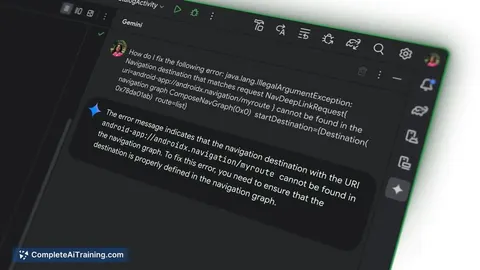
Small tasks add up. A stack trace, a layout file, a test file, and a pull request can each take a slice of your day. Prompts give you a solid first pass, so you edit instead of starting from nothing.
You still review everything. The time you save goes back to hard problems, code review, and the parts of the app users feel.
How it protects your career
AI will not replace developers who understand the product and can judge code. It will change how the work gets done. Learning to direct AI, check its output, and keep user data safe makes you more useful on any team.
You also learn where AI should not go, like secrets, private user data, or decisions that need a human. That judgment is a professional skill.
How to start
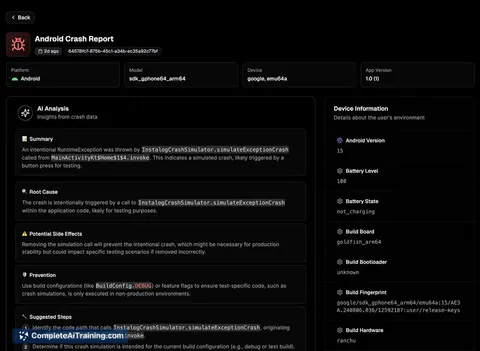
Begin with the setup questions and connect one AI tool you already have access to. Then take the prompt course lesson by lesson. Pick a small task this week, such as decoding a crash report or drafting a test file. Once that works, choose a video course for your platform or certification goal.
Frequently asked questions
Do I need to know how AI works?
No. You only need to know your job and be willing to try a few prompts. The path explains the setup in plain language.Will AI write my whole app?
No. AI can draft code, tests, and notes, but you stay in charge of design, architecture, and final checks. Treat its output as a helpful first pass.Which AI tool should I use?
You can use the tool your team allows, such as ChatGPT, Claude, or Gemini. The prompts in this path are written to work across them.Is my code safe to share?
Follow your company rules first. Do not paste secrets, API keys, or real user data. Use placeholders and remove private details before you ask for help.