AI tool
Bring Them to Life
Bring Them to Life animates still portrait photos using real-time video input from a webcam or camera. It is for developers who want to add realistic facial motion to static images without pre-recorded video files.
About Bring Them to Life
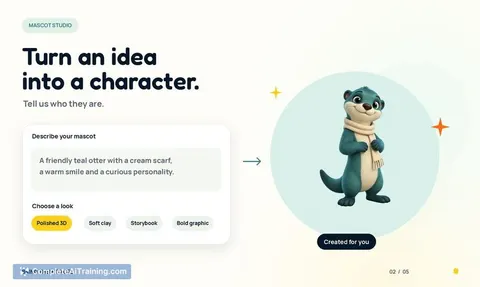
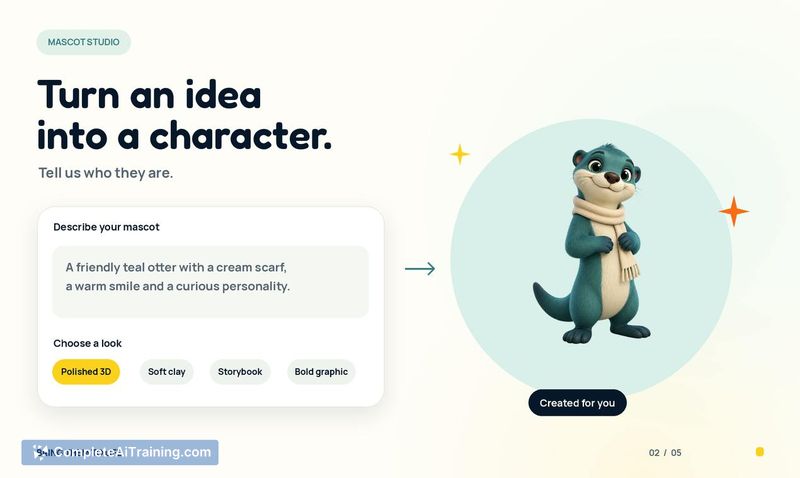
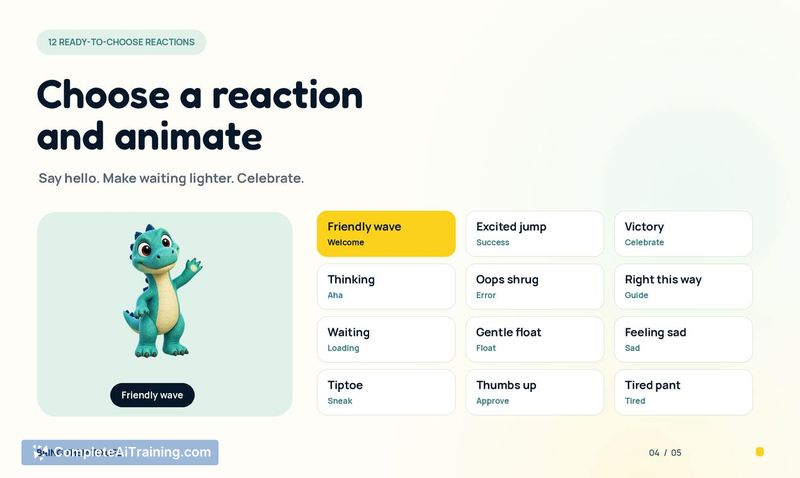
Bring Them to Life converts static character artwork into short, looping animations for apps and websites. A user uploads their own mascot or generates one through the built-in studio, then selects from a set of 12 predefined reactions. The tool outputs transparent WebP, Lottie, and PNG files that can be placed on different backgrounds.
Review

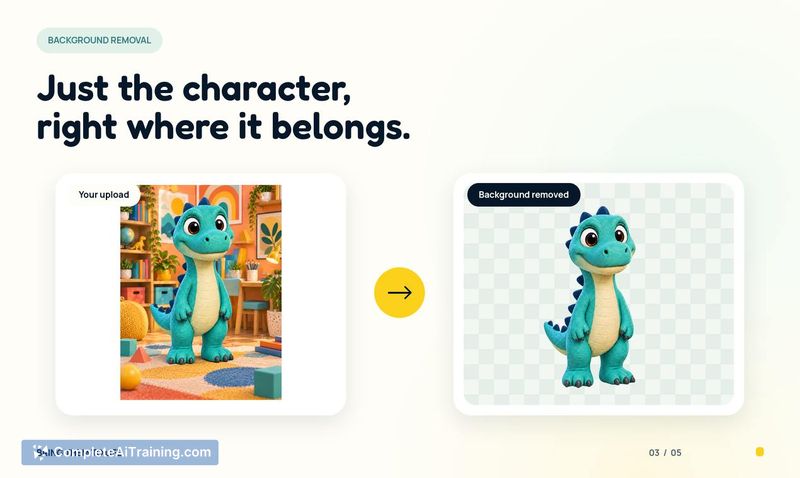
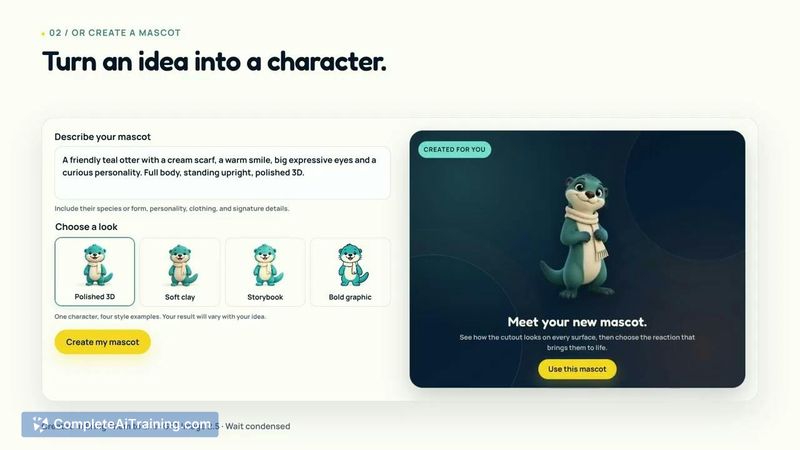
Bring Them to Life addresses a specific friction point for builders who want character animations without learning animation software or stitching together multiple AI tools. The product focuses on one workflow: take a character, pick a reaction, and download reusable animation files. It doesn't try to be a general-purpose animation editor.
Key Features
- Mascot studio with image generation. Users describe a character concept, choose a visual style, and the tool generates a mascot. This removes the prerequisite of having existing artwork before creating animations.
- 12 reaction animations. The current library includes reactions such as waving and jumping. Each animation returns the character to a neutral pose at the end, which allows two separate animation files to be sequenced back-to-back in the user's own product.
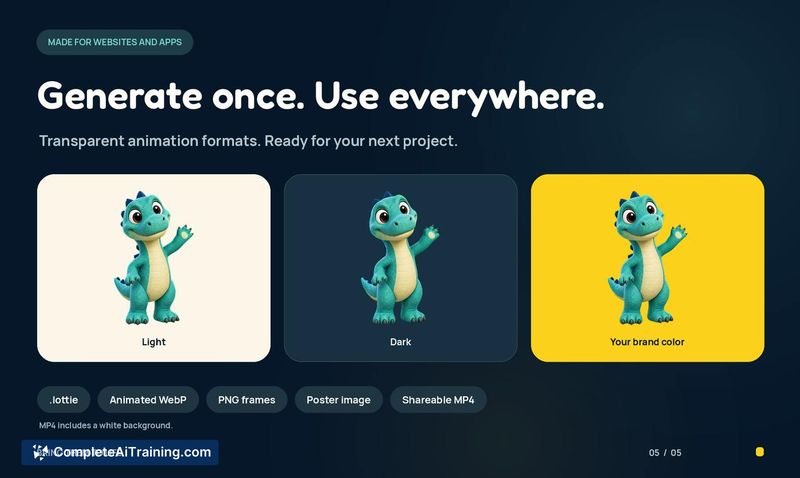
- Multi-format export. Finished animations are delivered as transparent WebP, Lottie, and PNG files. The transparency support means the animations can overlay different backgrounds in mobile, web, or desktop apps without additional editing.
- One-time credit purchases. Users preview their character first, then buy animation credits in small packs. There is no subscription requirement mentioned.
Pricing and Value
The maker states that users can start with as little as $1. The pricing model uses one-time credit purchases processed through Stripe's hosted checkout. Users preview their character before committing to a purchase. Specific credit pack sizes or per-animation costs beyond the $1 entry point are not detailed on the product page.
Pros
- Removes the need to learn animation software for basic character reactions.
- Transparent output formats work across web, mobile, and desktop environments.
- Built-in mascot generator handles cases where the user has no existing artwork.
- Animations end in a neutral pose, making it practical to chain multiple reactions together.
- Low financial commitment to test the tool with a single animation.
Cons
- Limited to one reaction per generated animation file; multi-action sequences within a single file are not currently supported, though the maker mentioned possible future support.
- The mascot generator currently lacks controls for placing specific elements like logos on clothing or accessories, though the maker indicated this may ship in an update.
- The tool is not well suited for projects requiring custom animation timing, complex character rigging, or frame-by-frame editing beyond the preset reaction library.
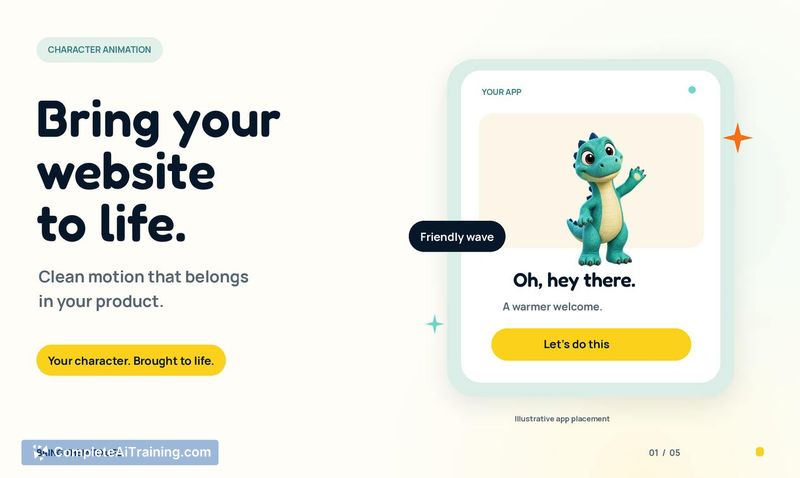
Bring Them to Life fits builders who need lightweight character animations for onboarding flows, empty states, or subtle interface moments and who either have a character already or are willing to generate one through the included studio. It's less relevant for teams that need full animation timelines or custom motion paths. The low entry price makes it practical to test whether animated mascots move the needle on user engagement before committing to a larger batch of credits.