AI tool
BuzzClip
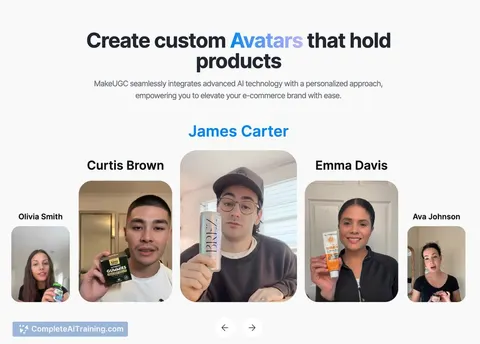
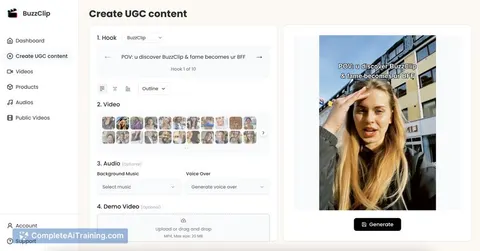
BuzzClip creates viral TikTok AI UGCs in 60 seconds. Select from 100+ AI characters, customize hooks, voiceovers, music, and demo videos, then publish directly to TikTok for fast, engaging user-generated content.
About BuzzClip
BuzzClip is an AI-powered video editing tool that helps users create engaging short-form videos quickly and efficiently. It leverages artificial intelligence to automate key editing tasks, making video production accessible to creators with varying levels of experience.
Review
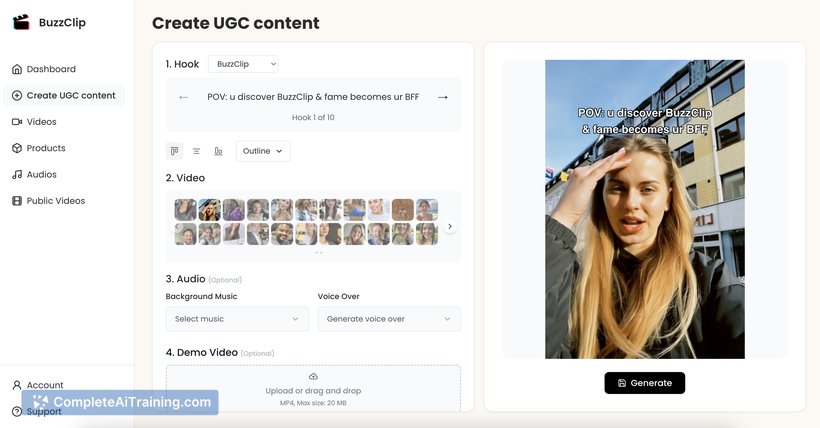
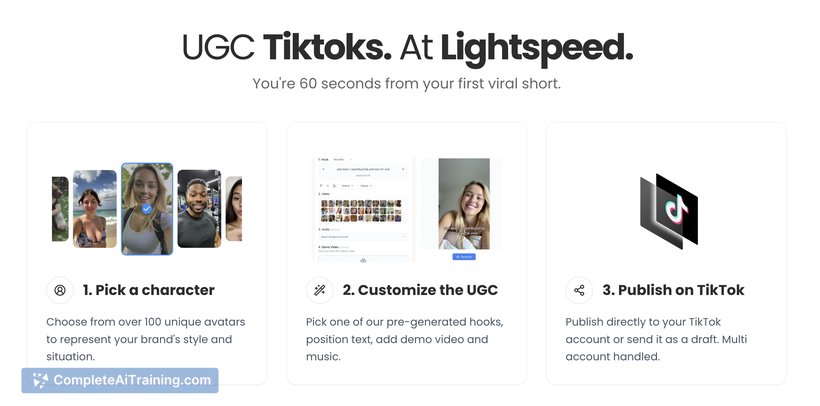

BuzzClip offers a streamlined approach to video creation, focusing on speed and ease of use. Whether you’re a content creator, marketer, or social media manager, this tool aims to simplify the editing process while delivering professional-looking results. Its AI capabilities reduce manual work, allowing users to focus on storytelling and creativity.
Key Features
- Automatic video clipping and trimming based on content highlights
- Smart caption generation and synchronization
- Customizable templates for various social media platforms
- Integration with popular video hosting and sharing platforms
- User-friendly interface with drag-and-drop functionality
Pricing and Value
BuzzClip offers several pricing tiers, including a free plan with basic features and paid subscriptions that unlock advanced editing options and higher export limits. The pricing is competitive compared to similar tools, making it a practical choice for individuals and small teams looking to create engaging videos without a large budget.
Pros
- Intuitive interface suitable for beginners and experienced users
- Efficient AI-driven editing saves time
- Supports multiple social media formats and aspect ratios
- Good selection of templates and customization options
- Responsive customer support
Cons
- Limited advanced editing features for professional editors
- Some AI-generated clips may require manual adjustments
- Occasional export speed delays during peak usage times
Overall, BuzzClip is well-suited for content creators and marketers who need to produce short, polished videos quickly. It works best for users who prefer a straightforward editing process and want to maintain a consistent presence across social media channels without investing significant time in manual editing.
Jobs BuzzClip suits
We checked BuzzClip against 500+ jobs; these get the most out of it.
Alternatives to BuzzClip
Other tools that do the same main job. Our AI compared BuzzClip with similar tools and kept the ones you could use instead.