AI tool
Cai
Cai is a privacy-first, local Mac assistant you own that eliminates constant ⌘Tab switching by handling quick copy-paste, prompts and follow-ups on your machine. Free, MIT-licensed.
About Cai
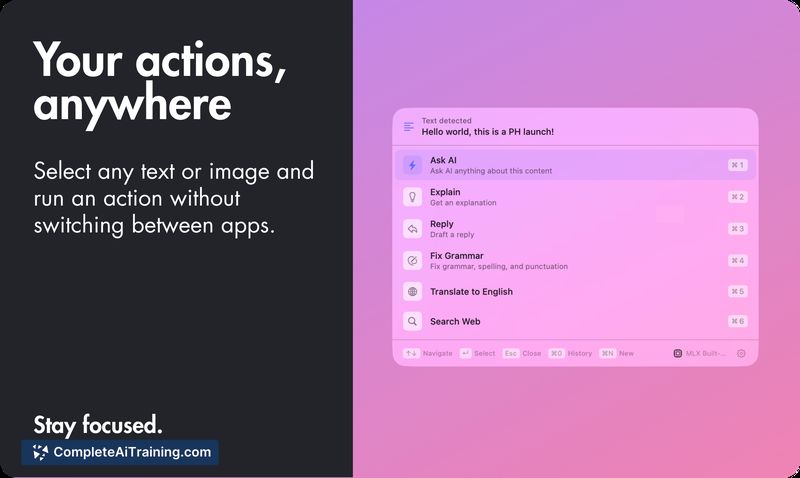
Cai is a lightweight Mac utility that lets you run "smart actions" from any selection with a single keystroke (⌥C). It focuses on local AI execution, privacy, and reducing frequent app switching by running prompts, scripts, and task creation without a cloud account.
Review
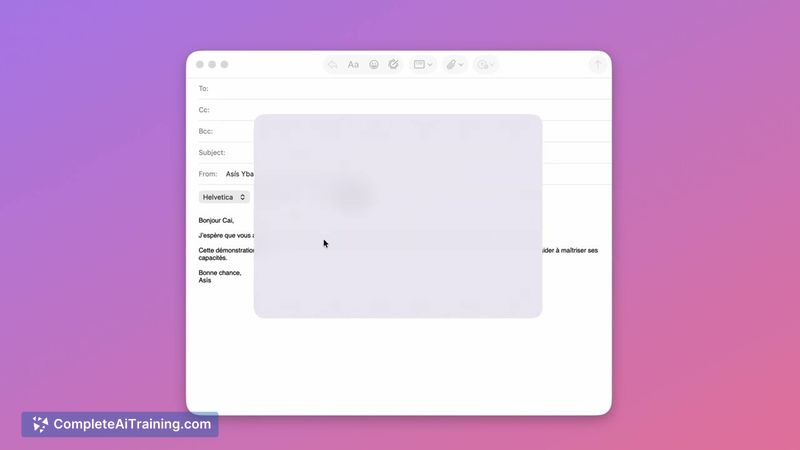
Cai is a practical productivity tool for users who want fast, context-aware automation directly on their Mac. It ships with a zero-setup local model and supports multiple backends, offering a balance between immediate usefulness and deeper customization for power users.
Key Features
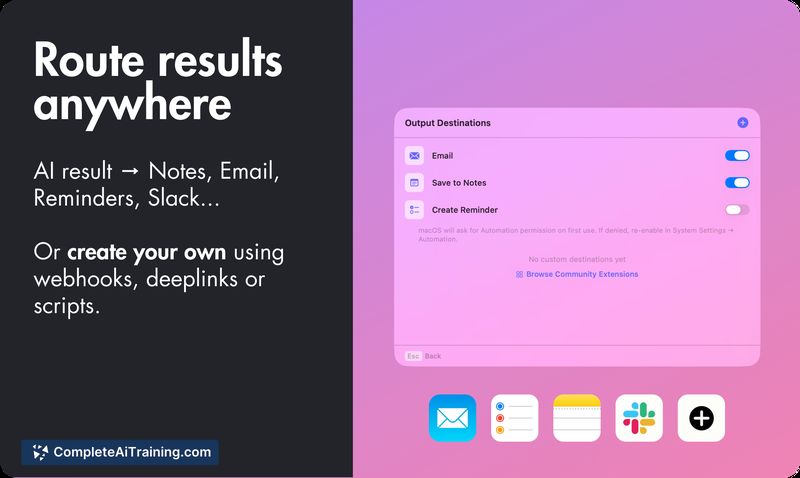
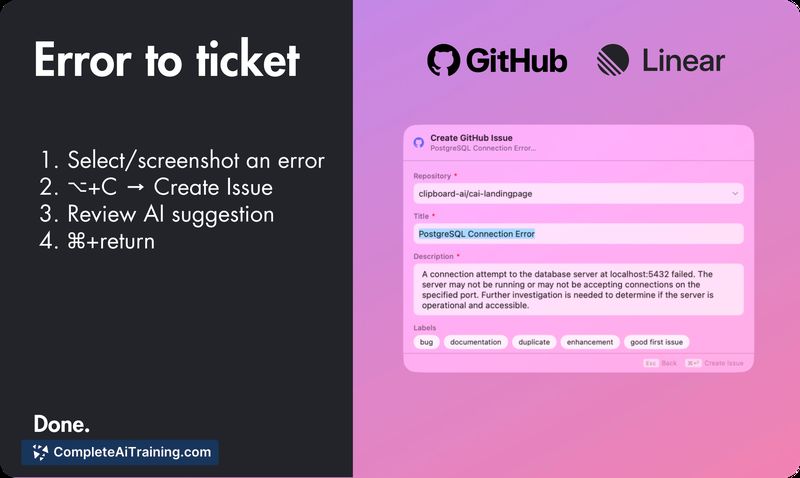
- Press ⌥C on any selection to run actions: AI prompts, shell scripts, GitHub issues, Linear tickets, or send results to other destinations.
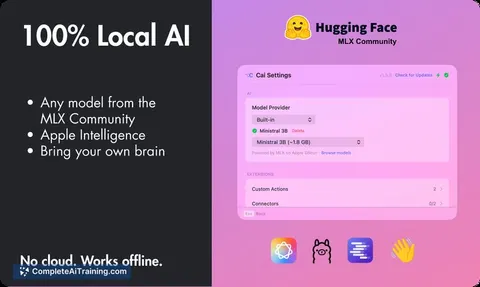
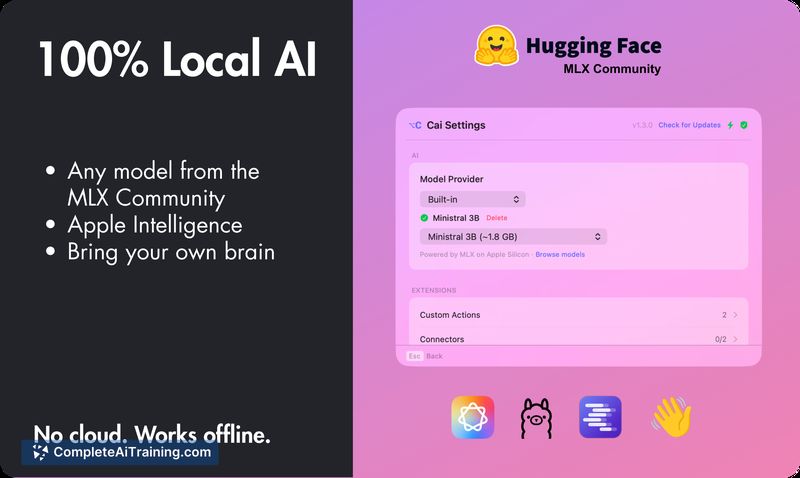
- Local-first model options: bundled Mistral 3B for zero setup, plus support for HuggingFace MLX models, Ollama, LM Studio, Apple Intelligence, and OpenRouter for Apple Silicon speed.
- Free and open source (MIT license) with no cloud dependency, no account requirement, and no telemetry.
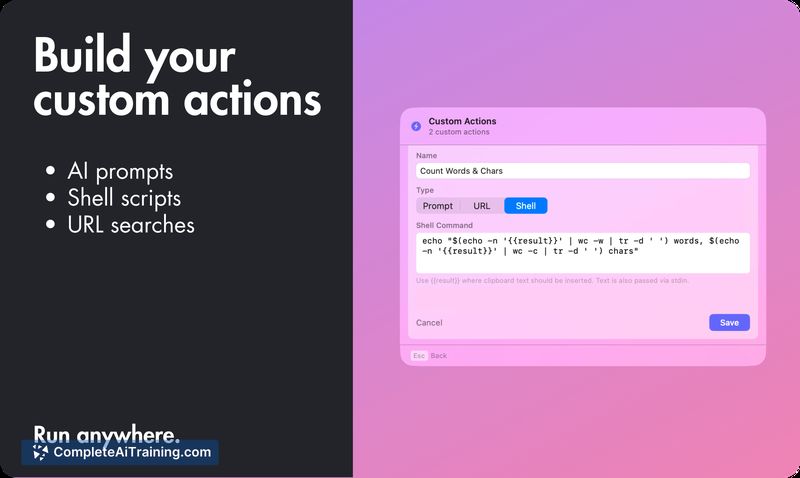
- Custom actions and community extensions let you script workflows, trigger background tasks, and reduce repetitive app switching.
- Designed to run entirely on your Mac so your data stays on-device unless you choose otherwise.
Pricing and Value
Cai is free and distributed under the MIT license. Its value proposition is strong for users who prioritize privacy and local execution: you get a usable local model out of the box with options to plug in other model backends without subscription fees. For teams or users who need cloud-hosted inference, Cai is less relevant unless combined with external services.
Pros
- Significantly reduces context switching with a single, consistent shortcut for actions.
- Privacy-first approach: runs locally with no account or telemetry required.
- Flexible model support lets you start quickly with the bundled model and upgrade to faster or larger models on Apple Silicon.
- Open source and MIT licensed, which encourages community contributions and transparency.
- Easy to extend with custom actions and community extensions.
Cons
- Mac-only at the moment, so Windows and Linux users cannot use it unless ports appear in the future.
- Local model performance depends on the machine; older Macs may see slower responses compared with cloud APIs.
- The single shortcut (⌥C) is convenient for many but may require habit changes or customization for some workflows.
Overall, Cai is best suited for Mac power users, developers, and privacy-conscious individuals who want quick, local automation without cloud accounts or telemetry. It shines for people who copy/paste between apps frequently and prefer an open-source, customizable assistant that runs on-device.
Jobs Cai suits
We checked Cai against 500+ jobs; these get the most out of it.
Alternatives to Cai
Other tools that do the same main job. Our AI compared Cai with similar tools and kept the ones you could use instead.