AI tool
ChatCut
ChatCut is an AI video editor that acts as a personal video editing assistant for people without editing experience. It lets users make structural edits and add media while keeping all changes editable on a real timeline.
About ChatCut
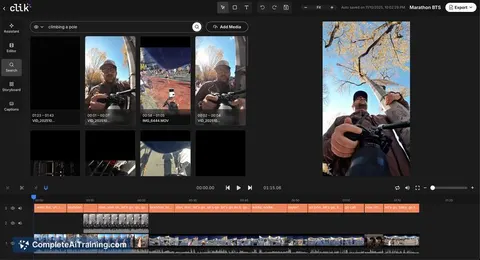
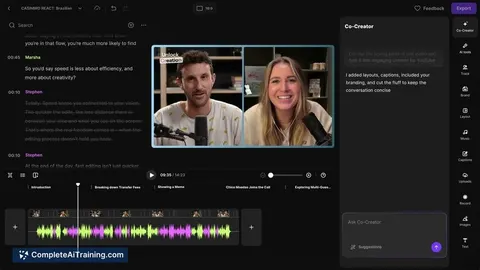
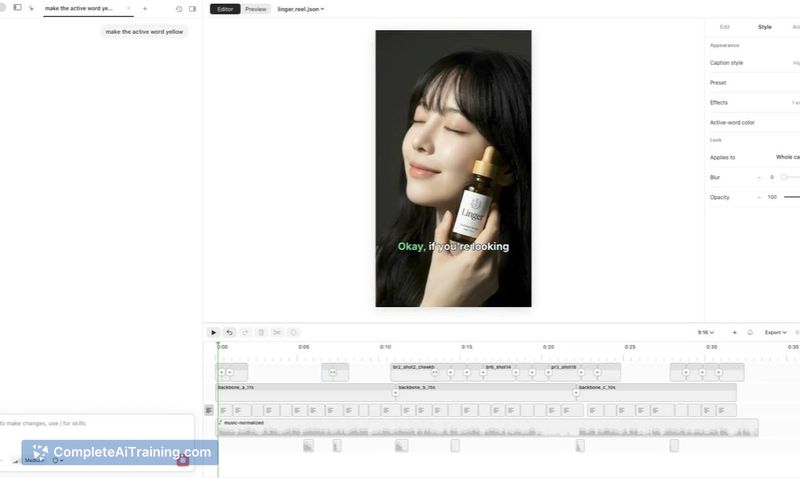
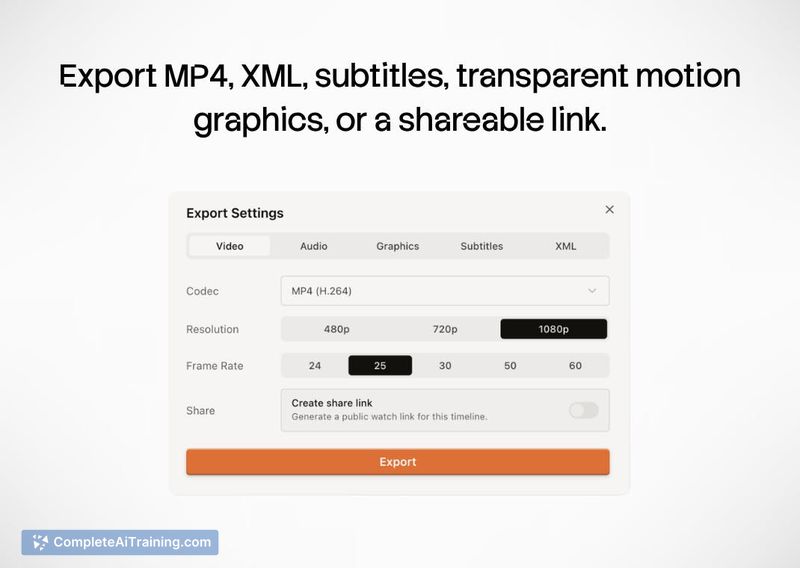
ChatCut is an AI video editor that runs inside ChatGPT, on desktop, and via web browser. It pairs an autonomous editing agent with a real, multi-track timeline where every cut, caption, B-roll placement, and motion graphic stays editable. Projects can be exported as XML for finishing in other professional software.
Review
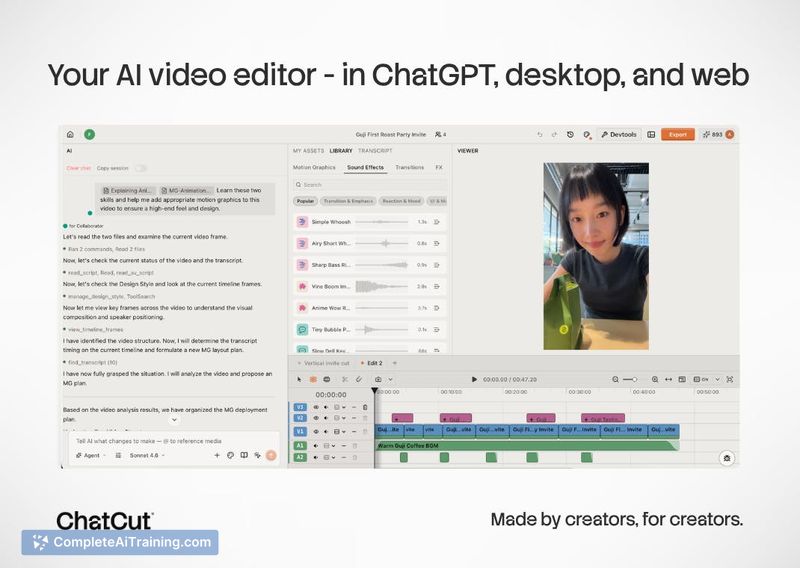

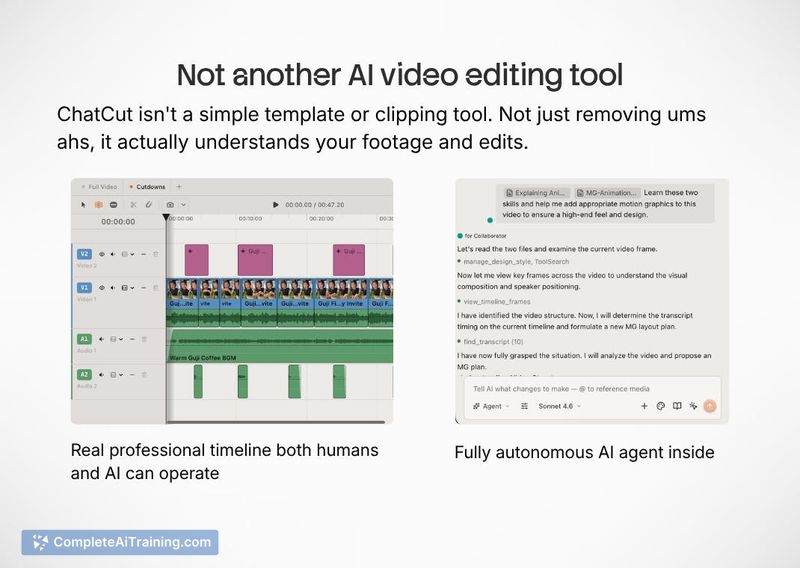
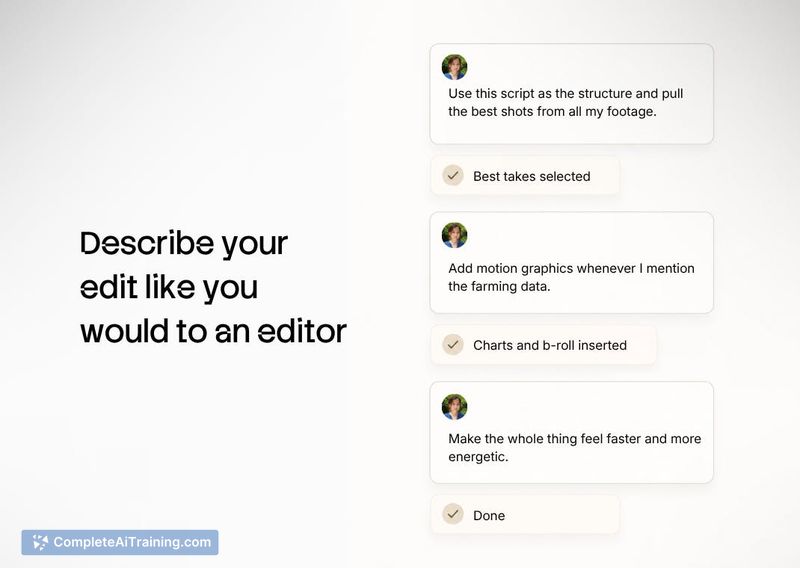
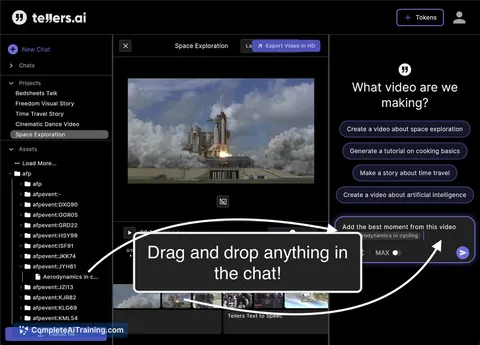
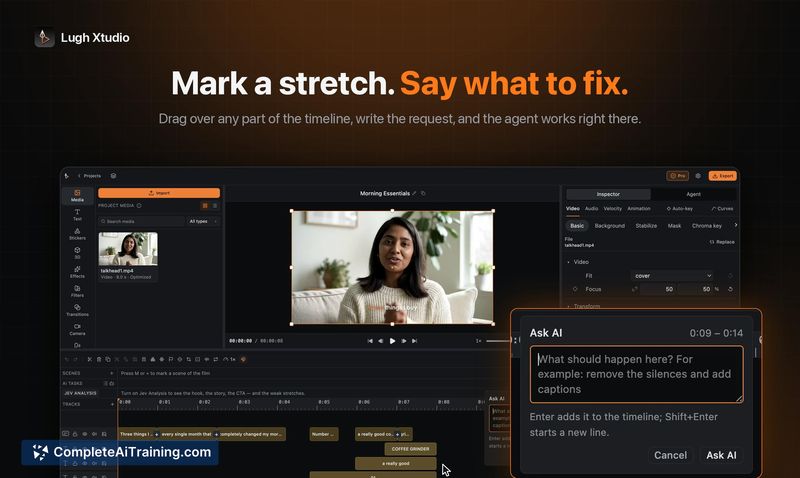
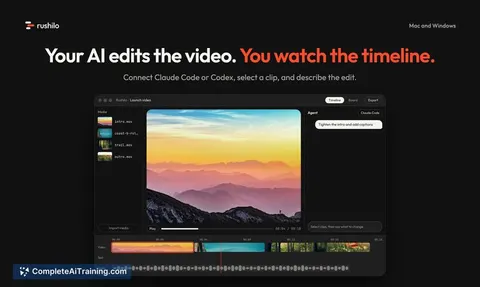
ChatCut approaches AI-assisted editing by giving the agent direct access to a timeline you can see and adjust, rather than generating a locked output. The tool aims to handle structural edits and repetitive tasks while leaving creative decisions to the user. Its integration with ChatGPT and Codex means editing commands can be issued in natural language.
Key Features
- An AI agent that analyzes footage and performs structural edits, rough cuts, and B-roll sourcing on a visible timeline.
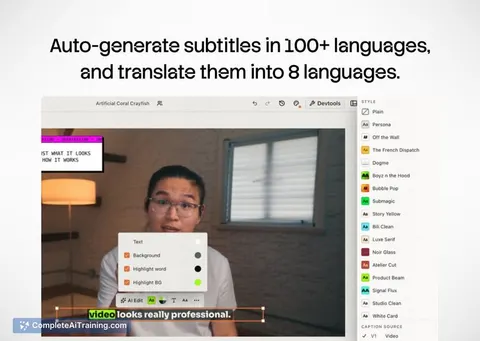
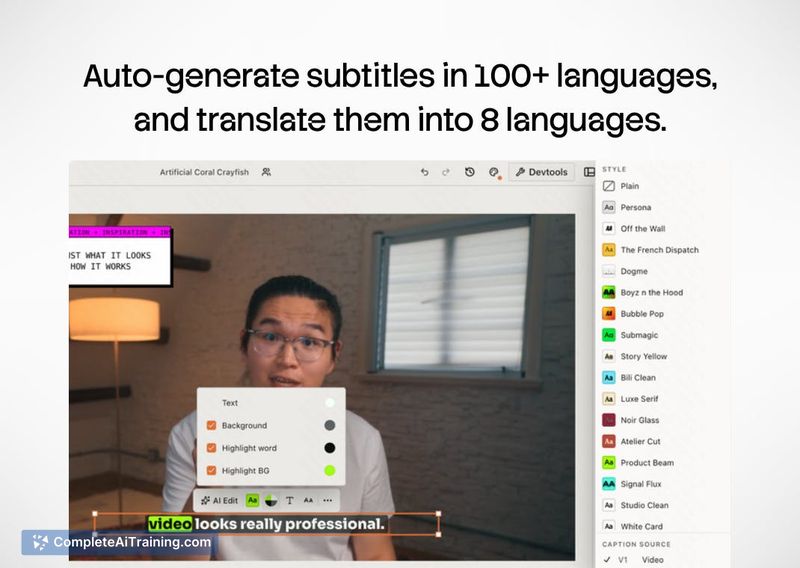
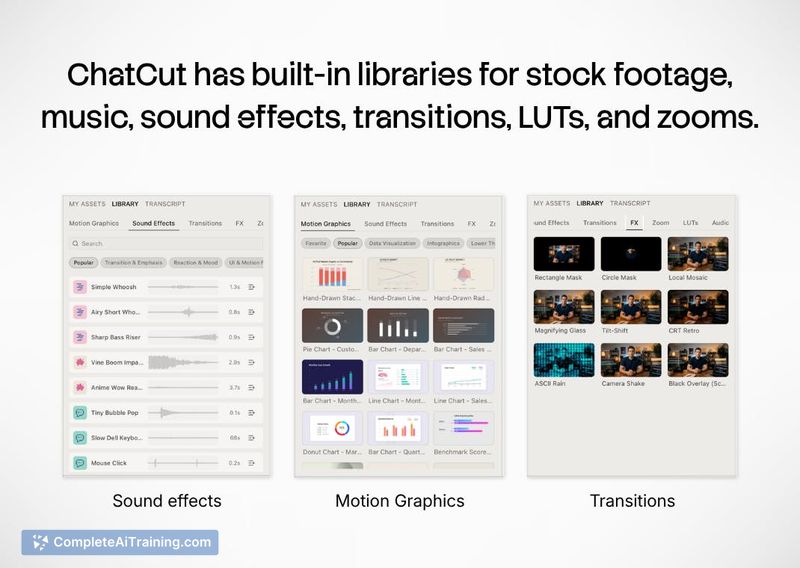
- A fully editable multi-track timeline with support for captions, voiceover, music, transitions, and motion graphics.
- XML export for moving projects into Premiere, DaVinci Resolve, Final Cut Pro, or custom-configured shortcuts.
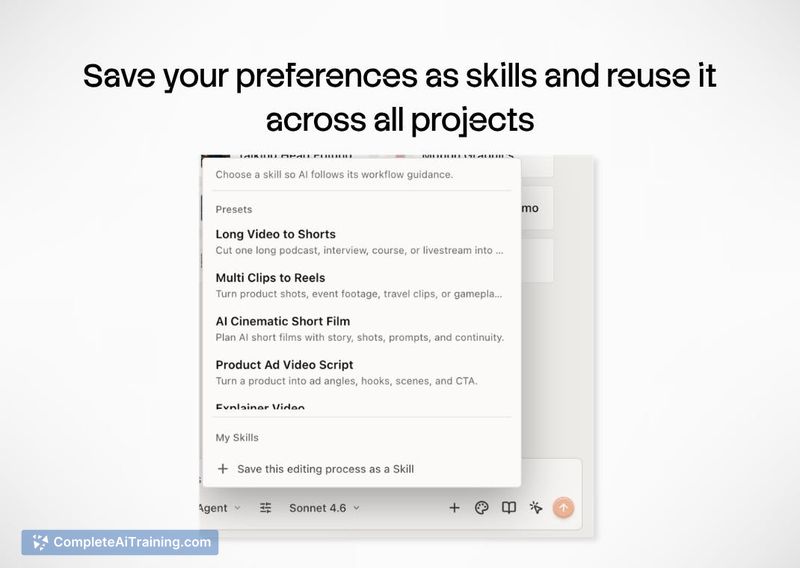
- Reusable skills that save editing workflows and motion graphics styles (including brand kits) for later projects.
- Built-in generation tools - Seedance 2, GPT Image 2, ElevenLabs voices, and stock footage - plus a plugin for ChatGPT/Codex.
Pricing and Value
Each account starts with 20 free credits. A 10% discount coupon is available for Product Hunt users. Credit consumption happens for generation tools (video, image, voiceover) and for editing actions. Generation costs show an estimate before execution; editing costs depend on task complexity and are harder to predict upfront. When using the ChatGPT/Codex plugin, editing actions draw from Codex tokens and do not spend ChatCut credits, so editing is effectively free for existing ChatGPT subscribers apart from generative asset usage. A detailed pricing model beyond the free credits has not been published yet.
Pros
- The AI agent works directly on a real timeline, so every edit it makes can be undone, tweaked, or built upon manually.
- XML export keeps the tool from locking users into one ecosystem - projects can continue in professional editors.
- Reusable skills let teams carry editing workflows and brand styles across multiple projects without starting from scratch.
- Access to generation tools and stock assets inside the same interface reduces the need to switch between platforms.
- The ChatGPT/Codex plugin allows text-based editing commands and repurposes an existing subscription's tokens for editing actions.
Cons
- The AI agent can misinterpret subjective stylistic choices and pacing nuances, so users often need to make manual corrections.
- Auto-sourced B-roll and stock assets sometimes feel repetitive or generic, requiring users to swap out material.
- ChatCut is not well suited for editors who need precise keyframe control over AI-generated motion graphics directly inside the web app.
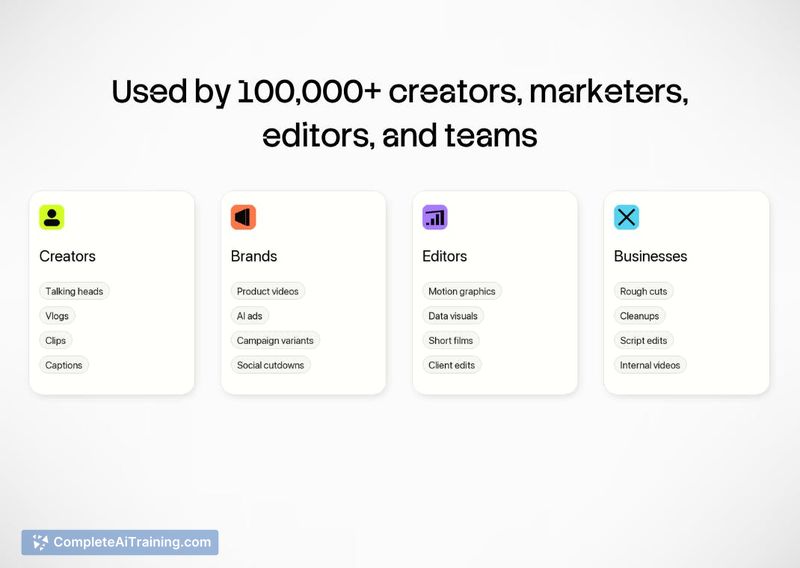
ChatCut fits creators and businesses that regularly produce video and want to speed up rough cuts, captioning, and asset sourcing while keeping full timeline control. The XML export and reusable skills make it practical for teams that hand off projects to professional software. The ChatGPT integration is a natural fit for those already working inside that environment, though projects demanding intricate manual animation or highly specific stylistic direction will still need additional refinement elsewhere.
Jobs ChatCut suits
We checked ChatCut against 500+ jobs; these get the most out of it.
Alternatives to ChatCut
Other tools that do the same main job. Our AI compared ChatCut with similar tools and kept the ones you could use instead.