AI tool
Adobe Firefly Video
Adobe Firefly Video transforms text or images into video clips quickly and safely for commercial use. It integrates seamlessly with Premiere Pro (beta) and other Adobe tools, streamlining your video creation process.
About Adobe Firefly Video
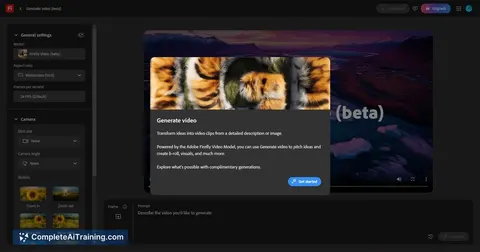
Adobe Firefly Video is an AI-powered tool designed to assist users in creating and editing videos with ease. It integrates intelligent features to streamline video production, making it accessible for both beginners and professionals.
Review
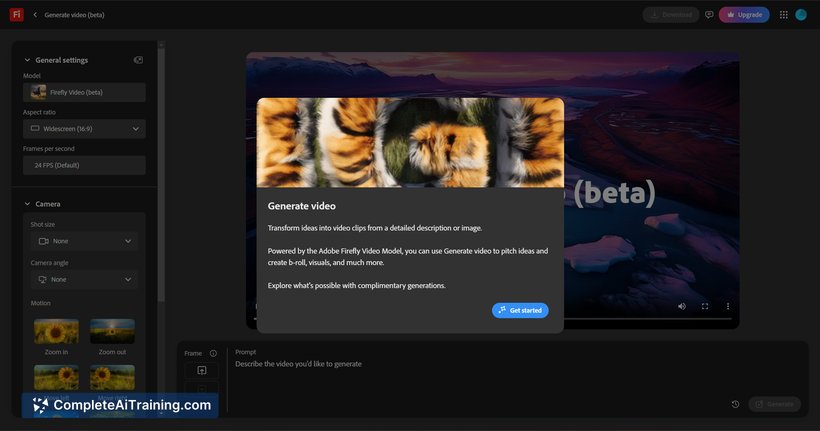
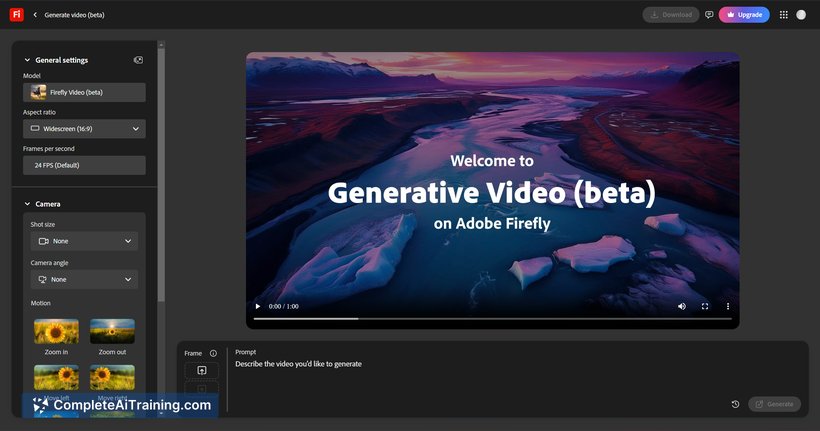
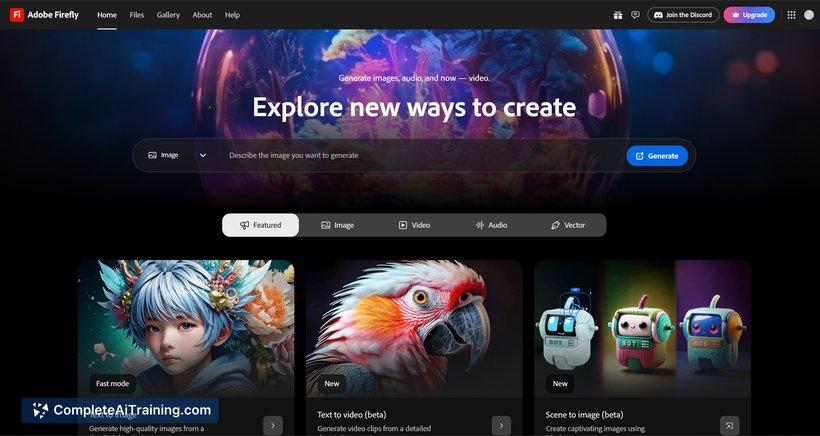
Adobe Firefly Video offers a straightforward approach to video editing by incorporating AI-driven capabilities that simplify various tasks. This tool aims to reduce the time and effort needed to produce quality videos while maintaining creative flexibility.
Key Features
- AI-assisted video generation and editing that accelerates the creative process.
- Intuitive interface supporting quick adjustments and real-time previews.
- Integration with Adobe Creative Cloud for seamless workflow across Adobe applications.
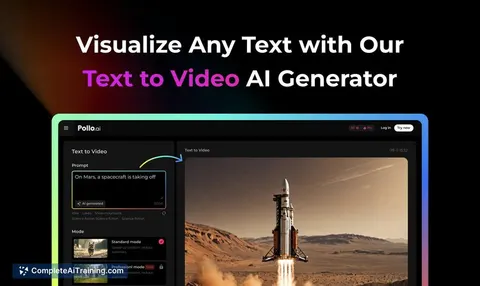
- Automated text-to-video conversion enabling fast creation from scripts or prompts.
- Customizable templates and effects to enhance video aesthetics without extensive manual effort.
Pricing and Value
The pricing for Adobe Firefly Video is typically structured around subscription models, often bundled within Adobe's broader Creative Cloud plans. This approach offers good value for users who already utilize Adobe's ecosystem, as it combines multiple creative tools under one subscription. For standalone use, pricing may vary, but the tool generally provides worthwhile features for video creators seeking efficiency and integration.
Pros
- User-friendly interface that caters to different skill levels.
- Strong integration with other Adobe products enhances productivity.
- AI capabilities reduce manual editing time significantly.
- Good selection of templates and customization options.
- Supports both beginners and experienced video editors.
Cons
- Subscription-based pricing may not be ideal for occasional users.
- Some advanced editing features might still require manual intervention.
- Performance can depend on hardware, especially for high-resolution projects.
Adobe Firefly Video is well-suited for content creators, marketers, and video editors who want to speed up their production process without sacrificing quality. It is particularly beneficial for those already familiar with Adobe’s suite of tools or looking for an AI-enhanced video editing experience.
Jobs Adobe Firefly Video suits
We checked Adobe Firefly Video against 500+ jobs; these get the most out of it.
Alternatives to Adobe Firefly Video
Other tools that do the same main job. Our AI compared Adobe Firefly Video with similar tools and kept the ones you could use instead.