About ChatScreen: Sider 2.0 for iOS
ChatScreen: Sider 2.0 for iOS is an innovative tool that allows users to interact with AI directly on their iPhone screen without switching between apps. By using a simple double-tap gesture, it enables quick analysis, translation, and discussion of any on-screen content through a smooth chat interface.
Review
This tool introduces a fresh approach to multitasking on iOS devices by integrating AI chat capabilities seamlessly over any app. It brings together multiple AI models and supports a wide range of file formats, making it a versatile assistant for productivity and information processing on the go.
Key Features
- Gesture-Activated AI Chat: Access AI interaction with a customizable double-tap gesture on any screen content without leaving the current app.
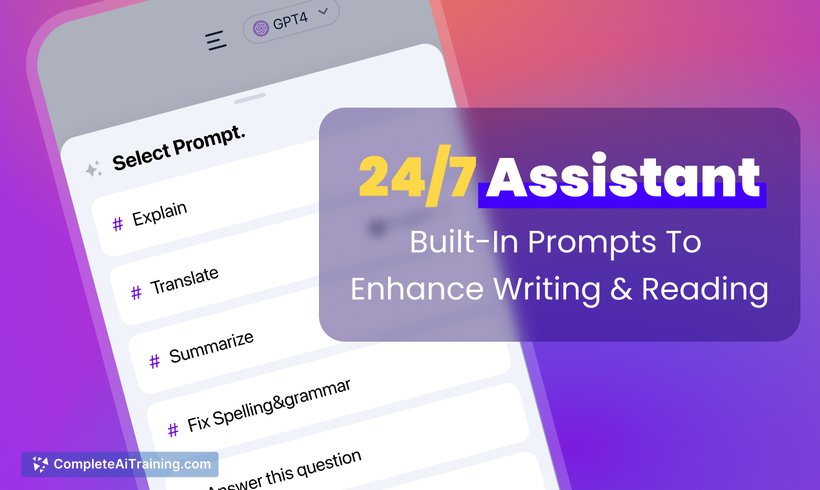
- Multiple AI Models: Chat with popular AI models like GPT-4o, Claude 3, Gemini 1.5 Pro, and Llama 3 from a single interface.
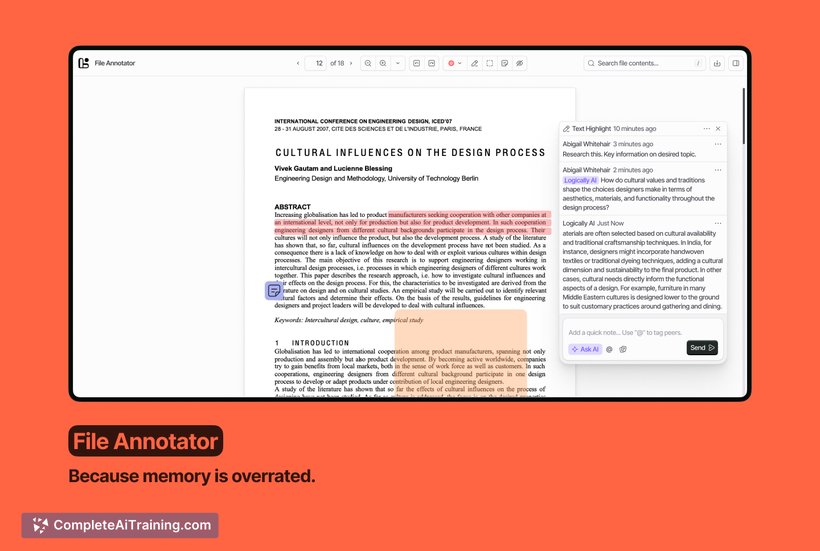
- Interactive File Support: Upload and interact with PDFs, images, and documents across 30+ file formats for quick answers and insights.
- Real-Time Web Browsing: Stay updated and get prompt assistance with integrated web browsing capabilities.
- Customizable Interface: Adjust activation gestures and interface settings to suit personal workflow preferences.
Pricing and Value
ChatScreen: Sider 2.0 for iOS is available as a free launch offering, providing users an opportunity to explore its features without upfront costs. Its value lies in enhancing multitasking efficiency by combining AI chat and file interaction in a single app environment, potentially reducing the need for multiple separate tools. For users looking to streamline their mobile workflows, this tool offers significant productivity benefits at no initial price.
Pros
- Seamless AI interaction without app switching, saving time and effort.
- Supports a wide variety of AI models, offering flexibility and choice.
- Handles multiple file types, turning documents into interactive chats.
- Customizable gesture controls enhance user convenience.
- Real-time web access integrated for up-to-date information.
Cons
- Currently available only on iOS, limiting accessibility for users on other platforms.
- Users new to AI chat interfaces may experience a slight learning curve.
- Advanced features may require stable internet connectivity for optimal performance.
Overall, ChatScreen: Sider 2.0 for iOS is well-suited for professionals and multitaskers who frequently work across multiple apps and need quick AI assistance without interruption. It benefits those who handle various document types and seek to enhance productivity through immediate content comprehension and interaction on their iPhones.
Open 'ChatScreen: Sider 2.0 for iOS' Website
Your membership also unlocks: