AI tool
Claude Code Rendering
Claude Code Rendering virtualizes the terminal viewport for Claude Code CLI, eliminating flicker and adding mouse support (click-to-position, expand results, URL/file clicks), smooth scrolling and transcript search - no external TUI or new depende...
About Claude Code Rendering
Claude Code Rendering is an opt-in renderer that virtualises a terminal viewport to provide flicker-free updates and add mouse interaction for command-line code sessions. It aims to keep memory usage steady over long conversations while preserving terminal portability and avoiding extra dependencies.
Review
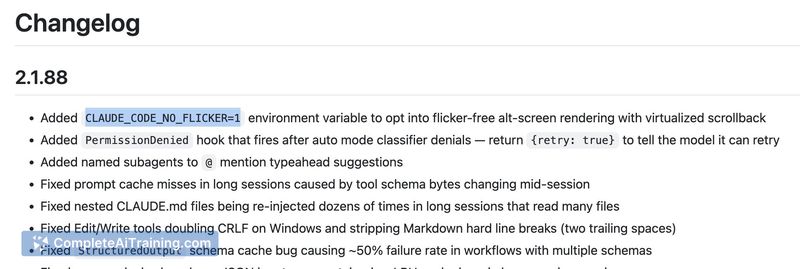
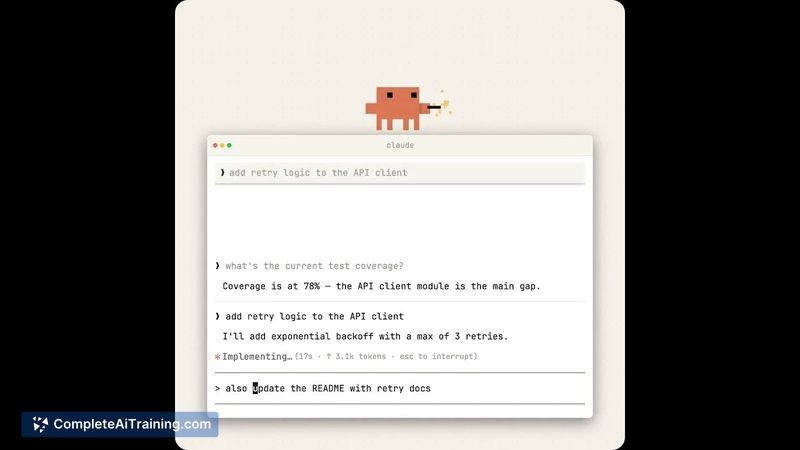
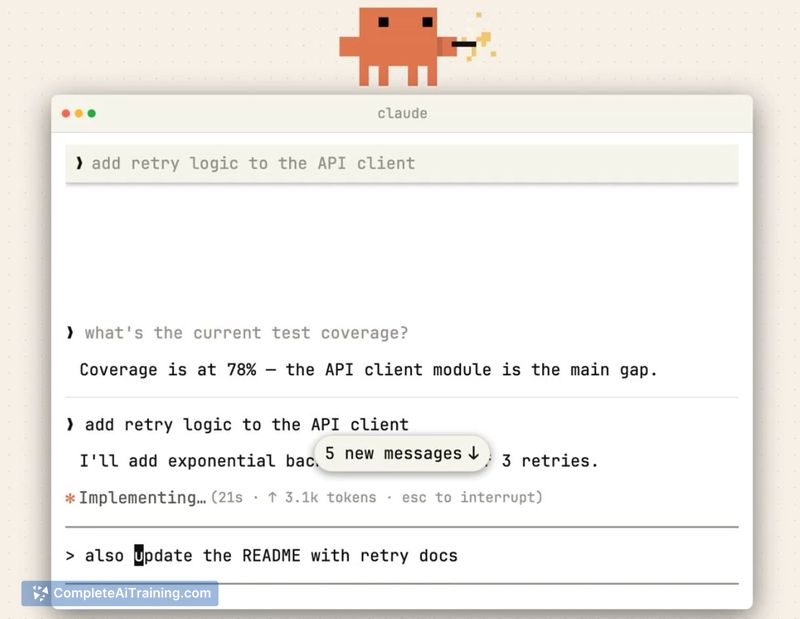
The renderer addresses a common annoyance in terminal-based AI coding: repeated full-screen clears that cause visible flicker and awkward scroll jumps during generation. By moving viewport control into the application layer, it reduces visual disruption, adds pointer-driven interactions, and keeps resource usage flat even as a session grows.
Key Features
- Viewport virtualisation to prevent full-screen redraw flicker during updates.
- Mouse support including click-to-position, click-to-expand results, and clickable links/paths.
- Mouse-wheel scrolling and transcript search with a less-style navigation mode.
- Constant memory and steady CPU use regardless of conversation length.
- Opt-in mode with no added runtime dependencies, retaining broad terminal compatibility.
Pricing and Value
Claude Code Rendering is offered as a research preview and is available to try at no charge. As an opt-in feature, it provides clear value for users who spend extended time in terminal sessions by improving readability and interaction without introducing extra software costs. Documentation outlines tradeoffs, including differences in some native find and clipboard behaviors while the mode is active.
Pros
- Significantly reduces flicker and distracting redraws during generation.
- Adds mouse interactions that make terminal sessions feel more interactive and easier to scan.
- Maintains flat memory usage in long-running sessions, which helps stability.
- No new external dependencies, preserving portability across terminals.
- Easy to enable as an opt-in rendering mode for those who want to try it.
Cons
- Marked as a research preview, so some behaviors are experimental and may change.
- Native find and copy-paste behavior can differ while the renderer is active, which may interrupt established workflows.
- Possible compatibility quirks with certain terminal setups; testing is recommended before relying on it in critical workflows.
Overall, Claude Code Rendering is best suited for developers who use terminal-based code assistants frequently and who experience visual flicker or performance drift in long sessions. It is a practical option to try for improving readability and interactivity in CLI sessions, while users who need strict native terminal behavior should evaluate the tradeoffs first.
Jobs Claude Code Rendering suits
We checked Claude Code Rendering against 500+ jobs; these get the most out of it.