About Claw Executive OS
Claw Executive OS is a desktop assistant that automates the organization and management of local files using AI agents. It processes data on-device for privacy-first handling and can connect to a cloud bridge for continuous or complex delegation when needed.
Review
This review covers the core capabilities, pricing model, and practical trade-offs of Claw Executive OS. The product emphasizes automated file cleanup and structured storage without forcing a chat-centric workflow, aiming to reduce manual file management for busy users.
Key Features
- Local-first processing: on-device vision and classification models keep sensitive files off remote servers for routine tasks.
- Automated file janitor: watches messy folders (like Downloads) and organizes files into sensible structures automatically.
- Vault and privacy controls: operations run on the user's disk with options to select external LLM providers with zero-retention policies.
- Cloud bridge for heavy work: an optional connection to AgenticFlow Cloud for 24/7 delegation and larger or continuous tasks.
- Flexible licensing: a free-forever tier at launch plus a paid lifetime license option instead of recurring monthly fees.
Pricing and Value
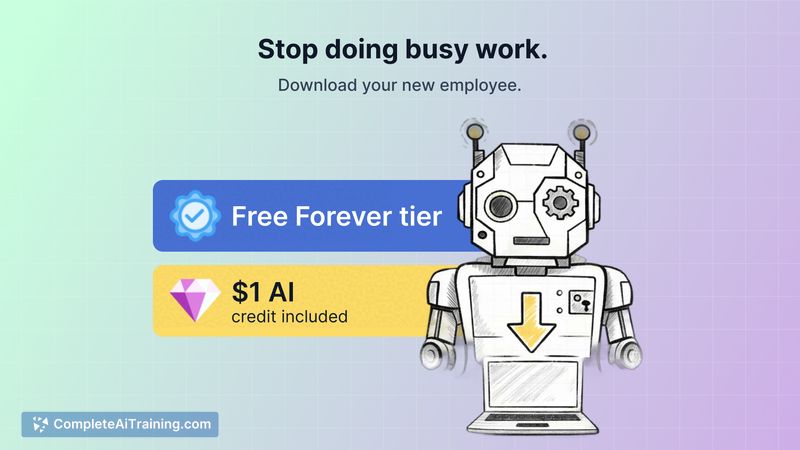
Claw Executive OS is offered with a free tier that, at launch, is reported as fully unlocked and includes a small credit for premium model testing. For users who want the full feature set without subscriptions, a lifetime license is available (often discounted at launch). The value proposition centers on a one-time purchase model and reduced dependency on paid cloud services for everyday file management, though some advanced or always-on scenarios will rely on the optional cloud bridge or third-party LLM subscriptions.
Pros
- Strong privacy focus thanks to on-device processing for routine operations.
- Meaningful time savings by automating repetitive file organization tasks.
- One-time licensing option and an accessible free tier reduce long-term cost for many users.
- Lightweight, background-friendly architecture intended for continuous use without heavy resource drain.
- Ability to offload complex or continuous jobs to an optional cloud service when needed.
Cons
- Platform availability appears focused on specific desktop environments (Mac emphasis at launch), so cross-platform support may be limited initially.
- On-device models have practical limits for extremely large or compute-heavy files (e.g., very large videos), which can require cloud processing or additional setup.
- Automated file operations alter local storage, so users should review settings and keep backups until comfortable with behavior.
Overall, Claw Executive OS is well suited for professionals and privacy-conscious individuals who want to reduce time spent managing files and prefer a purchase model without recurring fees. It works best for desktop users whose workflows fit a local-first approach and who are comfortable allowing an AI tool to perform automated file changes; those who need broad platform coverage or heavy media processing should evaluate cloud integration needs before committing.
Open 'Claw Executive OS' Website
Your membership also unlocks: