About Clicky
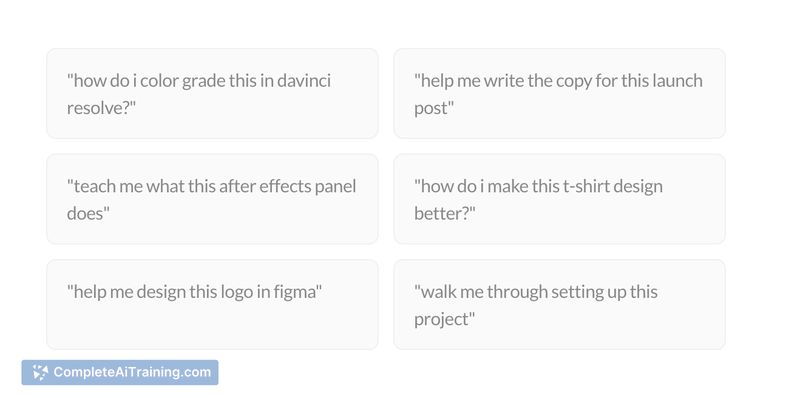
Clicky is a free macOS AI buddy that sits next to your cursor and provides context-aware, voice-first assistance. It can see your screen when activated, listen to spoken questions, and offer step-by-step guidance inside apps like Figma, DaVinci, and code editors.
Review
Clicky introduces an on-screen assistant that minimizes context switching by working directly where you are: beside the cursor. It streams responses and can point at UI elements, making instructions more immediate than a typical chat window. The app is open-source and runs on both Apple Silicon and Intel Macs, and it uses Claude, AssemblyAI, and ElevenLabs for its model and voice capabilities.
Key Features
- Screen-aware assistance (activate with a hotkey to let the assistant see the active window)
- Voice-first interaction with spoken responses and real-time streaming
- Pointer guidance that highlights or points to UI elements for clearer instructions
- Privacy-first approach with no passive recording and explicit activation
- Open-source codebase and support for Apple Silicon and Intel Macs
Pricing and Value
Clicky is offered for free and its source code is available as open-source software, which makes it accessible for users who want to inspect or contribute to the project. For macOS users who prefer hands-on, in-context help, the tool provides strong value because it reduces the need to switch between apps and documentation. Note that some processing is provided by external services (Claude, AssemblyAI, ElevenLabs), so users interested in data handling should review those integrations and privacy settings.
Pros
- Integrates directly into the workflow so help appears where you are working, not in a separate app
- Voice responses and real-time streaming make guidance feel immediate and conversational
- Pointer guidance clarifies instructions by indicating UI elements visually
- Free and open-source, allowing inspection or modification of the codebase
- Works on both Apple Silicon and Intel Macs
Cons
- macOS-only, so Windows and Linux users cannot use it natively
- Screen-aware features require trust and explicit permissions; some users may find the capture intrusive
- Relies on third-party services for models and voice processing, which may affect offline use and privacy preferences
Clicky is a good fit for creators, designers, and developers who prefer guided, hands-on help inside their apps and for learners who benefit from visual, spoken walkthroughs. For users concerned about platform support or privacy, it's worth testing the tool and reviewing integration settings before relying on it for sensitive workflows.
Open 'Clicky' Website
Your membership also unlocks: