
AI tool
ComfyUI-Copilot
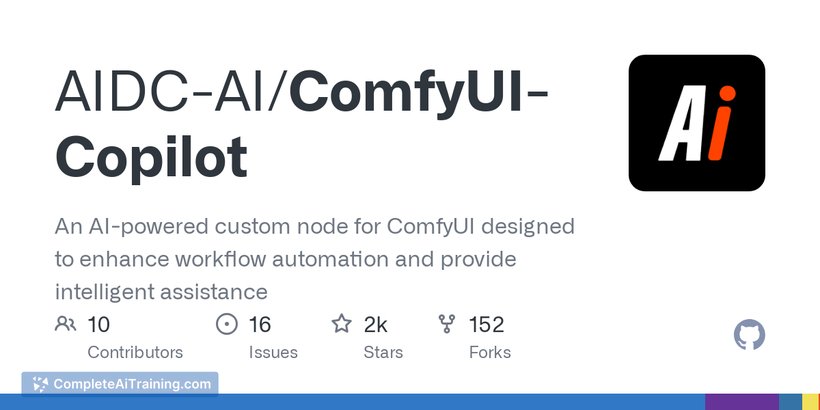
ComfyUI-Copilot is an AI assistant that simplifies ComfyUI workflows by letting you describe tasks in natural language and automatically fine-tunes parameters, making setup faster and more accessible for both beginners and experts.

About ComfyUI-Copilot
ComfyUI-Copilot is an open-source AI assistant developed to simplify the use of ComfyUI by allowing users to create workflows through natural language input. It integrates seamlessly into the ComfyUI interface, providing intelligent node suggestions and parameter exploration to enhance workflow building.
Review

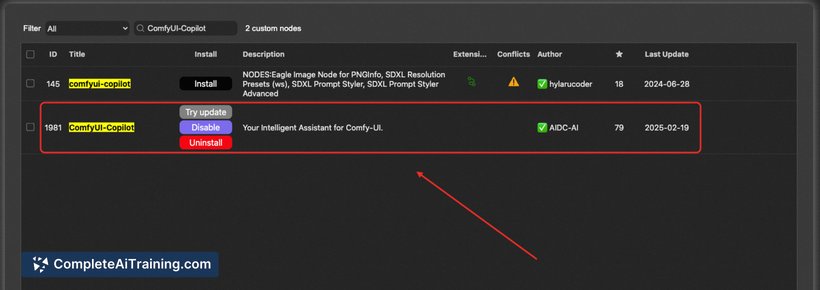
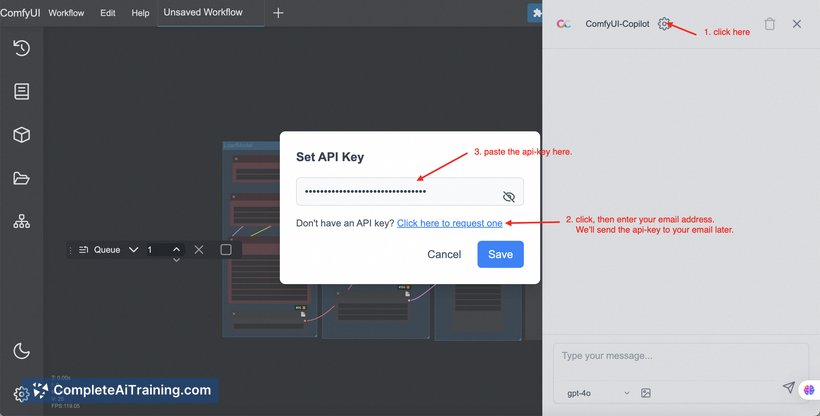
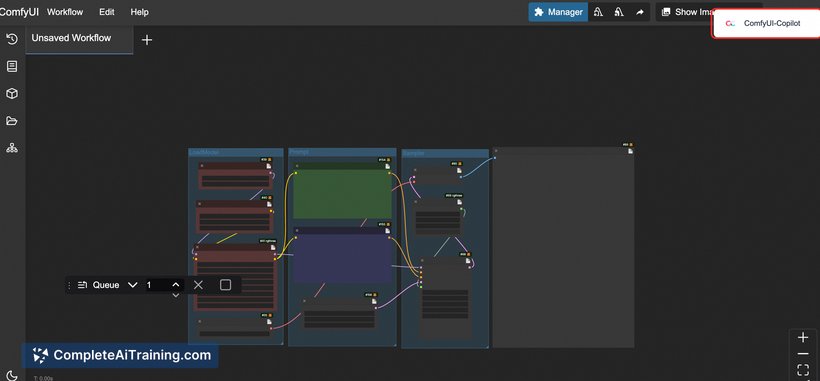
ComfyUI-Copilot offers a straightforward way to interact with ComfyUI, making the process of building and adjusting workflows more accessible. Whether you are new to ComfyUI or an experienced user, this assistant aims to reduce the effort involved in finding the right nodes and optimizing parameters.
Key Features
- Natural language input for creating and modifying workflows without manual node selection.
- Automatic suggestions for nodes based on user descriptions to speed up workflow construction.
- GenLab feature that explores and optimizes parameters automatically to improve results.
- Direct integration inside the ComfyUI interface for a smooth user experience.
- Open-source availability, encouraging community contributions and transparency.
Pricing and Value
ComfyUI-Copilot is available for free, which makes it an attractive option for users looking to enhance their ComfyUI experience without additional costs. Its open-source nature means users can access and modify the source code, offering flexibility and potential for customization.
Pros
- Greatly lowers the barrier for new users by simplifying workflow creation.
- Saves time with automatic node suggestions and parameter tuning.
- Seamless integration into the existing ComfyUI setup.
- Community-backed open-source project with ongoing improvements.
- Supports efficient exploration of complex workflows.
Cons
- Effectiveness depends on the clarity of natural language input, which may vary by user.
- Some advanced users might find limitations in customization through natural language alone.
- As an open-source tool, support relies mainly on community resources rather than dedicated customer service.
Overall, ComfyUI-Copilot is well suited for users who want to streamline their workflow creation process in ComfyUI, especially beginners or those looking to save time on manual configuration. It is ideal for anyone interested in leveraging natural language to build and optimize workflows efficiently within an open-source environment.
Jobs ComfyUI-Copilot suits
We checked ComfyUI-Copilot against 500+ jobs; these get the most out of it.



