
About: Commabot
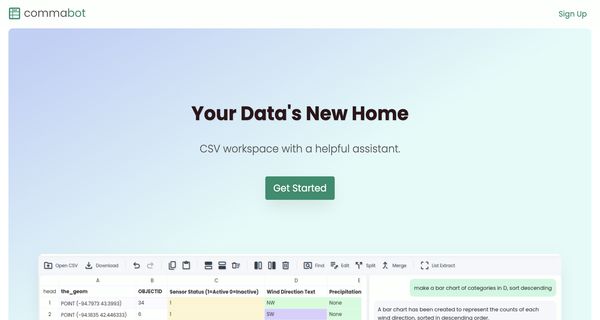
Commabot is a sophisticated online CSV editor tailored for efficient data management and task automation. This tool empowers users to effortlessly open, view, and edit CSV files within a streamlined spreadsheet interface, making it particularly effective for handling extensive data sets. Among its standout features is an AI assistant that automates repetitive tasks, such as bulk editing, ensuring data consistency while significantly reducing time spent on manual entries.
Commabot also excels in processing unstructured text, allowing users to extract relevant information seamlessly. Furthermore, it supports versatile data transformations, enabling conversions between CSV, nested JSON, and XML formats. This adaptability makes it an invaluable resource for data analysts, researchers, and anyone needing to manipulate data efficiently.
What sets Commabot apart is its user-centric design, including a dark mode option that enhances comfort during prolonged use. Overall, Commabot enhances productivity and accuracy in data management, making it an essential tool for modern data workflows.
Review: Commabot
Introduction
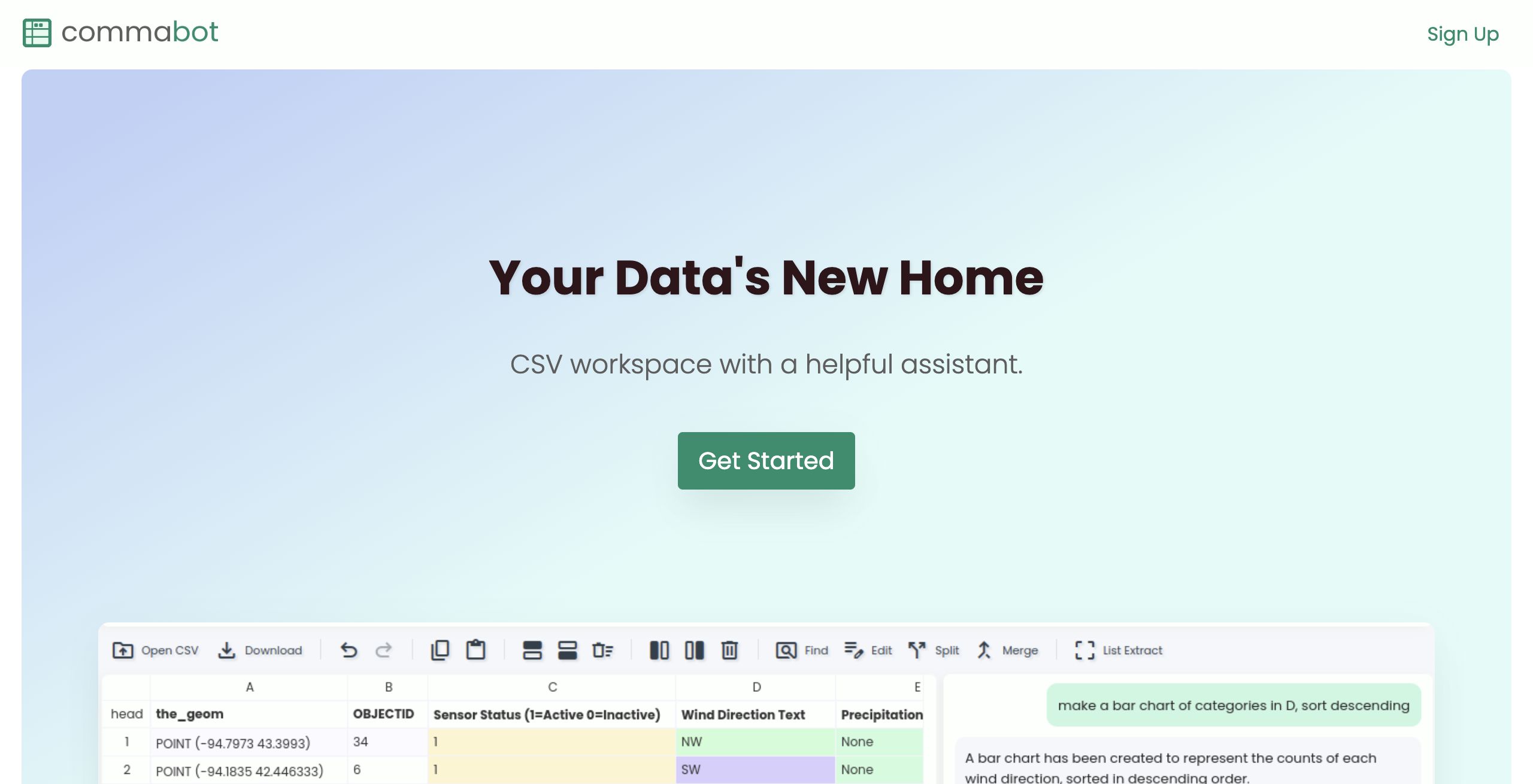
Commabot is an innovative online CSV editor designed to simplify data management and automate task handling. It is ideally tailored for users who frequently work with CSV files and large data sets, including data analysts, business professionals, and anyone looking to streamline their data workflows.
The relevance of Commabot lies in its ability to not only manage and edit CSV files through a user-friendly spreadsheet interface but also leverage an AI assistant to perform repetitive tasks, making it an invaluable tool in today's data-driven environment.
Key Features
Commabot comes equipped with an array of functionalities that set it apart in the realm of data management tools. Its standout features include:
- CSV Workspace: An organized interface that allows users to easily open, view, and browse through their CSV or spreadsheet files.
- Edit Functionality: A familiar and intuitive spreadsheet interface which simplifies making changes directly to data sets.
- AI Assistant: An intelligent feature that automates tedious tasks such as bulk editing, significantly reducing manual efforts and ensuring consistency.
- Data Extraction: The ability to extract meaningful information from unstructured text, boosting data usability and insight generation.
- Format Conversion: Options to convert between CSV, nested JSON, and XML formats, enhancing versatility for different data handling needs.
- Dark Mode: A customizable interface that helps reduce eye strain, catering to users who prefer a darker theme during extended periods of use.
Pros and Cons
- Pros:
- Efficient CSV file management through an intuitive, spreadsheet-based interface.
- Automation of repetitive tasks with the AI assistant saves time and increases productivity.
- Versatile data handling with robust file format conversion and extraction capabilities.
- Dark mode enhances user experience for prolonged use in various lighting conditions.
- Cons:
- Limited information on pricing and subscription details may require further investigation.
- Users unfamiliar with spreadsheet interfaces might need a brief adjustment period.
Final Verdict
Overall, Commabot stands out as a comprehensive tool for individuals and professionals who manage large volumes of CSV data on a regular basis. Its combination of ease of use, powerful automation features, and versatile data handling functions makes it a strong candidate for organizations that prioritize efficient data processing.
Commabot is highly recommended for data analysts, business professionals, and teams that need to enhance their data management capabilities and reduce manual tasks. However, those unfamiliar with spreadsheet-based interfaces or who require explicit pricing information may need to further explore the tool before fully committing.
Open 'Commabot' Website
Your membership also unlocks:


















