About Cuto
Cuto is an AI-assisted video editing workspace that automates repetitive post-production tasks. Upload clips, describe the desired outcome, and the tool produces edits with synced captions, highlights, and platform-ready exports.
Review
Cuto focuses on speeding up routine editing work by planning edits, identifying highlight moments, and preparing content for multiple social platforms. It aims to let creators spend less time on trimming and formatting and more time on creative decisions.
Key Features
- AI edit planning that identifies highlights and suggests pacing
- Automatic caption syncing and subtitle enhancement
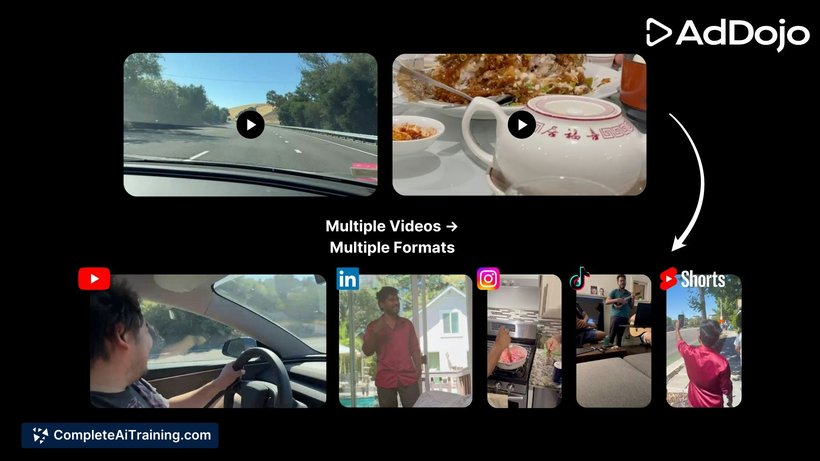
- Multi-platform export presets for vertical and horizontal formats
- Branded watermarking and export preview before finalizing
- Automated social media copy generation to accompany exports
Pricing and Value
Cuto is offered as a paid product; specific pricing tiers and limits are listed on the product site. The value proposition centers on time savings for creators who regularly publish short-form or cross-platform video, making it appealing for those who prioritize speed and consistency over manual timeline work.
Pros
- Reduces time spent on repetitive tasks like captioning and format adjustments
- Convenient multi-platform export options for social channels
- Helps solo creators and small teams produce consistent branded content quickly
- Includes export preview and watermarking for quick quality checks
Cons
- Requires a paid plan, which may be a barrier for infrequent users
- Automatic edits and captions can still require manual tweaks for perfect accuracy
- May not offer the depth of control needed for complex or high-end editing projects
Overall, Cuto is best for creators, social managers, and small teams who need fast, repeatable video outputs for multiple platforms. Those producing high-end, finely tuned edits may find it less suited to their needs, but it can significantly speed up routine workflows.
Open 'Cuto' Website
Your membership also unlocks: