About Dataherald
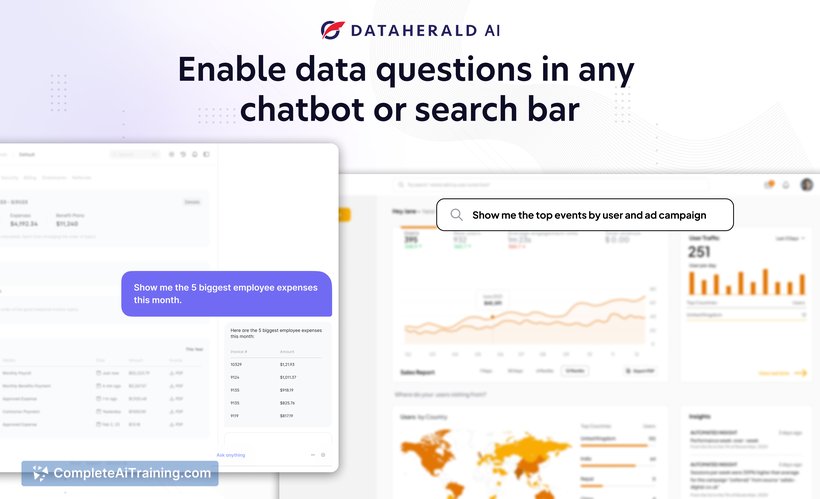
Dataherald is an AI-powered platform designed to streamline data integration and automation for businesses. It enables users to connect, transform, and deliver data across various applications without extensive coding knowledge. The tool aims to simplify complex data workflows and enhance operational efficiency.
Review
Dataherald offers a user-friendly environment for managing data processes with minimal technical barriers. It caters to both technical and non-technical users by providing visual tools and automation capabilities. This review covers its main features, pricing, advantages, and limitations to help determine its suitability for different use cases.
Key Features
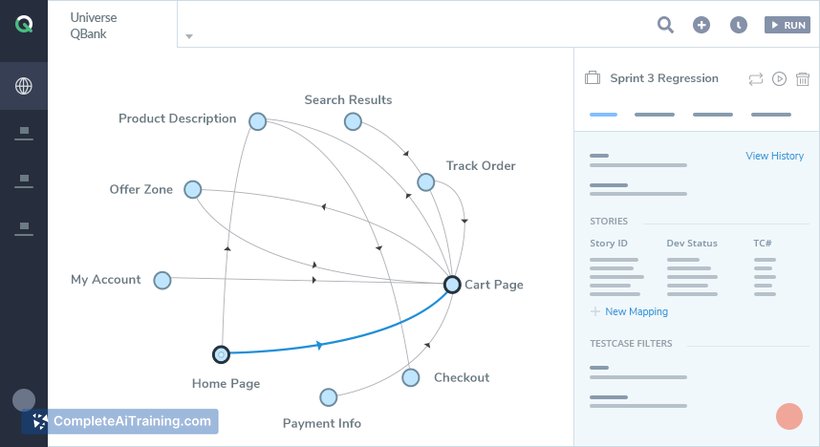
- Visual Data Pipeline Builder: Allows users to create and manage data workflows through a drag-and-drop interface.
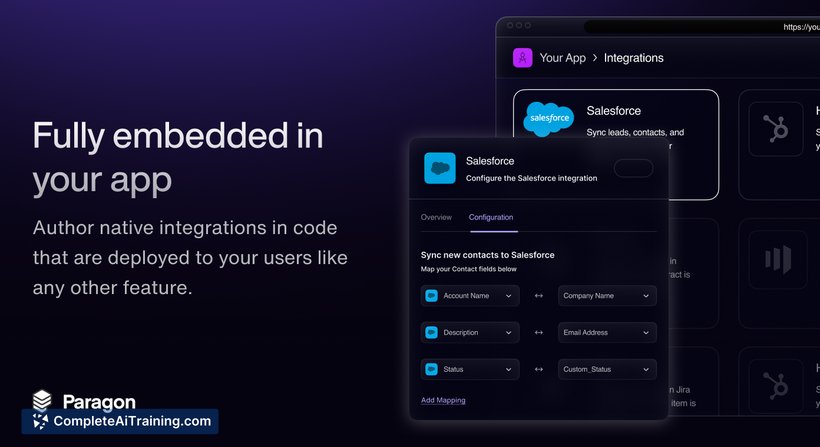
- Multi-Source Integration: Supports connection to various data sources such as databases, cloud services, and APIs.
- Automated Data Transformation: Enables automatic cleansing, aggregation, and formatting of data without manual scripting.
- Real-Time Data Sync: Provides options for syncing data between applications in near real-time.
- Collaboration Tools: Facilitates teamwork with shared projects and version control features.
Pricing and Value
Dataherald offers a tiered pricing model that includes a free plan with basic features, suitable for small projects or initial testing. Paid plans scale based on the number of data sources, workflow complexity, and usage volume. The pricing is competitive for users needing flexible data automation without investing heavily in development resources, making it a cost-effective option for startups and medium-sized businesses.
Pros
- Intuitive interface that lowers the barrier for data automation.
- Wide range of integrations covering common data platforms.
- Automation reduces manual data handling and errors.
- Real-time synchronization supports timely decision-making.
- Collaboration features help teams work efficiently on data projects.
Cons
- Advanced customization options may require some technical knowledge.
- Occasional latency issues reported in complex workflows.
- Limited offline capabilities as it is primarily cloud-based.
Overall, Dataherald is well-suited for businesses looking to automate data processes without heavy reliance on coding expertise. It fits organizations aiming to improve data flow efficiency and collaboration, particularly in environments with multiple data sources. Users seeking extensive customization or offline functionality may need to consider additional tools alongside this platform.
Open 'Dataherald' Website
Your membership also unlocks: