
AI tool
DocsAlot CLI
DocsAlot CLI turns AI-generated draft documentation into a polished docs site and gives coding agents a workflow to keep it current. Users describe desired outcomes in plain English, such as creating or pulling docs, previewing changes, migrating ...
About DocsAlot CLI
DocsAlot CLI is a command-line tool that turns drafts created by coding agents like Claude Code or Codex into a structured documentation site. It gives those agents a workflow for creating, updating, previewing, and publishing docs, with human approval required before anything goes live. The tool is built by the team behind DocsAlot, a knowledge base software for human and AI readers.
Review
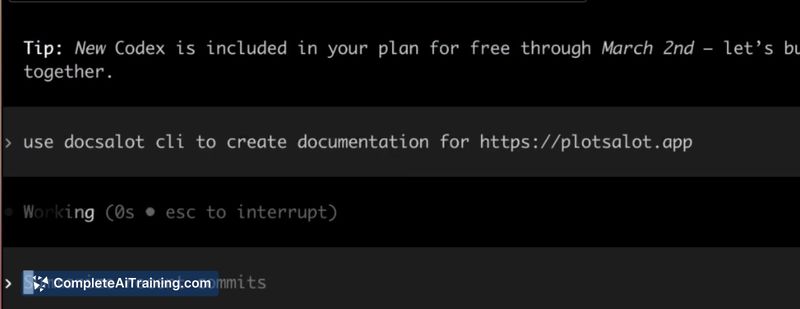
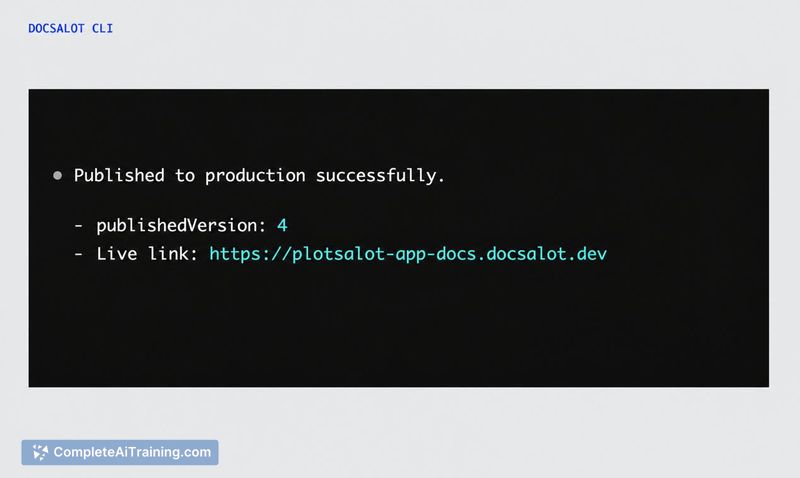
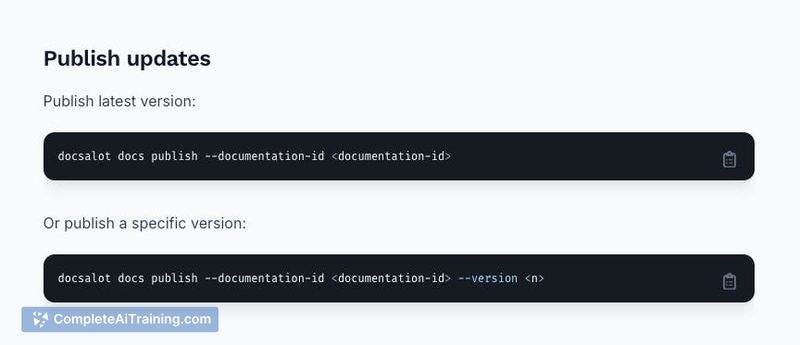
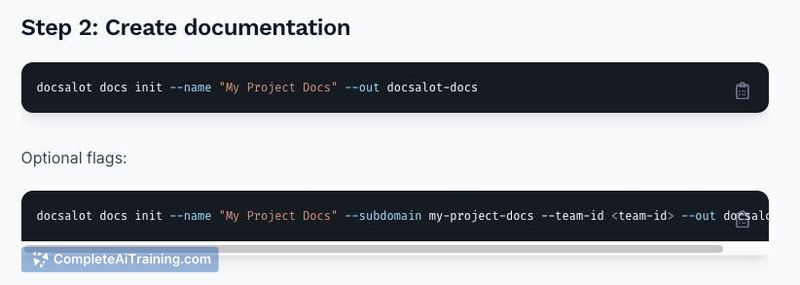
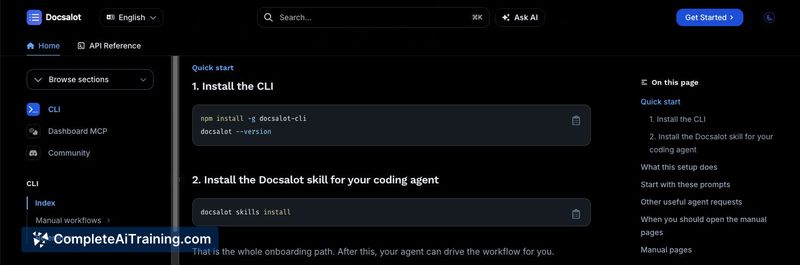
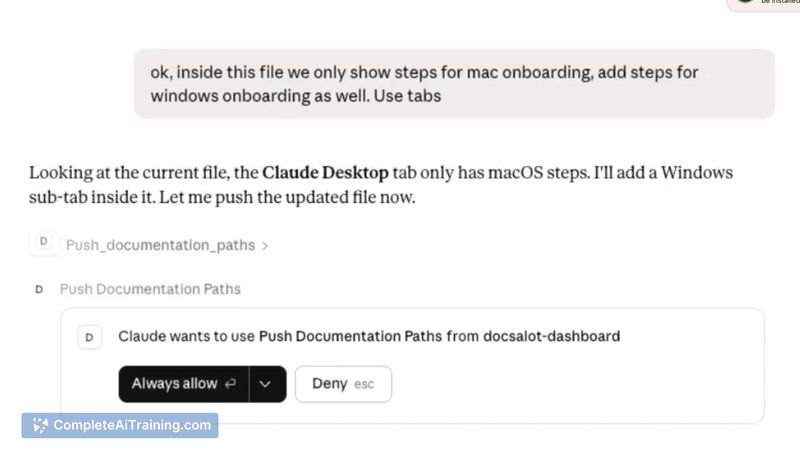
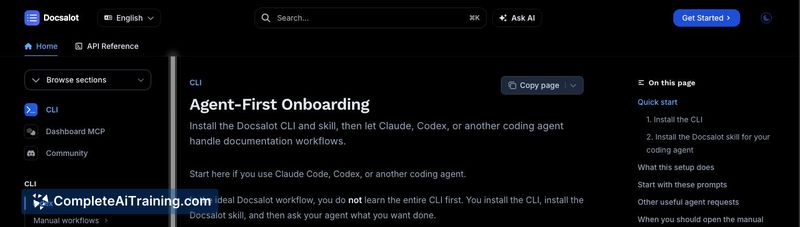
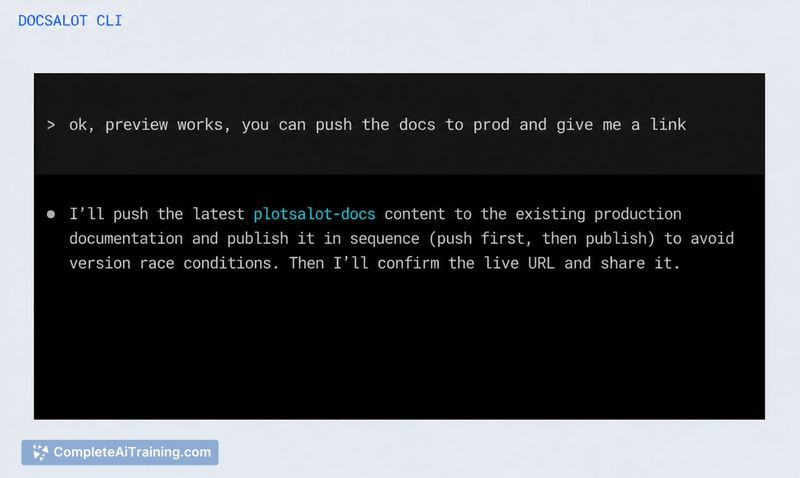
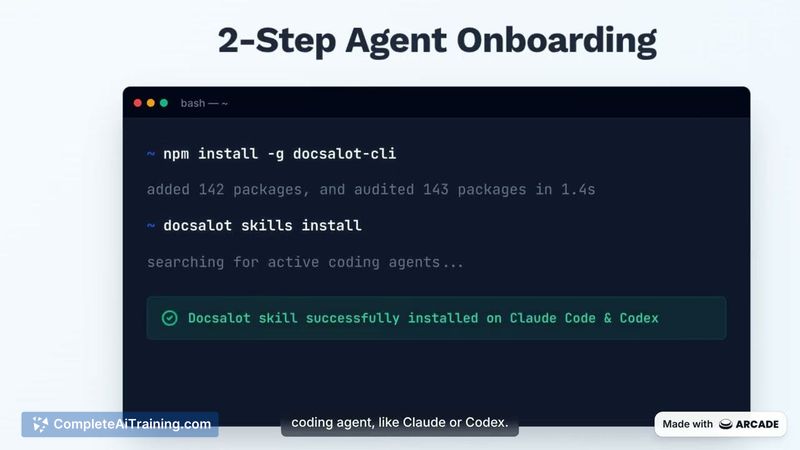
DocsAlot CLI targets a specific problem: coding agents write decent first drafts, but organizing those drafts into a maintainable docs site is manual work. The tool hands the entire workflow to the agent, so you describe what you want in plain English and the agent handles the CLI commands. It's a different approach than most documentation tools, which assume a human will do the writing and publishing directly.
Key Features
- Plain-English agent workflow: ask Claude Code, Codex, or Backboard to create, pull, or update docs without memorizing CLI commands
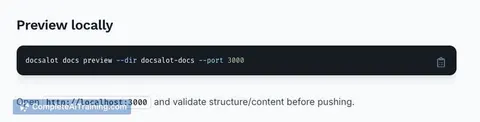
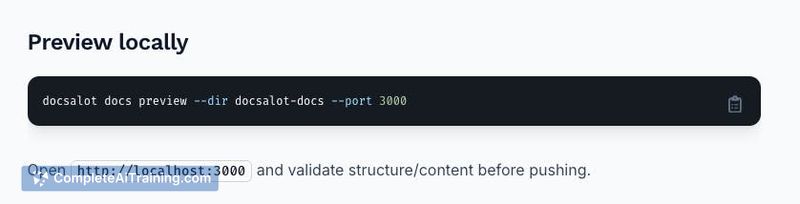
- Local preview server: run a preview of the docs site before anything is published
- Version control: save versions of docs so you can track changes over time
- Approval gate: publishing happens only after you approve the previewed result
- Migration support: existing documentation content can be pulled into the tool
- Underlying CLI for CI pipelines: developers can bypass the agent and run commands directly in automation
Pricing and Value
The Product Hunt listing marks DocsAlot CLI as "Payment Required," but the launch page does not include specific pricing tiers or a free trial structure. The pricing model is not yet defined in the reference content. The value case rests on reducing the time spent keeping docs current, particularly when APIs change and stale context causes agents to read outdated information.
Pros
- Removes the need to memorize documentation commands; the agent translates plain-English requests into CLI actions
- Keeps a human in the loop with preview and approval steps before publishing
- Works with multiple coding agents, including Claude Code, Codex, and Backboard
- Includes a real CLI underneath, so CI pipelines can automate doc generation without an agent
Cons
- Requires a coding agent to get the full benefit; if you don't use Claude Code, Codex, or similar tools, you're left with a bare CLI and no workflow
- Does not automatically detect drift between docs and code; the agent must be told to re-pull or update when something changes, as confirmed by the founder's response to a user question
- Not well suited for teams that want a human-friendly web editor; the workflow assumes agent-driven interaction rather than manual editing
DocsAlot CLI fits teams that already rely on coding agents and want those agents to own the documentation lifecycle. It's most useful when docs frequently go stale and you need a repeatable publishing workflow with approval checkpoints. Teams without an agent-based workflow or those preferring a GUI editor will find the tool less relevant.
Jobs DocsAlot CLI suits
We checked DocsAlot CLI against 500+ jobs; these get the most out of it.



