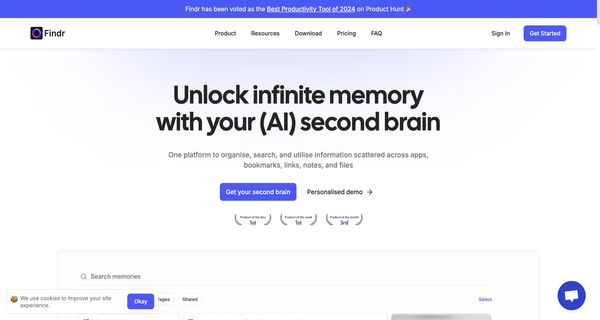
About: Findr
Findr is an innovative AI-driven search tool designed to simplify and expedite information retrieval across multiple workplace applications, including Gmail, Slack, Jira, and Google Drive. By consolidating searches into a single query interface, Findr allows users to effortlessly locate documents, answers, and other essential data without the need to navigate through each individual app. This unified approach not only saves valuable time but also enhances overall productivity.
Key features of Findr include instant search capabilities that return relevant results quickly, AI-assisted summarization for efficient information digestion, and smart email composition to streamline communication. The tool operates within a secure environment, ensuring compliance with existing data access permissions.
Findr is particularly beneficial for teams looking to optimize workflows, reduce the friction of information retrieval, and foster collaboration. Its unique ability to integrate searches from diverse applications into one coherent system makes it an invaluable asset for any modern workplace, promoting efficiency and allowing users to focus on what truly matters.
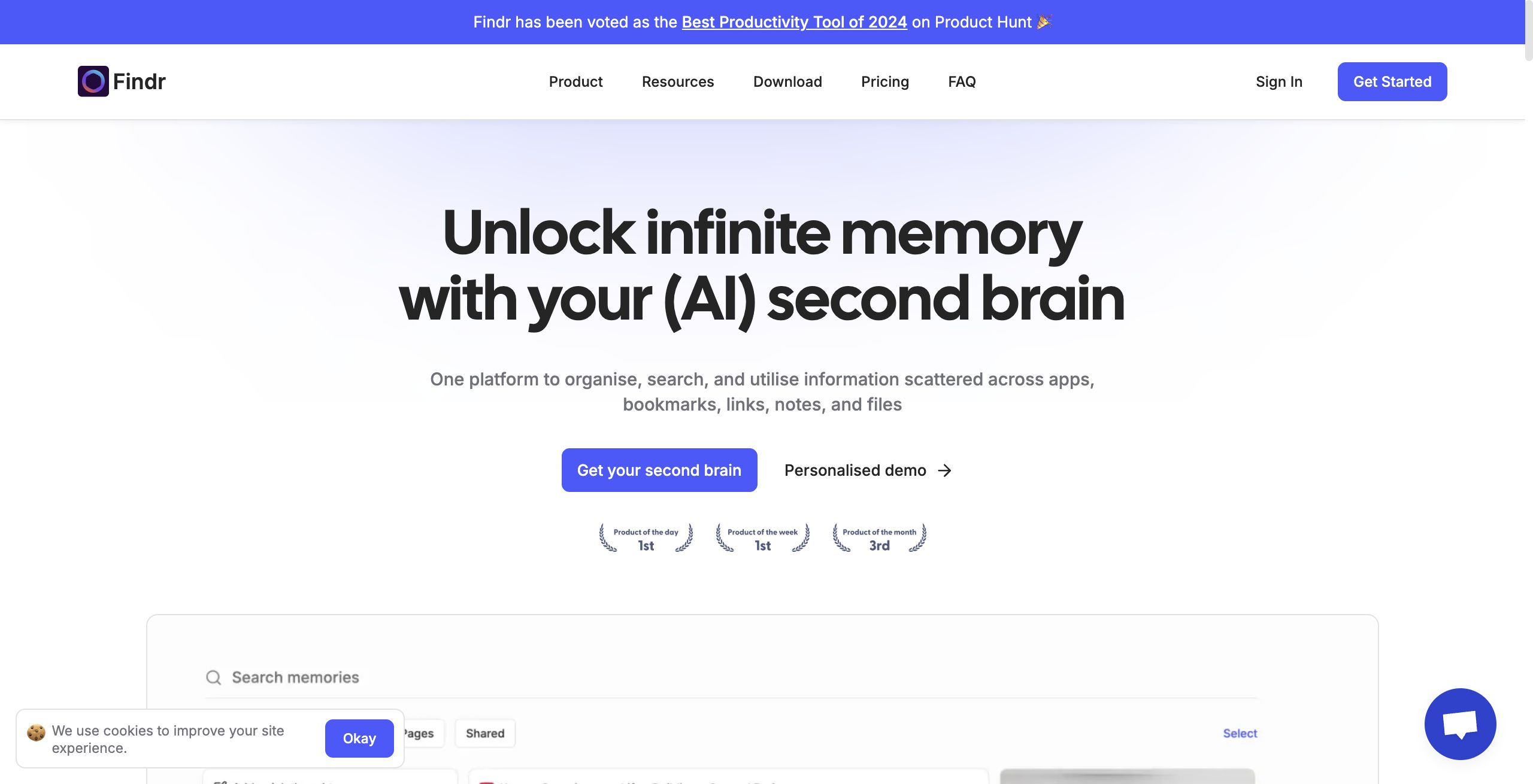
Review: Findr
Introduction
Findr is an AI-powered unified search tool designed to consolidate searches across multiple workplace applications into a single query system. It targets professionals who use multiple productivity tools—such as Gmail, Slack, Jira, and Drive—and need a more efficient way to retrieve documents, conversations, and other data. In today’s fast-paced work environment, where information is scattered across several platforms, Findr is being reviewed for its ability to streamline workflows, enhance productivity, and simplify information retrieval with the help of advanced AI capabilities.
Key Features
Findr stands out in the crowded productivity tool space with a range of innovative features:
- Unified Search: Consolidate queries across various workplace apps to locate emails, files, chat histories, and more from one central search bar.
- AI-Powered Assistance: Leverages AI for functions such as quick summarization and email composition, helping users quickly distill large amounts of information.
- Seamless App Integration: Connects with popular platforms including Gmail, Slack, Jira, and Drive, ensuring all important data is accessible from one interface.
- Chat with Your Data: Enables interactive exploration of saved content, allowing users to ask questions or have discussions based on stored information.
- Security and Access Control: Implements robust encryption, role-based access controls, and has earned ISO and SOC 2 certifications, ensuring data remains secure and accessible only to authorized users.
- Organised Memory Palace: Facilitates visual organization of files, links, notes, and other data, effectively serving as a “second brain” for users.
Pricing and Value
Findr offers multiple pricing tiers designed to suit various user needs:
- Free Plan: $0 free forever, offering essential features including unlimited AI searches, saving unlimited links, and access to a limited number of unified app searches per day.
- Pro Plan: Priced at $12 per month, this tier provides unlimited saves, increased daily search limits, unlimited file uploads, and full access to app integrations.
- Einstein Plan: At $30 per month, this plan introduces pro-active AI features like weekly recaps, spaced repetition for memories, and an intelligent self-organizing system (with some upcoming features).
Overall Value: Considering its robust feature set and range of pricing options, Findr provides good value for professionals seeking to streamline their search processes and enhance productivity. It compares favorably against competitors by integrating advanced AI features with strong security measures and flexible pricing.
Pros and Cons
- Pros:
- Centralizes search across multiple workplace apps, reducing the time spent switching between platforms.
- AI-assisted features such as summarization and email composition offer enhanced productivity.
- High level of integration with popular tools like Gmail, Slack, Jira, and Drive.
- Robust security, including ISO and SOC 2 certifications, ensures data protection.
- Flexible pricing tiers accommodate different needs, from free basic functionality to premium pro-active features.
- Cons:
- The reliance on connected apps means that its effectiveness is tied to the quality of those integrations.
- Advanced features and higher search limits come at a monthly fee, which may not suit every budget.
- The tool may have a learning curve for users who are not familiar with unified search systems or AI-driven productivity tools.
Final Verdict
Findr is an excellent solution for professionals who manage multiple data sources and want a unified platform for faster, more efficient information retrieval. Its AI-powered search capabilities, enhanced by features like chat-based data exploration and automated summarization, make it highly suitable for researchers, marketers, developers, writers, and designers.
However, if your workflow does not require integration across multiple apps or if budget constraints are significant, some of the premium features may be less compelling. Overall, Findr offers a compelling blend of intelligent search, secure data handling, and flexible pricing that will benefit users looking to optimize their productivity in a complex digital work environment.
Open 'Findr' Website
Your membership also unlocks: