AI tool
Floani
Floani is a canvas for creating diagrams and animating how their parts interact. It is for engineers, architects, and technical communicators who want to turn system designs or workflows into visual stories with guided motion, scenes, and 2.5D depth.
About Floani
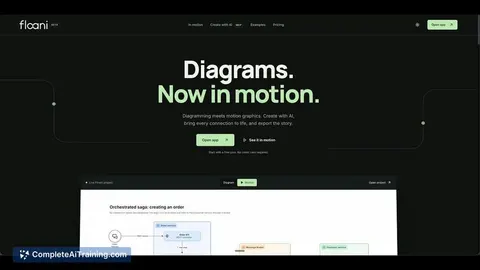
Floani is a data visualization tool that combines an AI diagram editor with motion graphics on a single canvas. Users can create diagrams, animate connections between elements, guide viewers through scenes with camera movements, and export their work as MP4, GIF, or interactive links. The tool launched this week and includes a built-in AI, with the option to connect external models like Claude, Codex, and Cursor through the Model Context Protocol (MCP).
Review
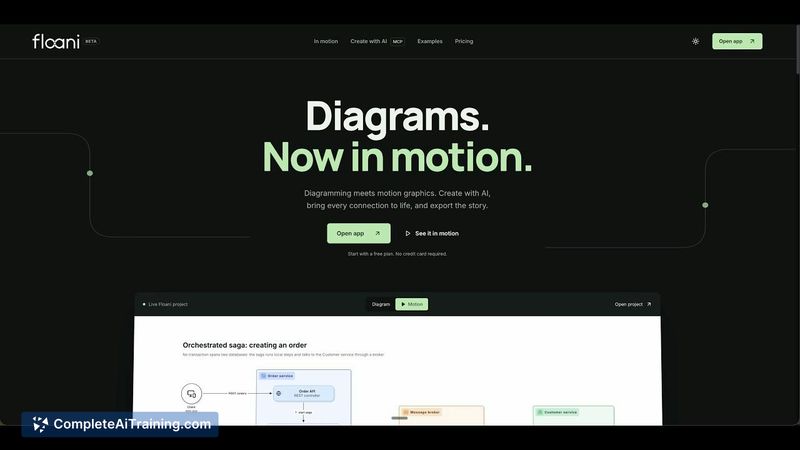
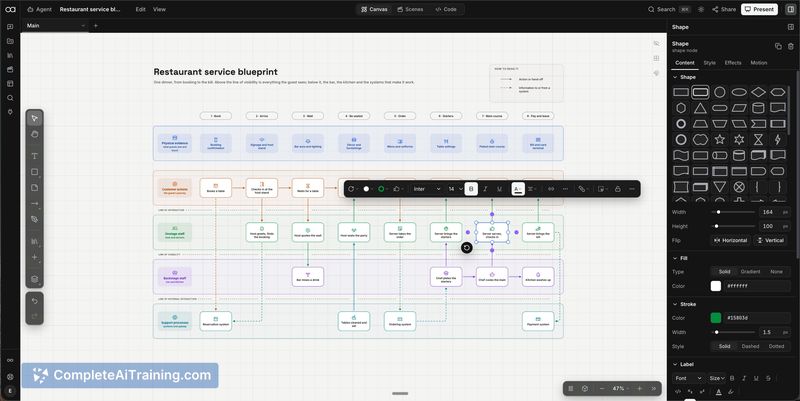
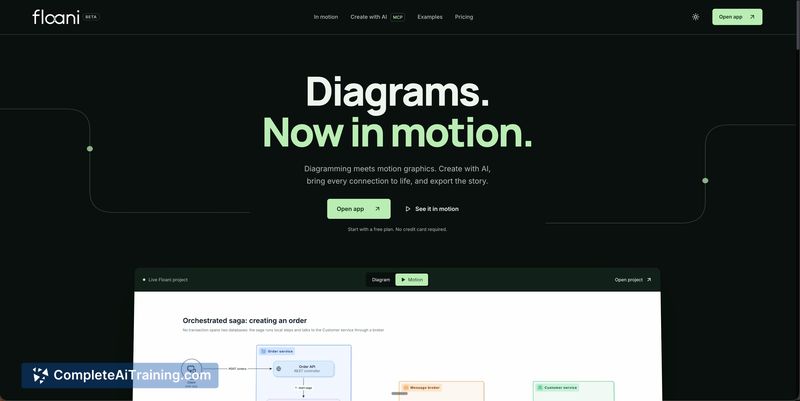
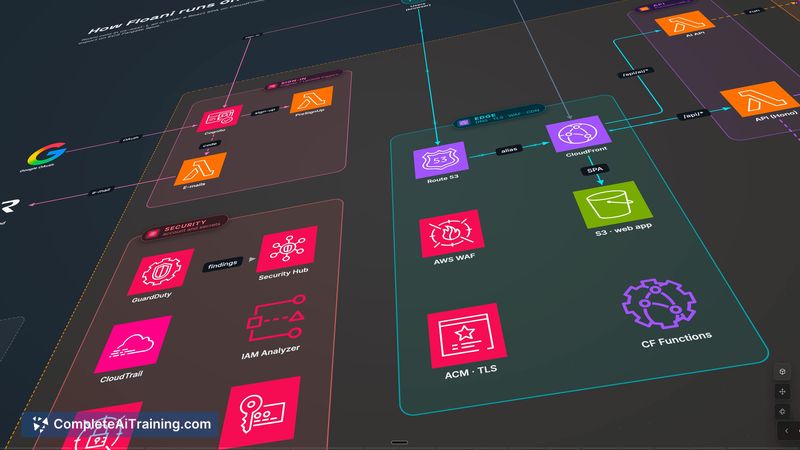

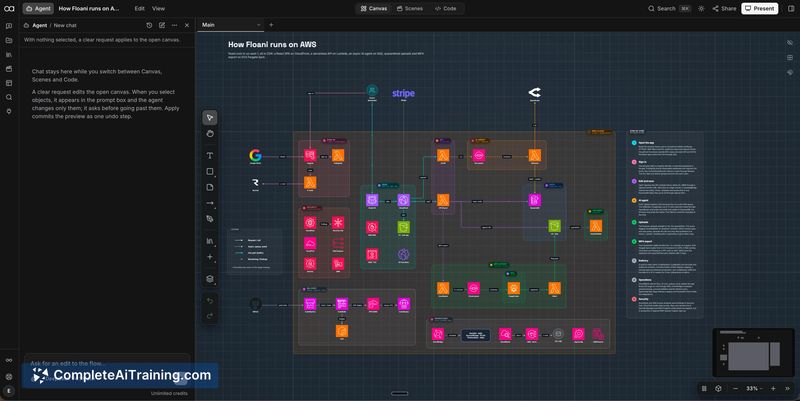
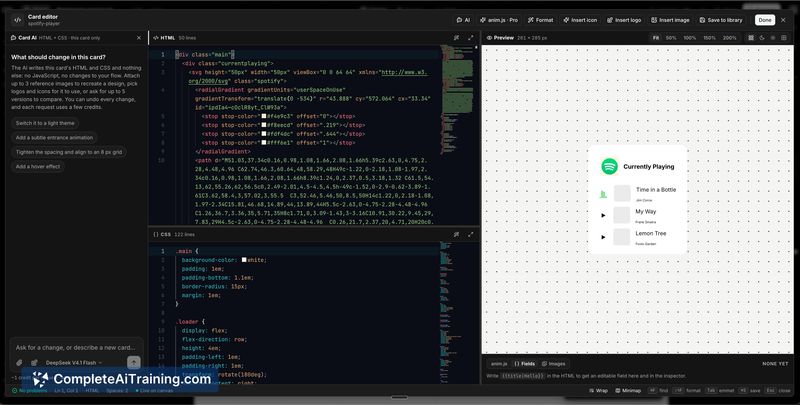
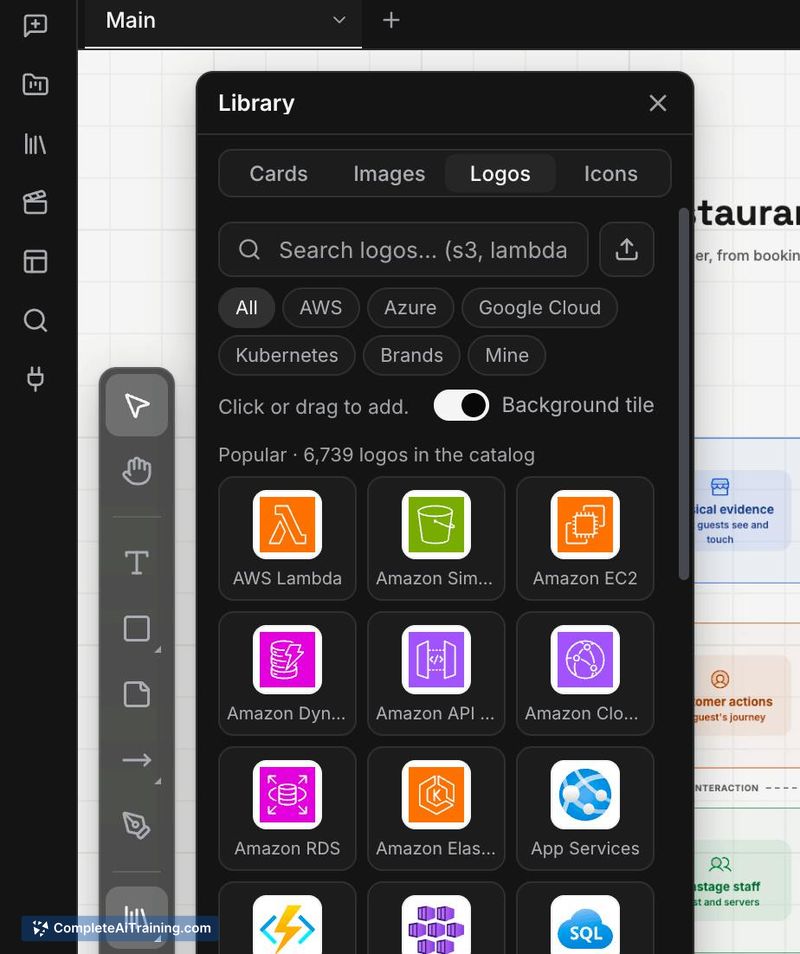
Floani approaches diagramming with a specific focus: adding motion to explain how the parts of a system interact. Rather than producing static architecture or workflow diagrams, it lets you animate connections and sequence the viewer's experience through scenes. The editor is built around a single canvas where you can refine diagrams, control camera movement, and apply 2.5D depth effects.
Key Features
- AI-assisted diagram creation using the built-in AI, with MCP support for connecting Claude, Codex, and Cursor.
- Animated connections and scene sequencing that guide viewers through a diagram step by step, with camera movements and 2.5D depth.
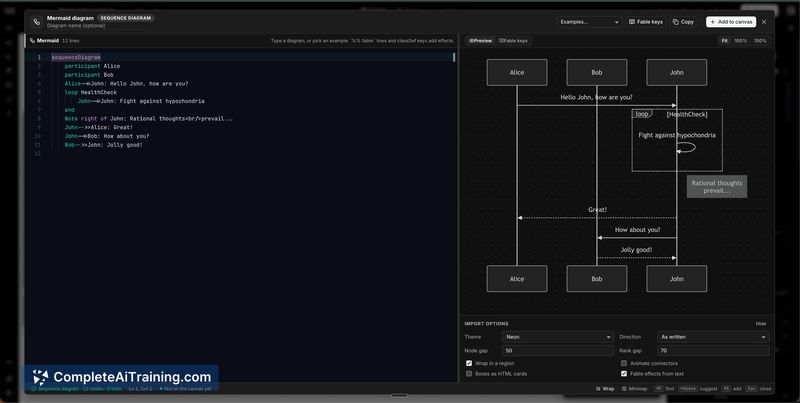
- Mermaid import for users who want to start from existing diagram code.
- Multiple output formats: live presentations, interactive shareable links, embeds, and MP4 or GIF exports.
- Ready-made examples for cloud architecture and AI system diagrams to use as starting points.
Pricing and Value
Floani has a free plan that covers basic usage. Paid plans-named Pro and Max-unlock advanced sharing options, additional export capabilities, and MCP access. Exact pricing tiers and feature breakdowns are not yet defined on the product page. The free tier allows users to test the editor, AI features, and basic exports before committing to a paid plan.
Pros
- Motion and camera controls turn static diagrams into explainable sequences, which suits presentations and technical walkthroughs.
- Mermaid import lowers the barrier for users who already describe diagrams in code.
- Multiple export formats (MP4, GIF, interactive link, embed) cover a range of use cases from social sharing to documentation.
- MCP integration means users can route diagram generation through their preferred external AI tools instead of being locked into the built-in AI.
Cons
- The tool is not well suited for users who only need quick, static diagrams with no animation component-the motion features are central to the workflow.
- As a newly launched product, the editor and AI workflow may have rough edges that early adopters will encounter before refinements ship.
- Pricing specifics for Pro and Max plans are not published yet, which makes it hard to evaluate cost against alternatives.
Ideal Use Cases
Floani fits scenarios where explaining a system's behavior matters as much as showing its structure-think cloud architecture walkthroughs, AI agent pipelines, or onboarding docs that benefit from guided visual sequences. Teams that already use Mermaid for diagramming can import their existing work and add motion without rebuilding from scratch. It's less practical for one-off static diagrams where the animation and scene tools would go unused.