AI tool
UseIt Studio
UseIt Studio is an AI-powered design tool that turns text descriptions into manufacturable physical products. It is for anyone who wants to create custom, tangible objects without learning complex design software.
About UseIt Studio
UseIt Studio is an AI design agent that produces editable project files for physical goods. A user describes an idea in a sentence, and the tool asks clarifying questions, generates a design, and outputs a file with real dimensions, bleed, and dielines. It runs in the browser and on Windows desktop, currently supporting items like pins, stickers, gift boxes, pop-up cards, and brand kits.
Review
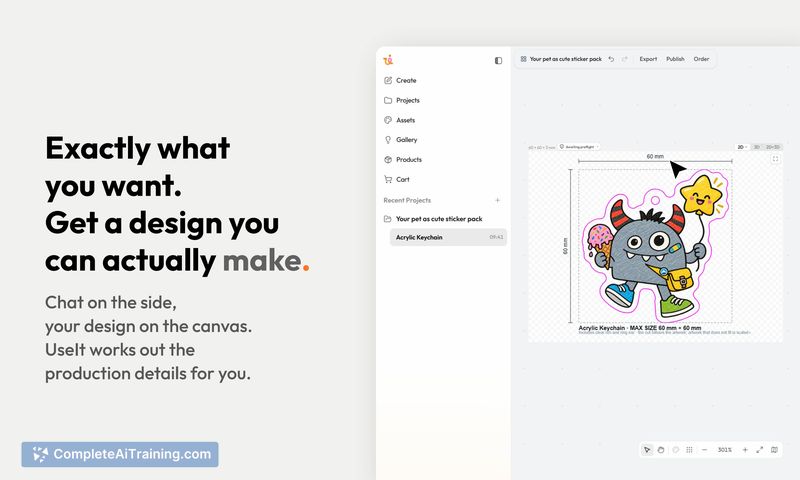
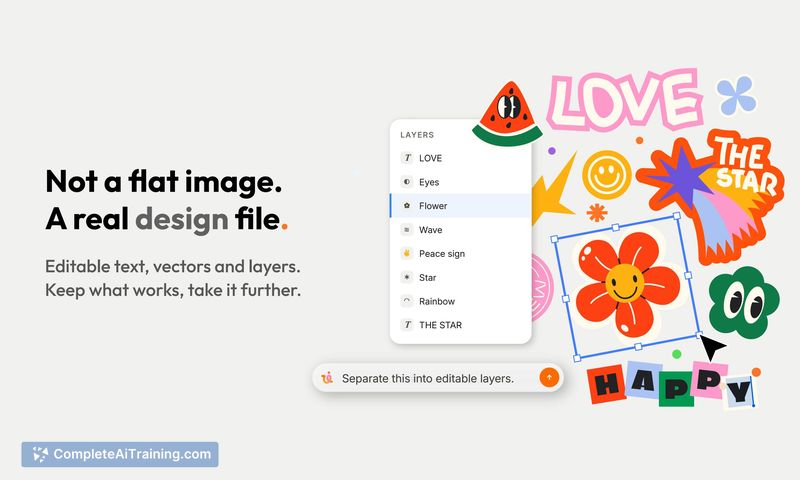
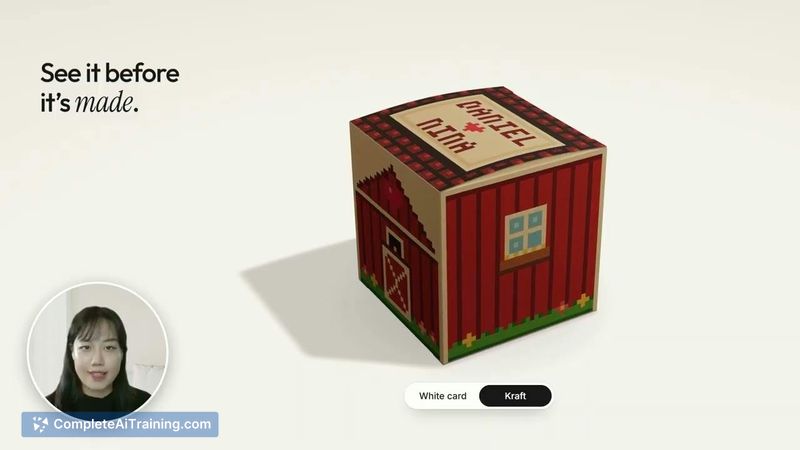
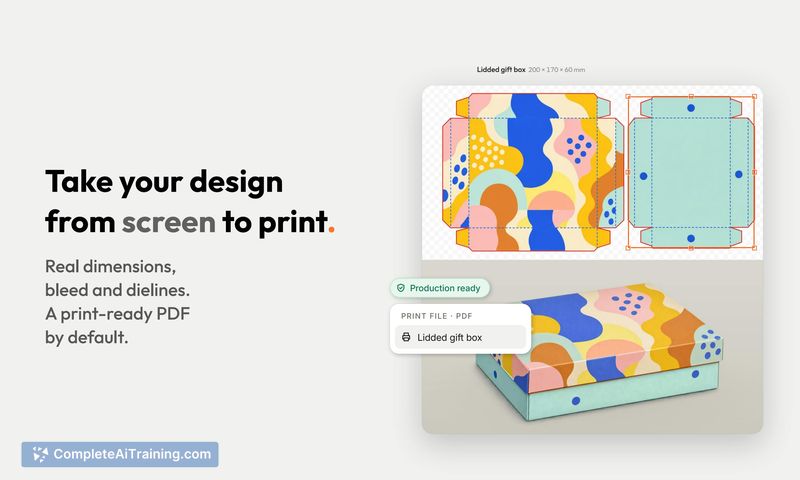
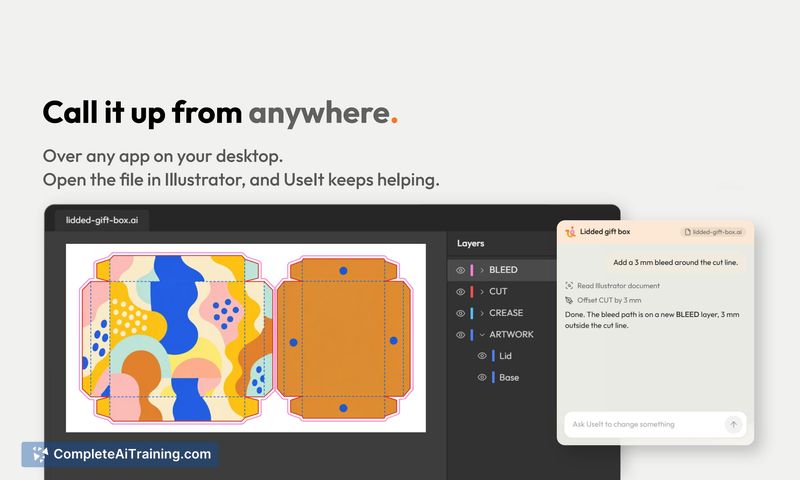
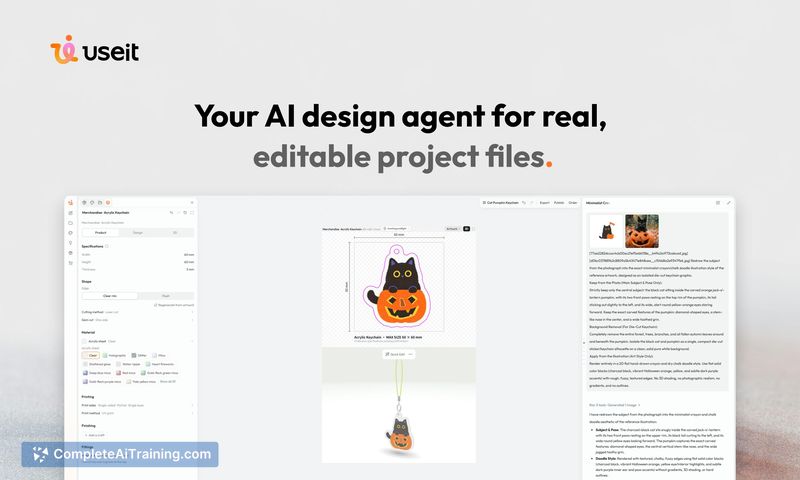
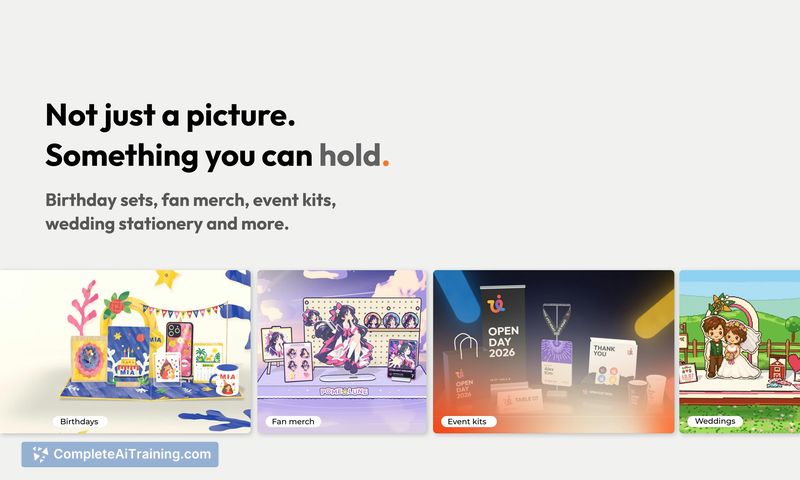
UseIt Studio takes a different approach from image generators by working directly in design software under the hood. Instead of a flat raster image, you get a layered, editable file that a manufacturer can use. The team describes it as early-stage, with a limited set of supported product types and an acknowledgment that it won't get everything right yet.
Key Features
- Natural language design brief: describe what you want in one sentence, and the agent asks follow-up questions a designer would ask.
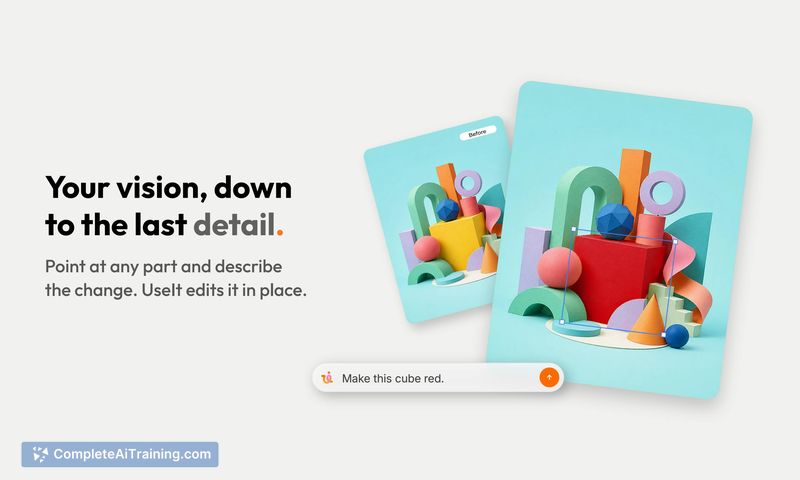
- Point-and-refine editing: circle any part of a design to modify just that element without starting over.
- 3D material preview: view the design in three dimensions with real material rendering before exporting.
- Production-ready output: files include actual dimensions, bleed, and dielines, checked against a manufacturing knowledge base built from factory templates and spec sheets.
- Cross-platform access: available in the browser and callable from anywhere on a Windows desktop.
Pricing and Value
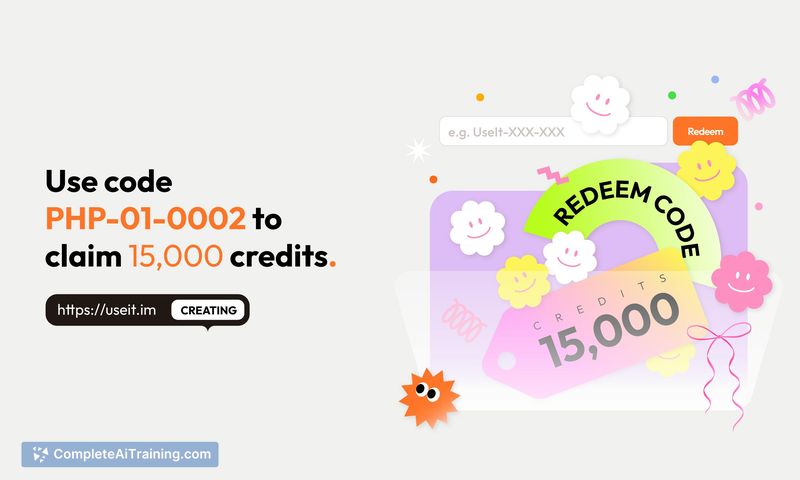
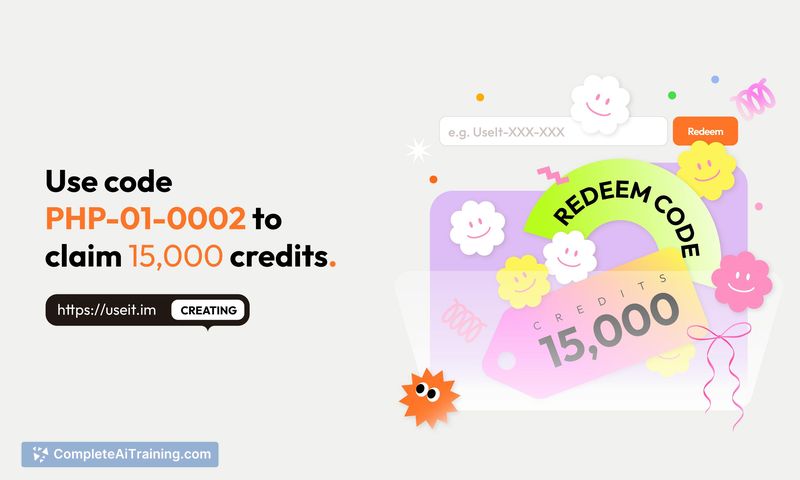
Pricing details are not yet defined on the homepage. The team has stated they are actively working on the subscription system and plan to roll out updates soon. At launch, new users can redeem the code PHP-01-0002 for 15,000 credits. One early user noted the absence of paid plan information on the site as a point of friction.
Pros
- Outputs layered, editable design files rather than static images, which reduces manual recreation work.
- Manufacturing knowledge base cross-checks designs against real factory specs for dimensions, safe areas, and materials.
- Point-to-edit interaction lets you change specific elements without regenerating the entire design.
- Can reconstruct editable elements from a flat screenshot, useful for migrating designs between tools like Canva and Figma.
- Desktop integration allows calling the agent from any Windows application, not just a browser tab.
Cons
- Product type support is narrow at this stage-gift boxes, pins, stickers, pop-up cards, and brand kits-so it doesn't cover a wide range of physical goods.
- The tool is not well suited for users who need production files for items outside its current template library, such as apparel or large-format signage.
- Pricing structure is unpublished, making it difficult to evaluate long-term cost against alternatives.
UseIt Studio fits independent creators and small-scale merch makers who want to go from idea to a printable, cuttable file without learning professional design software. It may also help designers who need to quickly convert a flat mockup into an editable format for further refinement. Teams producing at scale or requiring support for a broad catalog of product types will likely find the current template range limiting.