AI tool
Flowly
Flowly is a native AI assistant that acts across apps and browser tabs. Summon it from the menubar, a notch overlay, or one global hotkey on macOS, Windows, and Linux. End-to-end encrypted chats; free forever, Pro for unlimited use.
About Flowly
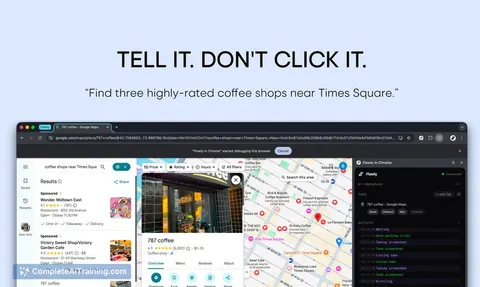
Flowly is a native desktop AI assistant that can take actions across your apps and browser tabs, summoned with a single global hotkey. It runs on macOS, Windows, and Linux and offers a full chat app, a menubar dock, and a notch-style overlay alongside a browser extension that can interact with page content.
Review
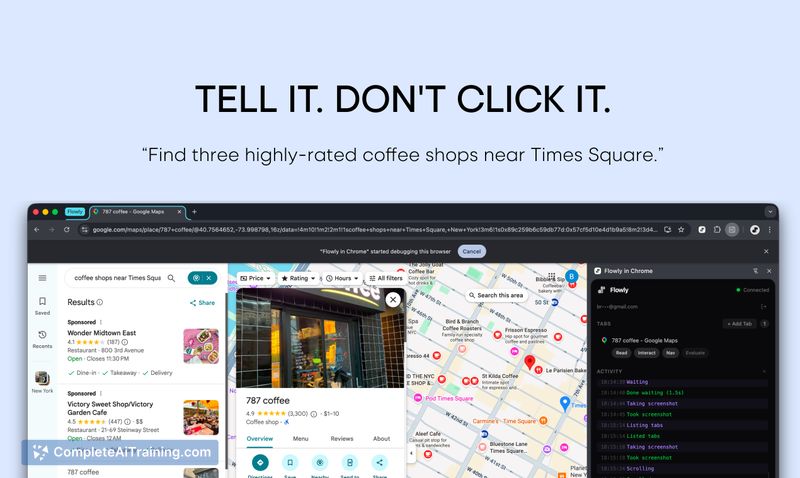

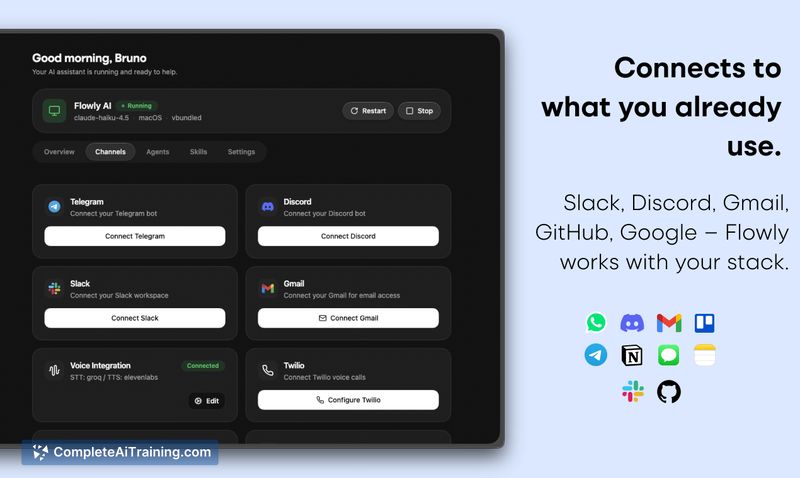

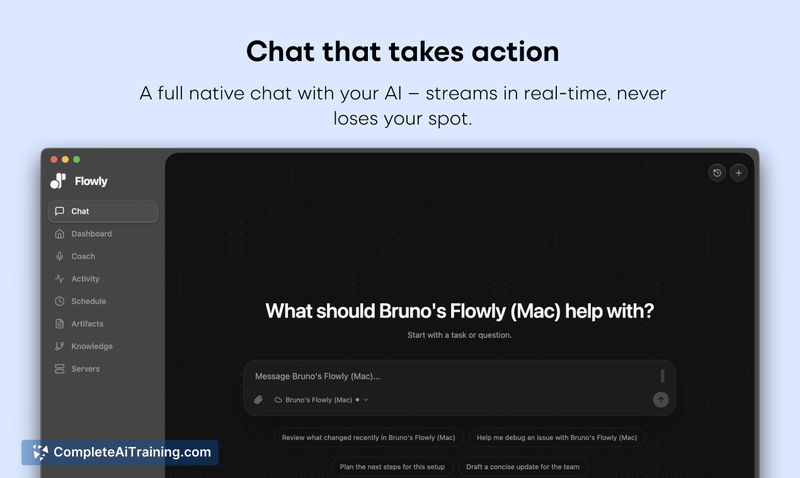
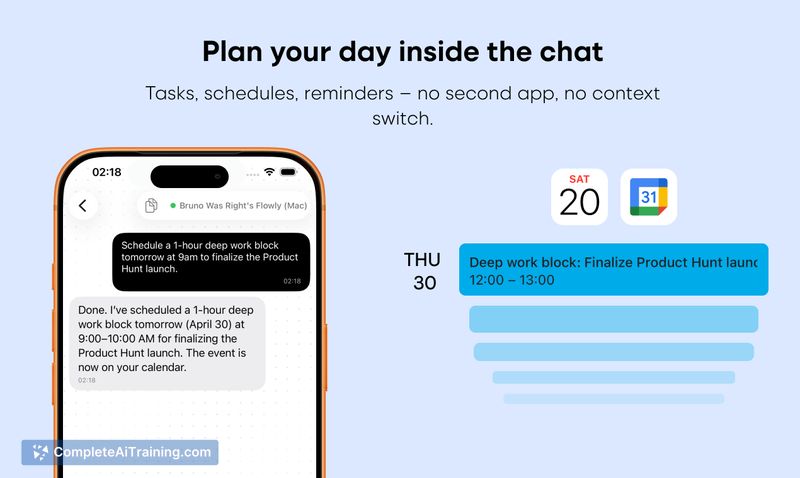
This review examines Flowly's core capabilities, privacy choices, and real-world usefulness for automating repetitive desktop tasks. I focus on how the native clients, browser agent, session handling, and approval controls work together and where the product feels most ready for use.
Key Features
- Native desktop clients (macOS, Windows, Linux) with a global hotkey, menubar dock, full chat app, and notch overlay for quick access.
- Browser agent that reads the DOM and can plan, act, and verify actions on pages-examples include filling forms, driving Google Sheets, and drafting Gmail replies.
- End-to-end encryption by default with OS-encrypted token storage (Keychain on macOS, DPAPI on Windows) and local storage of conversational memory.
- Persistent sessions so long-running tasks survive navigation and can pick up where they left off.
- Configurable approval modes for actions (always-ask, allowlist, full access) and per-action confirmations for multi-step flows.
Pricing and Value
Flowly uses a freemium model: it is free during launch and offers a free tier, with a Pro plan available for users who need unlimited usage. The value proposition centers on time savings for repetitive desktop workflows and stronger privacy control compared with browser-only chat tools, since tokens and memories are stored locally and conversations can be end-to-end encrypted.
Pros
- True native presence on desktop makes the assistant feel immediately available via a single hotkey.
- Browser agent acts on pages (not just links), enabling real interactions like form-filling and sheet edits.
- Privacy-focused defaults: end-to-end encryption and OS-backed token storage reduce exposure of sensitive data.
- Persistent sessions and local memory improve continuity across longer tasks and repeated interactions.
- Flexible approval controls give users direct control over what the assistant may do automatically.
Cons
- Still early software (v1.x): some edge-case websites and multi-step cross-app flows may need further polish or manual approvals.
- Desktop-first focus means mobile experiences are handled via separate apps rather than being identical to the desktop workflow.
- Advanced features like a single pre-flight approval for complex multi-app flows are not yet available.
Flowly is a strong option for power users and knowledge workers who want a desktop-resident assistant that can act inside apps and web pages while keeping data local and encrypted. It is especially useful for users willing to test a v1 product and provide feedback, or anyone who performs frequent, repetitive cross-app tasks and values privacy controls.
Jobs Flowly suits
Useful in almost any job. We checked Flowly against 500+ jobs; these get the most out of it.
Alternatives to Flowly
Other tools that do the same main job. Our AI compared Flowly with similar tools and kept the ones you could use instead.