About Friendware
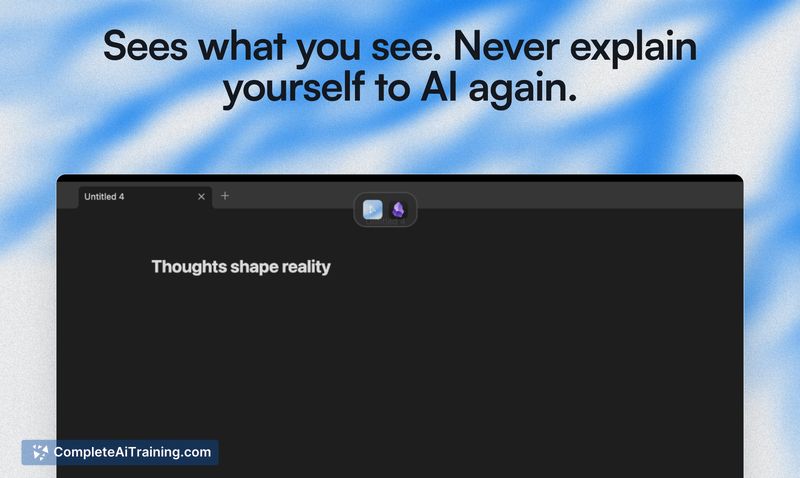
Friendware is a macOS productivity tool that places an AI assistant directly on your screen and provides inline completions via a single Tab press. It reads visible text context so you can generate or refine content without switching applications or copying and pasting.
Review
This review evaluates how Friendware performs as an always-available, screen-aware AI helper for Mac users who prefer staying in their keyboard flow. I focus on real-world usefulness, current limitations, and who will benefit most from adopting it today.
Key Features
- Tab-to-complete everywhere on macOS - accept suggestions inline without leaving the current app.
- Screen-aware context parsing - uses on-screen text as the primary input for generation to reduce the need for re-explaining.
- Lightweight, text-optimized design - prioritizes speed and minimal noise for text-heavy workflows.
- Personalization options - add a brief description of yourself and your style so outputs better match how you write.
- Early access cohort with lifetime access option and direct feedback channels for shaping the roadmap.
Pricing and Value
Friendware is launching with an early access cohort that includes a limited-time lifetime access offer, discounted for founding members and bundled with community and onboarding perks. Early lifetime licenses are currently limited to a single device per user during the initial cohort, and the team plans to introduce a subscription model after the first stable release. For keyboard-centric users who spend most of their time in text editors, email, or documentation, the time saved by avoiding context switches can make the early subscription or lifetime option a compelling value; however, prospective buyers should weigh the single-device restriction and early-stage feature set against that potential gain.
Pros
- Keeps you in one flow by providing inline suggestions without switching apps.
- Fast, lightweight behavior optimized for text-based tasks.
- Personalization lets the assistant adapt to your writing style over time.
- Early access perks include lifetime access (while available), onboarding, and direct feedback channels.
Cons
- Early-stage accuracy can require manual edits; it may not always produce perfect replies for high-stakes messages.
- Current focus is text context only, so visual-heavy workflows (screenshots, diagrams) are less supported today.
- Initial lifetime licenses are single-device during the founding cohort, which may be limiting for multi-Mac users.
Overall, Friendware is best suited for Mac users who rely heavily on keyboard-driven text work and want faster, inline AI assistance without frequent app switching. It is less ideal for workflows that require deep visual context or for users who need multi-device licensing immediately; for early adopters who enjoy shaping product direction and receiving onboarding support, the founding cohort is attractive.
Open 'Friendware' Website
Your membership also unlocks: