
AI tool
Gamelabs Studio
Gamelabs Studio creates sprites, animations and multi-angle sheets inside VS Code or Cursor, auto-inserting assets into your project so you never leave your editor.
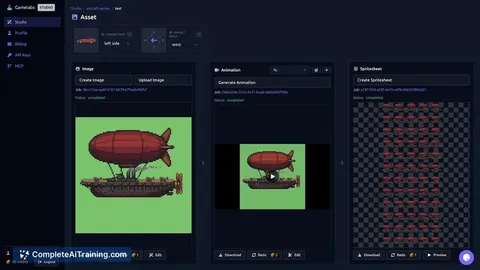
About Gamelabs Studio
Gamelabs Studio is a text-to-asset platform for game developers that generates images, animations, and spritesheets from prompts. It provides a web-based Studio and an in-editor integration so assets can be created and placed directly into a project, and it offers a free starter allocation of 10 credits.
Review
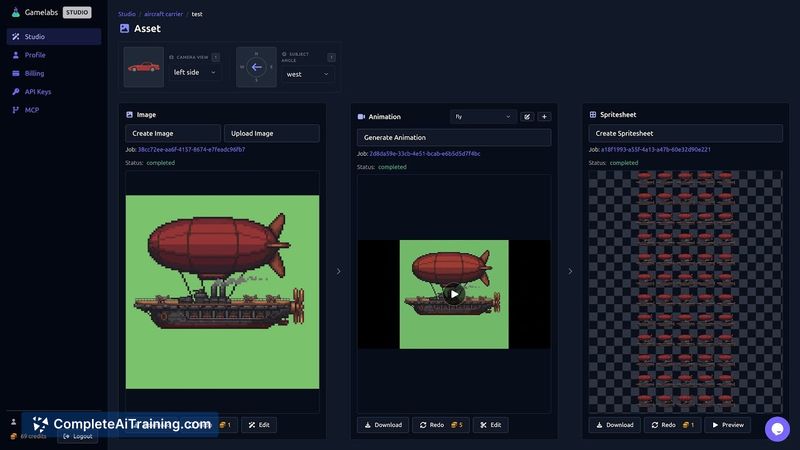
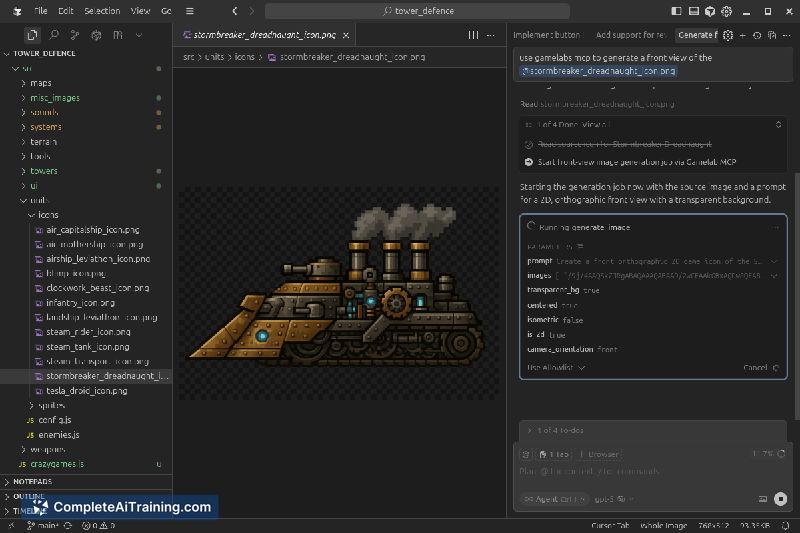
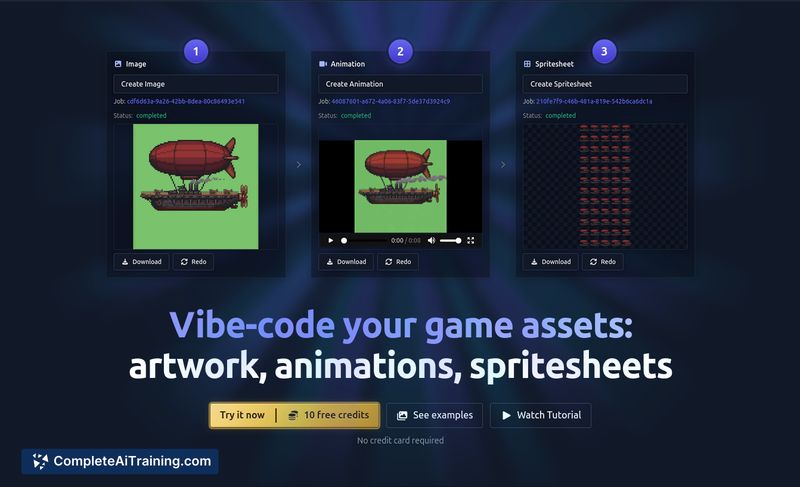
Gamelabs Studio addresses a common bottleneck in game development: creating and organizing visual assets quickly. By combining generation of sprites and animations with editor integration and automatic insertion into projects, the tool focuses on keeping art creation close to the code and workflow.
Key Features
- Text-to-asset generation for images, animations, and spritesheets.
- Ability to produce multi-angle sheets and animated sequences from a single workflow.
- In-editor integration that inserts generated assets directly into a project structure.
- Support for maintaining style coherence across related assets and the option to use reference images.
- Free starter credits (10) to try the platform before committing to paid usage.
Pricing and Value
The platform provides a free starting allocation of 10 credits to test capabilities. The product appears to use a credit-based consumption model with additional paid tiers and options available on the product website. For developers who frequently iterate on visual assets, the time saved by generating and importing assets directly into projects can offer strong value compared with manual design and file-handling workflows.
Pros
- Speeds up asset creation and reduces context switching between design tools and code.
- Generates a range of outputs (static assets, animations, spritesheets) from text prompts.
- Editor integration automates insertion of assets into project folders, improving workflow continuity.
- Tools to keep style consistency and accept reference images help when working on coherent character or environment sets.
- Free credits make it easy to evaluate the platform without immediate cost.
Cons
- Newly launched, so community size and available documentation or third-party resources may be limited initially.
- AI-generated assets can require manual refinement or touch-ups to meet production quality or specific technical requirements.
- Ongoing use may incur costs once free credits are exhausted, depending on the pricing tiers chosen.
Gamelabs Studio is best suited for indie developers, small teams, and prototypers who want faster iteration on game visuals and prefer to keep asset work inside their development environment. It can be particularly useful for quickly producing placeholder art that can be refined into production assets or for speeding up a solo developer's art pipeline.
Jobs Gamelabs Studio suits
We checked Gamelabs Studio against 500+ jobs; these get the most out of it.



