AI tool
GhostSnap
GhostSnap: native Mac background screenshot tool that auto-compresses and batch-pastes images into AI tools, no extra apps or files, fewer tokens and faster context sharing.
About GhostSnap
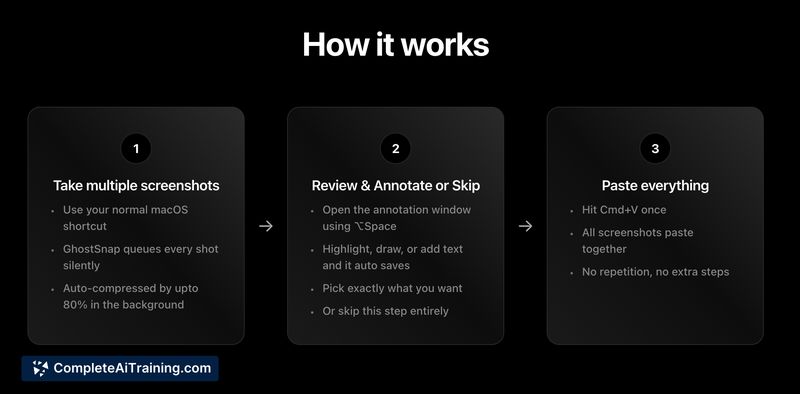
GhostSnap is a macOS menu bar utility that captures multiple screenshots, compresses them, and copies them to the clipboard so you can paste them all at once. It also offers OCR extraction and simple annotation before pasting, aiming to streamline workflows that rely on sharing visual context with other apps or AI tools.
Review
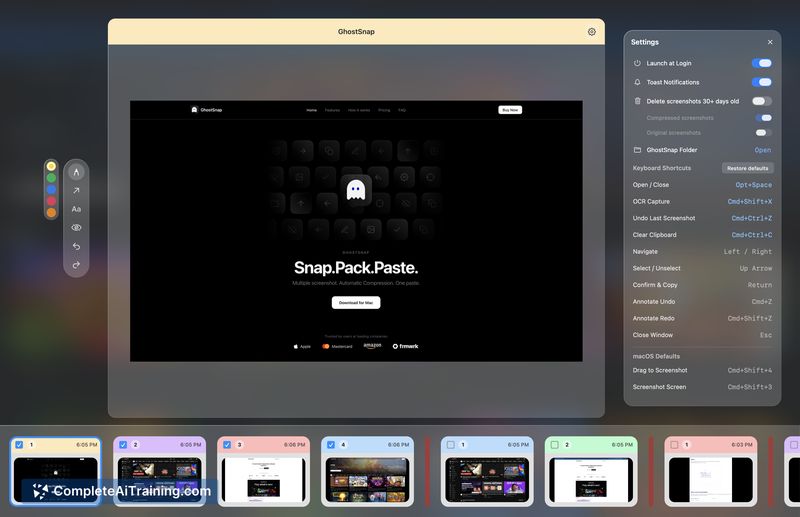
GhostSnap targets a common annoyance: taking several screenshots and pasting them individually, which can bloat files and increase token usage when working with AI. The app runs natively on Mac, works from the menu bar, and focuses on making multi-screenshot capture, compression, and batch-paste frictionless.
Key Features
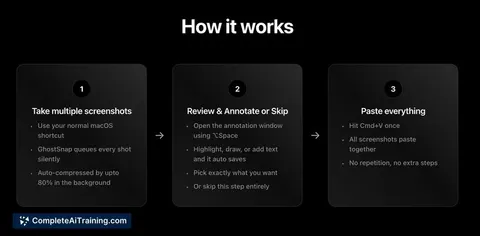
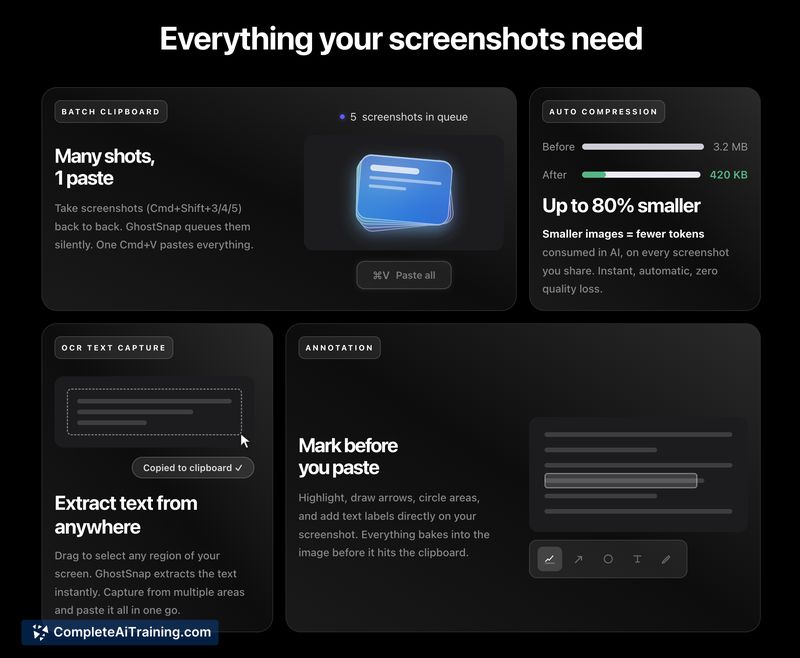
- Batch capture and single-paste workflow - take multiple screenshots and paste them all at once with a single Cmd+V.
- Automatic compression - screenshots are auto-compressed (claims up to ~80%) to reduce file size and token usage for AI tools.
- OCR extraction - extracts text from multiple screenshots into one clean text block for easier copying or processing.
- Inline annotation and history - quick annotate window opens with a shortcut and keeps a thumbnail history for selection before pasting.
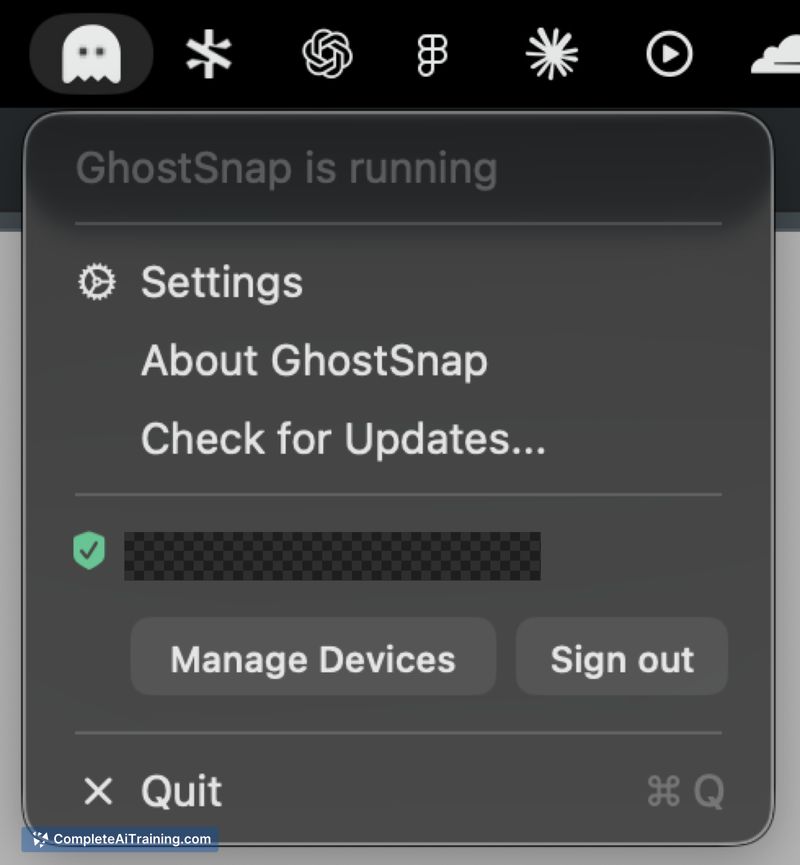
- Native macOS integration - operates from the menu bar and uses Mac shortcuts for a lightweight, system-friendly experience.
Pricing and Value
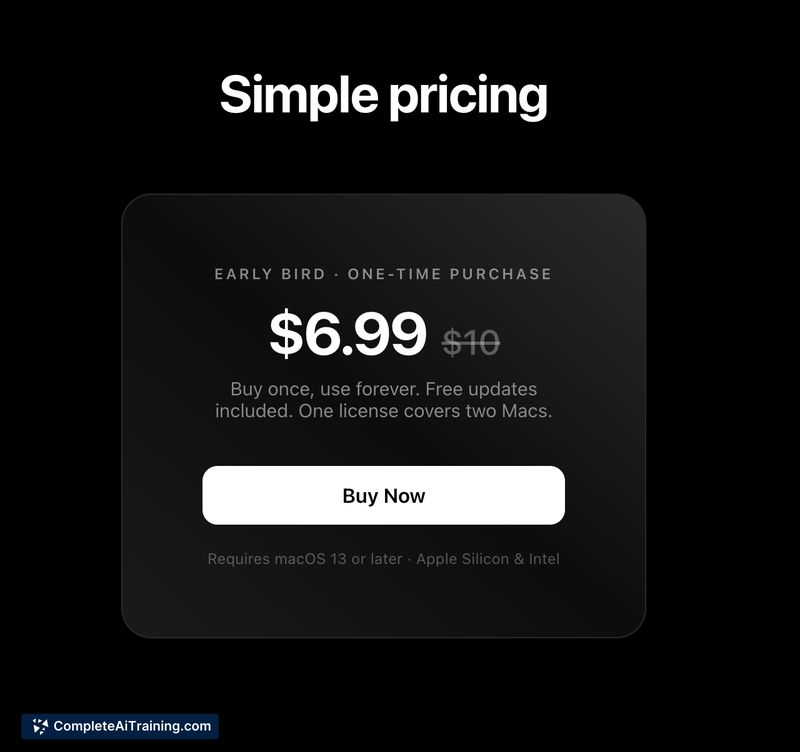
GhostSnap is sold as a one-time purchase priced at $6.99 for use on two Macs. For people who frequently share screenshots with other apps or AI services, the app can save time and reduce data/token costs thanks to automatic compression and batch pasting. The one-time fee is modest and may represent good value for users who repeatedly perform multi-screenshot workflows; casual users may find the cost harder to justify.
Pros
- Saves time by letting you paste multiple screenshots with a single paste action.
- Significant compression can reduce file size and lower token consumption when sending images to AI services.
- Automatic clipboard behavior removes extra steps like saving files or switching apps.
- Built-in OCR and simple annotation cover common needs without launching a full editor.
- Lightweight menu bar presence keeps the tool out of your way until needed.
Cons
- macOS only - no Windows or mobile versions at launch, which limits cross-device workflows.
- OCR accuracy can drop with very low-resolution or handwritten images; some edge cases still require manual fixes.
- Small-scale development means feature roadmaps and support may be more limited compared with larger teams.
GhostSnap is well suited for users who regularly share visual context-product designers, support staff, developers, or anyone interacting with AI tools that accept images. If you take frequent screenshots on a Mac and want a faster, smaller-footprint way to paste them together (and pay a modest one-time fee), GhostSnap is worth trying; occasional screenshotters may not see as much benefit.
Jobs GhostSnap suits
We checked GhostSnap against 500+ jobs; these get the most out of it.