About Glitter AI
Glitter AI is a productivity tool that transforms spoken explanations and mouse actions into clear, editable step-by-step guides. It captures screenshots and voice input to automatically generate documentation, making it easier to share processes with colleagues or customers without lengthy meetings or video recordings.
Review
Glitter AI offers a straightforward way to create written guides by simply performing tasks and narrating them aloud. This approach eliminates the need for manual documentation or complicated screen recording edits, providing a time-saving solution for busy professionals. Its focus on combining voice and visual cues into concise instructions sets it apart from traditional video tutorials.
Key Features
- Automatic capture of mouse clicks and screenshots during workflow execution
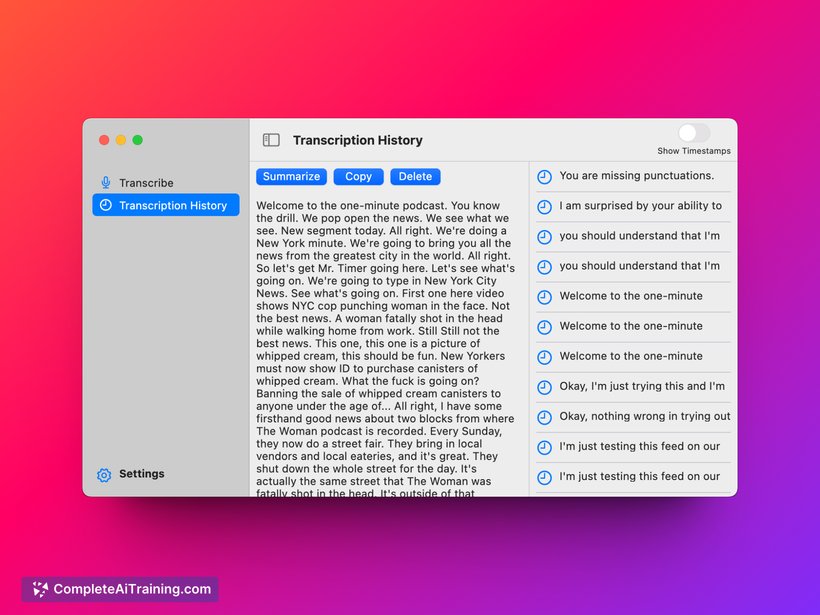
- Voice recognition to convert spoken explanations into text within the guide
- Editable output allowing users to customize and refine generated documentation
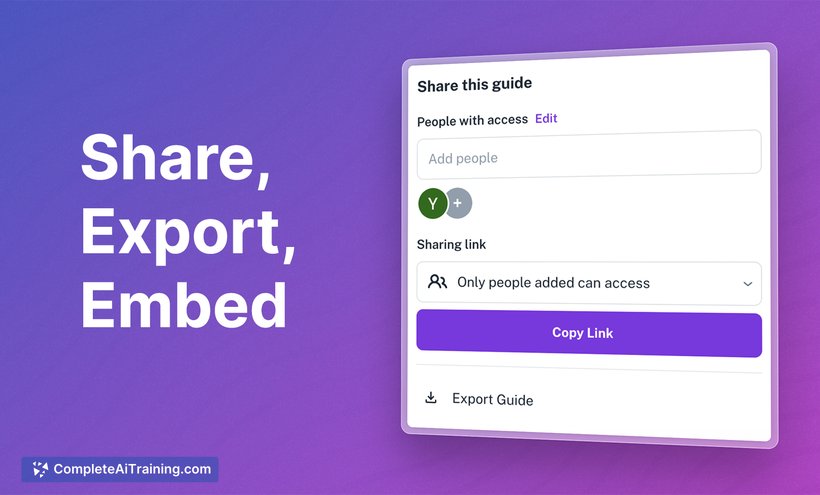
- Easy sharing options for co-workers, customers, or other stakeholders
- Integration designed to reduce reliance on lengthy video recordings or multiple meetings
Pricing and Value
The tool offers a free launch version with promotional pricing available for paid plans, including a significant discount coupon for early adopters. Given its ability to save time on documentation and reduce back-and-forth explanations, Glitter AI presents good value for teams and managers who frequently need to create process guides. The pricing structure is competitive, especially considering the automation and editing flexibility it provides.
Pros
- Saves considerable time by automating documentation creation
- Combines voice and visual capture for clearer, more informative guides
- Intuitive editing interface allows quick modifications to generated content
- Helps reduce dependence on video tutorials that require pausing and replaying
- Useful for managers, content creators, and support teams needing to explain processes
Cons
- Accuracy of voice transcription may vary depending on accent and clarity
- Best suited to step-by-step processes, potentially less effective for complex workflows
- Relies on users to verbally explain actions clearly during recording
Overall, Glitter AI is ideal for professionals and teams looking to streamline the creation of instructional content without investing excessive time in manual documentation. It works well for managers, customer support, and content experts who want an efficient way to communicate procedures. Users comfortable with narrating their steps aloud will benefit most from this tool.
Open 'Glitter AI' Website
Your membership also unlocks: