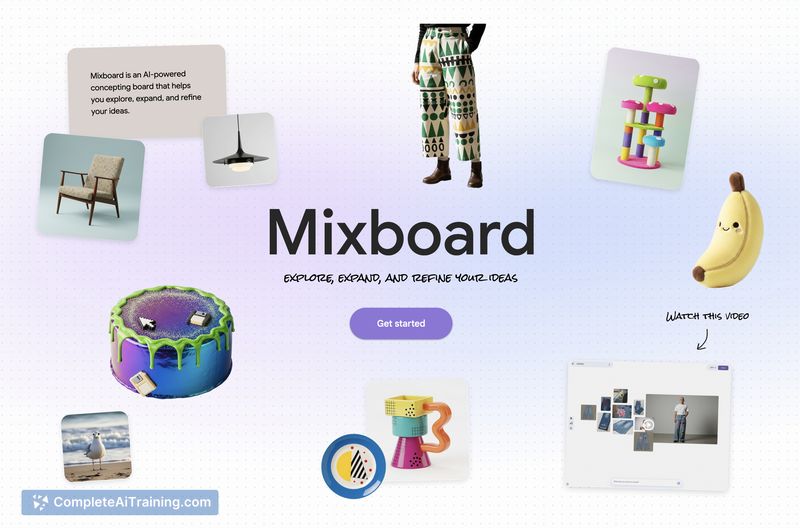
About Google Mixboard 2.0
Google Mixboard 2.0 is a digital whiteboard and AI presentation tool that helps users capture ideas and convert boards into shareable presentations. The update introduces Nano Banana Pro, expanded file type support (PDF, HEIC, TIFF), multi-board projects, and several editing conveniences.
Review
This update focuses on improving the path from brainstorming to polished output, with faster performance and better file compatibility. New features aim to reduce manual layout work and give teams more room to organize multi-stage projects.
Key Features
- Nano Banana Pro: convert boards directly into presentations with automated layouts and improved visuals.
- Support for additional file types, including PDF, HEIC and TIFF, making it easier to import varied assets.
- Multi-board projects that let you split brainstorming, exploration and final deliverables into separate boards within one project.
- Doodle-based editing and a built-in selfie camera for quick visual tweaks and lightweight capture.
- Performance improvements aimed at a faster, smoother experience when moving between boards and exporting outputs.
Pricing and Value
Google Mixboard 2.0 is available with a free tier at launch, which makes it easy to try core features without commitment. Details on paid plans or enterprise licensing are not fully disclosed at the moment, so teams that need advanced admin controls or guaranteed storage should verify options before adopting for large-scale use. For individuals and small teams, the free entry point delivers noticeable value for quick prototyping and presentation assembly.
Pros
- Makes turning rough boards into presentations fast and low-effort via Nano Banana Pro.
- Expanded file type support reduces the need for manual conversions.
- Multi-board projects help keep larger efforts organized and separated by phase.
- Simple visual edits (doodles, selfie camera) speed up lightweight content creation.
- Free tier at launch lowers the barrier to experimentation.
Cons
- Feature set feels experimental in places; you may encounter occasional rough edges or limitations.
- Information about paid plans, storage limits and advanced export/customization options is limited.
- Heavier collaboration or enterprise use may require additional admin controls not clearly detailed yet.
Overall, Google Mixboard 2.0 is a strong option for designers, educators, product teams and anyone who wants a quick way to turn visual brainstorming into presentable outputs. It works best for small teams or individuals who value fast iteration and are comfortable testing new features while details on advanced plans solidify.
Open 'Google Mixboard 2.0' Website
Your membership also unlocks: