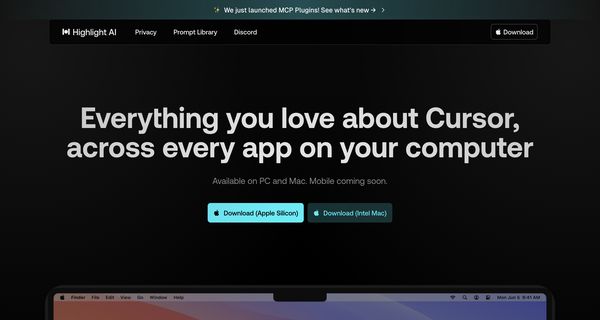
About: Highlight AI
Highlight AI is a versatile desktop assistant designed for both PC and Mac users, facilitating seamless interaction with various applications through voice and text commands. This innovative tool excels in local audio transcription, enabling users to effortlessly capture and convert meeting discussions into written text. With its hands-free app control, users can navigate and manage tasks across multiple platforms without the need for manual input. Highlight AI also provides instant text summarization, translation, and content analysis, allowing users to derive quick insights from their digital environment.
The tool's capability to capture on-screen content enhances productivity by grounding AI interactions in real-time data. Highlight AI integrates smoothly with popular tools such as GitHub, Notion, Slack, and Google Calendar, enabling users to automate workflows and streamline processes efficiently. What sets Highlight AI apart is its ability to customize responses based on individual preferences, making it a personalized assistant that adapts to unique user needs and enhances overall task management.
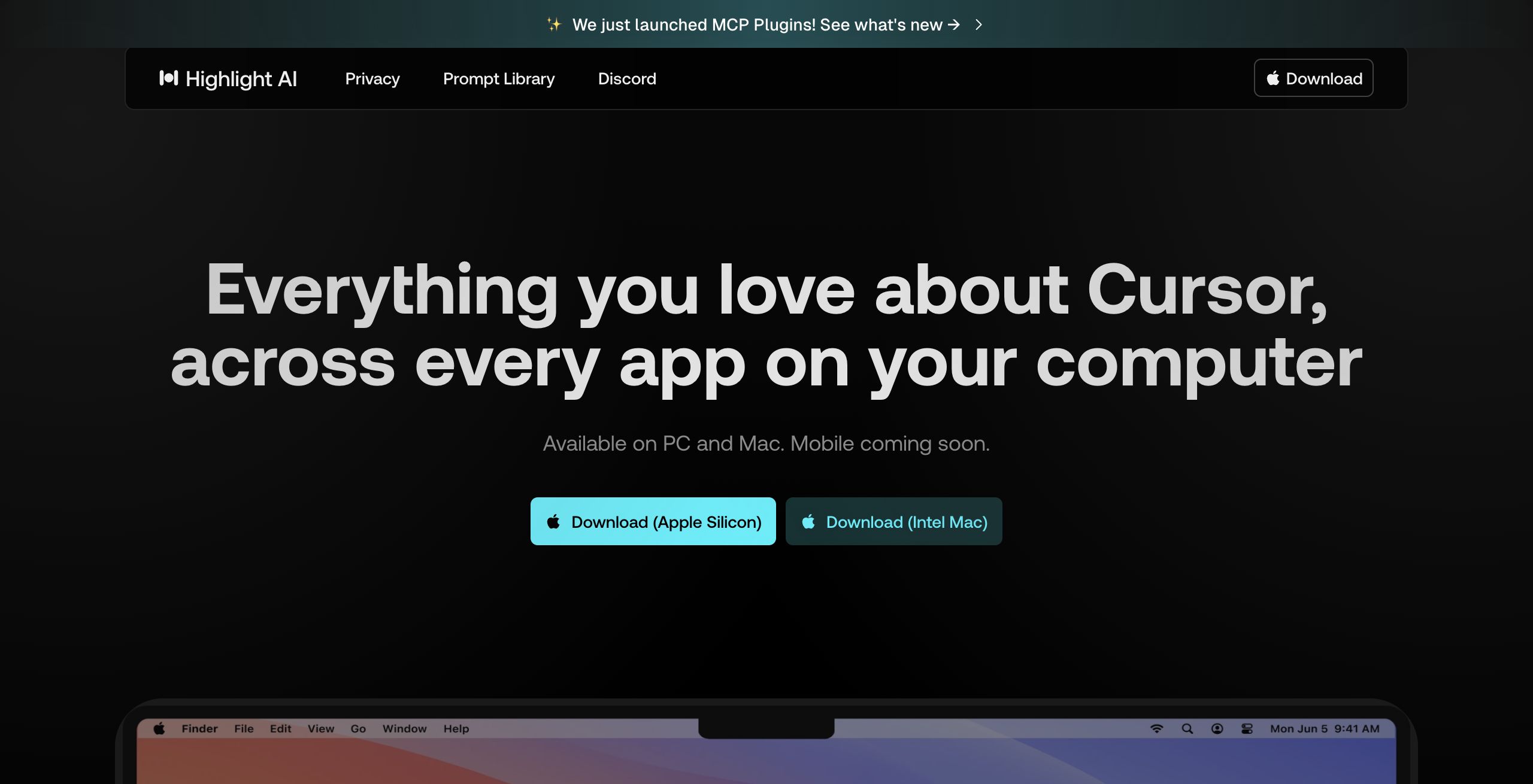
Review: Highlight AI
Introduction
Highlight AI is a desktop AI assistant designed for both PC and Mac users who are looking to streamline their workflows. The tool is especially useful for professionals who rely on productivity apps and need an efficient way to control applications, transcribe audio, and analyze content directly from their desktop. With its innovative approach to integrating AI with screen data, Highlight AI stands out as a relevant solution in today’s fast-paced digital work environments.
Key Features
Highlight AI offers a robust set of functionalities that help users interact more naturally with their desktop environment. Here are some of its standout features:
- Hands-Free Control: Use voice and text commands to control apps, dictate content, and ask questions without interrupting your workflow.
- Local Audio Transcription: Automatically capture meeting notes and transcribe audio locally, saving hours of manual work.
- Instant Content Analysis: Select on-screen text to quickly summarize, translate, or analyze it for fast insights.
- Screen Data Integration: The tool grounds AI responses in your current screen activity, making interactions contextual and efficient.
- Workflow Automation: Seamlessly integrate with popular tools such as GitHub, Notion, Slack, Google Calendar, and more for automated task management and code generation.
- Customization: Personalize responses using the About Me feature, set up key shortcuts, and connect your own tools to tailor the experience.
Pros and Cons
- Pros:
- Efficient hands-free app control and voice command capabilities.
- Robust local audio transcription that saves time on meeting notes.
- Context-aware interactions that integrate with your current screen data.
- Wide range of integrations with popular productivity tools for seamless workflow automation.
- Customization options that allow the tool to adapt to individual user preferences.
- Cons:
- The mobile version is still in development, limiting cross-device usage for now.
- The tool may have a learning curve for users unfamiliar with voice command systems.
Final Verdict
Highlight AI is an excellent choice for professionals who need a dynamic and integrated desktop assistant to optimize productivity. Its strong focus on voice-controlled commands, real-time audio transcription, and contextual screen data makes it especially useful for managing tasks and automating workflows. However, users who rely heavily on mobile platforms may need to wait until a mobile version is available. Overall, Highlight AI provides a compelling mix of features that can boost efficiency for tech-savvy users and those looking to enhance their digital productivity without switching between multiple apps.
Open 'Highlight AI' Website
Your membership also unlocks: