AI tool
Kaiku
Kaiku uses AI to simulate customer interviews, allowing product teams to test ideas and get rapid feedback before building. It is designed for product managers, founders, and researchers who need continuous discovery without scheduling live calls.
About Kaiku
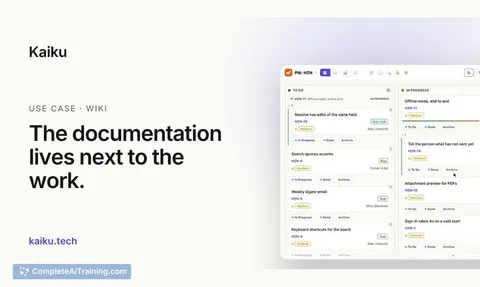
Kaiku is a task tracker and wiki built for teams whose work is increasingly done by AI agents. It uses the REST API of the tracker most companies already run, so existing MCP server configurations work without changes. The tool also includes its own MCP server for Claude Code and Cursor, built-in agents that propose but never decide, and per-issue cost recording for every agent run.
Review
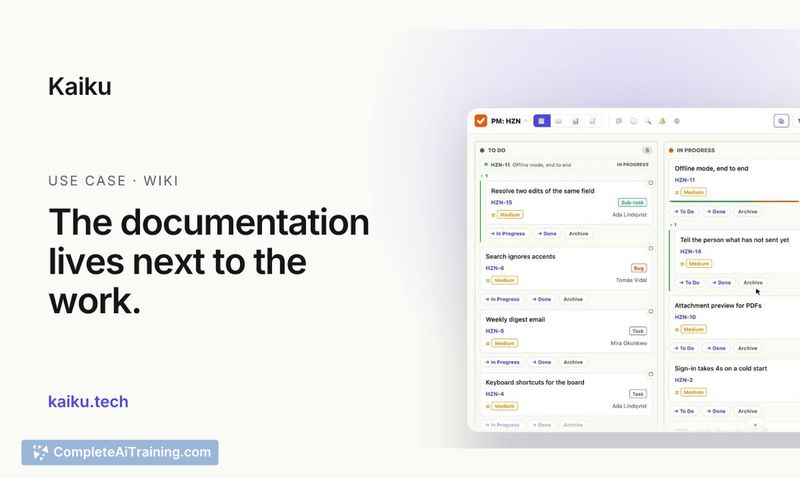
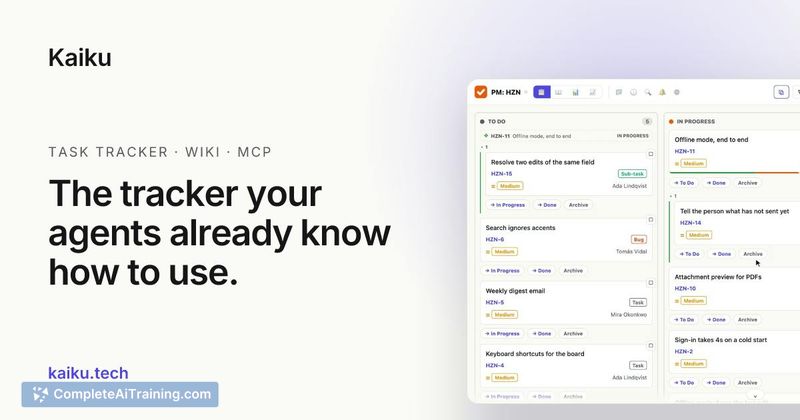
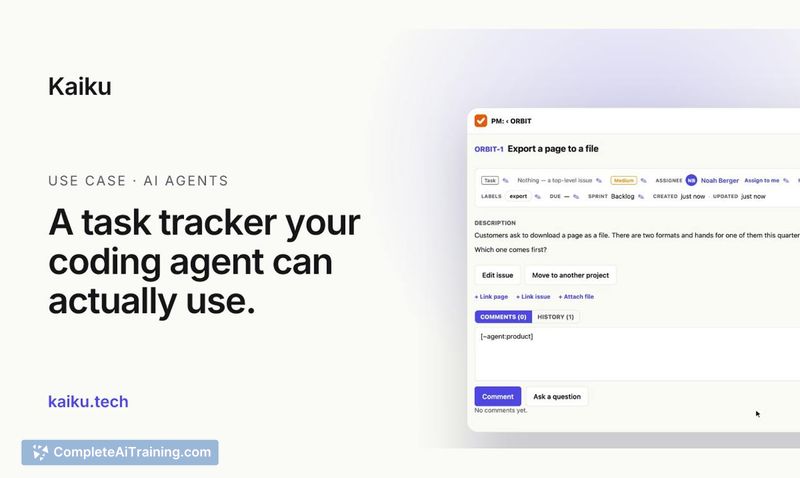
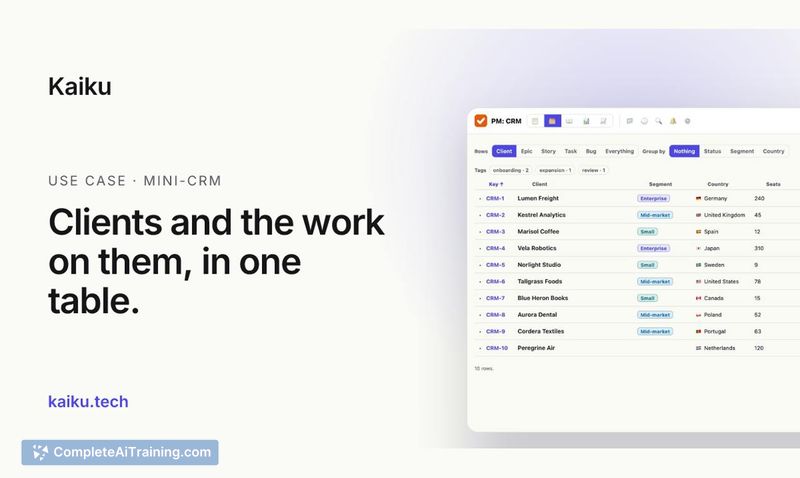
Kaiku enters a crowded project management space with a specific focus: treating AI agents as first-class users alongside people. Instead of bolting AI features onto a traditional tracker, it starts from the assumption that a significant portion of task work now happens through automated agents. The result is a tracker that speaks the API teams already use, records what agents did and what it cost, and keeps humans in the decision loop.
Key Features
- API compatibility with existing trackers. Kaiku speaks the REST API of the tracker and wiki most companies already run, so MCP servers your agents use work unchanged.
- Built-in MCP server. Connect Claude Code or Cursor with a single line. The server ships as part of the product, not as a third-party add-on.
- Comment-called agents. Built-in agents respond when called in a comment. They answer with what they read, run on the caller's access level, and always frame output as a proposal - a person must make the final decision.
- Per-issue cost recording. Every agent run logs tokens, machine time, and who asked, directly on the issue it worked on. This gives teams a line-item view of automation spend.
- Full data export. Users can export an entire project in one request, and the option remains available even after a subscription ends.
Pricing and Value
Kaiku offers a 30-day free trial with no credit card required. The product page does not list subscription tiers or per-seat pricing, so the cost structure beyond the trial period is not yet defined publicly. What's clear is the export guarantee: your data remains accessible for full project export even if a subscription lapses.
Pros
- Agents use the same REST API as the tracker teams already know, reducing migration friction.
- Cost tracking per issue makes it easier to spot duplicate or runaway agent runs.
- Agents operate under the caller's access permissions and never make autonomous decisions.
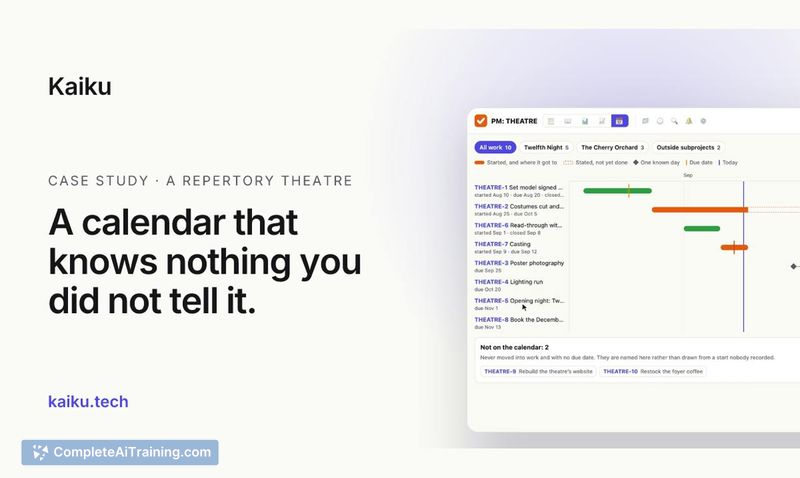
- Built-in boards, sprints, a mini-CRM table, and a calendar that only draws recorded events.
- One-line MCP server setup for Claude Code and Cursor keeps agent onboarding short.
Cons
- Pricing after the 30-day trial is not disclosed, making budget planning difficult.
- The mini-CRM and calendar features are basic compared to dedicated tools in those categories.
- Teams that do not use AI agents for task work will find little reason to switch from their current tracker.
Kaiku fits teams that already run AI agents against their issue tracker and want clearer visibility into what those agents do and what they cost. It's less relevant for teams that haven't adopted agent-driven workflows or that need deep CRM and scheduling capabilities in the same tool. The focus on agent-first design and cost transparency addresses a gap that general-purpose trackers haven't closed yet.
Jobs Kaiku suits
We checked Kaiku against 500+ jobs; these get the most out of it.
Alternatives to Kaiku
Other tools that do the same main job. Our AI compared Kaiku with similar tools and kept the ones you could use instead.