
Learning path
Learning AI as an UX Researcher
This path helps UX researchers use AI for study plans, interview guides, analysis, and reports. It also covers setup, connecting your tools, and video courses chosen for research work.

Your path
Everything in the UX Researcher AI kit, in the order that makes sense. Members tick off each step and see their progress.
Set up your AI
We guide you through each click.
Let skills do your everyday tasks
Connect your apps and pick your AI apps
Hand whole tasks to AI agents
Build your own tools
Keep growing
Everything for ux researchers
All the courses, certifications, AI tools, MCP servers and apps for ux researchers, most relevant first. Open any list to see more.
Take the prompt courses
A short framework course to learn how to ask, then 9 lessons with ready-to-use prompts for ux researchers.
Start with this framework: how to talk to AI
RACE fits UX research because it makes expected quality explicit, like when you ask for interview synthesis with themes, evidence, and recommendations.
Then your prompt course for ux researchers- 1Plan a Research Study3 prompts
- 2Write Interview Guides3 prompts
- 3Prepare Usability Tests2 prompts
- 4Recruit and Brief Participants3 prompts
- 5Analyze Qualitative Data3 prompts
- 6Analyze Quantitative Data2 prompts
- 7Write Research Reports4 prompts
- 8Present Findings to Stakeholders3 prompts
- 9Research Ops and Admin2 prompts
Watch the video courses or add them to your Favorites for later
97 video courses our AI picked for ux researchers, most useful first. Save the ones you want to watch later with the heart.
Favorites are saved to your account: sign in or get your AI kit first.
Show all 97 video courses
Get certified, or add certifications to your Favorites
Every course ends in an exam and a certificate you can add to LinkedIn. Save the certifications you are aiming for with the heart.
Favorites are saved to your account: sign in or get your AI kit first.
More certifications for ux researchersShow all 24 certifications
Try the AI tools for ux researchers
24 AI tools our AI matched to the work of ux researchers, best fit first. Each review shows what it does, its alternatives and the jobs it suits.
Favorites are saved to your account: sign in or get your AI kit first.
Show all 24 AI tools
Connect your AI to the apps ux researchers use
MCP servers let ChatGPT, Claude or Copilot look things up and get work done in other apps, like your email, calendar or bookkeeping software. These 12 fit the work of ux researchers best, well-known apps first.

Google Forms MCP server
by A1-x-TechLet your AI build Google Forms, add questions, publish them, and read the answers for you.

Google Drive MCP server
by A1-x-TechLet your AI search, organize, upload, download, export and share your Google Drive files for you.

Ragie MCP server
by ragieaiLet your AI search your Ragie knowledge base and pull back the right passages when you ask a question.
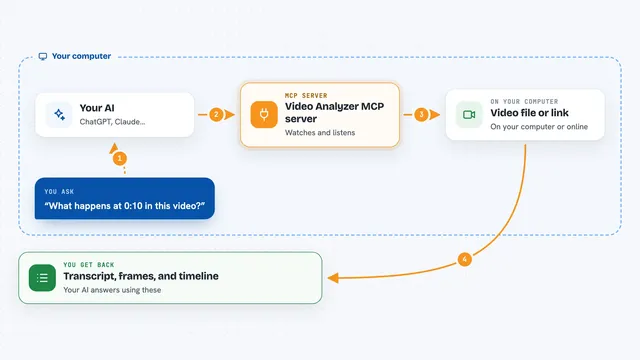
Video Analyzer MCP server
by guimatheus92Lets your AI watch a video link and pull out the transcript, key frames, on-screen text, and a timeline.

Obsidian Vault Memory MCP server
by oomkapwnLets your AI search your own Obsidian notes and PDFs, with sources, page numbers, and note ages.
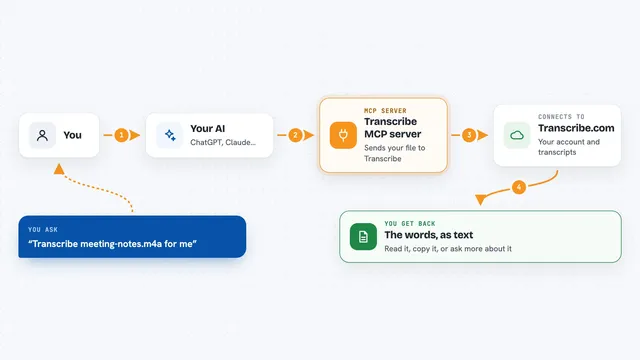
Transcribe MCP server
by transcribe-appTurn audio and video files into text, and read or manage your existing transcriptions, right from your AI chat.
Show all 12 MCP servers

Google Workspace MCP server
by taylorwilsdonLets your AI read and write your Gmail, Calendar, Drive, Docs, Sheets and more, all from one chat.

Notion MCP server
by ankitmalik84Let your AI search, read, and write in your Notion pages and databases for you.
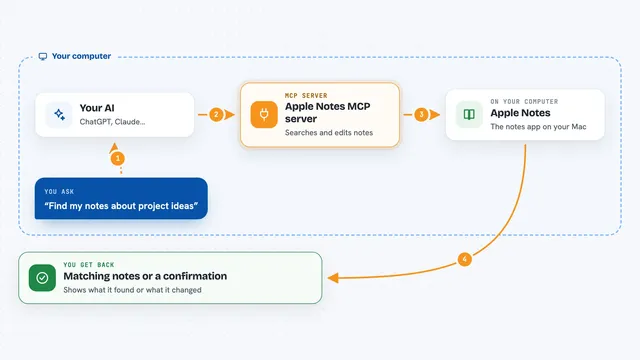
Apple Notes MCP server
by disco-trooperLets your AI search, read, create, update, and move your Apple Notes for you.

Miro MCP server
by evalstateLet your AI read your Miro boards and add stickies or shapes for you.
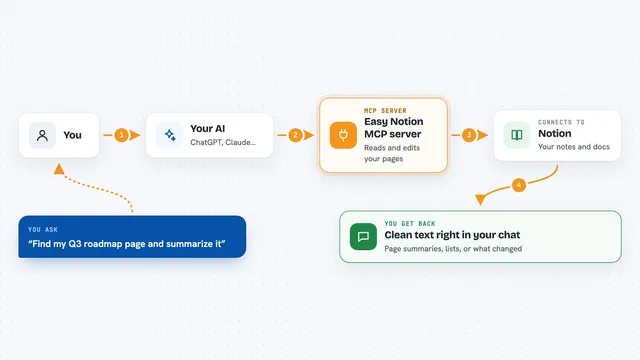
Easy Notion MCP server
by Grey-IrisLets your AI read and write Notion pages using plain markdown, so notes and docs stay tidy.

Obsidian MCP server
by rps321321Lets your AI read, search, and edit your Obsidian notes for you.
Build your own AI apps for ux researchers
Apps you build yourself with your own AI, no coding needed and no monthly fee. Our AI picked the 12 that fit the work of ux researchers.
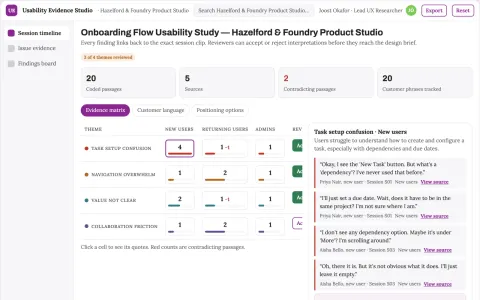
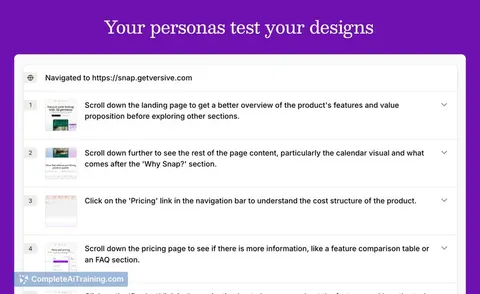
Usability research assistant
Observed behavior and source clips remain attached to every usability finding.
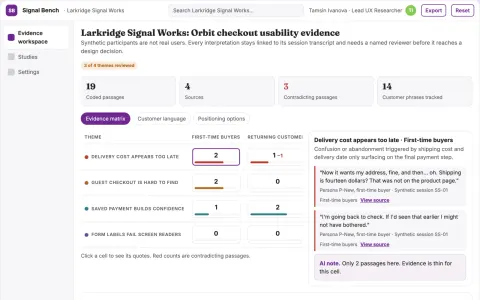
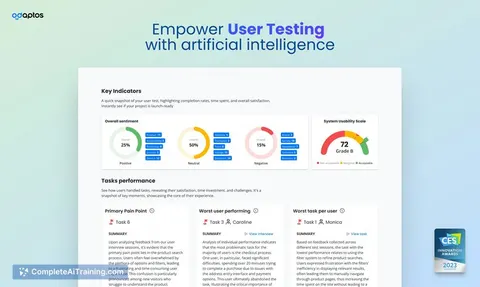
Synthetic usability evidence workbench
Reduce reliance on live participants for early usability checks while keeping evidence and human review.
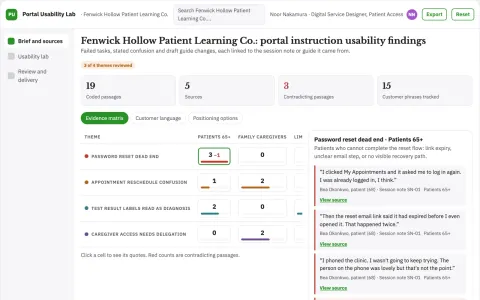
Patient portal instruction usability lab
Observed task evidence without health inference.
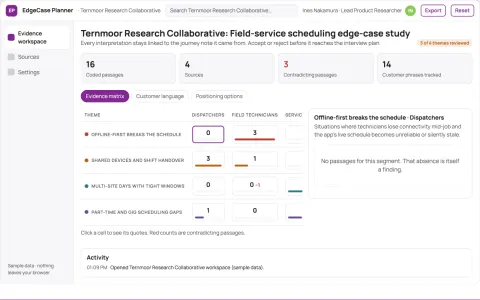
Product edge-case interview planner
Find neglected situations without synthetic users.
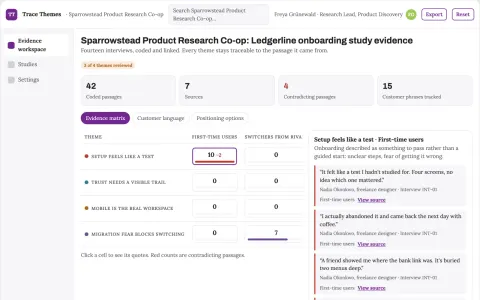
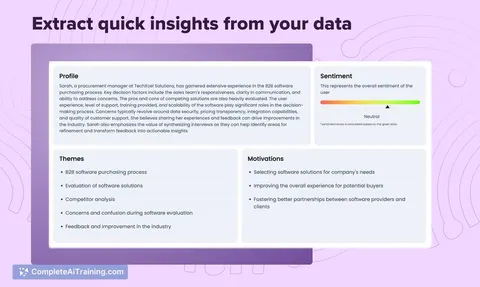
Qualitative interview evidence synthesis workspace
Reduce manual coding and reporting effort while keeping every theme traceable to participant evidence.
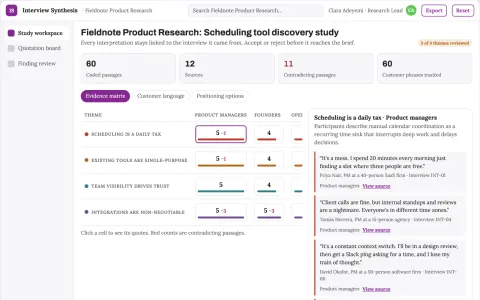
Product interview synthesis
Every finding retains participant context and contradictory evidence.
Show all 12 apps
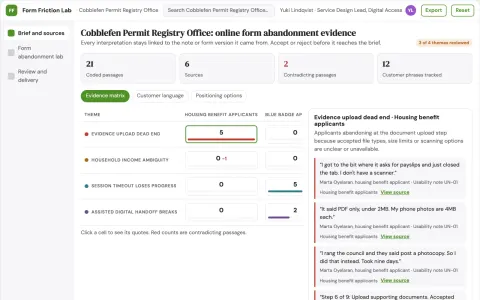
Public service form abandonment lab
Explain observed form friction without profiling residents.
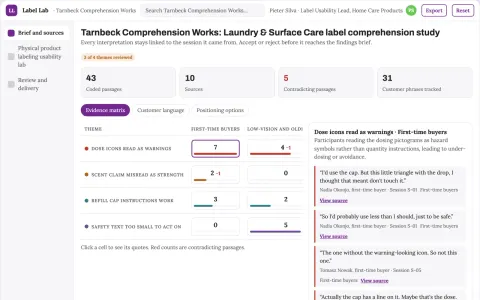
Physical product labeling usability lab
Observed understanding before production tooling.
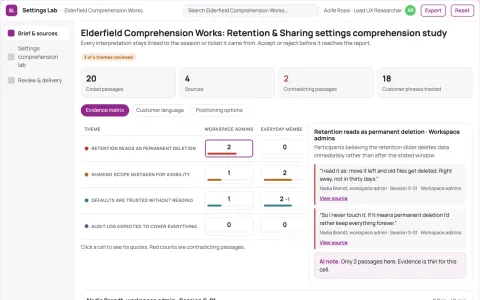
Product settings comprehension lab
Understand consequences before toggling options.
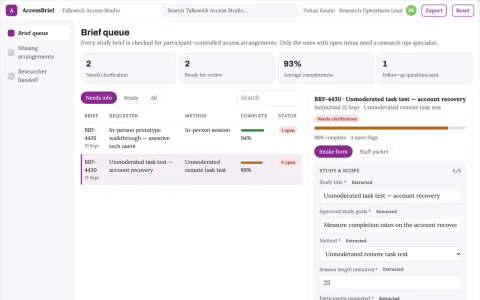
Product accessibility research recruiting brief
Accessible participation without trait inference.
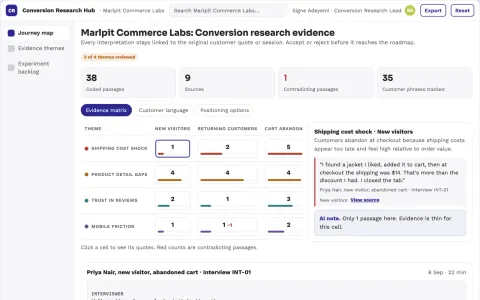
Conversion research service
Recommendations connect to observed customer problems and testable hypotheses.
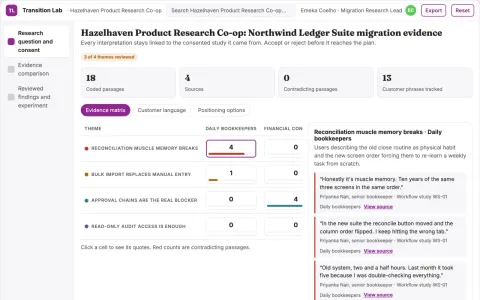
Product migration friction experiment lab
Reduce avoidable customer disruption during approved transitions.






































































































About this learning path
7 topicsA Practical AI Path for UX Researchers
AI can help you move through the parts of research that take the most typing and sorting. You still lead the study, make the judgments, and talk with people. The tools handle drafts, organization, and first passes so you can focus on thinking.
This path starts with setup questions, then shows you how to connect your AI to your daily work. You will learn job skills inside your AI, take this prompt course, and watch video courses picked for UX researchers. Each video course includes its certification details so you know what you earn.
Why AI Matters for UX Research
Product teams want answers faster, but good research still takes care. AI helps you draft plans, guides, and reports without skipping the human parts. It also helps you keep notes and findings in one place.
What the Path Includes
You start with setup questions to pick the right AI tool and account. Then you connect your AI to your notes, calendar, and files in a safe way.
You practice skills for the job inside your AI, take the prompt course, and watch video courses chosen for UX research. The path lists the certification each video course offers.
Video Courses and Certifications
The video courses cover research planning, interviewing, usability testing, analysis, and presenting. They are picked for the work you do each week, not general AI topics. Each course page shows the certification you can earn when you finish.
How It Saves You Time
You will spend less time staring at a blank page and more time with participants and stakeholders. Prompts help you turn rough notes into themes, outlines, and summaries. You can also reuse prompts for recurring tasks like screening questions and status updates.
How It Protects Your Career
AI will not replace the judgment, empathy, and context you bring to research. It will change how fast you can deliver and how well you organize your work. Researchers who can use AI well become the people teams ask to lead studies and explain findings.
How to Start This Week
Begin with the setup questions and connect one AI tool you already have. Then open the prompt course and try the study plan lesson on a real project. Pick one video course that matches your next deadline. Small practice beats a big overhaul.
Frequently asked questions
Do I need technical skills to start?
No. If you can write an email and use a web browser, you can use these prompts. The path explains each step in plain language and lets you practice on your own research tasks.Will AI replace UX researchers?
AI can draft and sort, but it cannot build trust with a participant or read a room. Your judgment about what matters and what to recommend is still the core of the job. The path helps you use AI to support that judgment, not replace it.How much time does the path take?
You can move through the setup and prompt course in short sittings. The video courses are broken into lessons you can watch between meetings. Most people can finish a first pass in a few weeks without clearing their calendar.Is it safe to use AI with research data?
Treat participant data with care and follow your company rules. Remove names, contact details, and anything sensitive before you paste notes into an AI tool. The safety section shows how to anonymize and what to keep out of prompts.