
Learning path
Learning AI as a Product Owner
This learning path helps product owners use AI to draft user stories, refine requirements, prioritize backlogs, and communicate clearly. It combines setup, prompt practice, and video courses chosen for your role.

Your path
Everything in the Product Owner AI kit, in the order that makes sense. Members tick off each step and see their progress.
Set up your AI
We guide you through each click.
Let skills do your everyday tasks
Connect your apps and pick your AI apps
Hand whole tasks to AI agents
Build your own tools
Everything for product owners
All the courses, certifications, AI tools, MCP servers and apps for product owners, most relevant first. Open any list to see more.
Take the prompt courses
A short framework course to learn how to ask, then 8 lessons with ready-to-use prompts for product owners.
Start with this framework: how to talk to AI
RACE helps product owners define role, action, context, and expectation, so writing a user story with clear acceptance criteria gets consistent quality.
Then your prompt course for product ownersWatch the video courses or add them to your Favorites for later
116 video courses our AI picked for product owners, most useful first. Save the ones you want to watch later with the heart.
Favorites are saved to your account: sign in or get your AI kit first.
Show all 116 video courses
Get certified, or add certifications to your Favorites
Every course ends in an exam and a certificate you can add to LinkedIn. Save the certifications you are aiming for with the heart.
Favorites are saved to your account: sign in or get your AI kit first.
More certifications for product ownersShow all 24 certifications
Try the AI tools for product owners
24 AI tools our AI matched to the work of product owners, best fit first. Each review shows what it does, its alternatives and the jobs it suits.
Favorites are saved to your account: sign in or get your AI kit first.
Show all 24 AI tools
Connect your AI to the apps product owners use
MCP servers let ChatGPT, Claude or Copilot look things up and get work done in other apps, like your email, calendar or bookkeeping software. These 12 fit the work of product owners best, well-known apps first.
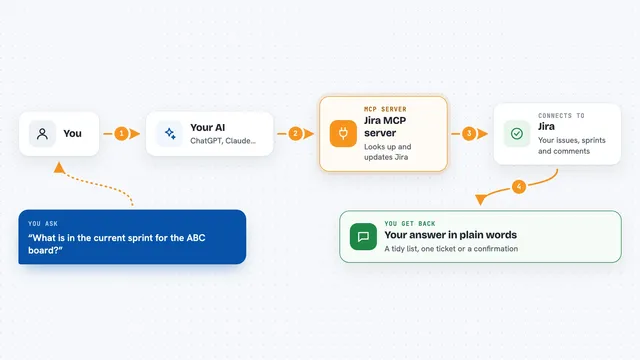
Jira MCP server
by nguyenvanduocitLet your AI look up, create, and update Jira issues, sprints, and comments for you.
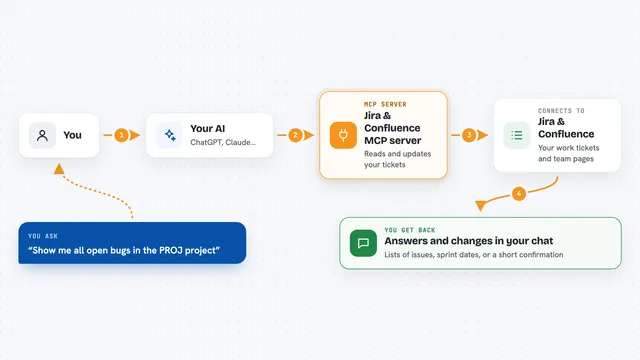
Jira & Confluence MCP server
by raalarcon9705Lets your AI read and update Jira issues, sprints, comments and Confluence pages for you.

IdeaLift MCP server
by Startvest-LLCLet your AI turn rough notes into tidy ideas, score them, and track decisions for your product backlog.

Trello MCP server
by agrathLet your AI read and update your Trello boards, lists and cards for you.

Atlassian MCP server
by soopersetLets your AI search, read, and update your Jira tickets and Confluence pages for you.
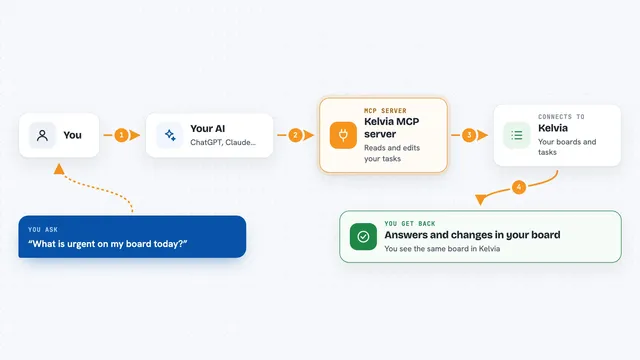
Kelvia MCP server
by gonnagetapowerLets your AI create and move tasks, log time, and plan your day in Kelvia for you.
Productivity OfficialShow all 12 MCP servers

Taiga MCP server
by negoro26Lets your AI read and update your Taiga projects, stories, tasks, sprints, comments and wiki pages.

Notion MCP server
by awkoyLet your AI read and write in Notion: create pages, query databases, add comments and upload files.

AIOProductOS MCP server
by AIOProductOSLets your AI read and update your product workspace: feedback, features, tasks, releases, and analytics.
Productivity Official
PM Copilot MCP server
by dkshipsTurn support tickets, feature requests and AI chat logs into a ranked list of what to build next.

WayStation MCP server
by waystation-aiConnect your AI to Notion, Slack, Jira, Airtable and other work apps so it can look things up and update them for you.
ProductivityNo install
Azure DevOps MCP server
by dockndevaiLets your AI look up and update Azure DevOps projects, work items, repos, pull requests and builds.
Build your own AI apps for product owners
Apps you build yourself with your own AI, no coding needed and no monthly fee. Our AI picked the 12 that fit the work of product owners.
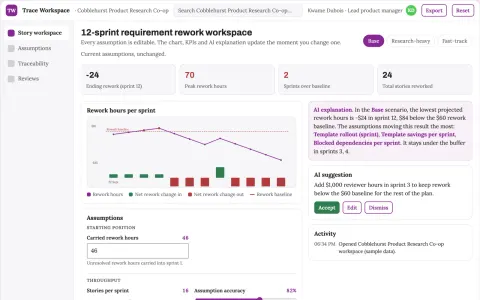
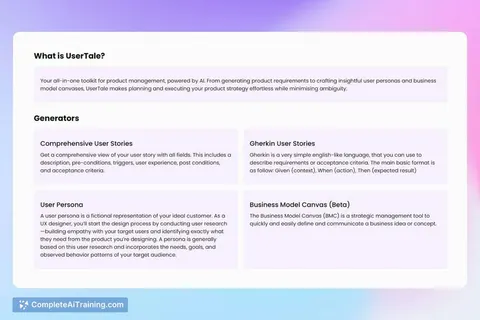
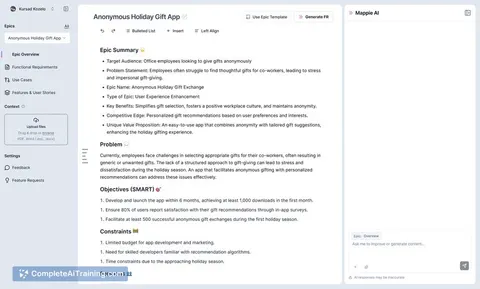
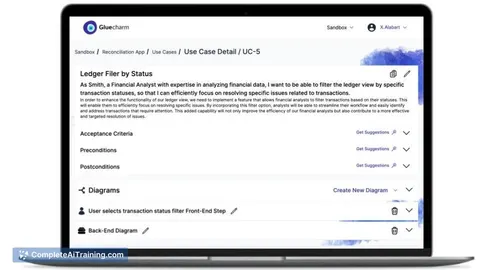
Assumption-driven product requirements and story workspace
Reduce requirement rework while keeping every story traceable to its source assumption.
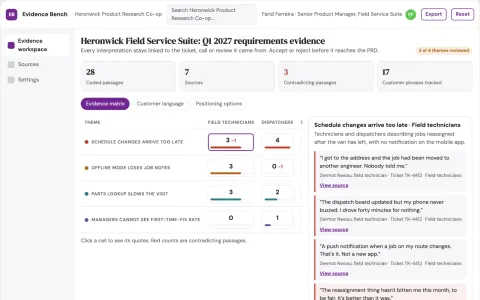
Evidence-backed product feedback and content workbench
Reduce manual consolidation and rework while keeping every product claim tied to a source.
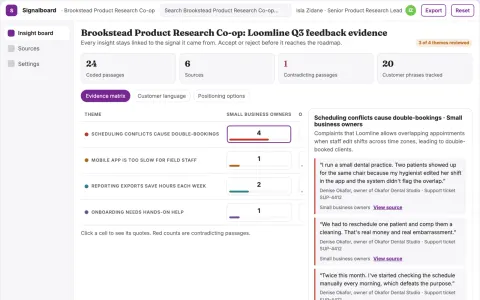
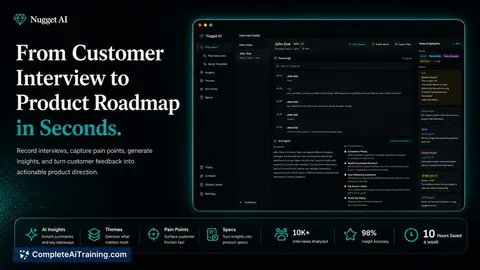
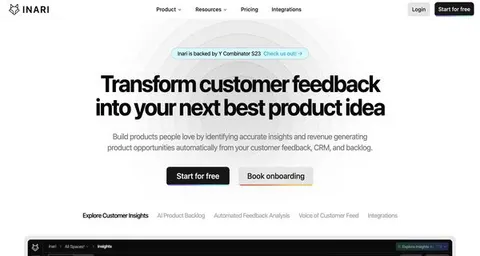
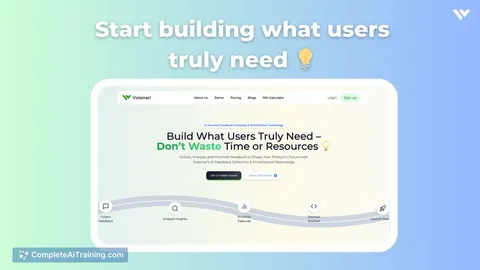
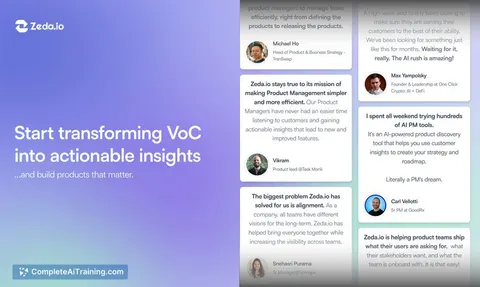
Customer feedback insight and prioritization workspace
Turn scattered feedback into source-grounded, prioritized product insights.
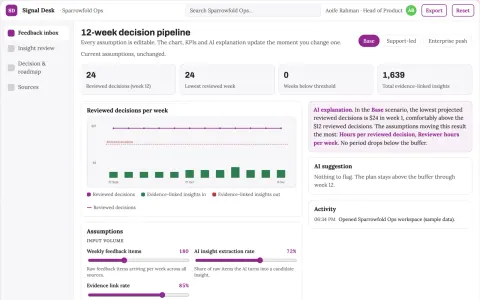
Assumption-driven product feedback decision workspace
Reduce the time from raw feedback to a reviewed, evidence-linked build decision while keeping the assumptions and their evidence visible.
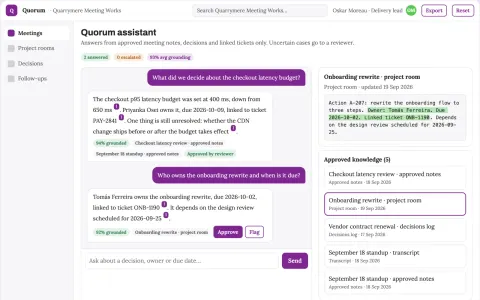
Meeting conversation capture and follow-up console
Reduce manual note-taking and re-entry while keeping decisions traceable to the transcript.
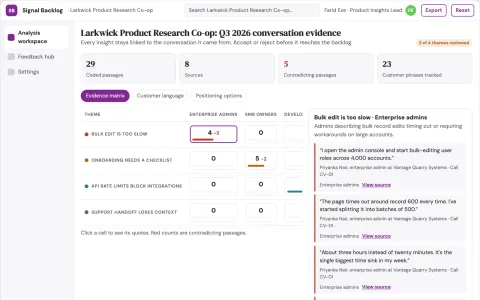
Customer conversation insight and backlog workbench
Reduce manual feedback triage while keeping every insight linked to its source conversation.
Show all 12 apps
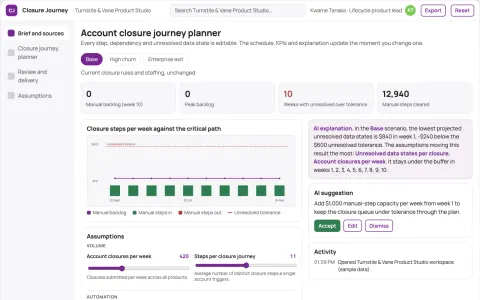
Product account closure journey planner
Complete user journey beyond cancellation clicks.
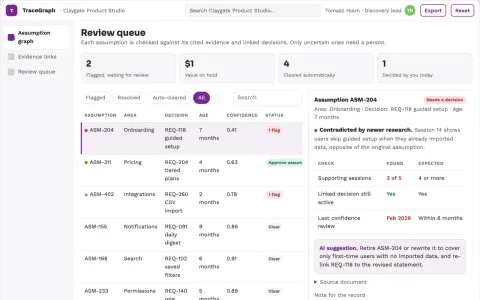
Product assumption traceability graph
Trace each product decision to its still-valid assumptions.
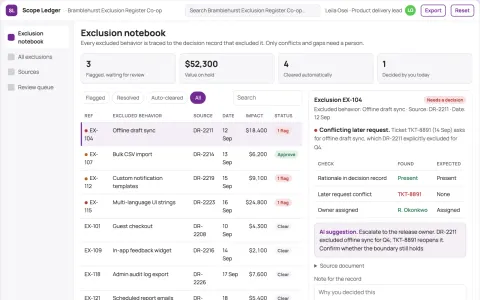
Feature scope exclusion notebook
Preserve intentional product boundaries.
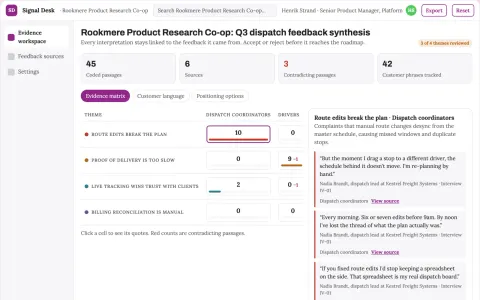
Customer feedback insight and prioritization workspace
Reduce the time from raw feedback to a prioritized, evidence-backed product decision.
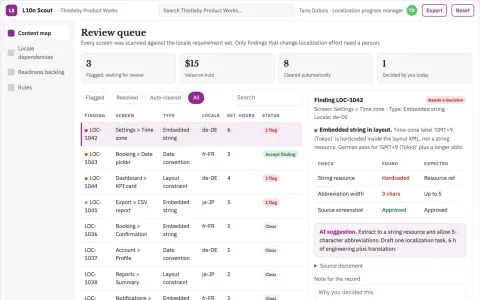
Product localization readiness planner
Expose product-level localization work before translation begins.
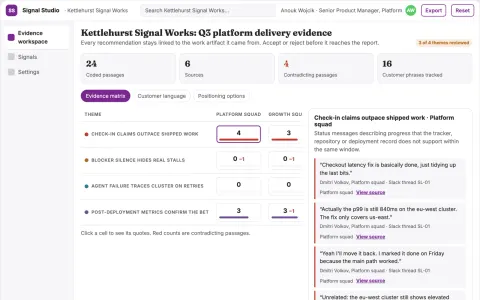
Product signal aggregation and reporting workspace
Reduce manual status gathering while keeping every recommendation tied to its evidence.














































































































About this learning path
6 topicsAI for Product Owners: A Practical Learning Path
As a product owner, you juggle many tasks: writing stories, refining requirements, prioritizing the backlog, and keeping everyone informed. AI can help you do these tasks faster and with less stress, so you can focus on the decisions only you can make.
This path starts with the basics of setting up and connecting your AI assistant. Then you learn prompts for the job, practice with a prompt course, and watch video courses picked for product owners. You also see the certifications those courses offer, so you know what you have achieved.
Why AI Matters Now
Product owners are asked to do more with less time. AI can take on the drafting, summarizing, and organizing that eats up your day. It does not replace your judgment or your relationships with the team and stakeholders.
Using AI well shows you can adapt to new tools. It also frees you to spend more time on the parts of the job that need a human touch, like negotiating priorities and understanding user needs.
What The Path Includes
The path begins with setup questions and connecting your AI. You will learn how to get your AI assistant ready for work. Then you move to skills for the job inside your AI, like how to ask for a user story or a backlog summary.
Next is this prompt course, where you practice eight core prompts for product owners. After that, you watch video courses picked for your role. You also see the certifications from those courses, which you can add to your profile.
How It Saves You Time
You will save time on writing user stories and acceptance criteria. Instead of staring at a blank page, you give the AI a short description and get a draft you can refine. You will also save time on requirements refinement, because AI can help you spot edge cases and unclear parts.
Backlog prioritization becomes faster when AI helps you compare tradeoffs and document your reasoning. Sprint planning support means you can prepare inputs without doing the team's decisions. Stakeholder updates and progress reports come together in minutes, not hours.
How It Protects Your Career
AI is a tool, not a replacement. By learning to use it well, you become more valuable. You show that you can work with new technology and focus on high-value work. This path helps you stay current without needing to become technical.
You remain in charge of every decision. The AI drafts, you decide. That keeps your role central and your skills sharp for whatever changes come next.
How To Start
Start with the setup questions and connect your AI. Then take the prompt course, one lesson at a time. Practice each prompt on a real backlog item from your work. After that, watch the video courses to deepen your knowledge.
A little practice each day goes a long way. Try one new prompt in your next sprint planning or backlog refinement session. You will quickly see where AI helps most for you.
Frequently asked questions
Do I need technical skills to use AI as a product owner?
No. The prompts in this path are written in plain language. If you can write an email, you can use these prompts. The setup steps are simple and guided.Which AI tools will I use?
You can use ChatGPT, Claude, or Gemini. The prompts work across these tools. The path shows you how to connect your chosen AI and get started.How long does the learning path take?
You can go at your own pace. Most learners finish the prompt course in a few weeks, spending a little time each day. The video courses are short and can be watched when you have time.Will AI replace my job as a product owner?
No. AI helps with drafting, summarizing, and organizing, but it cannot build relationships, negotiate priorities, or understand the deeper needs of your users and team. Your judgment remains essential.