
Learning path
AI for user experience designers
Be the AI expert in your job. Always up to date.
Your first AI Expert certificate this week. Your AI set up in 15 minutes.
This is exactly what happens after you join. Try it: everything below reacts to your choices.
Only stored for members. Join to keep the courses you choose in your account and favorites; until then only this browser remembers them. Start for Free




Picked by our course-matching AI for user experience designers, your level and your AI, from 700+ courses. Each course ends in a short exam and an AI Expert certificate. New courses arrive every week and your suggestions update with them. Your choices are kept in this browser until you join.
For members: your personal setup prompt, with your sign-in built in. Here's what's inside.
What the setup does
- Connects your AI to your AI Coach: ChatGPT, Claude, Cowork, Microsoft Copilot and more
- Asks you a few questions about your work and saves your profile
- Gives your AI the skills, prompts and tools for user experience designers
- Writes your personal instructions and gives you today's first suggestion
What your AI gets: the user experience designer AI kit
See everything in your user experience designer AI kit: log in or sign up first → · Start for Free
Like "Competitive Content Analysis"
A new idea from your AI Coach every day
Let your AI hire a real human to check, test, or verify things in the real world.
From 4,600+ connections, after a short interview about the apps you use
Make sure the prototype works with each participant's tools before the session.
From 3,900+ AI agents: hand a whole task to AI
Pairs journey-based manual review with automated findings you can rerun after every release.
From 2,400+ apps you can build, with step-by-step prompts
Not connected? The same suggestions wait for you on your dashboard under Today, with prompts to copy into any AI.
All the courses, certifications, AI tools, connections and apps for user experience designers, most relevant first. Tap the heart on anything to save it for later.
All prompt courses for user experience designers
How to talk to AI, then 16 lessons with ready-to-use prompts for user experience designers.
- 1User Persona Development5 prompts
- 2User Journey Mapping20 prompts
- 3Competitor Analysis17 prompts
- 4Content Strategy Development22 prompts
- 5Ideation and Brainstorming Sessions17 prompts
- 6Wireframing and Prototyping19 prompts
- 7Usability Testing Questionnaires17 prompts
- 8Accessibility Compliance Check22 prompts
- 9Design System Documentation9 prompts
- 10Interactive Design Critiques18 prompts
- 11User Feedback Analysis16 prompts
- 12Conversion Rate Optimization22 prompts
- 13SEO Best Practices for UX22 prompts
- 14Ethical Design Considerations17 prompts
- 15Augmented Reality (AR) Experience Suggestions19 prompts
- 16Predictive User Behavior Analysis17 prompts
All video courses for user experience designers
121 video courses our AI picked for user experience designers, most useful first. Tap the heart to save one for later.
Favorites are saved to your account: sign in or get your AI kit first.
All certifications for user experience designers
Every course ends in a short exam and an AI Expert certificate you can add to LinkedIn. Tap the heart to save the ones you're aiming for.
Favorites are saved to your account: sign in or get your AI kit first.
Main certification for user experience designers
More certifications for user experience designersAll AI tools for user experience designers
24 AI tools our AI matched to the work of user experience designers, best fit first. Each review shows what it does, its alternatives and the jobs it suits.
Favorites are saved to your account: sign in or get your AI kit first.
All connections for user experience designers
Connections let ChatGPT, Claude or Copilot look things up and get work done in other apps, like your email, calendar or bookkeeping software. These 12 fit the work of user experience designers best, well-known apps first.
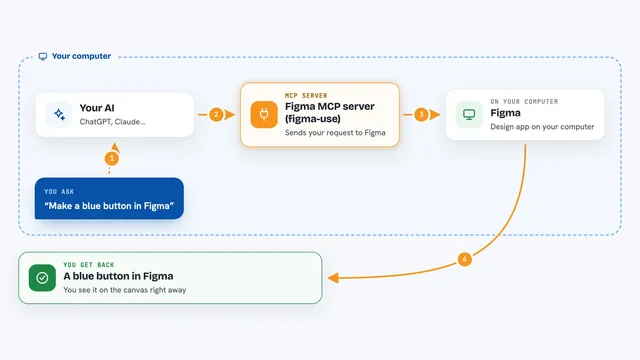
Figma MCP server (figma-use)
by dannoteLets your AI create and change things in Figma, like shapes, text, buttons and layouts, right from a chat.
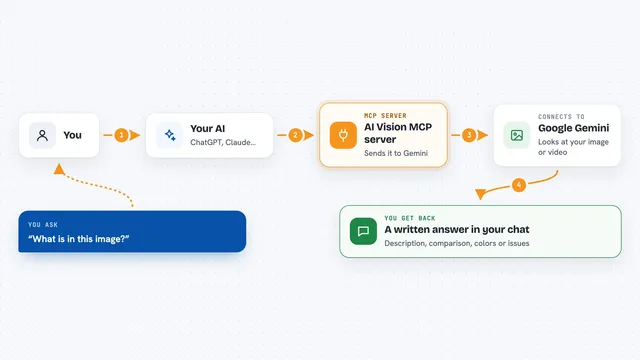
AI Vision MCP server
by tan-yong-shengLets your AI look at images and videos, describe them, compare them, and check design quality.

Genable MCP server
by musepyLet your AI build and edit real Figma designs, then check the result with screenshots.

localfig MCP server
by LucasGorgalLets your AI read and change the Figma file you have open, right from your desktop app.
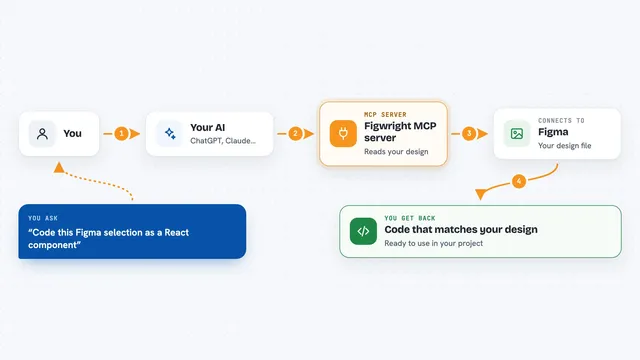
Figwright MCP server
by awdr74100Lets your AI read your Figma designs and turn them into code, or build new Figma designs for you.

UXLoom MCP server
by uxloom-devChecks your app's screens and user journeys for missing states, contrast problems, and small tap targets.

Google Drive MCP server
by A1-x-TechLet your AI search, organize, upload, download, export and share your Google Drive files for you.
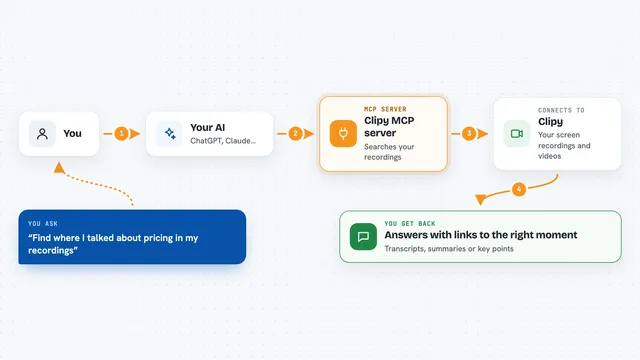
Clipy MCP server
by manovagyanik1Lets your AI search your Clipy screen recordings and read their transcripts, summaries and key moments.

SaglitzDesign MCP server
by HalidSaglamGives your AI real design rules and generators for web, iOS, Android and macOS, plus SEO and marketing help.

Human For AI MCP server
by humanforaiLet your AI hire a real human to check, test, or verify things in the real world.
Productivity Official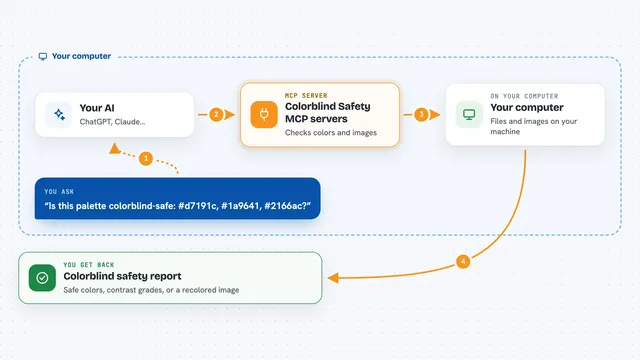
Colorblind Safety MCP servers
by vince-gonzalezCheck if your colors and images are colorblind-safe, and see them the way a colorblind person does.

RNV Color MCP server
by RNVizionMix, convert, and match colors, build palettes, and save them by name, right from your chat.
Design toolsNo installAll apps you can build for user experience designers
Apps you build yourself with your own AI, no coding needed and no monthly fee. Our AI picked the 12 that fit the work of user experience designers.
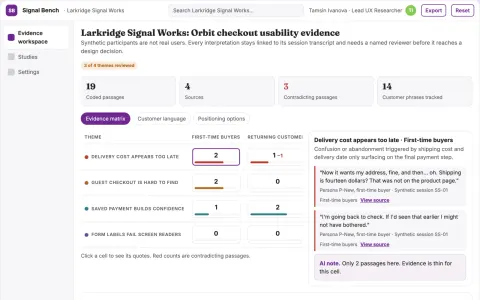
Synthetic usability evidence workbench
Reduce reliance on live participants for early usability checks while keeping evidence and human review.
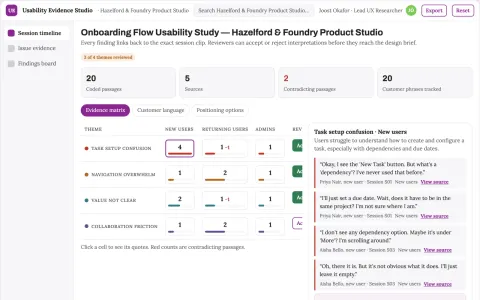
Usability research assistant
Observed behavior and source clips remain attached to every usability finding.
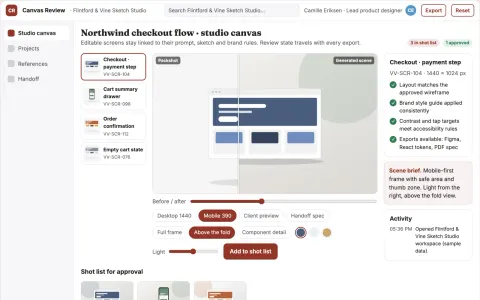
Editable UI production and review platform
Reduce tool sprawl and rework while keeping design decisions under named review.
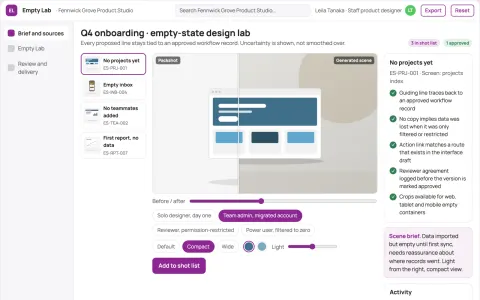
Product empty-state design lab
Actionable guidance before data exists.
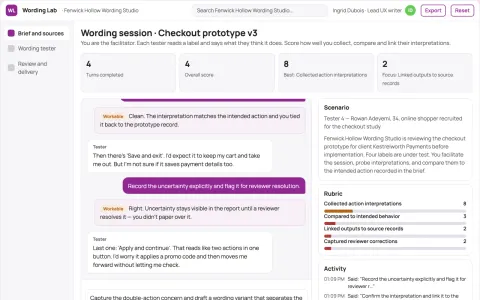
Prototype interaction wording tester
Test action expectations before implementation.
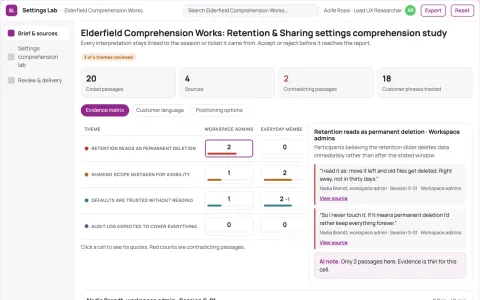
Product settings comprehension lab
Understand consequences before toggling options.
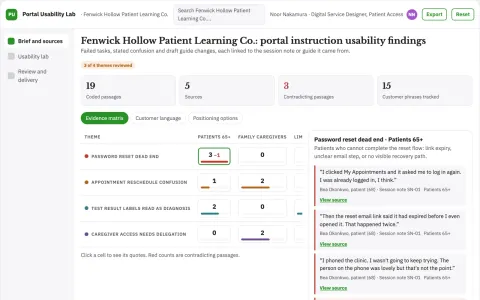
Patient portal instruction usability lab
Observed task evidence without health inference.
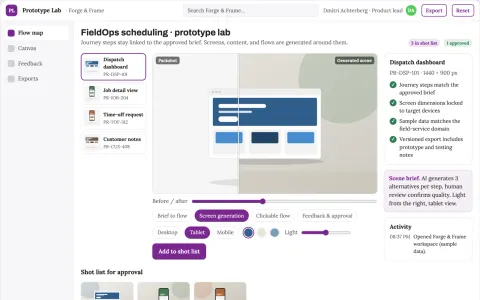
Rapid prototype studio
Prototypes center on a testable customer task and realistic content.
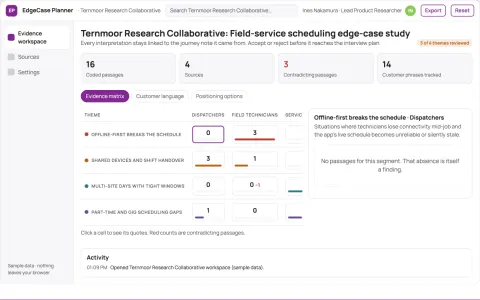
Product edge-case interview planner
Find neglected situations without synthetic users.
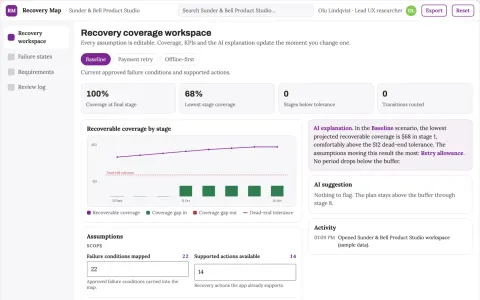
Product error recovery journey map
Recoverability as an explicit product requirement.
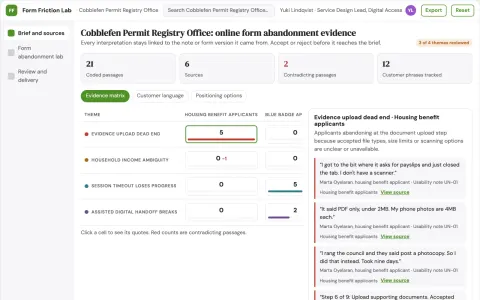
Public service form abandonment lab
Explain observed form friction without profiling residents.
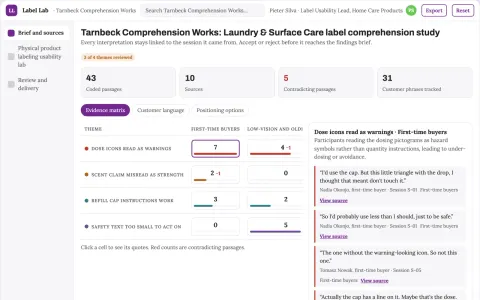
Physical product labeling usability lab
Observed understanding before production tooling.
The handbook for user experience designers




























































































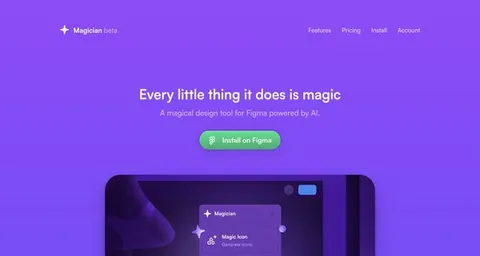
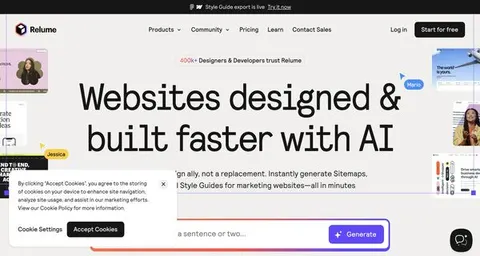

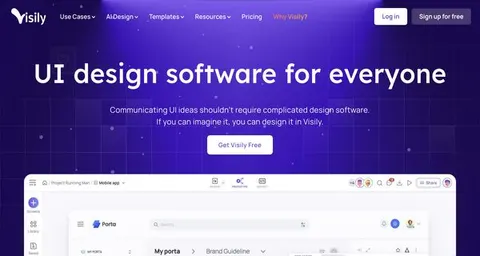
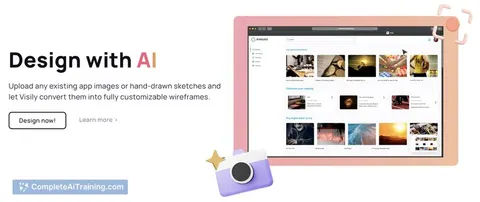

About this learning path
8 topicsUnlock the Future of UX Design with AI: A Game-Changer for UX Designers
Picture this: You're sitting at your workspace, ideas flowing effortlessly onto the screen, powered by more than just intuition. You're backed by the immense potential of Artificial Intelligence (AI), taking your creativity and amplifying it tenfold. Every decision, every design choice, isn't just guesswork—it's supported by robust data, predictive insights, and intelligent automation.
As a UX designer, you're responsible for creating meaningful experiences that resonate deeply with users. But imagine how much more impactful your work could be if integrated with AI-driven tools. That's not a distant future scenario—that's happening right now. That's exactly what this course is about: equipping you with the hands-on knowledge and practical skills to seamlessly integrate AI into your UX workflow.
"AI for User Experience (UX) Designers" isn't merely another checkbox on your learning list. It's your direct ticket to securing a competitive edge, boosting your efficiency, and increasing your earning potential. Because here's the truth: The digital landscape is evolving rapidly, and AI is no longer optional—it's essential.
Future-Proof Your Skills
The only guaranteed thing about technology? It changes—fast. Staying relevant as a UX designer means adopting the tools that matter. AI is not some distant or abstract technology—it's here, reshaping industries, redefining roles, and revolutionizing workflows. With this course, you'll be regularly updated with monthly insights, ensuring your skills reflect the latest advancements in AI-driven UX design.
Why does this matter?
Because adaptability is your greatest asset. Businesses need designers who understand not just design, but the power of intelligent technologies to enhance user interactions. By staying ahead, you'll position yourself not just as a talented creative, but as a strategic innovator.Save a Wealth of Time
Time is limited and valuable—especially for UX designers. You thrive when you have the freedom to focus deeply on creative solutions, user research, and strategic thinking. AI brings automation and predictive capabilities that streamline repetitive tasks, accelerate data analysis, and even anticipate design trends.
How does AI save you time?
Automating routine tasks like wireframing, user testing analysis, or data synthesis means you can shift your attention from tedious tasks to meaningful, creative work. This course will guide you through various AI tools that help you reclaim your time and energy to do what you do best—designing exceptional user experiences.Secure Your Job
You’ve probably heard the whispers: Automation is coming for our jobs. The reality? AI isn't replacing UX designers—it's empowering them. By mastering AI, you become indispensable, someone who doesn't just survive but thrives in the modern job market.
What makes you irreplaceable?
Your ability to integrate AI into your workflow positions you as a key player in any design team. You're not just a designer; you're a tech-savvy strategist, a problem solver who leverages AI to enhance user satisfaction, business outcomes, and project efficiency. This course teaches you exactly how to leverage AI to secure your position for years to come.Maximize Your Income
Let's talk money. Expertise in AI-driven UX design isn't just a résumé booster—it's a salary booster, too. Employers recognize the value of designers who can seamlessly integrate AI, and they're willing to pay for it.
How does AI expertise impact your earning potential?
Organizations increasingly seek professionals who understand how to navigate the intersection of design and AI. With this course, you’ll tap into thousands of ready-to-use prompts for generative AI tools like ChatGPT, specifically designed for UX designers. This practical knowledge directly translates into higher-value projects, better client engagements, and ultimately, greater financial rewards.Course Offerings Tailored for You
Wondering what's included? Here's exactly what you'll get:
- In-depth Video Courses & Tutorials for UX Designers:
Watch and learn at your own pace with engaging videos designed specifically for UX professionals. Master AI concepts from foundational principles to advanced implementation techniques. - Generative AI Job Prompts (Thousands of Examples):
Gain instant access to an extensive library of prompts crafted specifically for using generative AI tools within UX projects. Accelerate your design workflow and ideation processes significantly. - AI eBooks & Comprehensive Guides:
Deepen your understanding through practical guides, clear examples, and step-by-step instructions. Whether you're a beginner or an experienced designer, you'll find actionable insights to elevate your skills. - Cutting-edge AI Tools for UX Designers:
Explore and leverage specialized AI tools that empower you to create smarter, data-driven user experiences. From predictive analytics to user behavior tracking, these tools will transform your approach and outcomes.
- In-depth Video Courses & Tutorials for UX Designers:
How to Start
Diving into AI doesn't have to feel overwhelming. Here's your straightforward action plan:
- Assess your current knowledge:
Understand where you stand with AI and UX. Identify gaps in your knowledge and set clear learning objectives using our initial assessment tools. - Start with foundational video lessons:
Begin your journey with our introductory modules that clearly explain AI fundamentals, terminology, and basic UX applications. - Experiment hands-on:
Apply what you've learned in practical exercises and real-world scenarios. Our course provides interactive projects and prompts to build your confidence using AI in your design workflow. - Integrate AI into your workflow:
Start implementing AI tools and techniques within your current projects. Observe and document the improvements and efficiencies gained. - Stay updated:
With monthly updates, you'll always be informed about the latest developments and innovations in AI-driven UX design.
- Assess your current knowledge:
Frequently Asked Questions (FAQ)
Do I need prior experience in AI to take this course?
Absolutely not. This course is structured to accommodate beginners and advanced learners alike. We start with the fundamentals and gradually advance to more complex concepts and applications.What kind of AI tools will I learn?
You'll explore a range of tools, including generative models (like ChatGPT), analytics tools, predictive UX software, and automation platforms that streamline your workflow and enhance your design process.How long does it take to complete this course?
The course is self-paced, allowing you to proceed at your own comfort level. On average, learners complete the core modules within 3-4 weeks, but you'll have ongoing access to continuously updated content and lessons.Will this course help me professionally?
Definitely. Upon completion, you will have practical, in-demand skills that employers actively seek, making you a more attractive candidate and increasing your market value.Conclusion
"AI for User Experience (UX) Designers" is more than just a course. It's your opportunity to lead rather than follow. To innovate rather than imitate. To leverage AI not as a distant threat, but as your greatest ally in creating human-centered, intelligent user experiences. Are you ready to embrace the future of UX design?
At a glance
What you get
- 3 step setup process
- Relevant courses for your job (700+ available)
- A certificate per course
- AI Coach
- 15-minute AI setup in ChatGPT, Claude, Copilot and more