AI tool
KarmaBox
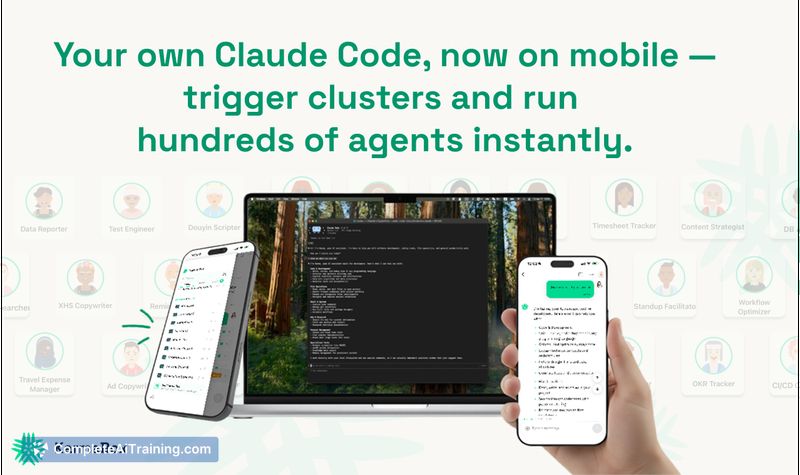
KarmaBox runs Claude Code from your phone and coordinates AI agents across your devices-routing tasks to Claude, Codex, Gemini and others, sharing context in real time to automate workflows without cloud or tool switching.

About KarmaBox
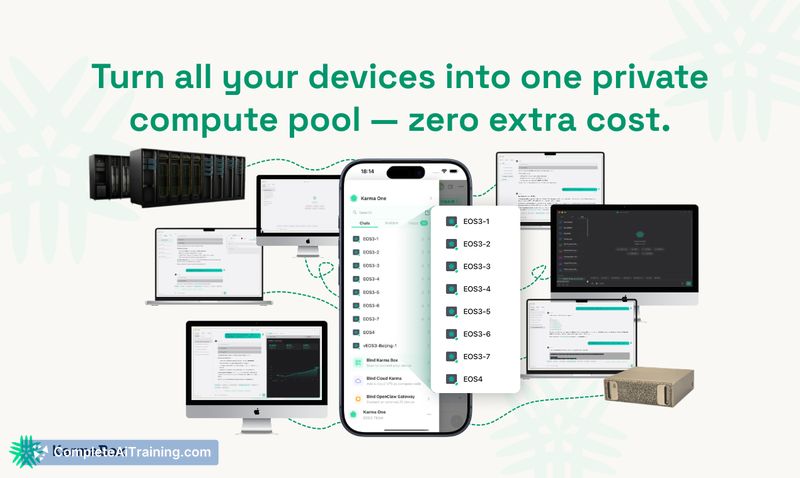
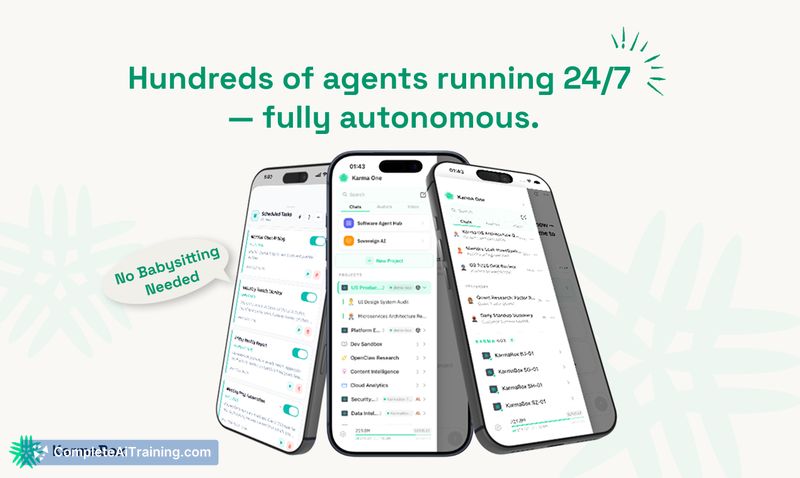
KarmaBox is an AI orchestration platform that lets you coordinate hundreds of AI agents from a phone and across your personal devices. It routes tasks to different models (Claude, Codex, Gemini and others), uses connected machines as a private compute pool, and can fall back to cloud resources so processes keep running in the background.
Review
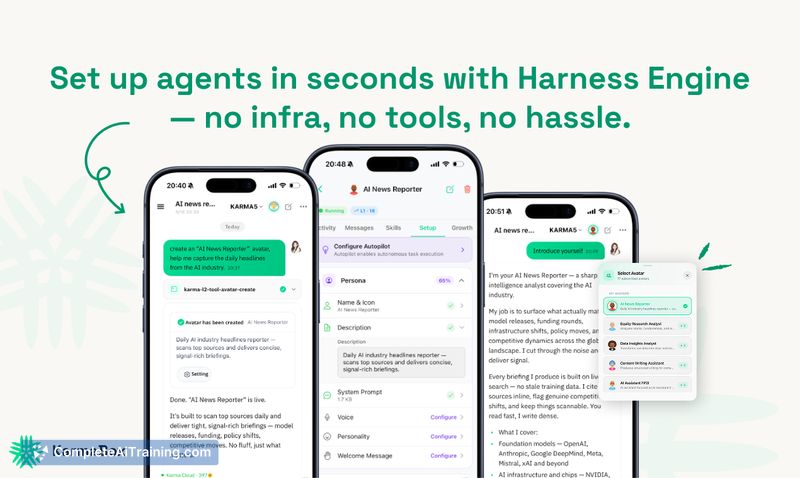
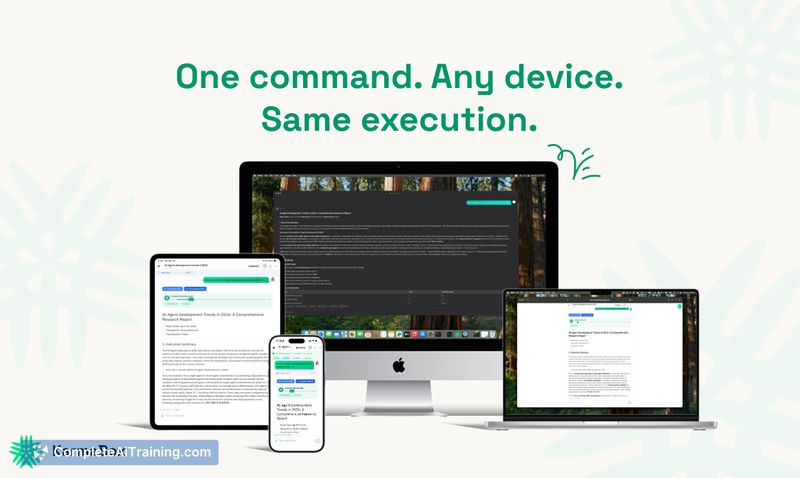

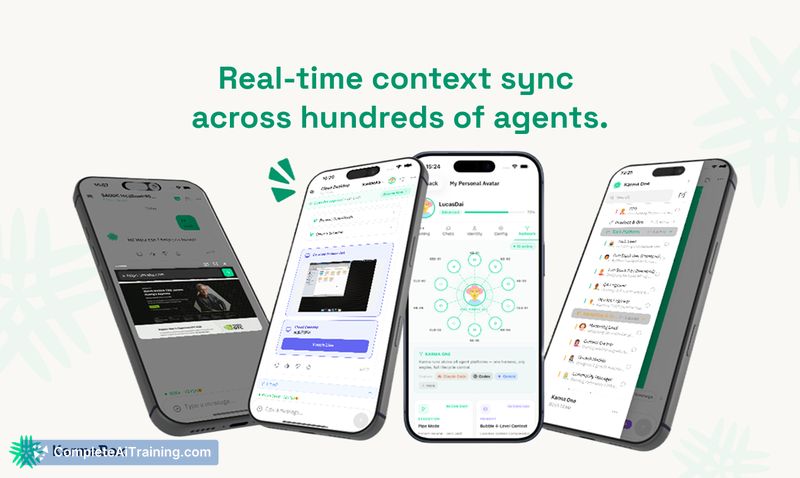
KarmaBox focuses on making multi-model workflows and long-running agentic tasks simple to start and monitor from a mobile control center. It emphasizes continuous execution, state persistence, and a single set of credentials that follow work as it moves between devices and cloud sandboxes.
Key Features
- Multi-model routing: automatically dispatches tasks to the most suitable model (Claude, Codex, Gemini, etc.).
- Device pool orchestration: turns laptops, desktops, home servers and phones into a coordinated private compute pool with fallback rules.
- Background and long-running task support: queues and checkpoints work so tasks continue when devices go offline and notify you when complete.
- Unified credentials and Connections layer: connect models and apps (Gmail, Slack, GitHub, Notion) once and reuse them across agents.
- Cost controls and pooled backend: aggregated model and infra pools help smooth API and execution costs while offering user-facing knobs for budget vs quality.
Pricing and Value
The product page indicates free options are available and a Pro tier is offered, with an early promotional trial for some users. The platform's value proposition centers on reducing friction for multi-tool workflows and lowering unit costs through an aggregated LLM credit pool and pooled execution infrastructure (the team cites roughly 20-40% better unit economics for aggregate usage).
Because compute can run on your own devices, KarmaBox can reduce infrastructure spend for many workflows, but heavy AI compute still uses third-party models or cloud sandboxes and will incur model/API costs. The product provides controls for routing and budgeting so you can tune quality versus cost.
Pros
- Effortless orchestration across multiple models and agents, reducing manual copying and tool-switching.
- Local device pooling improves privacy and can lower infra costs for sustained workloads.
- Good support for background and long-running tasks with state persistence and notifications.
- Unified connections reduce repeated authentication across services and devices.
- Backend pooling and negotiated rates can make multi-model compositions more cost-effective than calling each vendor directly.
Cons
- New launch status means features and integrations may change quickly and some workflows could require tuning or troubleshooting.
- Initial setup and policy configuration for device routing, battery limits and project bindings adds complexity for less technical users.
- Some heavy compute still runs in cloud sandboxes, so users should monitor model/API spend and trust the backend pooling approach.
Overall, KarmaBox is a strong fit for users who juggle multiple AI models and want to automate continuous or long-running workflows without constantly hopping between tools. It suits developers, technical product teams, and power users who value device-based execution, unified credentials, and tighter control over routing and cost.
Jobs KarmaBox suits
We checked KarmaBox against 500+ jobs; these get the most out of it.
Alternatives to KarmaBox
Other tools that do the same main job. Our AI compared KarmaBox with similar tools and kept the ones you could use instead.