
About: Kerlig
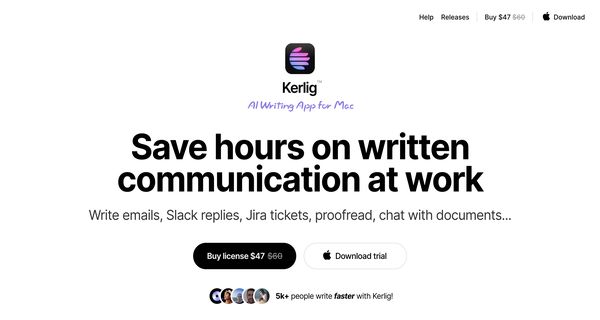
Kerlig is a sophisticated AI writing and communication assistant tailored specifically for macOS users, seamlessly integrating with leading AI models such as OpenAI, Claude, Gemini Pro, and Groq. This innovative tool enhances your writing experience by providing real-time spell-checking, grammar correction, and suggestions for crafting polished messages, ensuring your communication is always clear and effective. Whether you are drafting emails, creating reports, or engaging in social media interactions, Kerlig offers a versatile solution that adapts to your needs.
One of its standout features is the ability to interact with the AI as if you were chatting with ChatGPT, enabling users to receive instant feedback and recommendations. This functionality is particularly beneficial for professionals, students, or anyone striving to elevate their writing skills. By eliminating common writing pitfalls and enabling efficient communication, Kerlig stands out as a valuable companion for enhancing productivity and precision in written correspondence on the Mac platform.
Review: Kerlig
Introduction
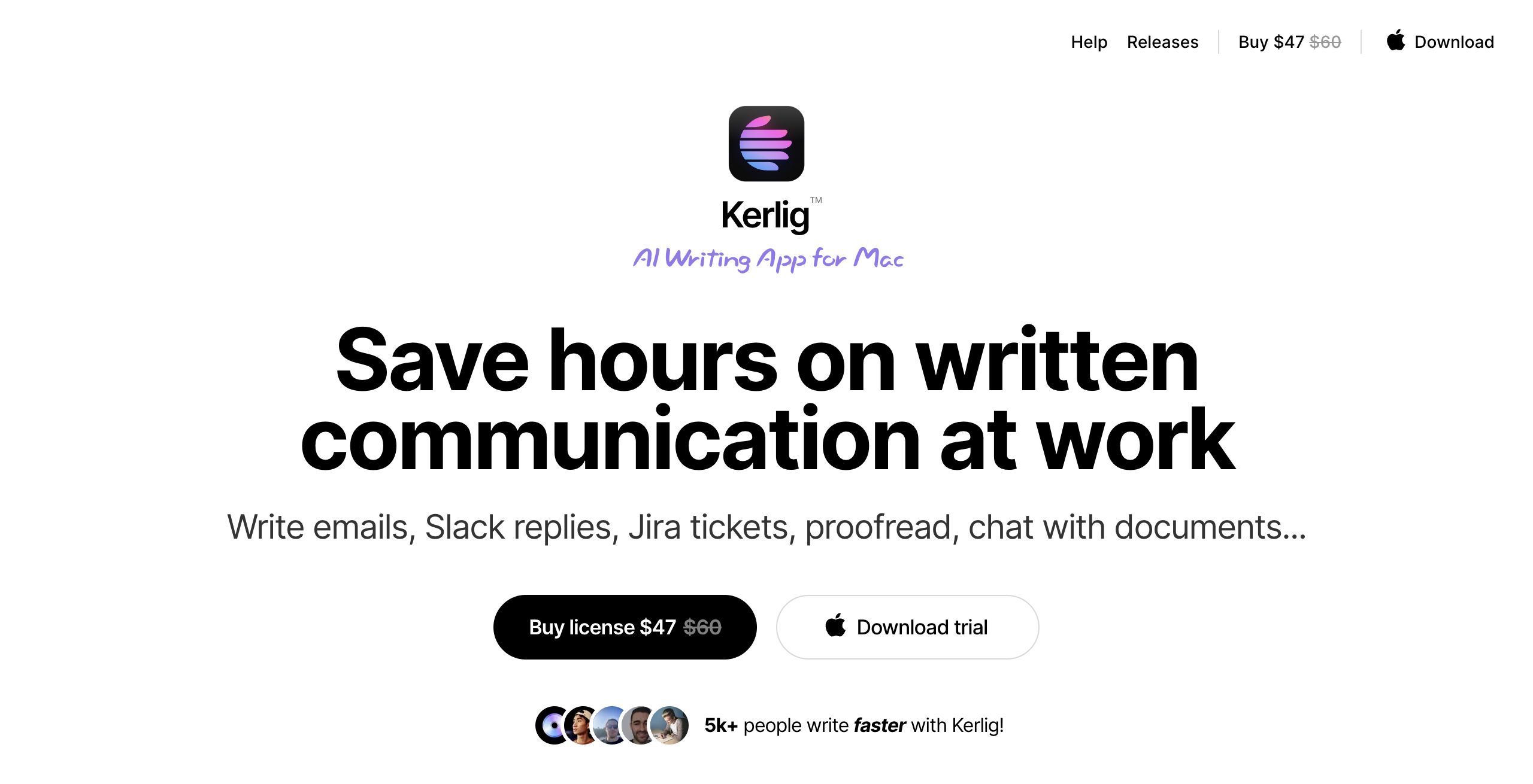
Kerlig is an in-context AI writing and communication assistant designed exclusively for macOS. It integrates seamlessly with various popular AI models such as OpenAI, Anthropic, Google, Groq, and even Ollama’s local models. Kerlig is built for professionals, designers, students, and anyone who values fast and accurate written communication. In a fast-paced world where effective communication can make a big difference, Kerlig provides a native macOS experience that streamlines writing tasks across emails, Slack, Jira, and more.
Key Features
Kerlig comes packed with a host of functionalities that are tailored to enhance writing productivity and communication efficiency:
- In-App Integration: Use the assistant directly within any application on macOS without the need to switch contexts.
- Spell-Checking and Grammar Correction: Automatically proofread and fix spelling or grammatical errors to ensure your text is polished and professional.
- Multi-Model Support: Access over 350 AI models including OpenAI, Anthropic, Google, and others to tailor responses to your needs.
- Customizable Presets: Create and adjust presets to match your tone of voice and writing style, making every interaction more personalized.
- Additional Functionalities: Beyond proofreading, Kerlig assists with summarizing documents, translating text, extracting key points, and brainstorming ideas.
- Quick Access via Shortcuts: Launch the assistant quickly with dedicated MacOS shortcuts and even utilize features like clipboard integration.
Pricing and Value
Kerlig offers a one-time payment model with additional token usage costs, making it a cost-effective alternative to recurring subscription services. The pricing is structured based on different licensing tiers:
- Basic License: $47 for one Mac (1 seat) – Suitable for individual users seeking a straightforward, efficient writing assistant.
- Pro License: $67 for two Macs (2 seats) – Ideal for power users who need the assistant on multiple devices.
- Team License: $297 for 10 Macs (10 seats) – Best suited for teams and businesses that require remote deployment and priority support.
This pricing model, with a one-time charge plus token usage fees, provides exceptional value compared to subscription-based services. It ensures users only pay for what they use while benefiting from a robust set of features and regular app updates.
Pros and Cons
- Pros:
- Seamless integration across macOS with no need for constant context switching.
- Supports multiple advanced AI models, offering diverse functionalities in one tool.
- Fast, responsive, and easy-to-use interface with intuitive keyboard interactions.
- Customizable presets that allow the assistant to match your personal writing style.
- Cost-effective one-time payment model with token-based usage for added flexibility.
- Multi-language support and additional tools such as summarization, translation, and brainstorming.
- Cons:
- Exclusively available for macOS, limiting its usability for non-Mac users.
- Token-based usage may lead to unpredictable costs for heavy users.
Final Verdict
Overall, Kerlig is an exceptional AI writing assistant that offers a comprehensive suite of tools ideal for professionals, students, and teams working on macOS. Its seamless integration, customizable options, and broad model support make it stand out in a crowded market. While its macOS-only availability and token-based pricing might not suit everyone, those who work within the macOS ecosystem will find it a valuable asset for enhancing their communication efficiency. If you value a fast, reliable, and feature-rich writing assistant that helps eliminate typos and improves overall text quality, Kerlig is well worth considering.
Open 'Kerlig' Website
Your membership also unlocks:




















