AI tool
Keysake
Keysake helps product teams and UX researchers capture, organize, and revisit interview recordings and user research. It is a research companion that generates plain-language recaps and lets you search across your sessions.
About Keysake
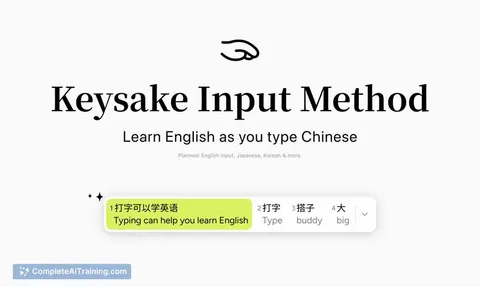
Keysake is a free macOS input method that displays English translations alongside Chinese text as you type. It lets users save individual words, phrases, or full sentences from their own writing. The tool was built using GPT-6 Astra and launched on Product Hunt this week.
Review
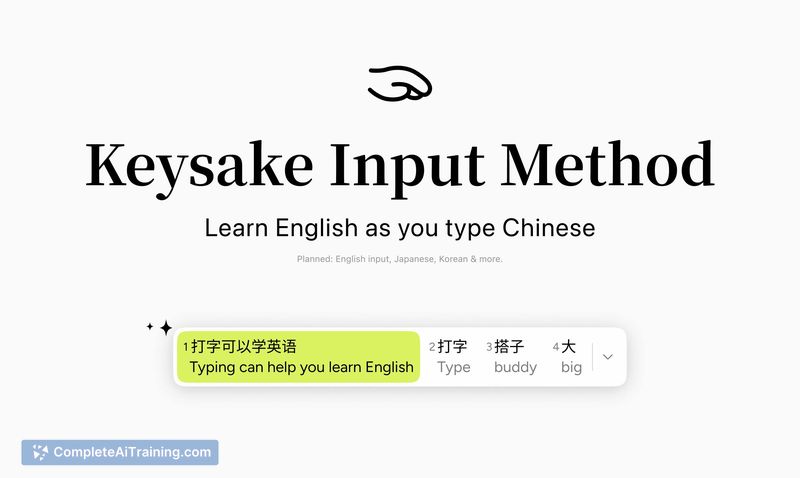
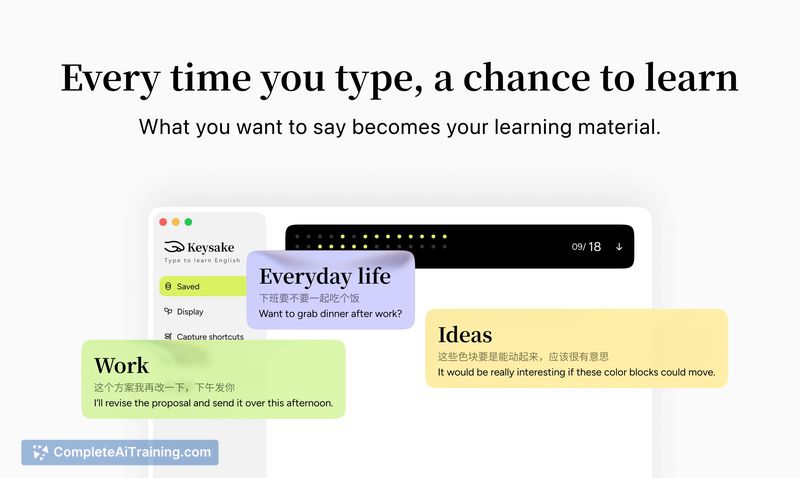
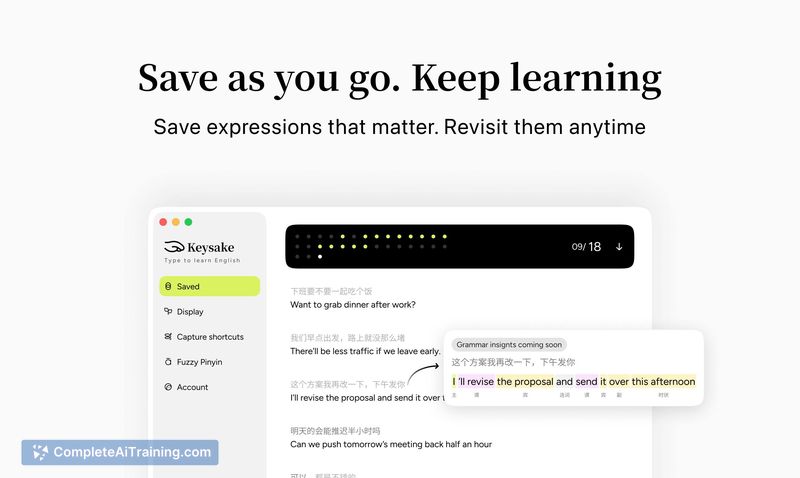
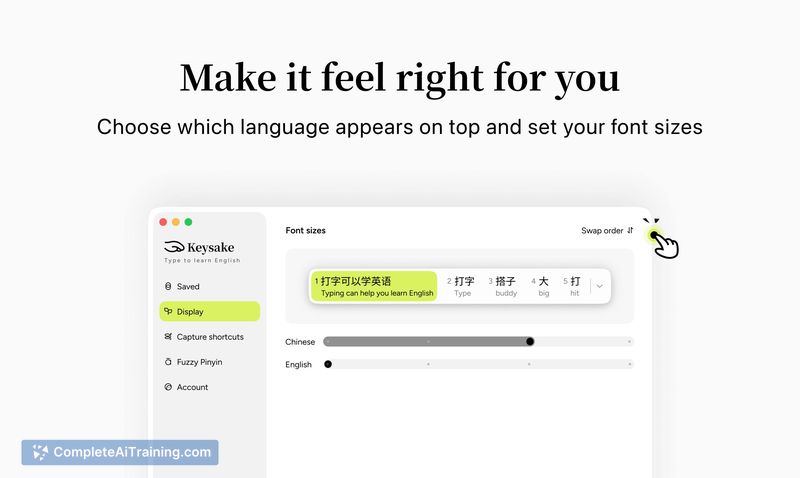
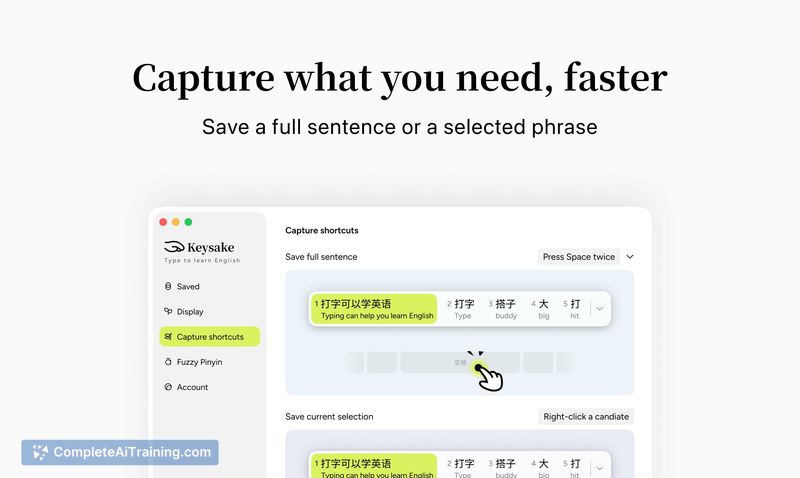

Keysake takes an unusual approach to language learning - it integrates directly into the macOS typing experience rather than functioning as a standalone app or flashcard system. The core idea is that you encounter English equivalents in real time while composing Chinese text. This review examines what the current version actually does, what's still on the roadmap, and who might find it useful.
Key Features
- Real-time English translation that appears alongside Chinese text during typing on macOS
- Save functionality for capturing words, phrases, or full sentences from your own input
- Single natural-sounding English translation per Chinese entry (multiple translation options are planned for a future update)
- Built entirely with GPT-6 Astra, from ideation through to the working input method
- Free to use with no listed pricing tiers
Pricing and Value
Keysake is currently free. The makers have not published any pricing structure or indicated whether paid tiers will be introduced later. As it stands, users get full access to the Chinese-to-English input method at no cost.
Pros
- Integrates with the macOS input system, so learning happens during normal typing rather than in a separate app
- Free to use with no paywall on current features
- Translations aim for natural-sounding English rather than literal word-for-word output
- Built and shipped quickly - the entire product went from concept to launch in one week
- Saving your own typed content creates a personal reference bank tied to what you actually want to express
Cons
- Only supports Chinese-to-English right now; Japanese, Korean, and other languages are listed as coming soon but aren't available yet
- No adaptation to individual English proficiency levels - every user sees the same translation style regardless of skill
- Not well suited for learners who want structured lessons, grammar explanations, or vocabulary organized by category
Keysake fits a specific workflow: macOS users who type in Chinese and want passive English exposure throughout their day. It's less relevant for beginners who need foundational instruction or for anyone working primarily on Windows or mobile devices (though the team says those platforms are on the roadmap). The current feature set is narrow by design - one language pair, one translation per input, manual saving - which keeps the tool focused but also limits its reach until the planned expansions ship.
Jobs Keysake suits
We checked Keysake against 500+ jobs; these get the most out of it.