AI tool
Lightfern for Email
Lightfern for Email is a Gmail extension that autocompletes and finishes sentences in your voice-pulling context from past threads, nicknames and sign-offs-so you write faster and keep messages authentic. No data retained by default.
About Lightfern for Email
Lightfern for Email is a browser extension that autocompletes and drafts emails directly inside your inbox, using context from past threads to finish sentences and suggest phrasing that matches your usual tone. It emphasizes preserving personal touches-nicknames, sign-offs and stylistic choices-while operating with a default zero data retention policy.
Review

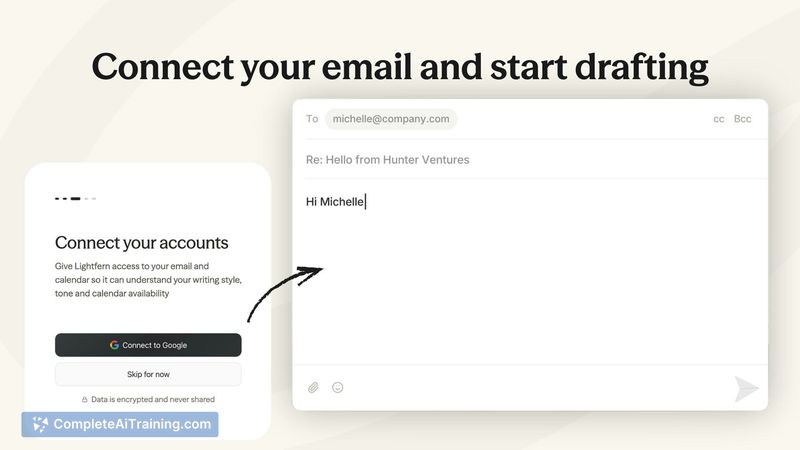

Lightfern for Email feels like an in-channel writing assistant built specifically for email workflows, with a focus on speed and contextual awareness. In practice it reduces the friction of composing replies by offering inline completions, quick redrafts and suggestions that reflect prior conversation history and your typical voice.
Key Features
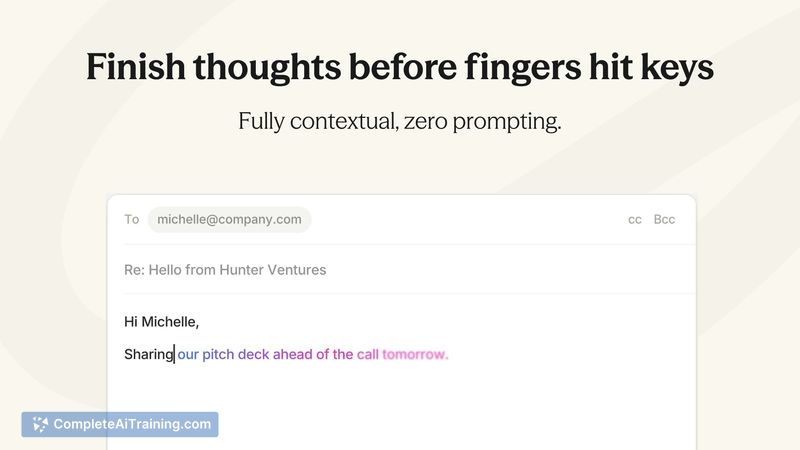
- Inline autocomplete and sentence completion that pulls context from past threads to anticipate and finish thoughts.
- Personal style adaptation-remembers nicknames, common sign-offs and your tone to produce consistent replies.
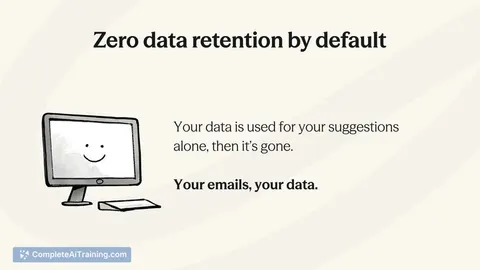
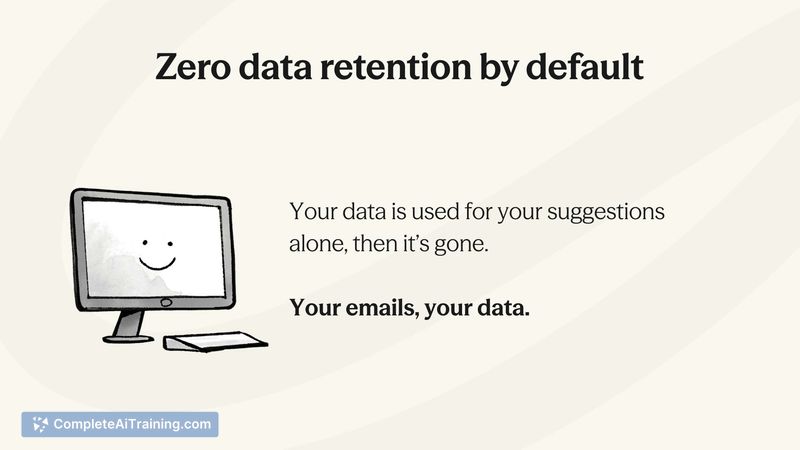
- Zero data retention by default; remote processing is used but data is not stored or trained on without consent.
- Works directly in Gmail via a browser extension, with plans to expand to other web-based inboxes and communication platforms.
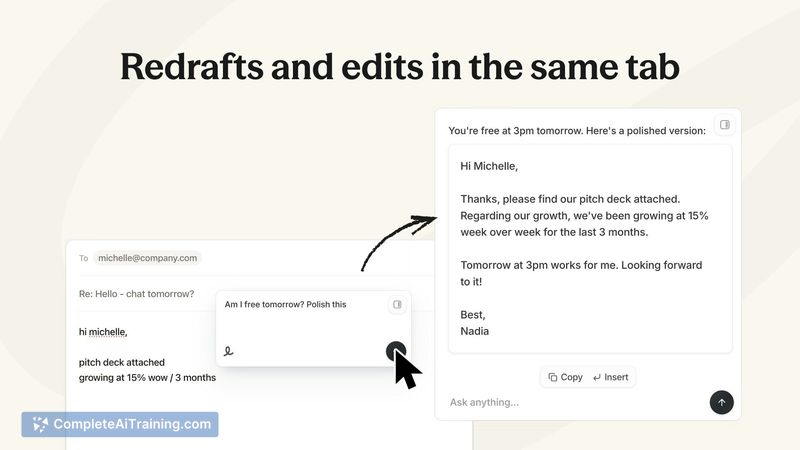
- Built-in quick redraft and editing controls so you can refine AI suggestions without leaving the email composer.
Pricing and Value
Lightfern for Email is available with unlimited free access during its beta period. No tiered pricing is listed on the launch page; value is positioned around time savings and writing consistency-especially for people who spend a large portion of the day handling email. The default privacy stance (no data retention) adds value for users concerned about how message content is handled.
Pros
- Produces replies and suggestions that match your personal voice and habits, reducing manual edits.
- Integrates directly into the inbox, so you don't need to switch apps or copy drafts back and forth.
- Uses conversation history to provide contextually relevant completions and suggestions.
- Privacy-forward defaults: data is processed remotely but not retained or used for training without permission.
- Free during beta, which makes it easy to try and evaluate impact on workflow.
Cons
- Currently focused on Gmail via a browser extension; support for other platforms is on the roadmap but limited now.
- Relies on remote processing, so it requires network connectivity and may have latency or availability constraints in some environments.
- As with any assistive writing tool, suggestions sometimes need human editing to ensure accuracy and the right nuance.
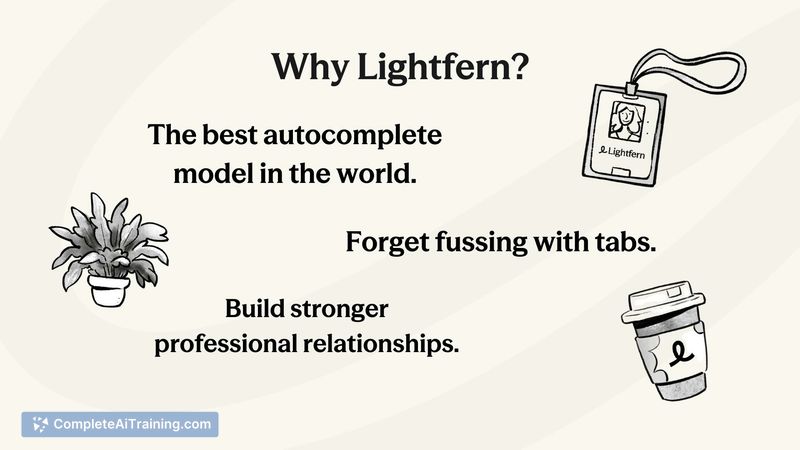
Overall, Lightfern for Email is best suited for professionals and teams who handle frequent email exchanges and want to write more efficiently while keeping a consistent personal voice. It's particularly appealing to users who value privacy defaults and prefer a tool that lives inside their existing inbox rather than adding another app.
Jobs Lightfern for Email suits
Useful in almost any job. We checked Lightfern for Email against 500+ jobs; these get the most out of it.
Alternatives to Lightfern for Email
Other tools that do the same main job. Our AI compared Lightfern for Email with similar tools and kept the ones you could use instead.