
Learning path
Learning AI as an Account Manager
Account managers juggle client updates, internal coordination, and renewals. This path shows how AI can handle the routine parts so you can focus on relationships and growth.

Your path
Everything in the Account Manager AI kit, in the order that makes sense. Members tick off each step and see their progress.
Set up your AI
We guide you through each click.
Let skills do your everyday tasks
Connect your apps and pick your AI apps
Hand whole tasks to AI agents
Build your own tools
Keep growing
Everything for account managers
All the courses, certifications, AI tools, MCP servers and apps for account managers, most relevant first. Open any list to see more.
Take the prompt courses
A short framework course to learn how to ask, then 9 lessons with ready-to-use prompts for account managers.
Start with this framework: how to talk to AI
CRAFT helps you write client renewal emails by setting context, role, action, format, and tone so every message sounds right.
Then your prompt course for account managers- 1Client Updates And Check-Ins3 prompts
- 2Meeting Notes And Actions2 prompts
- 3Status Reports And Documentation2 prompts
- 4Project Coordination Support3 prompts
- 5Feedback And Sentiment3 prompts
- 6Escalation Response Planning3 prompts
- 7Account Reviews And QBRs3 prompts
- 8Upsell And Renewal Prep3 prompts
- 9Strategic Account Planning2 prompts
Watch the video courses or add them to your Favorites for later
125 video courses our AI picked for account managers, most useful first. Save the ones you want to watch later with the heart.
Favorites are saved to your account: sign in or get your AI kit first.
Show all 125 video courses
Get certified, or add certifications to your Favorites
Every course ends in an exam and a certificate you can add to LinkedIn. Save the certifications you are aiming for with the heart.
Favorites are saved to your account: sign in or get your AI kit first.
More certifications for account managersShow all 24 certifications
Try the AI tools for account managers
24 AI tools our AI matched to the work of account managers, best fit first. Each review shows what it does, its alternatives and the jobs it suits.
Favorites are saved to your account: sign in or get your AI kit first.
Show all 24 AI tools
Connect your AI to the apps account managers use
MCP servers let ChatGPT, Claude or Copilot look things up and get work done in other apps, like your email, calendar or bookkeeping software. These 12 fit the work of account managers best, well-known apps first.

Pipedrive MCP server
by ckalimaLet your AI look up, create, and update your Pipedrive deals, contacts, and activities for you.
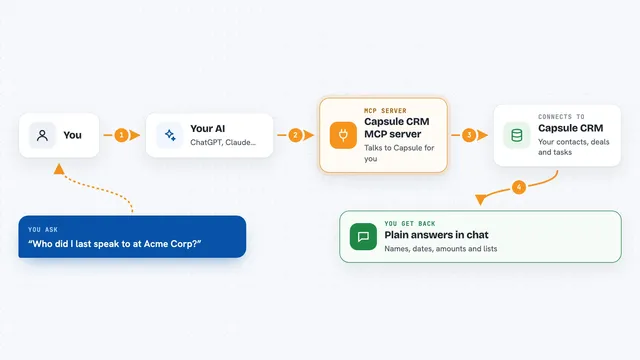
Capsule CRM MCP server
by soil-devConnect your AI to Capsule CRM so it can look up contacts, deals, projects and tasks for you.

Gmail MCP server
by A1-x-TechLet your AI read, search, draft and send your Gmail, and keep labels and trash tidy, from the chat.

Box MCP server
by boxLet your AI search your Box files, answer questions about them, and pull out details for you.
Productivity Official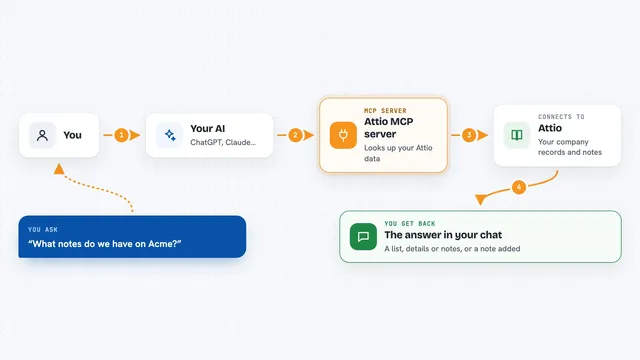
Attio MCP server
by hmkLet your AI read your Attio company records and notes, and write new notes for you.

Bitrix24 MCP server
by bit2beatConnect Claude to your Bitrix24 portal so it can read and change CRM records, tasks, files and more.
Show all 12 MCP servers

DoubleTick email tracking server
by cseguinlzSend emails from your AI and see whether they were opened, plus when and on what device.

Odoo 19 MCP server
by twtrubiksLet your AI look up, add, and update records in your Odoo 19 company system for you.

Outlook Assistant MCP server
by littlebearappsLets your AI read, search, send, and organise your Outlook email, calendar, and contacts from the chat.

GigaMail MCP server
by adecubedLet your AI read, search and draft your email, with you approving every send or delete.
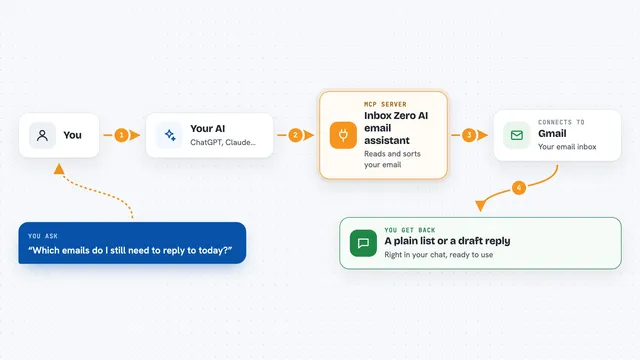
Inbox Zero AI email assistant
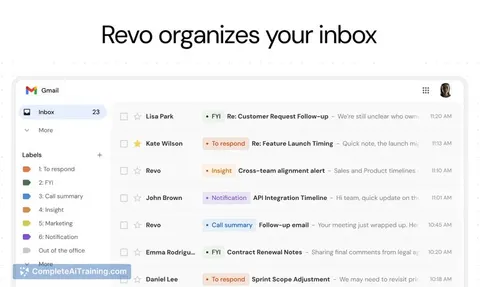
by elie222Let your AI tidy your Gmail, draft replies, track follow-ups, and give you meeting briefs.

MCP Emails server
by AlbretsenLet your AI read, search, send and organize email in your own mailbox.
EmailNo installBuild your own AI apps for account managers
Apps you build yourself with your own AI, no coding needed and no monthly fee. Our AI picked the 12 that fit the work of account managers.
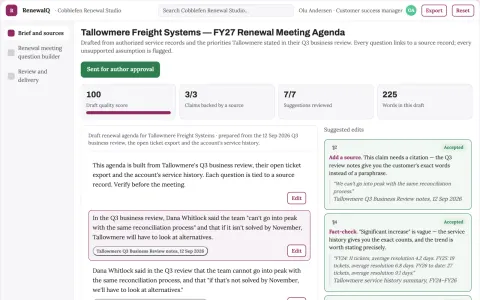
Renewal meeting question builder
Questions grounded in documented customer experience.
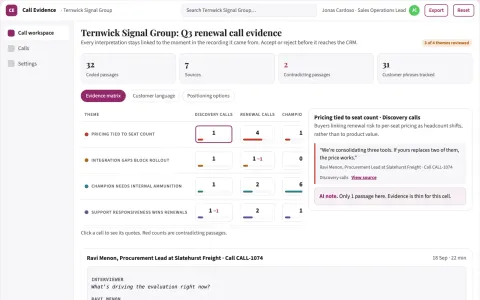
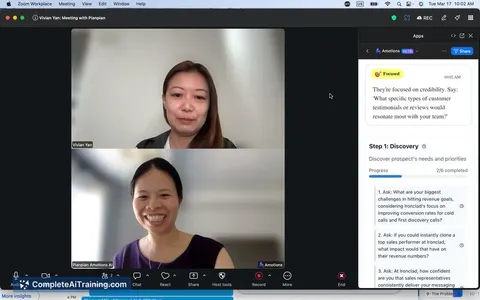
Conversation evidence and follow-up workspace
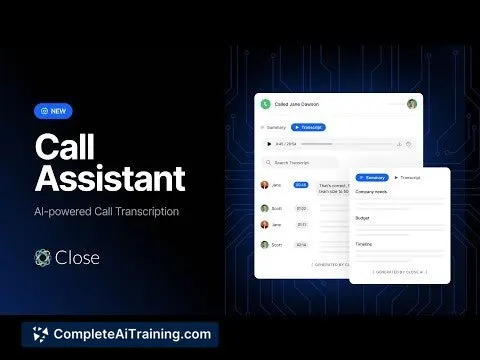
Reduce manual call notes and follow-up drafting while keeping an evidence trail to the exact moment in the recording.
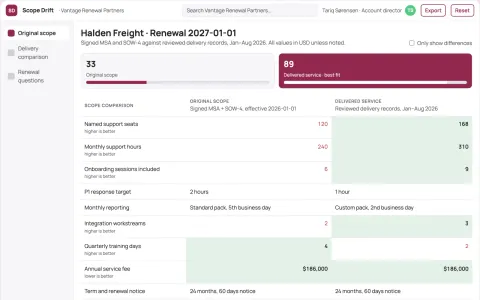
Renewal scope drift comparison
Base renewal scope discussions on documented delivery differences.
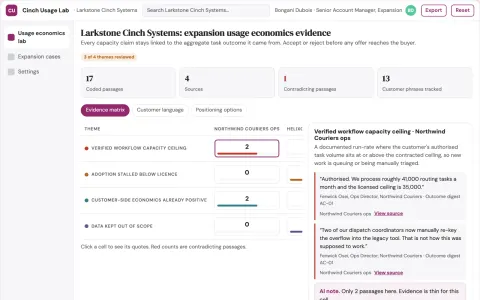
Contract expansion usage economics lab
Offer growth only where documented customer needs justify it.
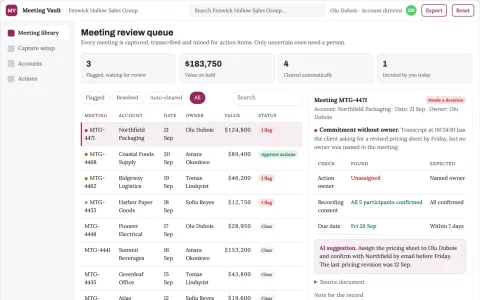
Meeting capture and action library console
Reduce missed follow-ups and time spent hunting for what was said.
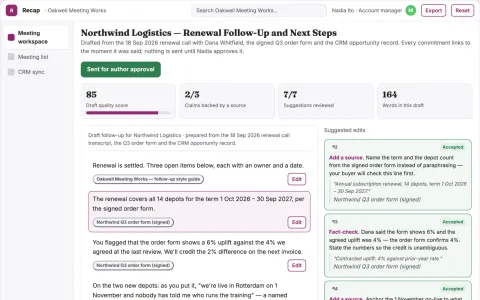
Meeting capture to follow-up action workspace
Reduce the time from meeting end to approved follow-up while keeping every commitment traceable to what was actually said.
Show all 12 apps
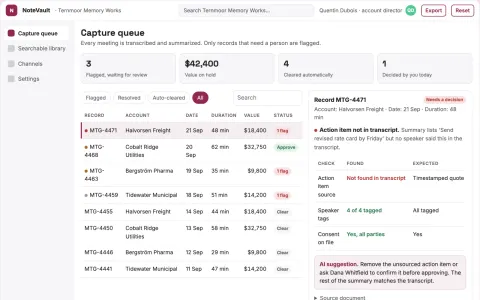
Meeting notes capture and retrieval workbench
Reduce time spent finding past meeting context while keeping records in the client's own store.
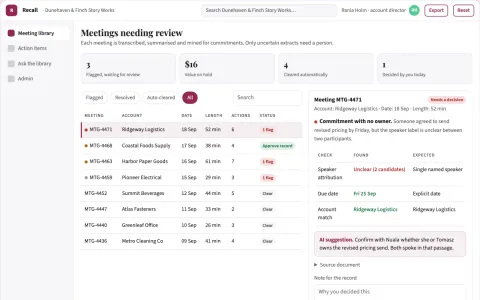
Meeting record and action library
Reduce time spent hunting for what was said and promised while keeping one searchable record the team owns.
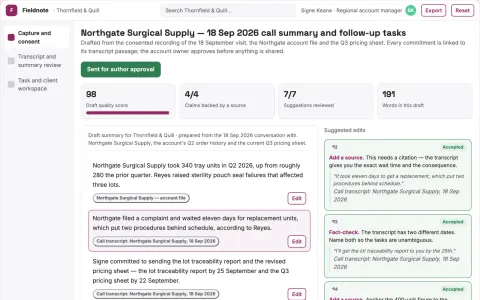
Conversation capture and follow-up workspace
Reduce manual note-taking and follow-up reconstruction while keeping the account owner's judgment.
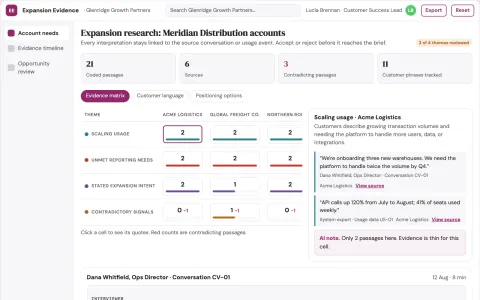
Customer expansion research
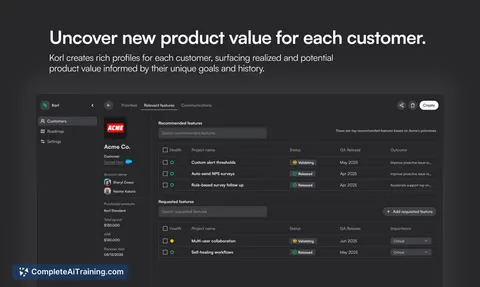
Evidence-based discovery opportunities rather than automatic upsell recommendations.
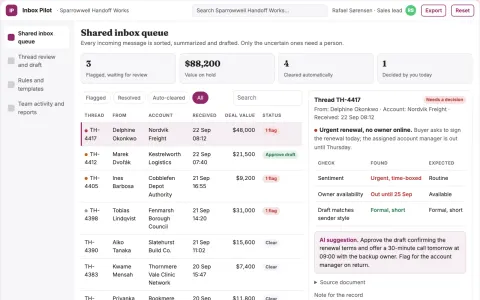
Inbox triage and reply drafting portal
Reduce time spent sorting and answering routine email while keeping urgent threads and follow-ups visible.
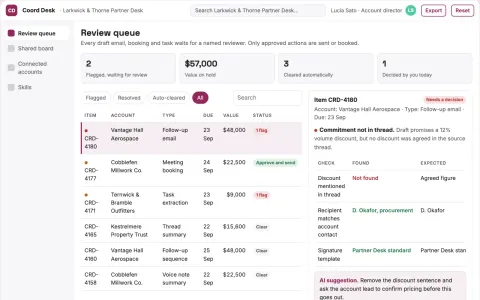
Approved email and calendar coordination portal
Reduce missed coordination work while keeping a named person in control of every send, booking and data change.















































































































About this learning path
6 topicsAI for Account Managers: Keep Clients Happy and Grow Accounts
You are the main contact for your clients. You keep them informed, solve problems, and look for ways to help them succeed. The work is important, but the daily writing and coordination can take over your calendar.
This learning path is built for account managers who are not technical. You will learn how to use AI tools like ChatGPT, Claude, or Gemini to draft updates, summarize calls, prepare reviews, and spot renewal signals. No coding, just practical steps.
Why AI matters for account managers now
Your clients expect quick, clear answers. They also expect you to know their business and bring ideas. AI can help you keep up with the writing and coordination so you have more time for the human parts of the job.
Many account teams are already using AI for notes, drafts, and reports. Learning these skills now keeps you current and makes your workday smoother.
What this path includes
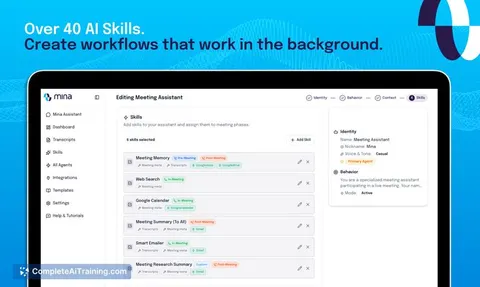
First, you answer a few setup questions so the path fits your accounts and tools. Then you connect your AI assistant and learn skills for the job inside your AI, like writing client updates and summarizing calls.
Next, you take this prompt course with nine lessons that follow your daily work. You also get video courses picked for account managers, along with the certifications those courses offer. Everything is designed to be used the same day.
How it saves you time
Routine writing takes a big chunk of your week. With AI, a client check-in draft or a call summary can be ready in minutes. You still review and adjust, but you start from a strong first draft.
You can also prepare status reports, QBR outlines, and renewal notes faster. The time you save goes back into client conversations and team coordination.
How it protects your career
Clients stay because they feel heard and well served. When you use AI to keep communication clear and timely, you strengthen those relationships. You also free yourself to focus on the strategic work that makes you valuable.
Account managers who can use AI well are better prepared for changes in the role. You become the person who handles more accounts with less stress, not the person replaced by a tool.
How to start
Begin with the setup questions. They take a few minutes and help the path match your job. Then connect your AI tool and try one lesson, like drafting a client update.
Pick one task you do every week and practice with AI. Small steps build confidence. Soon you will have a set of prompts you can reuse for any client.
Frequently asked questions
Do I need to be technical to use this path?
No. The path is made for account managers who use email, spreadsheets, and video calls. If you can write a client update, you can learn these prompts. You will not need to write code or set up complicated systems.Which AI tool should I use?
You can use ChatGPT, Claude, Gemini, or another assistant your company allows. The lessons show prompts that work across tools. Always follow your company's rules about client data.How long does the path take?
You can move at your own pace. Most people finish the prompt course in a few sittings and try the prompts between client calls. The video courses are short and focused on account management tasks.Will this help with difficult client conversations?
Yes. There are lessons on escalation response planning and renewal prep. You will practice drafting calm, factual messages and building value cases. The goal is to help you feel prepared, not to replace your judgment.