AI tool
LightTwist
LightTwist is a cloud-based virtual video studio for filmmakers and content creators. The platform uses computer vision to enable real-time virtual production without physical stage hardware.

About LightTwist
LightTwist is a virtual video studio that runs in a Chrome browser. It lets you record and live stream in a realistic virtual environment, with remote guests and co-hosts composited in real time. The backend combines cloud-based computer vision for background removal, Unreal Engine 5 rendering, and WebRTC for audio/video transmission.
Review
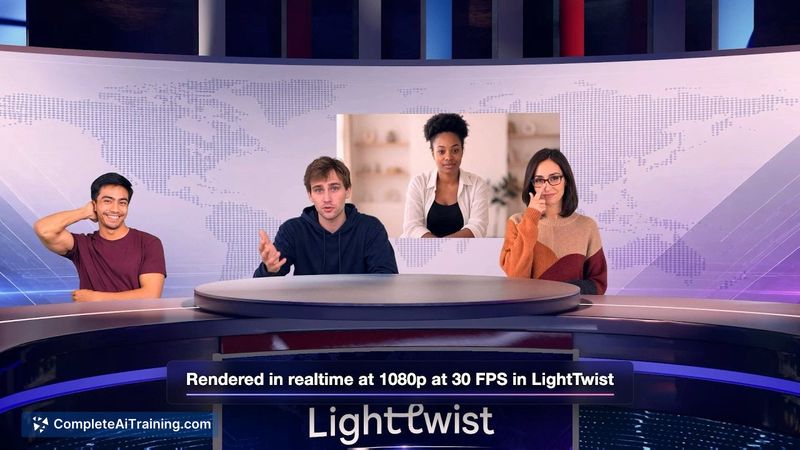
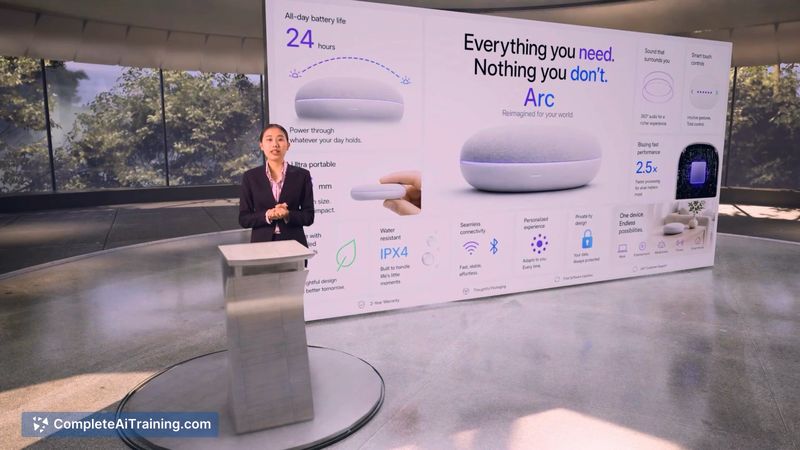
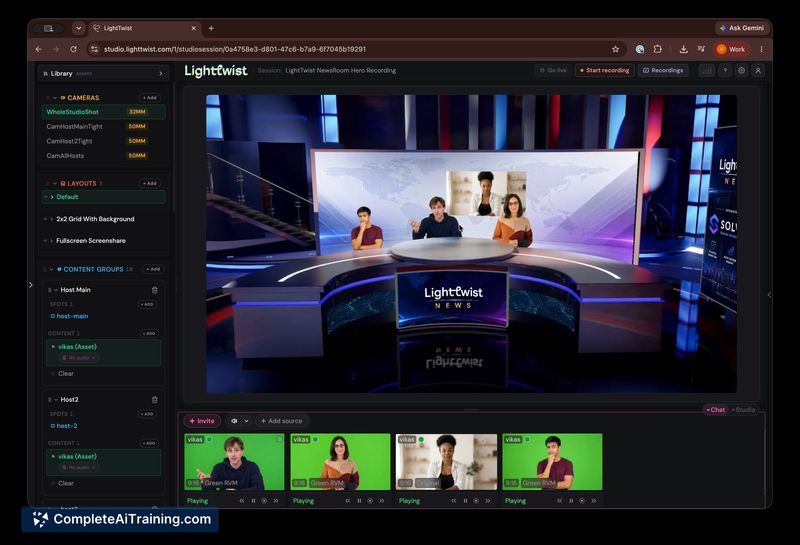
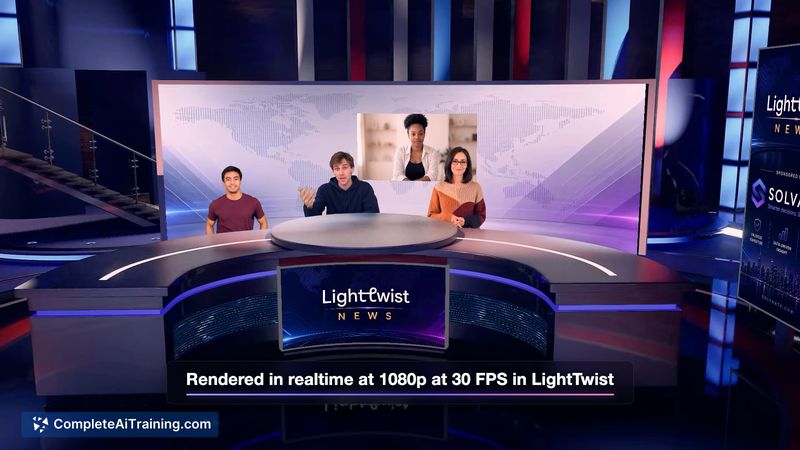
LightTwist launched this week as a cloud-based virtual production tool. It runs in the browser, with heavy processing offloaded to remote servers, so the host machine doesn't need high-end hardware. The live preview and live-to-tape recording are central to the workflow.
Key Features
- Realtime background removal and compositing using computer vision, with separate processing for each participant to maintain performance with multiple guests.
- Unreal Engine 5 scene rendering on backend servers, producing a composited output streamed back to the browser via WebRTC.
- Live-to-tape recording that saves the composited output directly on the rendering server, available for download after the session without a re-render step.
- Rive animation integration: users can upload .riv files to include custom animations in their virtual studio.
- Remote guest support: co-hosts or guests join via a separate device, and their streams are composited in real time. The system handles up to 4-5 remote guests, according to the development team.
Pricing and Value
LightTwist has two subscription plans. The $30/month plan gives full access to the existing studio library. The $500/month plan includes a fully customized virtual studio built by the team, plus priority support and guided onboarding. Both plans are paid, and payment is required to use the service. No free tier or trial is mentioned in the available information.
Pros
- Low host hardware requirements: all heavy processing happens in the cloud, so a basic laptop can run the studio.
- Live preview shows exactly what is being streamed or recorded, with latency under a second, reducing post-production surprises.
- Guest drop handling: if a remote guest's connection fails, their stream freezes momentarily then they disappear, while the rest of the show continues uninterrupted.
- Recorded output is immediately downloadable as a composited file, avoiding a separate rendering pass.
- Rive animations allow addition of custom motion graphics without complex setup.
Cons
- The tool is new and unproven at scale, with no long-term track record or published case studies beyond early enterprise deals.
- Custom studio pricing at $500/month is a significant cost for individual creators or small teams who may not need that level of personalization.
- LightTwist is not well suited for users who need a virtual studio that works without a stable internet connection, as all rendering and compositing depend on cloud servers.
LightTwist fits creators and companies who want to produce live-streamed or recorded video content with virtual sets and remote guests, without investing in local high-performance hardware. It may appeal to those already comfortable with browser-based workflows and who need a quick setup for virtual production. Users with unreliable internet or those who require complete control over their rendering pipeline might look elsewhere.
Jobs LightTwist suits
We checked LightTwist against 500+ jobs; these get the most out of it.