AI tool
Macro
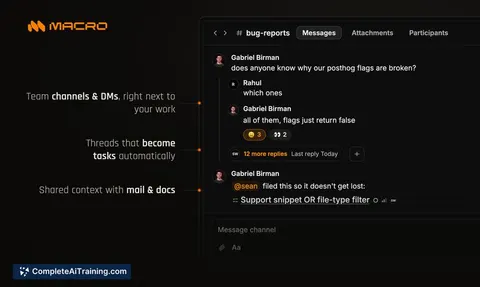
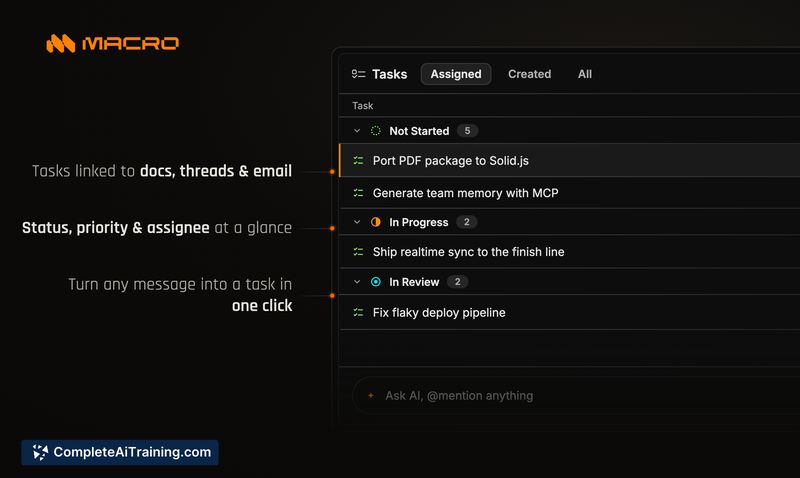
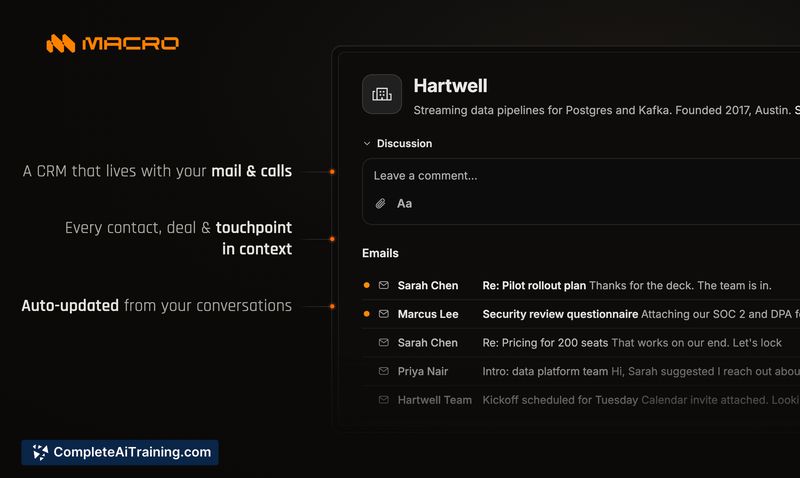
Macro is a workspace for teams that combines email, messages, docs, tasks, code, agents, calls, and CRM. It uses team-level memory to let users query the entire workspace and retain context.
About Macro
Macro is an all-in-one workspace that combines email, messages, docs, tasks, code, agents, calls, and CRM into a single app. It uses team-level shared memory, so users can query the entire workspace for context across content types. The code is open source and hosted on GitHub.
Review
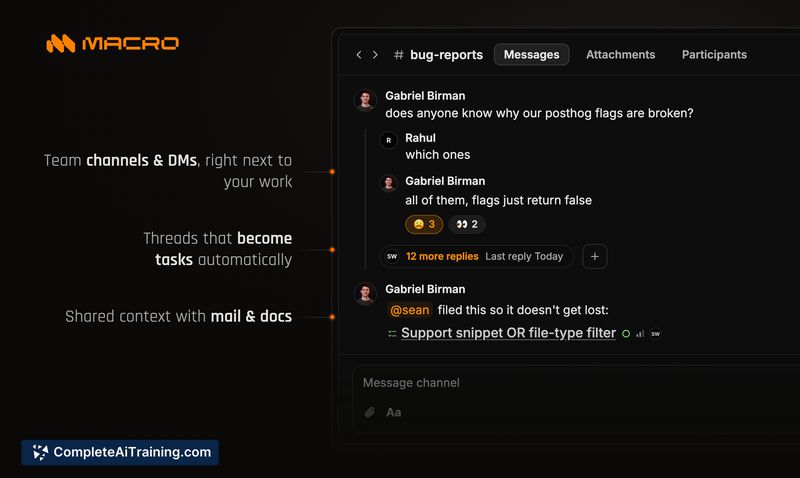

The promise of replacing a stack of separate productivity tools with one interface is common, but Macro actually ships a bundle that covers several communication and work functions. Email, documents, chat, tasks, and video calls all sit inside one window, backed by an AI memory system that indexes across them. Here's how the current version holds up.
Key Features
- Unified workspace that includes email, docs, messaging, tasks, code, agents, calls, and CRM blocks
- Shared AI memory that indexes text from all connected channels, emails, and calls, and respects user-level access controls
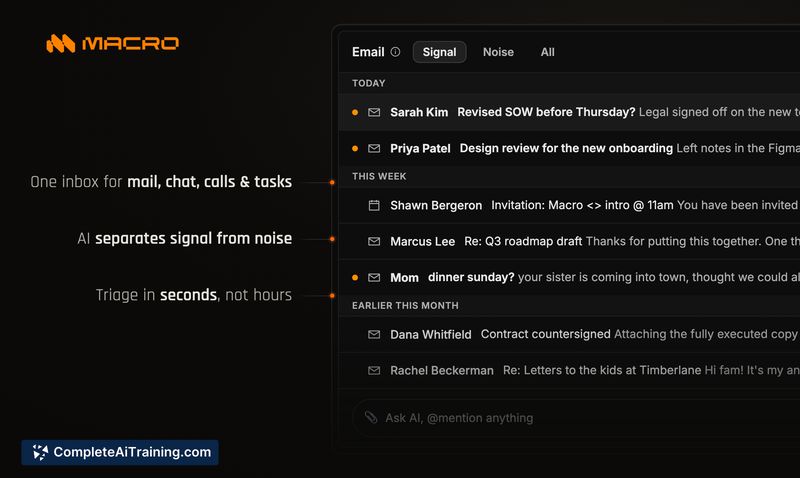
- Email client with AI triaging that separates incoming mail into "Signal" and "Noise"
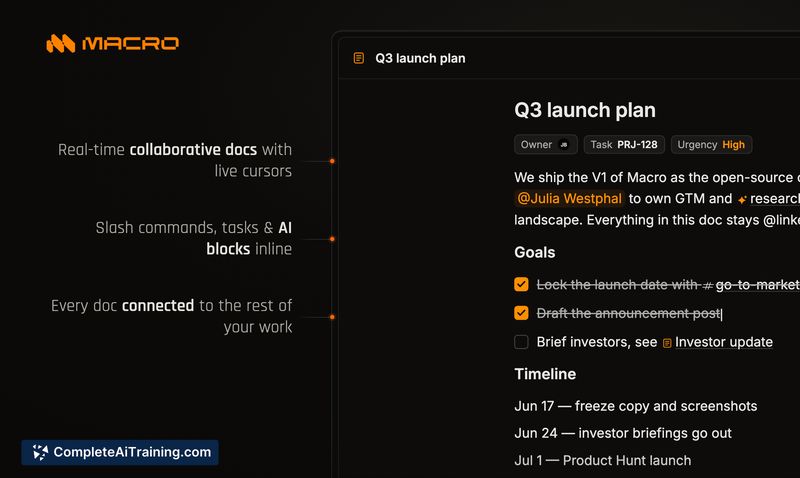
- Documents built on CRDTs instead of last-write-wins, with @-linking to channels, tasks, and other items
- Open source license that lets teams audit the codebase or self-host the platform
Pricing and Value
Macro has free options, and a launch promotion gives $20 off the premium tier. Ongoing subscription pricing has not been detailed yet. Because the software is open source, organizations can self-host, which changes the total cost calculation depending on infrastructure needs.
Pros
- Pulls email, docs, messaging, and tasks into one tool, cutting down app switching
- AI agents inherit a user's permissions automatically, so memory queries stay within authorized data
- CRDT-based docs sidestep typical real-time collaboration conflicts
- Open source code allows independent security review and custom modifications
- Email triage automatically sorts threads into Signal and Noise categories without manual rules
Cons
- Desktop access runs only in a browser today; native Mac and Windows apps are on the roadmap but not shipped
- Multi-email account handling and provider support haven't been clarified publicly, leaving gaps for users juggling several inboxes
- Not a great fit for teams that rely on deep, specialized features of standalone tools like Linear, Superhuman, or Slack, because the integrated versions sacrifice some advanced functionality
Small teams that are already patching together several apps and want to reduce tool fragmentation might find Macro worth testing. The shared memory across blocks gives it a different angle from most unified workspaces. However, the browser-only desktop experience and early development stage mean it won't completely replace every dedicated tool for all workflows just yet.
Jobs Macro suits
Useful in almost any job. We checked Macro against 500+ jobs; these get the most out of it.
Alternatives to Macro
Other tools that do the same main job. Our AI compared Macro with similar tools and kept the ones you could use instead.