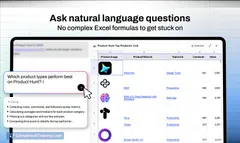
AI tool
Melder - AI for Excel
Melder is an Excel add-in that brings AI-powered formulas, PDF data extraction, and an interactive chat agent to your spreadsheets, helping finance, sales, and marketing teams automate data processing and generate insights quickly.

About Melder - AI for Excel
Melder - AI for Excel is an add-in that enhances Microsoft Excel by integrating AI-powered functions directly into spreadsheets. It allows users to build models, extract information from documents, and automate data categorization and summarization through intelligent formulas and an AI chat agent.
Review

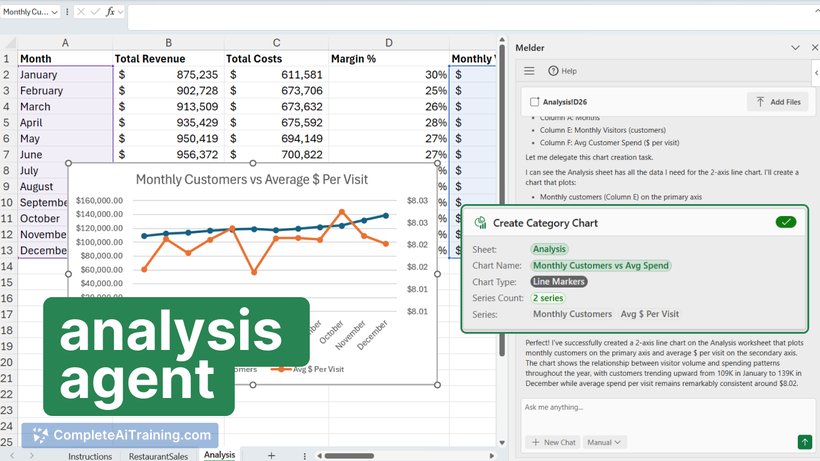
Melder - AI for Excel offers a practical way to bring artificial intelligence capabilities into everyday spreadsheet tasks. By combining familiar Excel environments with smart AI formulas and document processing, it simplifies data analysis and model building for users with varying levels of expertise.
Key Features
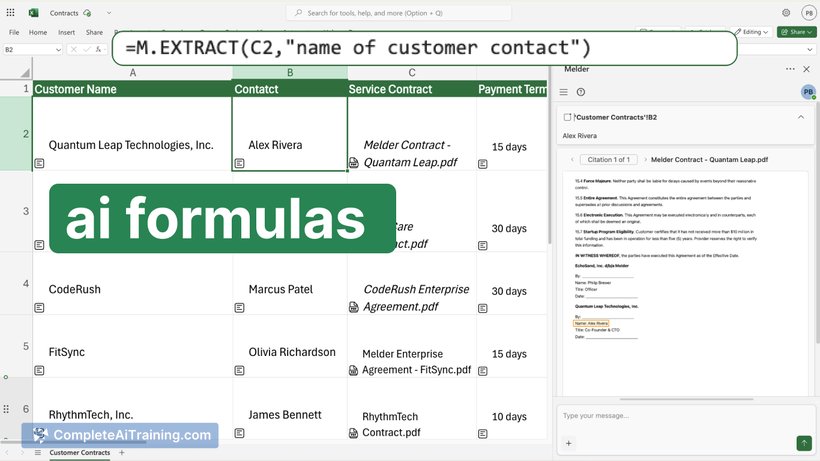
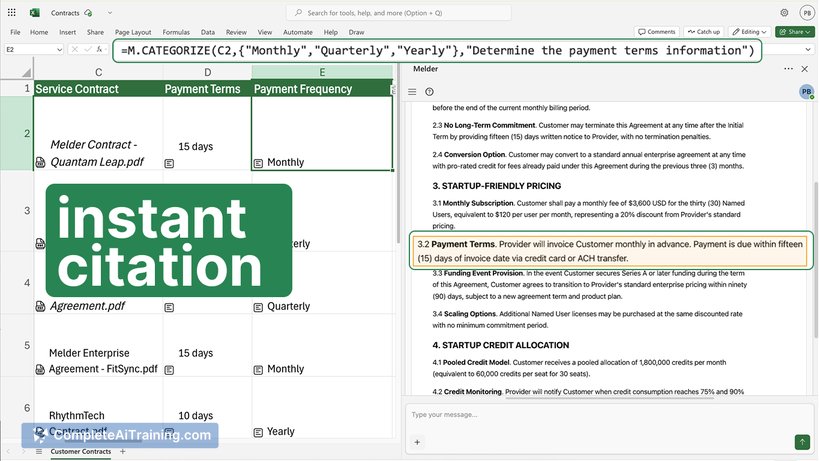
- AI-powered formulas such as
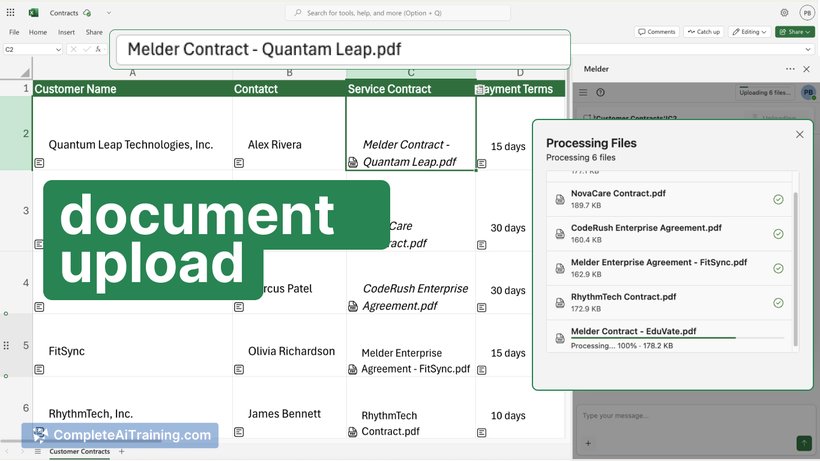
=M.EXTRACT,=M.GEN, and=M.CATEGORIZEfor extracting key information, summarizing content, and organizing data automatically. - Document upload and processing that enables users to drop PDFs into Excel and extract structured data without manual effort.
- An Excel chat agent that provides step-by-step guidance and helps create complex charts or sales forecasts through natural language commands.
- Capability to handle complex and nested formulas, offering assistance even to advanced Excel users.
- Integration that enhances Excel’s native functions without requiring users to learn new software tools.
Pricing and Value
Melder offers a free tier to get started, allowing users to explore its AI-enhanced features within Excel at no initial cost. While detailed pricing plans are not explicitly stated, the free access suggests a user-friendly entry point for individuals and teams. The value proposition lies in saving time on manual data cleanup, accelerating model building, and improving data insights directly within a familiar spreadsheet environment.
Pros
- Seamless integration with Excel, maintaining a familiar interface for users.
- AI formulas significantly reduce manual work in data extraction, summarization, and categorization.
- Supports complex formula creation and offers guidance through an interactive chat agent.
- Allows direct import and processing of PDF documents into spreadsheets.
- Free to start, making it accessible for individual users and small teams.
Cons
- Some users report challenges with formula output formatting, such as managing source references in summaries.
- Pricing details beyond the free tier are not clearly outlined, which may affect decision-making for larger organizations.
- Advanced features might require a learning curve for users unfamiliar with AI-driven formulas.
Melder - AI for Excel is best suited for finance professionals, sales teams, marketers, and anyone who frequently uses Excel and wants to automate data processing tasks without leaving the application. It particularly benefits those who handle large volumes of unstructured data or complex spreadsheets and seek faster, more intelligent ways to generate insights.
Jobs Melder - AI for Excel suits
We checked Melder - AI for Excel against 500+ jobs; these get the most out of it.
Alternatives to Melder - AI for Excel
Other tools that do the same main job. Our AI compared Melder - AI for Excel with similar tools and kept the ones you could use instead.