
Learning path
Learning AI as an Investment Analyst
This learning path shows investment analysts how to use AI for filings, calls, models, and reports. You start with setup, connect your AI, then practice prompts built for the job.

Your path
Everything in the Investment Analyst AI kit, in the order that makes sense. Members tick off each step and see their progress.
Set up your AI
We guide you through each click.
Let skills do your everyday tasks
Connect your apps and pick your AI apps
Hand whole tasks to AI agents
Build your own tools
Everything for investment analysts
All the courses, certifications, AI tools, MCP servers and apps for investment analysts, most relevant first. Open any list to see more.
Take the prompt courses
A short framework course to learn how to ask, then 8 lessons with ready-to-use prompts for investment analysts.
Start with this framework: how to talk to AI
RACE fits investment analysis by defining role, action, context, and expected quality when you draft a buy recommendation for a tech stock.
Then your prompt course for investment analysts- 1Summarize Financial Statements3 prompts
- 2Digest Earnings Calls And News3 prompts
- 3Research Industries And Competitors3 prompts
- 4Build Valuation Models3 prompts
- 5Work Faster In Excel3 prompts
- 6Draft Investment Reports3 prompts
- 7Monitor And Communicate Performance3 prompts
- 8Handle Admin And Learning3 prompts
Watch the video courses or add them to your Favorites for later
103 video courses our AI picked for investment analysts, most useful first. Save the ones you want to watch later with the heart.
Favorites are saved to your account: sign in or get your AI kit first.
Show all 103 video courses
Get certified, or add certifications to your Favorites
Every course ends in an exam and a certificate you can add to LinkedIn. Save the certifications you are aiming for with the heart.
Favorites are saved to your account: sign in or get your AI kit first.
More certifications for investment analystsShow all 24 certifications
Try the AI tools for investment analysts
24 AI tools our AI matched to the work of investment analysts, best fit first. Each review shows what it does, its alternatives and the jobs it suits.
Favorites are saved to your account: sign in or get your AI kit first.
Show all 24 AI tools
Connect your AI to the apps investment analysts use
MCP servers let ChatGPT, Claude or Copilot look things up and get work done in other apps, like your email, calendar or bookkeeping software. These 12 fit the work of investment analysts best, well-known apps first.

Yahoo Finance MCP server
by narumirunaAsk your AI for stock prices, news, charts and company data from Yahoo Finance.

SECfinapi MCP server
by michalperni11-gifAsk your AI for US public company financials from SEC filings, like revenue, balance sheets and ratios.
Finance and cryptoAnalytics Official
RiskModels MCP server
by BlueWaterCorpAsk your AI to break down a US stock's risk by market, sector and stock, and get ETF hedge amounts.
Finance and cryptoAnalytics Official
ROIC.ai Financial Data MCP server
by roicaiLet your AI pull real company numbers: income statements, ratios, stock prices, and earnings calls.
Finance and cryptoAnalytics Official
SEC EDGAR MCP server
by AEGISGOVDAOLook up US public companies and their official SEC filings and financial numbers from your AI chat.
Finance and cryptoResearchNo install
Sugra API MCP server
by Sugra-SystemsLets your AI pull real-world data on markets, economies, companies, climate and more, with sources.
AnalyticsFinance and crypto OfficialShow all 12 MCP servers

Tapetide Indian Stock Market MCP server
by Tapetide-hqAsk your AI for NSE and BSE stock prices, financials, screeners and FII/DII flows in plain English.
Finance and cryptoAnalytics Official
Excel MCP server
by sbroenneLet your AI assistant open and work inside real Microsoft Excel on your Windows PC.

SiftingIO market data MCP server
by SiftingIOLets your AI look up live prices, company filings, and market calendars for stocks, crypto, forex and more.
Finance and crypto Official
EquiVault MCP server
by equivaultLets your AI look up company financials, ratios, quotes, peers, and portfolio signals from EquiVault.
Finance and cryptoAnalytics Official
Exa MCP server
by exa-labsLet your AI search the live web and read full webpages for you.
Research Official
Alpha Vantage MCP server
by berlinbraLets your AI look up stock quotes, crypto prices, ETF details and earnings straight from Alpha Vantage.
Build your own AI apps for investment analysts
Apps you build yourself with your own AI, no coding needed and no monthly fee. Our AI picked the 7 that fit the work of investment analysts.
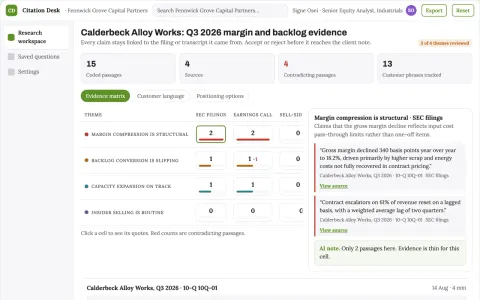
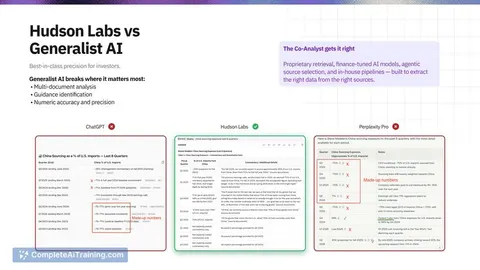
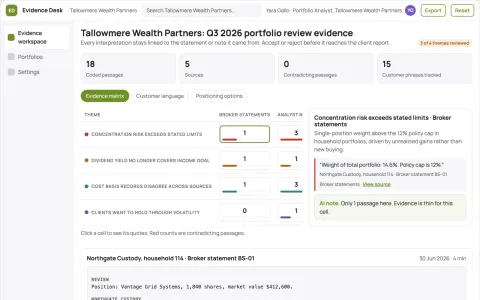
Cited filing and transcript research workspace
Reduce the time to a verifiable answer while keeping every claim traceable to its document.
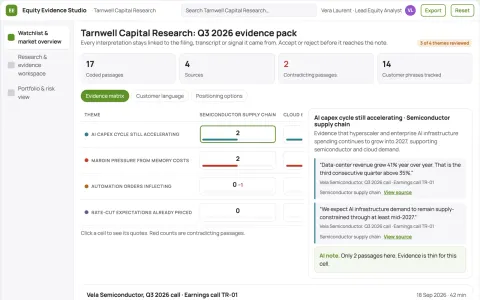
Evidence-backed equity research and portfolio workspace
Reduce research time while keeping every insight traceable to a cited source.
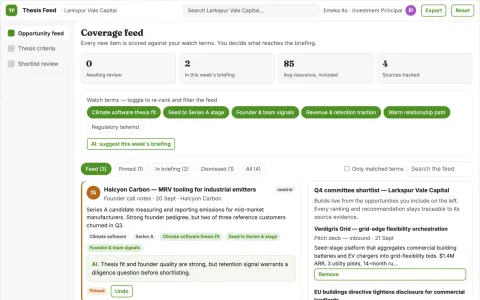
Transparent opportunity matching and shortlist platform
Reduce shortlist assembly time while keeping every ranking and recommendation traceable.
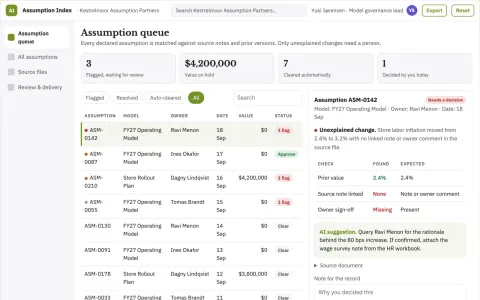
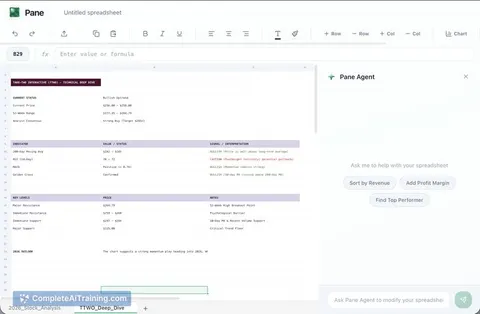
Finance spreadsheet assumption index
Find the reasoning behind model inputs.
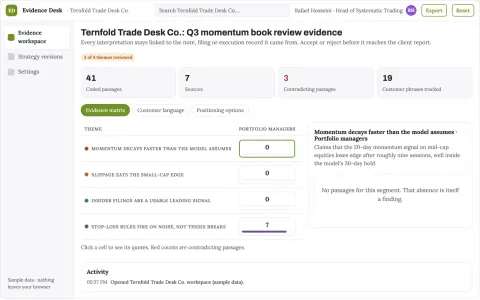
Evidence-backed trading analysis and execution workspace
Reduce tool sprawl and manual reconciliation while keeping every trade decision reviewable.
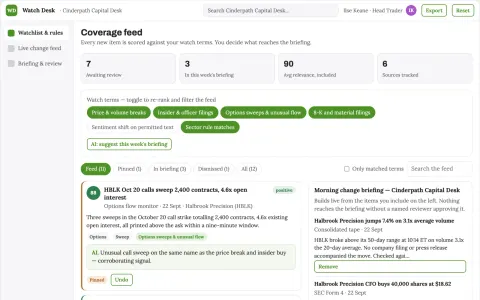
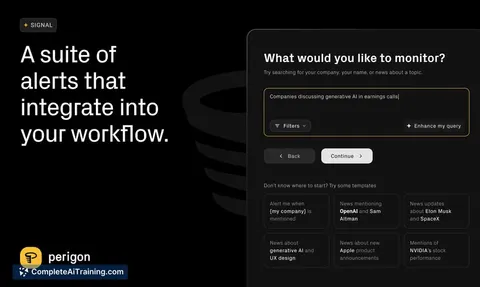
Market watchlist change-detection briefing desk
Reduce missed material changes and manual context gathering while keeping every alert source-linked.
Show all 7 apps









































































































About this learning path
7 topicsAI for investment analysts, from filings to reports
You already spend your days reading filings, listening to calls, and building models. AI can take the first pass of that work, so your judgment goes where it matters most.
This path is built for analysts who are not technical. You set up your AI, connect it to the tools you already use, and learn prompts that match the tasks in front of you each week.
Why this matters now
Analyst work is full of long documents and tight deadlines. AI helps you get through the reading and the first draft faster, which leaves more room for the thinking your team actually pays for.
Clients and portfolio managers still want your judgment. The tools simply remove some of the grind that sits between the data and the decision.
What the path includes
You begin with a few setup questions so the path fits your role and the tools you already have. Then you connect your AI, learn the skills that matter for an analyst, and work through this prompt course.
Alongside the prompts, you get video courses chosen for investment work, and each one lists the certification you can earn when you finish.
How it saves you time
The prompts cover the tasks that eat your week: summarizing statements, pulling apart earnings calls, sizing up a sector, and drafting reports. Each one turns a long chore into a short first pass you can check and refine.
Most analysts find the time they win back goes into the parts of the job that need a human: judgment, relationships, and the story behind the numbers.
How it protects your career
Using AI well is becoming a normal part of analyst work, and the people who can direct it clearly are the ones teams keep. You learn where AI helps and where it must not decide, so your name stays on work you trust.
You also learn to check output, protect client data, and keep your reasoning visible, which matters in a field built on trust.
What you will practice
Every lesson ends with something you can use the same day, from a cleaner model to a sharper summary of a call. You practice on the kind of material you already handle, so the skills stick.
There is no theory for its own sake. You work on filings, transcripts, spreadsheets, and report drafts.
How to start
Answer the setup questions, connect your AI, and take the prompt course first. Then pick the video courses that match the gaps in your week.
Set aside a little time each day. A few focused sessions are enough to change how your week feels.
Frequently asked questions
Do I need to know how to code?
No. Everything here is done in plain language with tools like ChatGPT, Claude, or Gemini. If you can write an email, you can follow the lessons.Will this replace my judgment?
No, and it should not. AI gives you a faster first pass, and you decide what is right. The course shows you how to check the work and where to slow down.How long does the path take?
Most people move through the prompt course in a few sittings and add video courses as their schedule allows. You can go at your own pace and come back to any lesson.Is client data safe?
The course covers privacy for analyst work, including what to leave out of a prompt and when to use your firm's approved tools. Follow your company's rules first, always.