AI tool
Memdex
Memdex is a browser extension that saves AI chats to encrypted files on your laptop, detects relevant past discussions, and injects that context into any AI with one click-private, cross-model memory so you stop re-explaining.
About Memdex
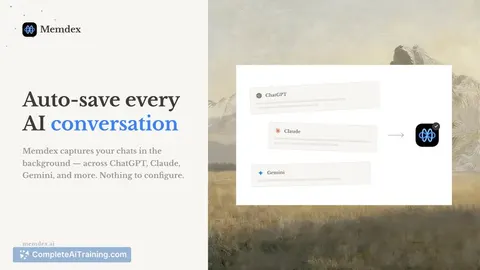
Memdex is a Chrome extension that converts your AI conversations into reusable, local memory. It auto-captures chats across ChatGPT, Claude, Gemini and other web-based assistants, stores them encrypted on your laptop (IndexedDB), and offers one-click injection of relevant context into new prompts.
Review
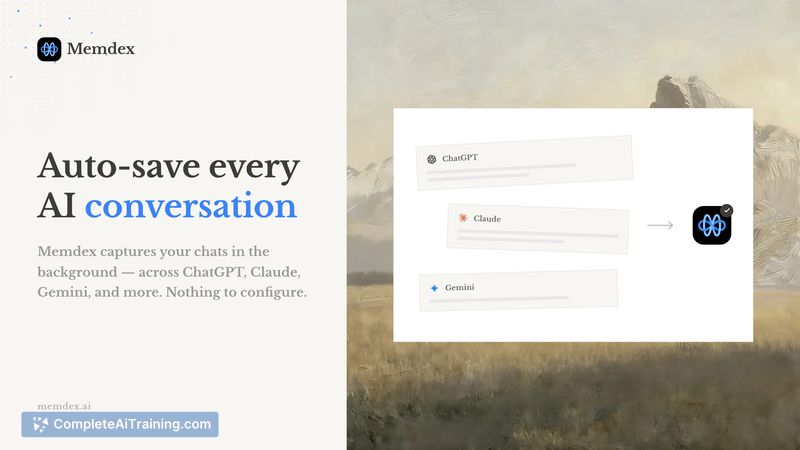
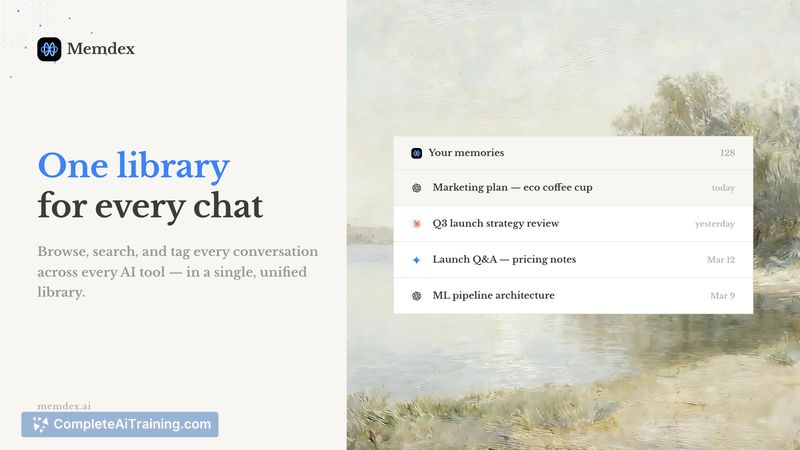
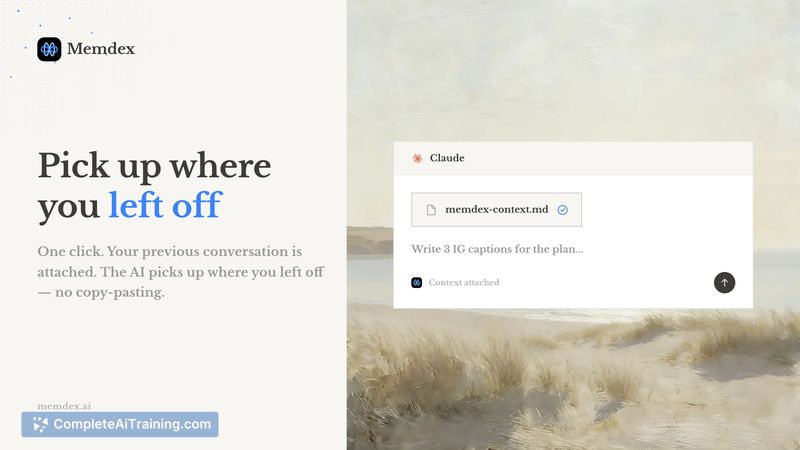

Memdex targets a common friction point: every new chat often requires re-explaining projects, constraints, or preferences. By keeping an encrypted, local copy of past conversations and surfacing relevant snippets inline (similar to how a writing assistant underlines typos), it aims to speed up follow-up work across multiple models without requiring a central account or external vector database.
Key Features
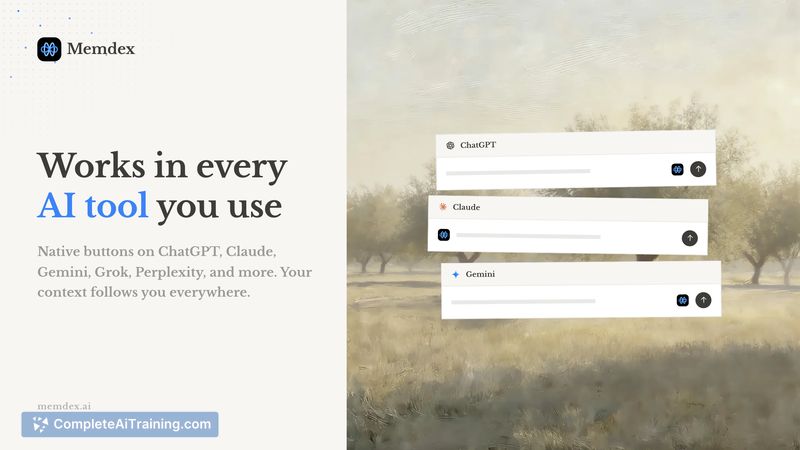
- Auto-captures conversations from multiple web-based AI tools (ChatGPT, Claude, Gemini, Perplexity, Grok) and saves them locally.
- Encrypted on-device storage using IndexedDB so data is not sent to the product's servers, per the product description.
- Inline relevance detection that underlines context in your prompt composer, with a single-click to inject selected memory into the current chat.
- Project-oriented indexing and episodic summaries to surface the most relevant sections rather than entire conversations.
- Free tier keeps the 10 most recent chats; Pro unlocks unlimited saving and access.
Pricing and Value
Memdex offers a free tier that auto-saves your 10 most recent chats and a Pro tier for unlimited storage (specific pricing is available on the product site). The value proposition is straightforward: reduce repetitive context-setting, keep a cross-model history of project details, and maintain that history locally rather than in a third-party cloud. This can save time for people who regularly move between different web LLMs and want consistent context available without manual copy-paste.
Pros
- Local, encrypted storage claimed to keep conversation data on-device rather than uploaded to a central server.
- Works across multiple LLM web apps, so one memory source can serve ChatGPT, Claude, Gemini, etc.
- Inline underlines and one-click injection make applying past context quick and low-friction.
- Clear free tier that lets you try the core workflow before committing to Pro.
- Project indexing and episodic summaries help reduce prompt bloat by selecting relevant snippets.
Cons
- Even though storage is local, injected content is sent to the third-party model when used, which may be a concern for highly sensitive material without fine-grained injection controls.
- Browser-extension integrations can be fragile as web app frontends change, which may require frequent maintenance to keep capture working reliably.
- Desktop-only (Chrome extension) means mobile chats are not captured in real time; syncing mobile-originated conversations may require manual steps.
Memdex is best suited for users who interact with multiple web-based LLMs and want to avoid repeating setup and project context across new chats. It's a practical option for product teams, writers, and knowledge workers who prefer local storage of conversational history and a lightweight way to reuse context; those handling highly sensitive data or relying primarily on mobile workflows should weigh the injection behavior and platform limits before adopting it.
Jobs Memdex suits
We checked Memdex against 500+ jobs; these get the most out of it.
Alternatives to Memdex
Other tools that do the same main job. Our AI compared Memdex with similar tools and kept the ones you could use instead.