About Mosaic
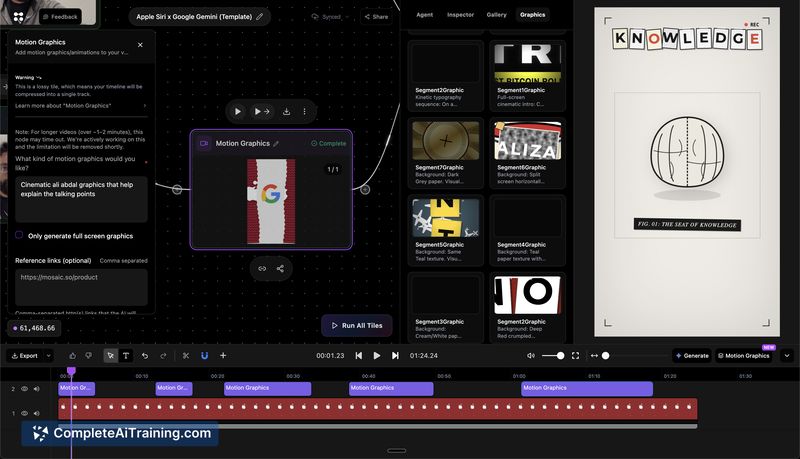
Mosaic is an AI-driven platform for automating video editing workflows, from rough cuts to motion graphics. It uses a node-based canvas to let users assemble repeatable editing pipelines that can be saved as templates or triggered via API and event-based triggers.
Review
Mosaic targets creators and teams that need to speed up high-volume or repeatable editing tasks by turning manual steps into configurable workflows. Its visual, node-based interface replaces a chat-style copilot with a modular editing pipeline and adds multimodal visual intelligence to guide edits.
Key Features
- Node-based canvas for building multi-step editing workflows with branching and parallel variants.
- Reusable templates plus API and event triggers to run edits programmatically at scale.
- Multimodal visual intelligence (saliency, audio cues, object and action detection) to inform cuts, captions, and b-roll suggestions.
- Exportable timeline state (XML) for Premiere Pro, Final Cut Pro, DaVinci Resolve and integration with Media Asset Management systems.
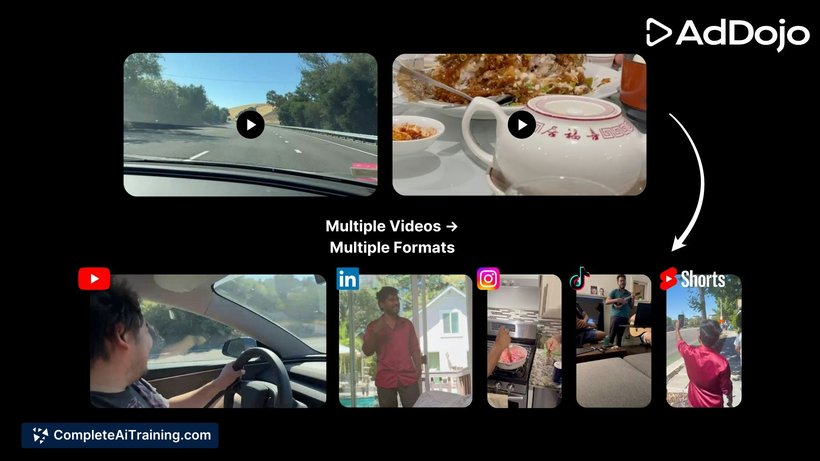
- Generative capabilities including motion graphics creation, dubbing/voice cloning with lip sync, and automated repurposing into clips and reels.
Pricing and Value
Mosaic is a paid product (payment required) and offered a launch-week discount; full pricing details are available on the product site and documentation. Its value is clearer for creators, agencies, and teams that produce repetitive formats or large volumes of content: saved time and consistent templates can offset subscription or usage costs. Smaller or occasional users should review pricing and expected throughput to determine ROI; the product page and docs provide current plans and API terms (edit.mosaic.so, docs.mosaic.so).
Pros
- Converts repeatable editing workflows into reusable, programmable pipelines, saving manual effort for recurring formats.
- Node canvas makes branching and A/B testing of variants straightforward, which is useful for social cutdowns and marketing tests.
- Export to mainstream NLEs (via XML) keeps final-stage editing within familiar tools and avoids vendor lock-in.
- Multimodal analysis helps produce timed cuts, captions, and b-roll recommendations without fully manual review.
- Support for motion graphics generation and dubbing expands possibilities beyond trimming and simple edits.
Cons
- Node-based systems have a learning curve for editors accustomed to traditional timelines and chat-style copilots.
- Some integration gaps remain (for example, direct export to After Effects is not available yet), and features like long-term style memory are still being developed.
- Costs can add up for low-volume users or very large projects unless workflows are optimized for batch runs.
Overall, Mosaic is best suited for content teams, creators, and agencies that produce consistent formats or need programmatic control over editing workflows. It offers strong automation and export options for teams willing to invest time in building templates and integrating the API; casual editors or those reliant on specific niche exports may want to wait for additional integrations or test via the documentation and trial options first.
Open 'Mosaic' Website
Your membership also unlocks: