
About: Napkin AI
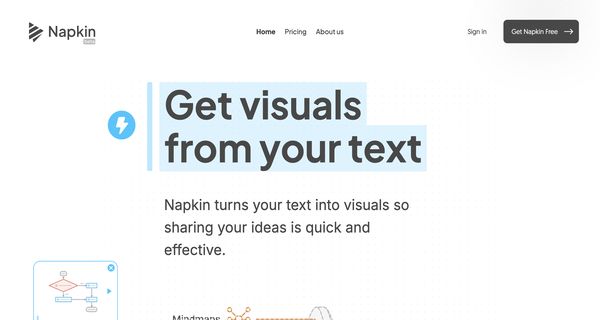
Napkin AI is an innovative tool designed to convert text descriptions into visual sketches, diagrams, and graphical representations with remarkable efficiency. Leveraging advanced natural language processing and computer vision technologies, it allows users to input descriptive text and receive visual content that accurately reflects their ideas. Key features include intuitive drag-and-drop interfaces, customizable templates, and real-time editing capabilities, enabling users to refine their visuals effortlessly.
Professionals across various fields—including educators, designers, and project managers—can utilize Napkin AI to facilitate clearer communication, enhance presentations, and expedite the brainstorming process. By transforming complex concepts into easily digestible visuals, it aids in idea generation and project planning.
What sets Napkin AI apart is its ability to rapidly generate tailored visuals, significantly reducing the time and effort typically required for manual drawing. This unique combination of speed, accuracy, and user-friendliness makes Napkin AI an invaluable resource for anyone seeking to elevate their visual communication.
Review: Napkin AI
Introduction
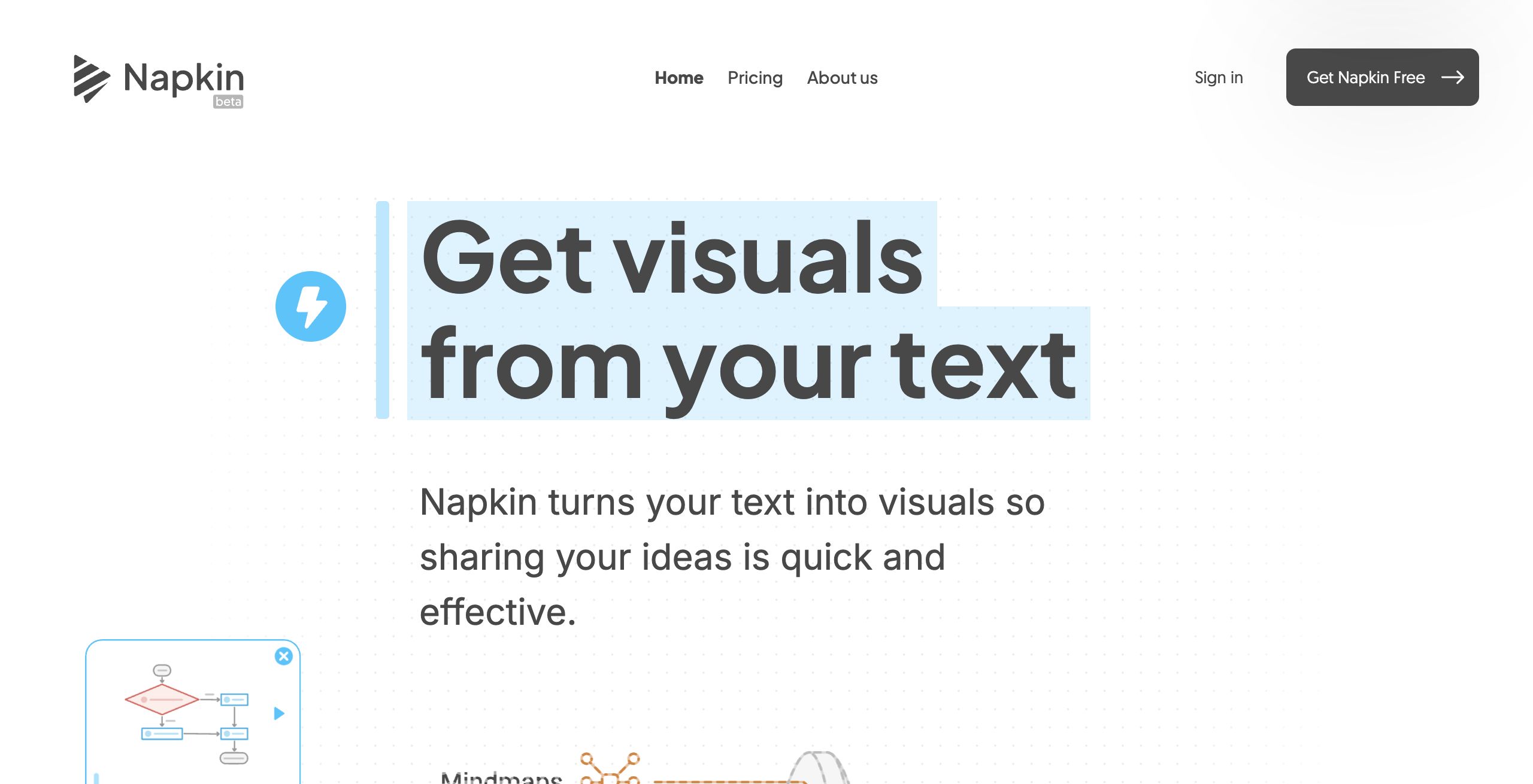
Napkin AI is an innovative tool designed to convert text descriptions into visual sketches, diagrams, and other graphical representations. Built with professionals, educators, and creators in mind, Napkin AI leverages natural language processing and computer vision to help users quickly generate visuals from their text inputs. In today’s fast-paced environment, the ability to communicate complex ideas visually is paramount, making Napkin AI a highly relevant and exciting tool to review.
Key Features
Napkin AI stands out with a range of core functionalities:
- Text-to-Visual Conversion: Easily transform your text into a variety of visuals like sketches, flowcharts, and diagrams.
- Editable Visuals: Once generated, visuals can be fully edited to adjust content and style, ensuring the final output meets your needs.
- Extensive Design Elements: Access a rich library of icons, decorators, connectors, colors, and fonts to refine your visuals effectively.
- Multiple Export Options: Export your creations in .png, .pdf, or .svg formats, catering to different use cases such as presentations, social media, or documentation.
Pricing and Value
Napkin AI currently offers a free beta that works seamlessly on all desktop browsers. The website features several prompts encouraging users to "Get Napkin Free," which indicates that potential users can start exploring the tool at no cost. Given its extensive features and user-friendly design, the free beta provides significant value, making it an accessible option for anyone looking to enhance their visual communication. As the product evolves, additional pricing tiers or subscription models may be introduced, but for now, users can enjoy comprehensive functionality without financial commitment.
Pros and Cons
- Pros:
- Effortless conversion of text to visuals.
- Highly customizable outputs with editable design elements.
- Accessible free beta that offers robust functionality.
- Multiple export formats to suit various presentation needs.
- Cons:
- Limited advanced design features compared to professional graphic design tools.
- Being in beta may result in occasional bugs or limitations in functionality.
Final Verdict
Napkin AI is an excellent tool for professionals, educators, and creators who need to turn textual ideas into compelling visuals quickly. Its intuitive interface and broad range of customizable design elements make it ideal for presentations, brainstorming sessions, and social media content. However, those seeking highly advanced graphic design features might find the current beta version somewhat limited. Overall, Napkin AI offers a promising solution for enhancing visual communication, and its free beta access makes it a low-risk option for anyone looking to experiment with AI-powered visual content creation.
Open 'Napkin AI' Website
Your membership also unlocks:























